
Nikon Z7
Nikkor Z 50mm S f/1.2
50mm, 1/200 Sec at f/1.2, ISO64
Post Processed in Adobe Lightroom Classic V12.01

Family, Photography and other misc news
Nikon Z7
Nikkor Z 50mm S f/1.2
50mm, 1/200 Sec at f/1.2, ISO64
Post Processed in Adobe Lightroom Classic V12.01

I had a studio shoot this last weekend with the lovely Katey. I took the time to test some of my white balance tools.


Sunlight, age and general use, dirt, oil from our hands all slowly impact on the accuracy of white balance tools.
I have three of various ages.
An X-Rite Colour checker is my oldest and I use it for creating profiles as well for colour critical work.
My little WhiteBal card, and a pop-up grey/white balance card.
My pop up colour confidence grey/white balance card I tend to use the most, it also gets used on location so gets dirty, and has been rained on.
So I decided to, in a single shot capture all three cards. Then cloned it three times and used the white balance picker in Lightroom to compare.


As you can see the white balance card and colour checker despite there age are still close together. The pop up card is showing much warmer.
I really need to repeat the experiment under more controlled lighting conditions but it was interesting.

We now auto modes for everything, focus stacking, eye detect for pets people and even motorcycle detect mode for focus.
Many of the classic pictures of the past were taken quickly in the moment, some where not quite exposed correctly, many missed focus.
Now we expect perfection in our images, following the rules of composition.
On Wednesday I had some meetings in Lincoln, so in my lunch break I grabbed my Leica, with a 35mm lens, set the aperture to f/8 and the focus to 2 meters and just fired when I saw a shot.
No focusing no worrying.
So what happened, well no great pieces of art, lots of blurred out of focus images but a couple that I liked.
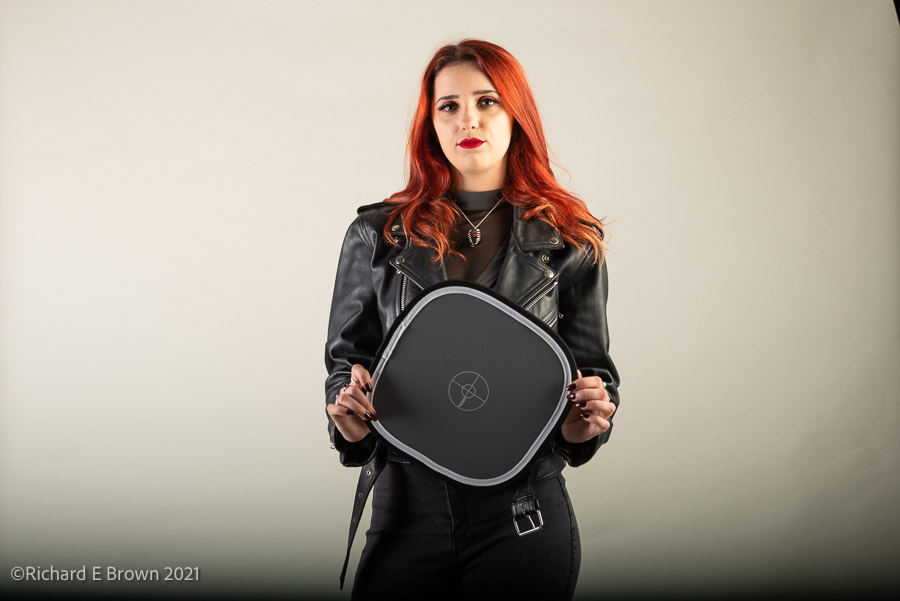
I see on the forums, YouTube and general internet sources a lot of confusion about setting a custom white balance.
The main issue I see is that people are setting colour white balance using a grey card. This is potentially wrong. A grey card is calibrated 18% grey in order for you to get your metering correct. A colour checker card to set white balance has a neutral grey or white, ie the red green and blue channels are balanced.
Now you can buy 18% grey neutral grey cards, so these can be used for exposure and for setting white balance, but do not assume a grey card is neutral!
How to use also generates some debate. First thing is to get the lighting and exposure right. In the top picture, I was setting a fairly simple lighting set up. I had the model hold my colour balanced grey card white I tweaked the lighting and exposure. Do not take the white balance reading until you are setup, changing the lights and exposure can change the white balance. The picture here has a number of issues, but the biggest is that the cheap studio provided trigger is not syncing correctly with my camera thus the dark area at the bottom.
Step one, setup your shot, get the lighting, exposure all how you want.
Step two, take a photo of the subject with the colour checker, white balance card in the shot.
Step three – this is where we have some debate and it does not really matter. Either set a custom white balance using that shot in camera so that all your future shots are correct, or in your tethering software so everything looks correct. Or after the shoot most RAW software allows you to sync the corrected balance that shot to the other shots. Generally you edit that shot, do a custom white balance using the card in the shot, then sync the white balance settings across the other shots.
One last thing to consider; if like me you have custom import profiles that set a particular look, these may overwrite the colour balance, as may any other development profile you apply.
Oh and we are talking RAW, JPG bakes the colour temp into the file, it needs to be right.
What do I use and how? Well I have a couple of small white balance cards scattered across several camera bags as well as a A4 colour checker in my largest bag, so I always have something with me. As to how I use, well its naughty of me but I am not consistent.
When doing a shoot I am often in a manual white balance setting, using a card for important shots, then syncing things up at the end. It is an area I need to improve on.

After spending a week resting and several days in bed, due to the dreaded COVID, I have finally started to get a bit more energy.
Ted the Greyhound has been desperate for a decent walk so finally this weekend, I got up early and with a Nikon Z7 and 35mm f/1.8 lens over my shoulder and we went for a stroll.
There was a touch of low mist, and early warm light which made the day look lovely, so I could not resist taking a few snaps. This square image I cropped to post on Instagram.
This was the limit to my photography this weekend. I did have a shoot all booked but luckily I managed to get the location and model to slip by a week. I wanted to have two weeks clear from my last positive COVID test before I risked anyone else’s health.
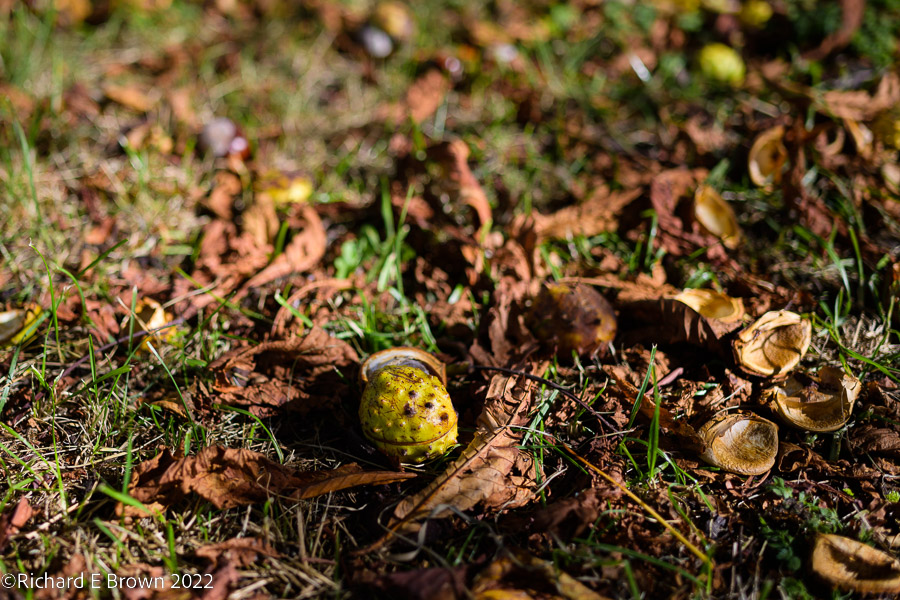
The seasons turn and we are now into Autumn.
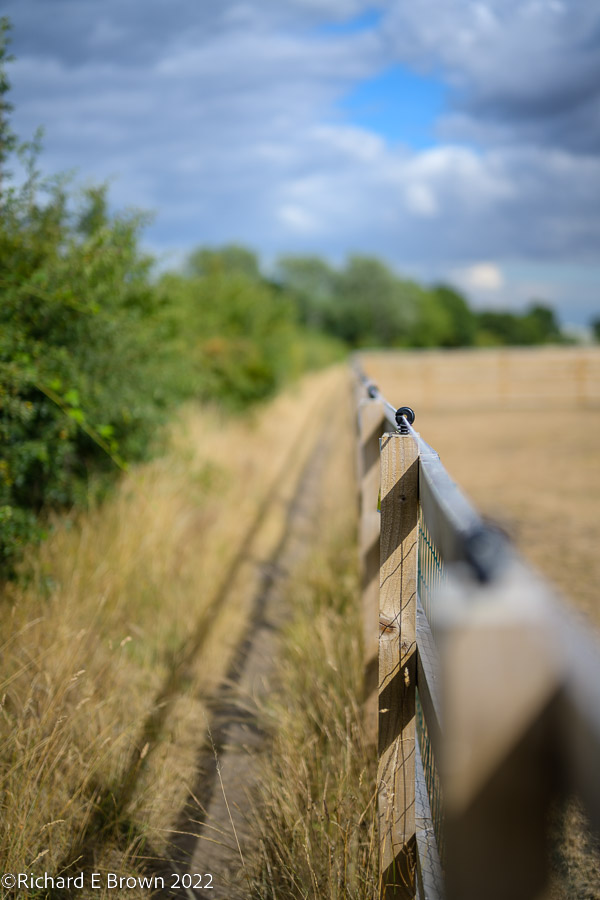
As late summer turns to Autumn the light turns, and once again we grab the camera and walk round the village documenting the wonderful light.