How do you relax. If I go out it’s generally taking photographs. Or it can be walking the dog and listening to podcasts or music is also high on the agenda. At home it’s often relaxing with a fine wine, or whisky. But sometimes I want to do something different and stretch my brain. So then I hit Chess.com, and play puzzles or occasionally a game.
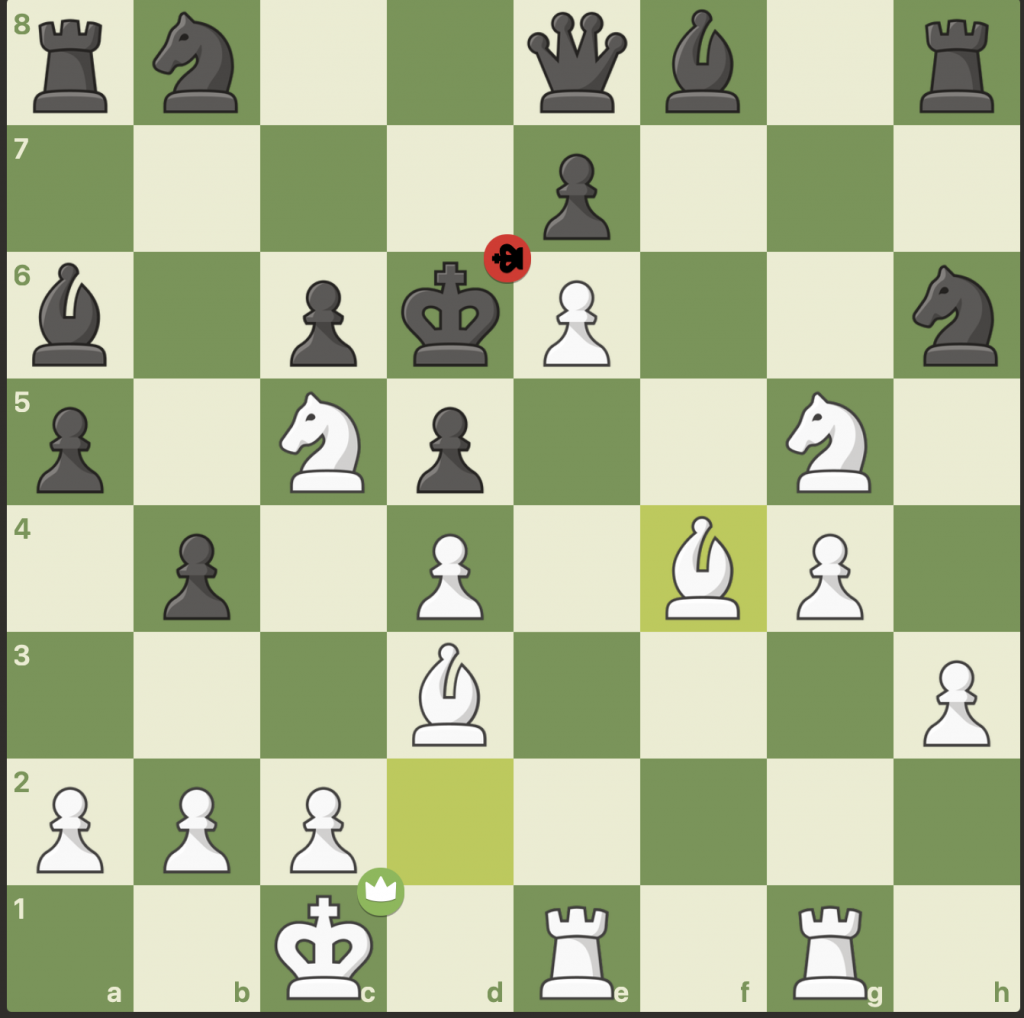
This game was an interesting one. My opponent did not develop their pieces fast enough and so I pushed hard, it cost me my queen and on paper he was ahead, but I had forced his king out into the centre of the board and it was not long before I check mated him. I’ll be living with the buzz of this game for a while.
Do you still buy music CD’s. The last few years I have really gotten into buying them again, using services like Tidal to find music as well as recommendations from YouTube and friends.
I like having my music with me, on my laptop and my portable music player so I still rip my CDs. Back in the early days I used iTunes but now I use a dedicated ripping tool called dBPoweramp, it has tools for ripping and batch converting files from one format to another, this is useful as I rip to FLAC and then create copies in an Apple format for my old iPod. Yes I still have an iPod classic going strong.
Once ripped, I copy them to my NAS and from there to the devices that need them, such as my Roon Core Server, my travel laptop and music players.
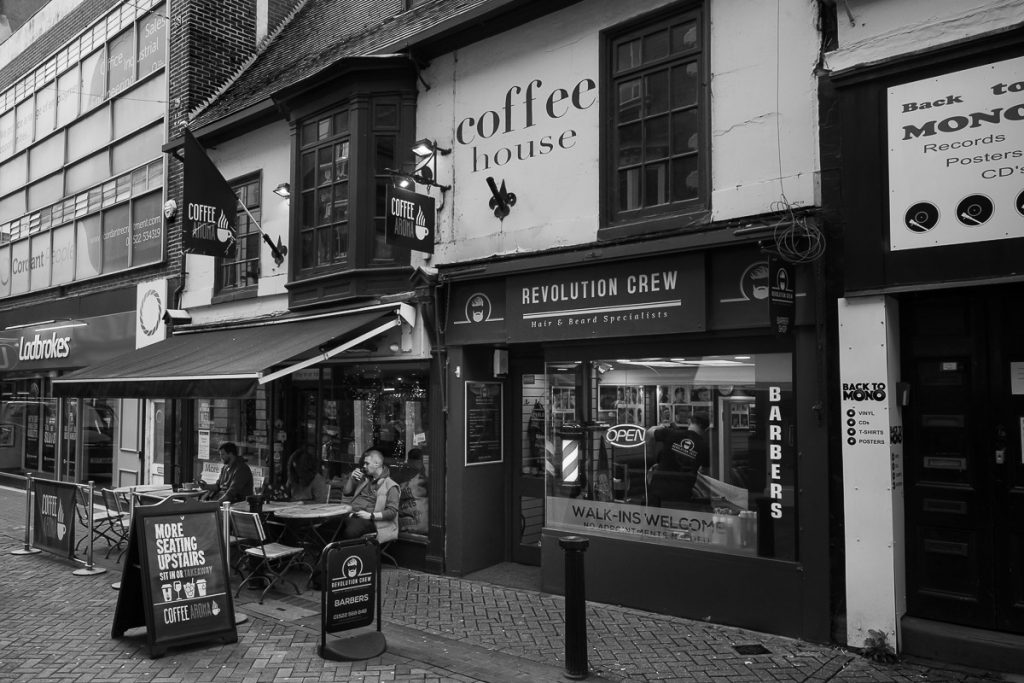
This week as I was in town I bought two classic Fleetwood Mac albums as well as one my Dire Straits. All for a typical months stream fee.
I also buy and play vinyl but my record player like my CD player is in need of replacing, but I still spin a disk occasionally, either vinyl or CD.
As I was redoing my desk, I wanted a new mouse. For light editing on the laptop, the touchpad is fine, but for more detailed editing then I reach for a mouse on the desktop. If its going to be a long detailed editing session then nothing beats a pen and tablet, so I also have my trust Wacom.
For a mouse, comfort, a few extra buttons one can configure for extra functionality in Lightroom and Photoshop, and a way of customising the scroll wheel. MAC OS still has not implemented a way of setting different scrolling preferences between touch pad and mouse, so it set the track pad how I want it in the OS settings and set the scroll wheel how I want it in the Logitech software.
A change of monitors means a change around on the desk. I am still working on the best places for everything but I have taken the opportunity to change the cabling. One additional thing I will be doing is upgrading my work mouse, I want something better then this old Dell mouse that I can configure for ‘no natural scrolling’ while still having the touch pad set to natural. You would think Apple would allow you to set them independently in the OS but no.
The sound source is also changing for my music and this bit has proven the most difficult. Finding a high quality USB-B to USB-C cable. Its proving harder then you expect unless you want a cheap £2.00 printer cable from Amazon.
I usually have something in mind when I visit the Photo and video show, in the past its been monitors, bags, paper, printers, batteries.
Last time I got myself a new rucksack from peak designs. I find some of their products hit and miss. The camera straps and ruck sack is brilliant. I was not impressed with the small tripod and picked myself up a 3 Legged Thing PUNKS Brian 2..0 with Airhed Neo 2.0.
My NEC Adobe RGB monitor is getting a bit long in the tooth now, over ten years old and it’s developed a line draw issue, which is irritating but does not stop it from working. So monitors are top of my list. I will also be looking at small leather bags. Not that I need one but like many photographers I seem to collect bags and am always looking for the next one to fill a niche.
Theres are a few cameras I want to look at so a trip to the Fuji stand and the Hasselblad stand. Chris who I will be going with is an Olympus (now OM) user so a trip there will be on the cards.
Its nice to get your hands on cameras and how a camera feels in the hand I feel is the most important, even more important then the specification.
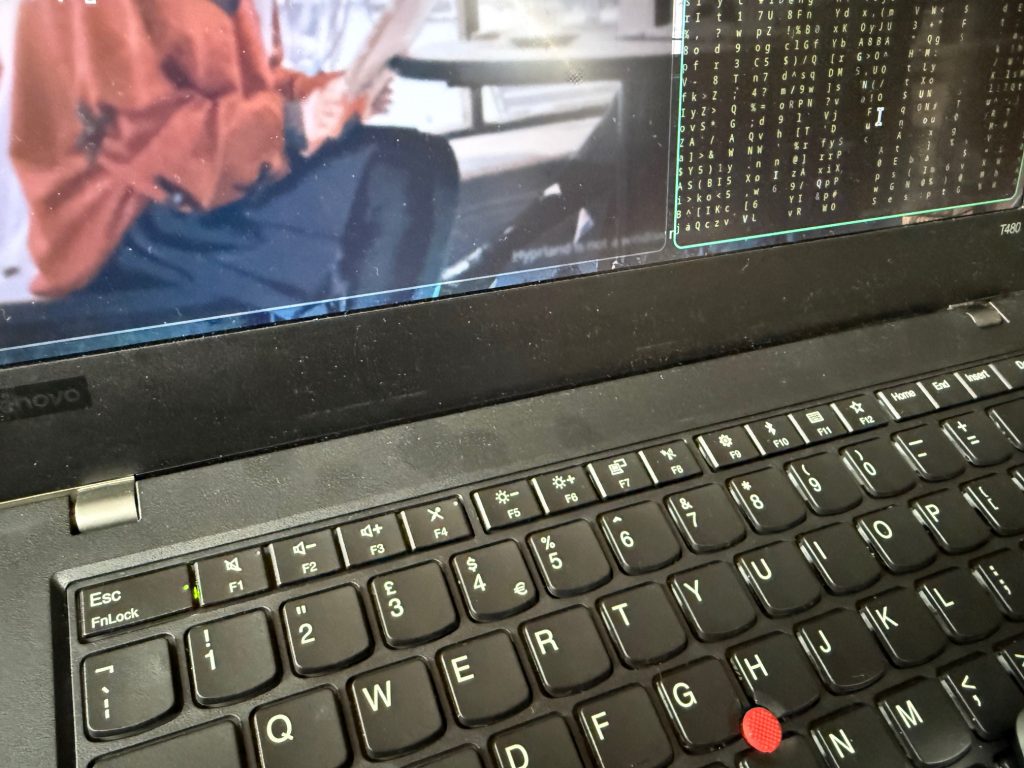
One of my old batteries for my ThinkPad T480 ran down to zero and powered off the laptop. Since then I got the following message on boot:
“The battery installed is not supported by the system and will not charge”
The message was the same when I put in my spare battery as well.
A quick search of the internet soon resolved it.
Unplug from the mains and hold down while powered off the Fn key and the S and V keys for 1 minute. Then hold the power button for 1 minute, then plug in and power on.
When you have worked in IT as long as I have you tend to collect old computers and laptops. For linux I prefer debian as my daily driver, it’s solid and reliable. Its also fun to run Arch but I think I play too much and break it far too often.
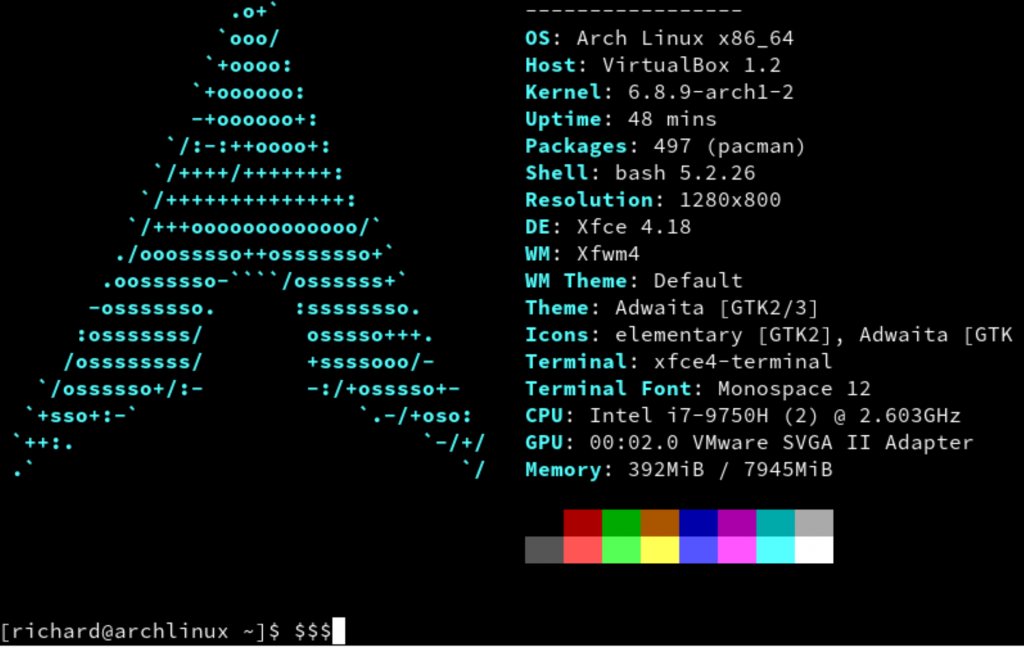
I recently added another classic ThinkPad to my collection to tinker some more with Arch and hit an odd issue. I had just installed Arch with a minimal manual install and the standard kernel. All was working fine, I added and compiled DWM tweaked it a little and all was looking good.
Then I thought I aught to add the LTS version of the kernel as a backup incase of issues.
This is where my problems started.
# pacman -S linux-lts linux-headers
Installed the additional kernel and I updated my grub boot loader
Then a reboot and I booted into the Long Term Support Kernel, and all looked good. So another reboot and back into the current kernel, and part way thought the boot process the screen went really dim.
Lots of searching through the arch wiki and forums, suggestions such as adding “acpi_backlight=vendor” to the boot loader string, using systemctl to mask the backlight service, but nothing worked.
I removed the LTS kernel and headers, but still the problem persisted. Oh well I had hardly started the build so I wiped, reinstalled both kernel options and the problem remained. I wiped again and just installed the general kernel, now no issues. So installing the LTS kernel definitely breaks something.
The forums had mentioned Vendor as a setting and Native, both of which I tried with the service masked and unmasked, but goingthrough the wiki I found this:
So there are three options for the command. I added the video line, rebooted and problem solved. Remembering the service was still masked so deleting the file in systemd to remove the mask and reboot again. Again normal brightness the problem was solved.
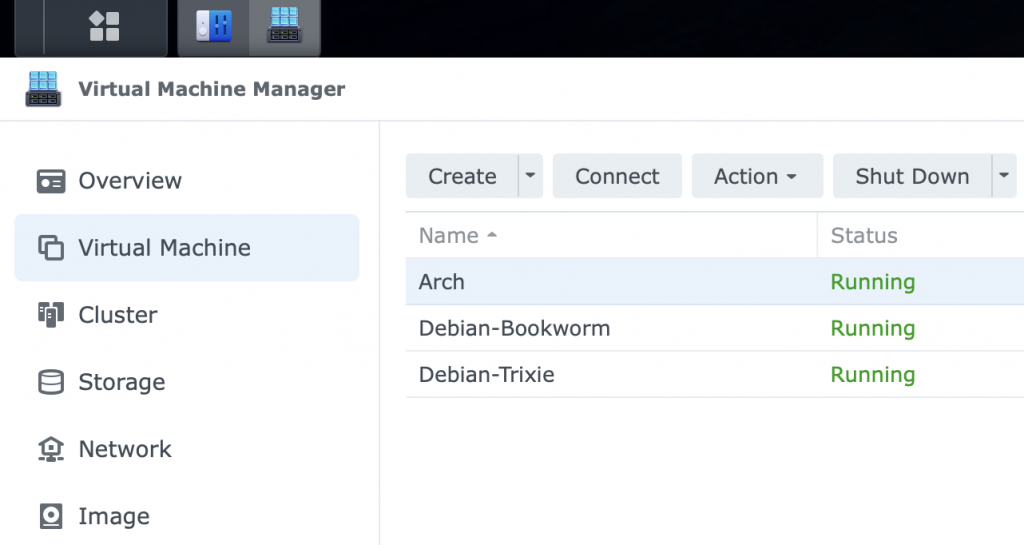
My home server is Debian, the bookworm version, but I have a couple of test Debian instances running as virtual machines on my NAS for testing.
You hear a lot of noise about how great ‘insert latest distrubution here’ is. Debian gets a lot of flack for being old, but its stable and works, if you don’t want flashy I can recommend it, but it may not work on the latest hardware for a while.
Arch linux gets a lot of noise and seems to be the latest and greatest. Part of its appeal was the fact it was difficult to install, no longer true just type archinstall, but still no pretty GUI installer.
I use a selection of hypervisors for virtual machines, from KVM on my old Lenovo laptop running what ever is the flavour of the day of linux I want to play with, virtual box on my Mac laptop and virtual machine manager on my Synology NAS.
I do occasionally have issues with the Synology NAS, and Arch was no different with it seeming to hang. By default the NAS does not use UEFI which I prefer and change but the hanging issue was the video card. I had to change it from the default to just vga, then no issues.
I host my email service and web hosting in the EU. The last version of Windows I used at home was Windows 2000, as I switched to Linux and Fedora v1 when it was released in 2003.
This blog your reading was running on mysql 5.x, I had tried a few quick updates to the latest version but was encountering errors. So after work today, I set to have another go.
I created a new database and left it a while to settle; last time I think I had rushed it before things were ready.
I then downloaded my latest sql backup and uploaded to the new database. Again left things to settle and then updated my WordPress config file. WordPress connected asked me to update and here we are up to date.
Apart from giving large time gaps between the key steps, everything I did was the same as last time, but this time it seems to have worked.
Using a none windows OS, using other hosting methods other then just putting everything on Facebook, gives you freedom but also can generate issues. Still its worth it.