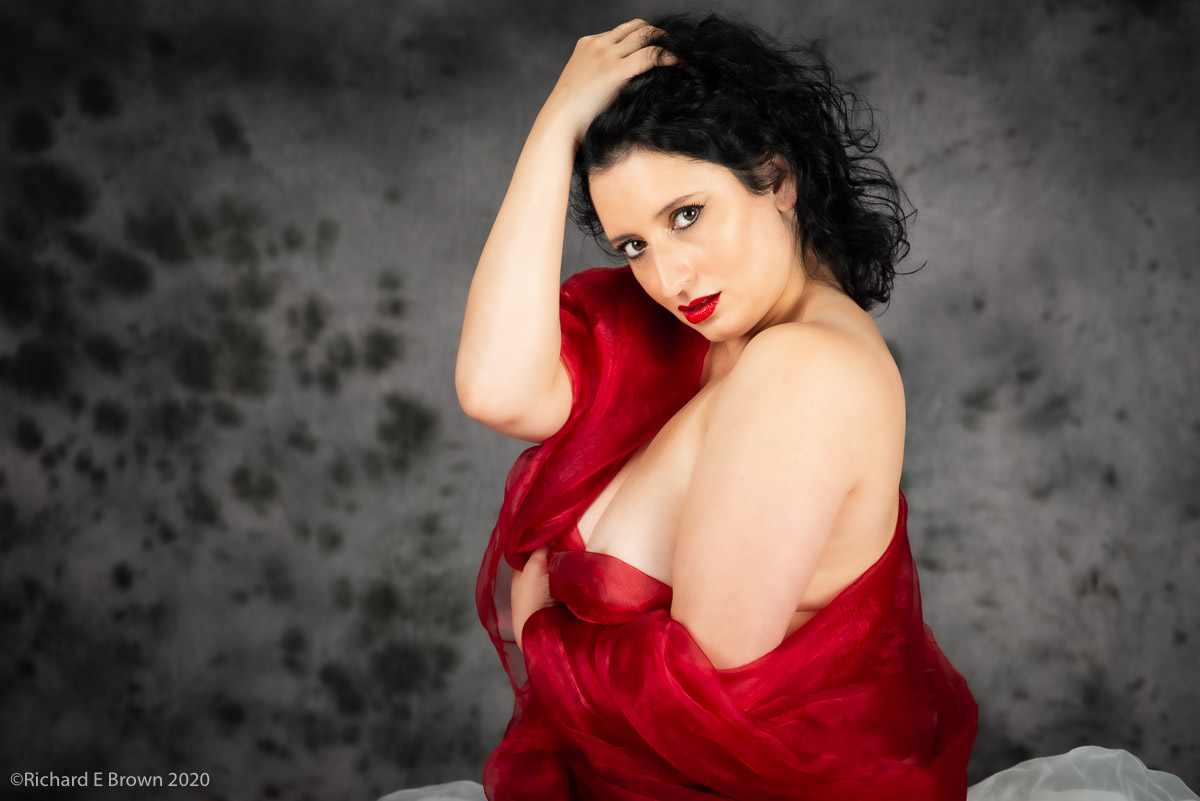
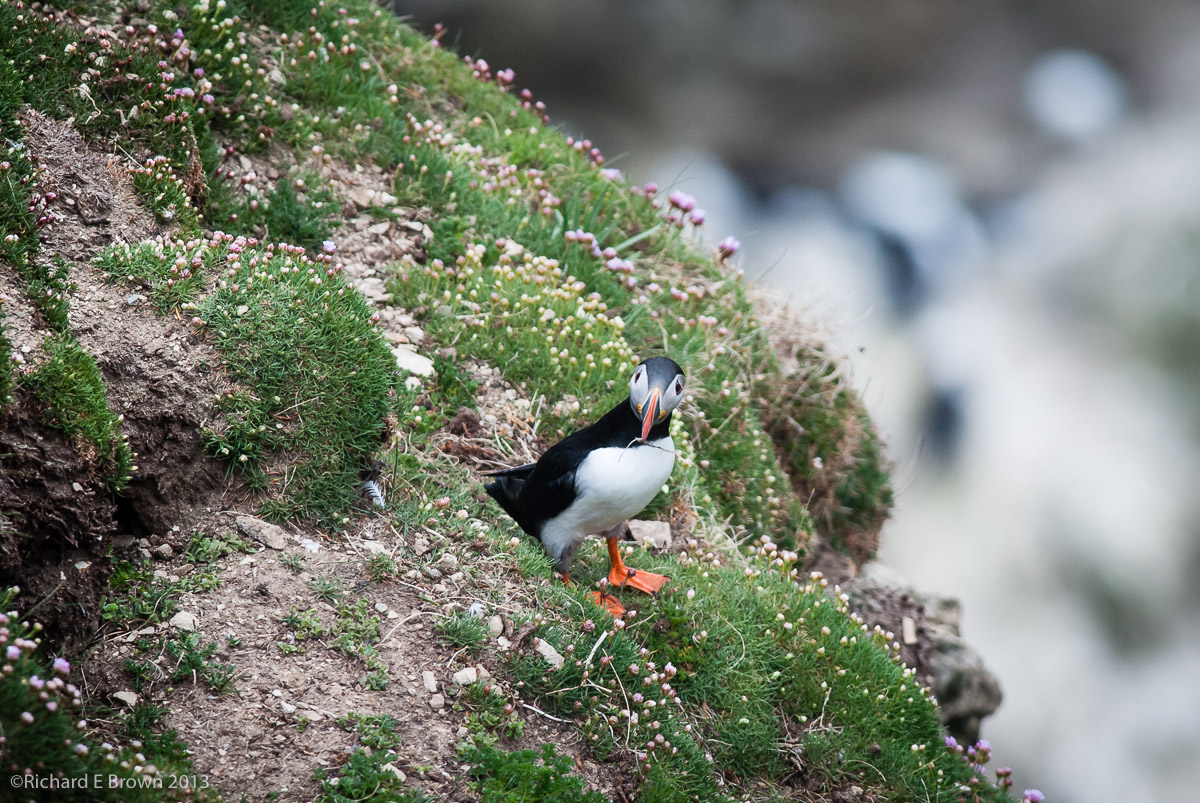
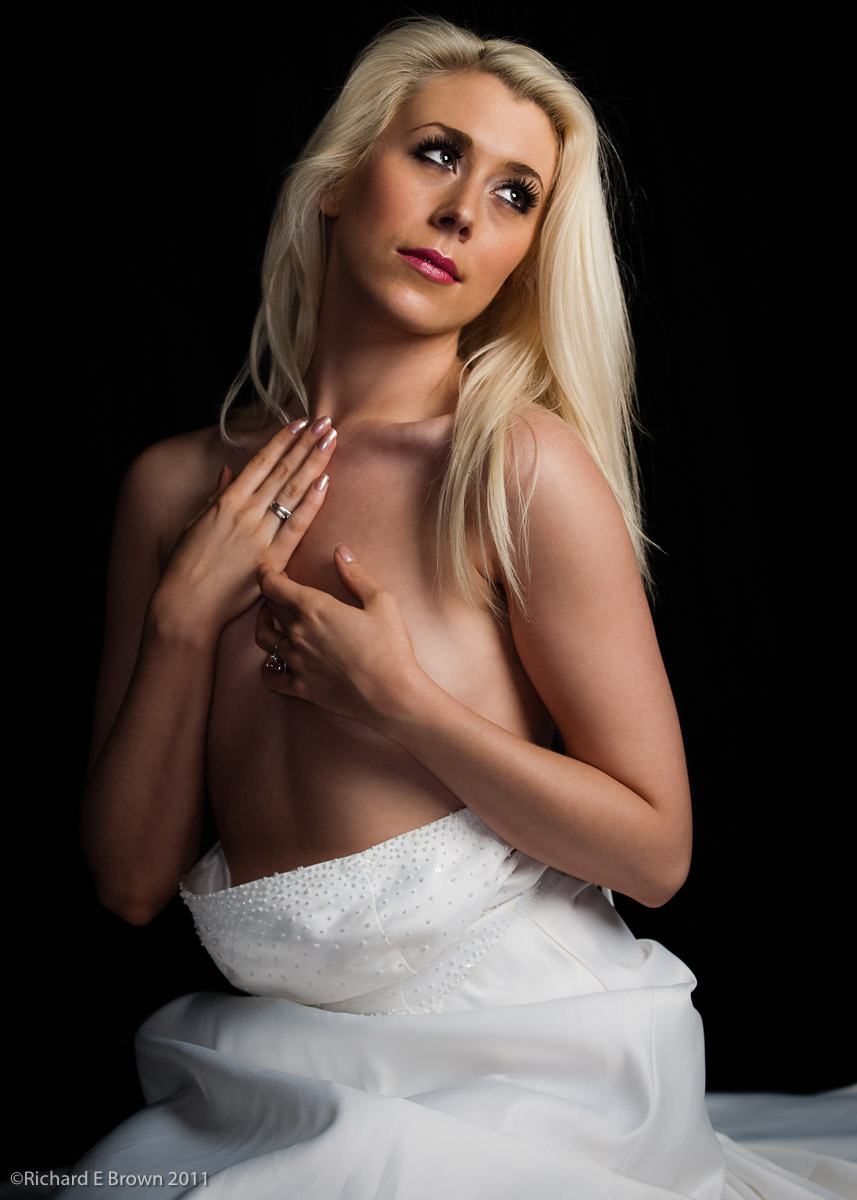
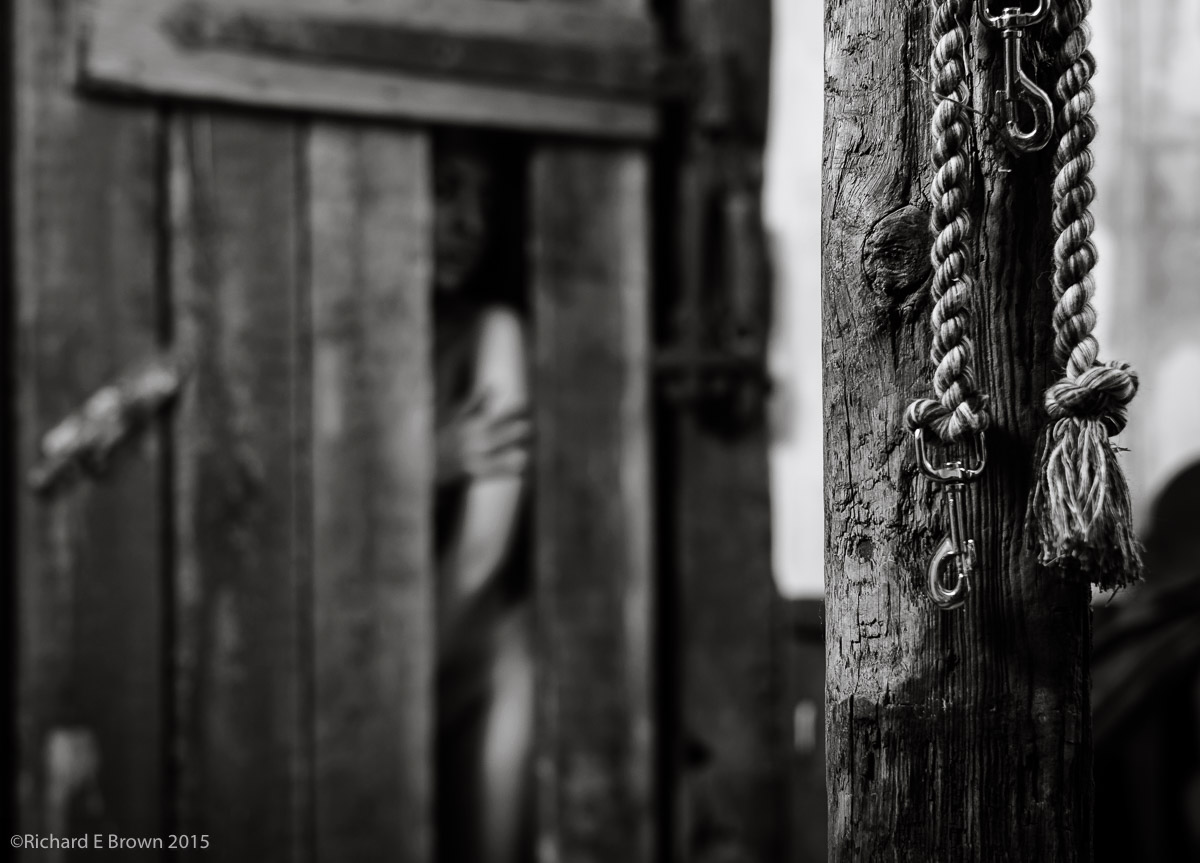
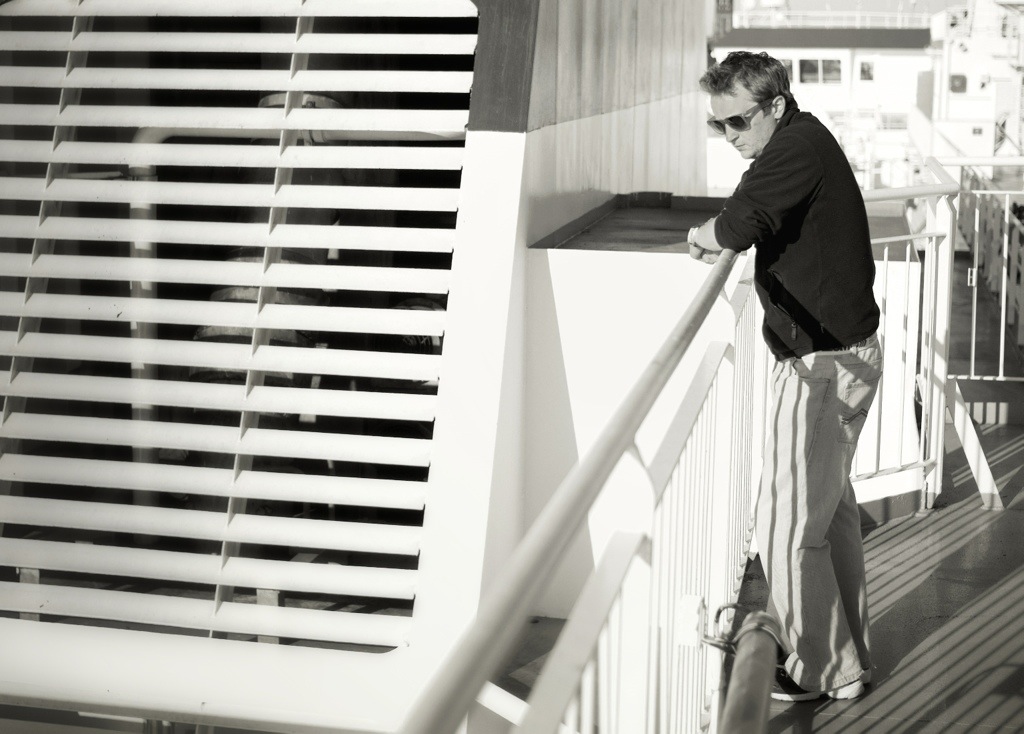
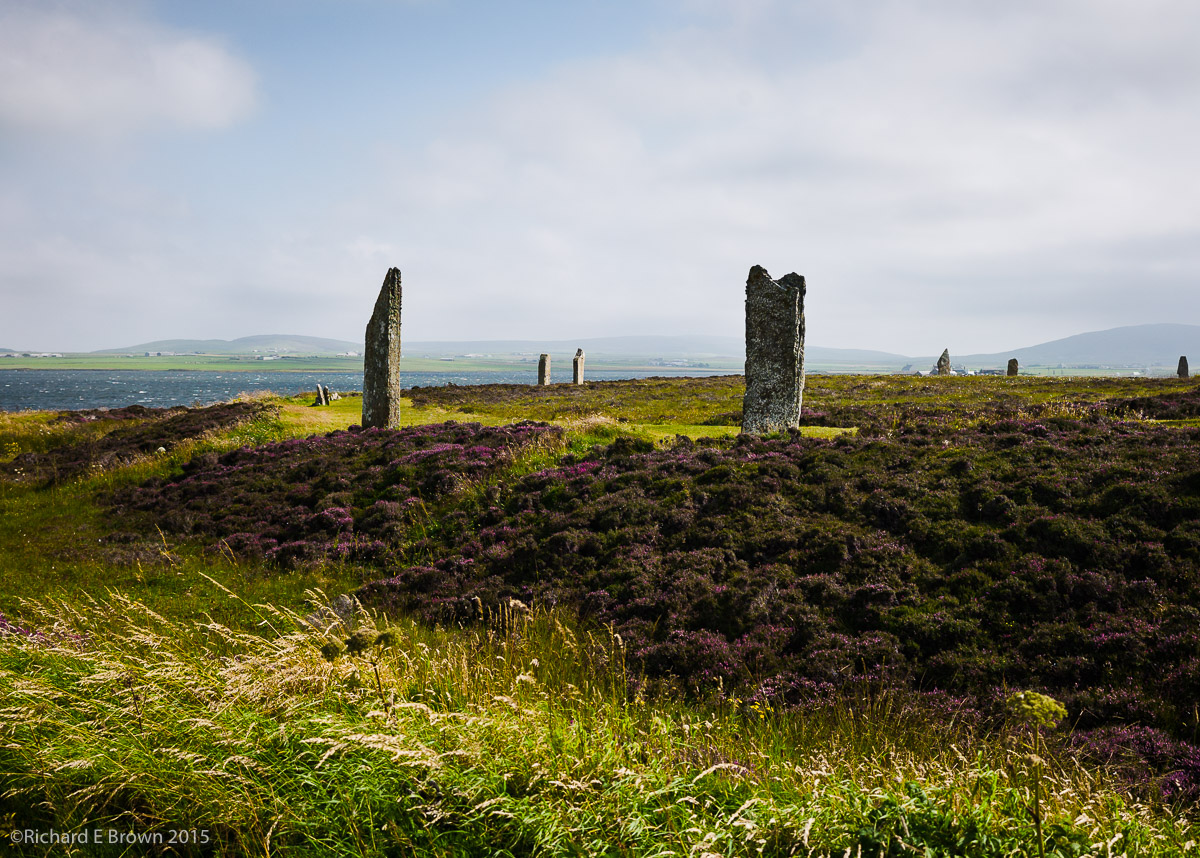
A couple of weeks a go I was shooting a few new models (new to me), to see if they would suit a future project I am working on.
Many photographers are obsessed with camera gear, and continuously upgrade their cameras and lens, wanting higher ISO performance, more resolution and more sharpness.
To be honest we have reached the point now where sometimes you want less. Many of the older lens with more character work better. Many lens and cameras today are very high performing and the camera is showing up the lens or the lens the camera.
In the case of model photography every pore and imperfection is now highlighted.
The above shot is from a 36 MP camera, more then enough resolution and the result when zoomed in is simple stunning. Its now the case for many of my shots I use a little softening and negative clarity (Adobe Camera RAW setting) to tone down the results of the lens and then add a little sharpness back selectively to the eyes, hair and dress.
Lens choice is a very personal thing. For the top shot I was using a 300mm with a teleconverter, thus its the equivalent of a 500mm lens.
Get the Light Close – edit completed
The portrait of the lovely Charlotte was taken with a 70-200mm f/2.8 zoom set to 90mm.
This shot with the highly selective depth of field was a 50mm f/1.4
There are a lot of lens out there, and for my SLR I have the whole range from 12mm to 300mm plus teleconverters. Its only now that I start to realise that I could successfully rationalise my lens choice.
First lets talk wide angles. Personally I feel a wide angle starts at 24mm (for 35mm full frame), and goes to 20mm. Any wider then this and we are talking super wide angle and they are very hard to use.
I would go for a 24mm, not too wide to be hard to use but still a real wide angle.
For standard lens then a 35mm and a 50mm go well. I use both and it depends what mood I am in. Often I find myself shooting black & white with a 35mm and colour at 50mm.
Next we have the short telephoto, and here I currently use a zoom the trusty 70-200mm. I fully intend to add a 90mm lens to my Leica.
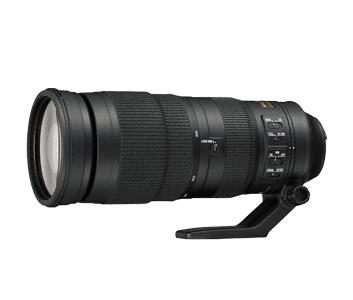
Then long lens, this is where budget comes into play. If you shoot MicroFourThirds its much cheaper then full frame. I have a 300mm f/2.8 but with cameras getting better and better at high ISO then a 300mm f/4 is the cheaper option.
Users of SLR’s tend over the years to build up large kits and leave most of their lens at home, thats where rationalising comes in and knowing what you shoot.
For most people a 35mm and a 90mm would suit 90% of their photography.
If your into medium format then its easy to get into systems where the lens cost £5k each. At this kind of money ask yourself what do you shoot. If your a landscape kind of guy then the medium format equivalent of the 35mm and 90mm is likely the option to go for. If your a studio shooter then this is also a good starting point with the 35mm handling groups and the 90mm head and should portraits.
Wildlife photographers would go for maybe a 100mm micro and the longest lens they could afford.
If your into architecture and especially if you shoot indoors then you may need to go for 20mm, 24mm tilt and shift and a 35mm.
When you boil it down and really look at it you can get a way with about two lens and maybe one speciality lens. That is until the GAS (Gear Acquisition Syndrome) kicks in.
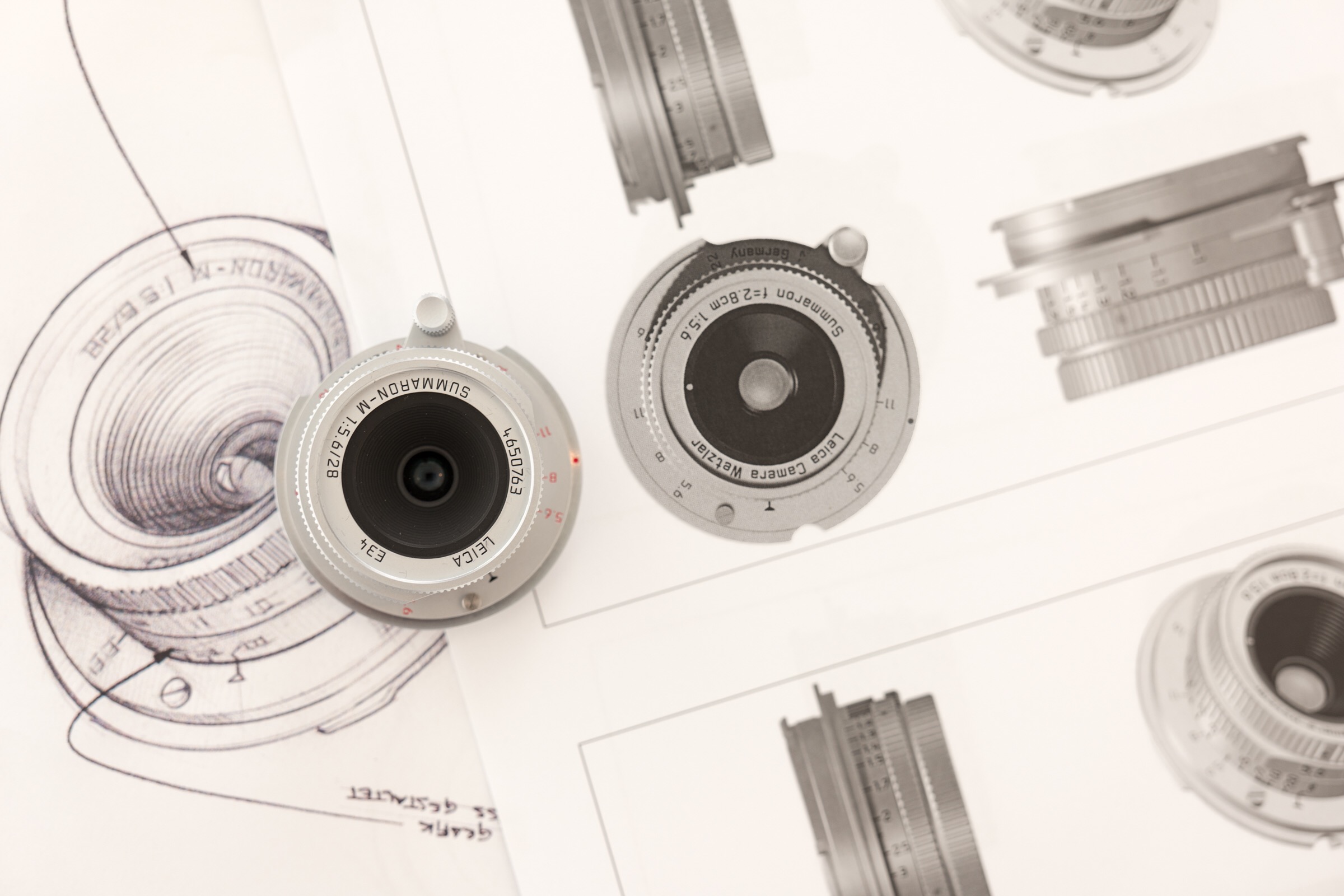
I currently have 24mm, 35mm and 50mm for my Leica and look to add a 90mm. This should do but then you start to look at lens character. The Leica 28mm f/5.6 has a wonderful look to it and having a selection of f/1.4 lens for character and f/2.8 for portability sounds like a good option. Unfortunately GAS never seems to stop.
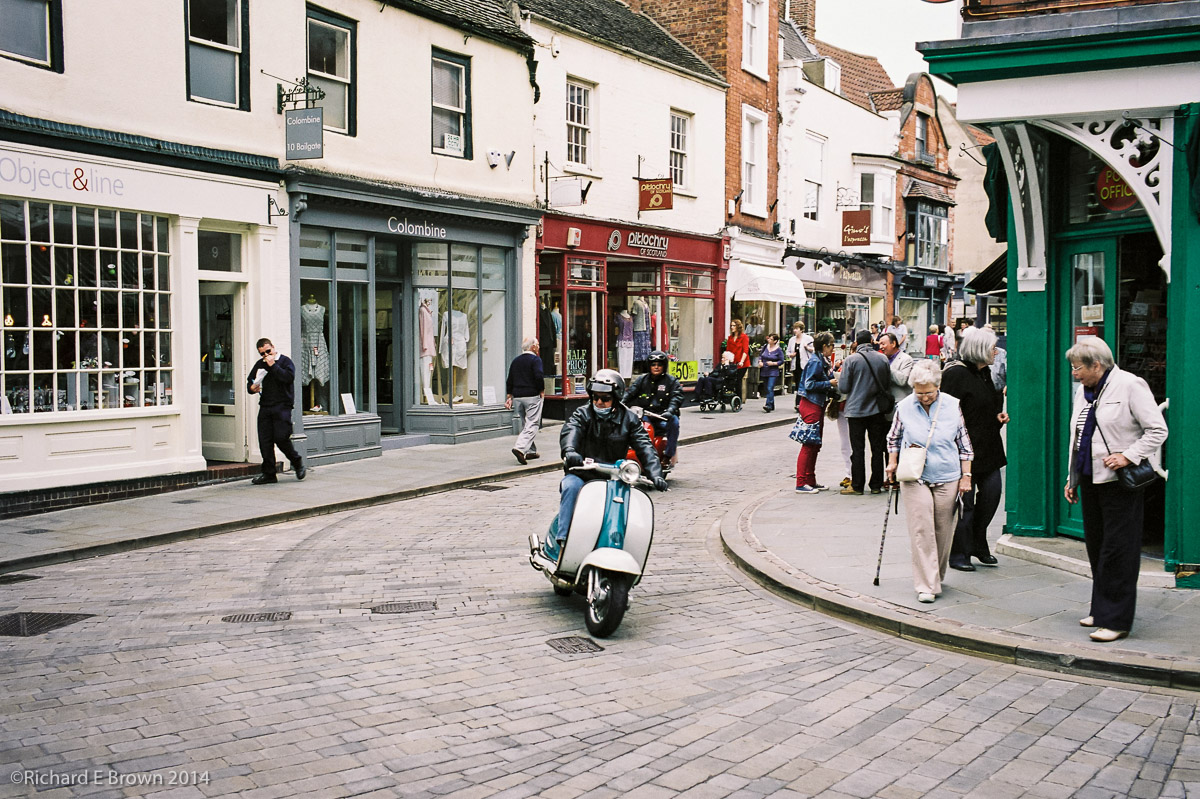
Scooters in the Bailgate – Leica M4Another quick film Friday; I heard the scooters before I saw them, already had the cameras exposure set, so it was just a matter of focus and choosing the moment. With an all manual Leica M4 that does not even have a meter or any electronic aids or auto modes is pays to be ready.
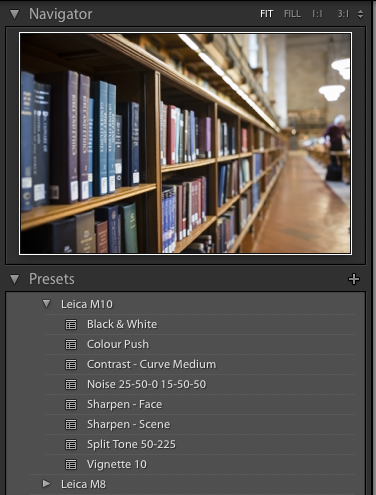
I don’t have an Leica M10 yet but have been downloading lots of RAW files that various people have been posting. If you have been looking at Leica M10 images and think the skins tones look wrong then its because the person processing the images has not used Lightroom 2015.8. The Adobe profile built into this version of Lightroom fully supports the M10 and gives wonderful images with no work. If the skin tones are still wrong then its likely your using the old embedded profile which you can change in the calibration section in Lightroom’s develop module.
With the RAW’s that people have kindly posted I have been able to get in lots of practice processing the images. This has also given me the opportunity to develop my own presets and a personal default setting for the images when they are first imported.
The camera is proving to be very popular and I have no idea how many days or months it will be before I receive it. So until then I have the time to perfect my Lightroom workflow and decide on what accessaries I want.
I spent a good part of Monday morning sleeping before eventually getting up to give Timmy the Greyhound a long lunchtime walk.
The reason of course was Super Bowl LI. Watching this in the UK means a very late night / early morning. I was supporting the Falcon’s and could not believe they did not run more time off the clock and also get that field goal towards the end, but instead give up easy penalties and get pushed back out of field goal range before giving up the ball. I still thought they would win but Tom Brady showed why he is one of the best quarterbacks of all time. It was a stunning end to a great season.
I have a lot of respect to wildlife and sports photographers, your carrying a lot of very heavy glass and its tricky to anticipate the action to get the shot you want.
It reminded me of some sports photography I did many years ago. This was shooting our local American football team the Lincoln Bombers. Shooting from the side line is tricky and occasionally risky and you take your life into your hands.
In those days I was of course shooting Black & White film, so i’ll have to dig out the old negatives and get them scanned.
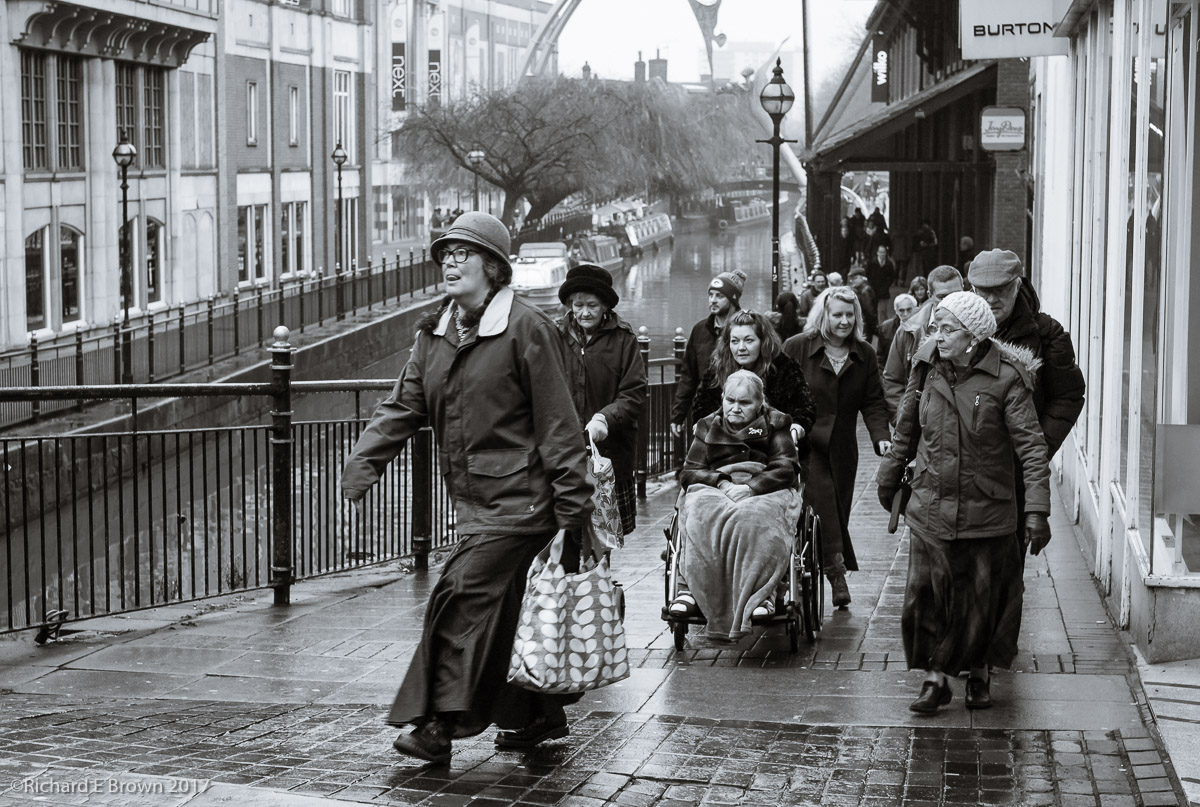
It was a dull lunchtime earlier in the week as I walked around Lincoln with my camera. As usual I had my Leica M8 but instead of the 35mm lens I was shooting with the 50mm for a change. Set to f/8 and zone focusing it is often more luck then judgement that I get a photograph.
Zone focusing is something I keep practicing but if its too wet as most days are this winter then the camera stays in its bag. When I get my Leica M10 i’ll not be quite as precious, but getting used to the different field of view will be an issue. The Leica M8 has an APS-H sensor so a 50mm looks more like 65mm and the 35 more like 45mm.
I may end up walking the streets with a 35mm and a 90mm, with the 50mm lux (f/1.4) in my bag for when I go indoors and the light levels drop.
Over in the Leica Forums, a lot of users are complaining that either Leica or Adobe has changed some of the defaults when images are imported into Lightroom. Now ‘Enable Profile Corrections’ is switched on by default.
It seems may people are not familiar with changing Lightroom defaults.
Its very simple but it is camera specific. So import an image for the camera you want to set the defaults for. Select the image and go into the develop module, click reset to take it back to the original defaults, then hold down the option key and the reset button becomes a ‘Set Default’.
If you wish you can also make the settings camera specific, and also ISO specific. If you shoot certain fixed ISO’s like base 100 ISO and 1600/3200 for dark scenes, then this can be useful. This is buried in the preferences.
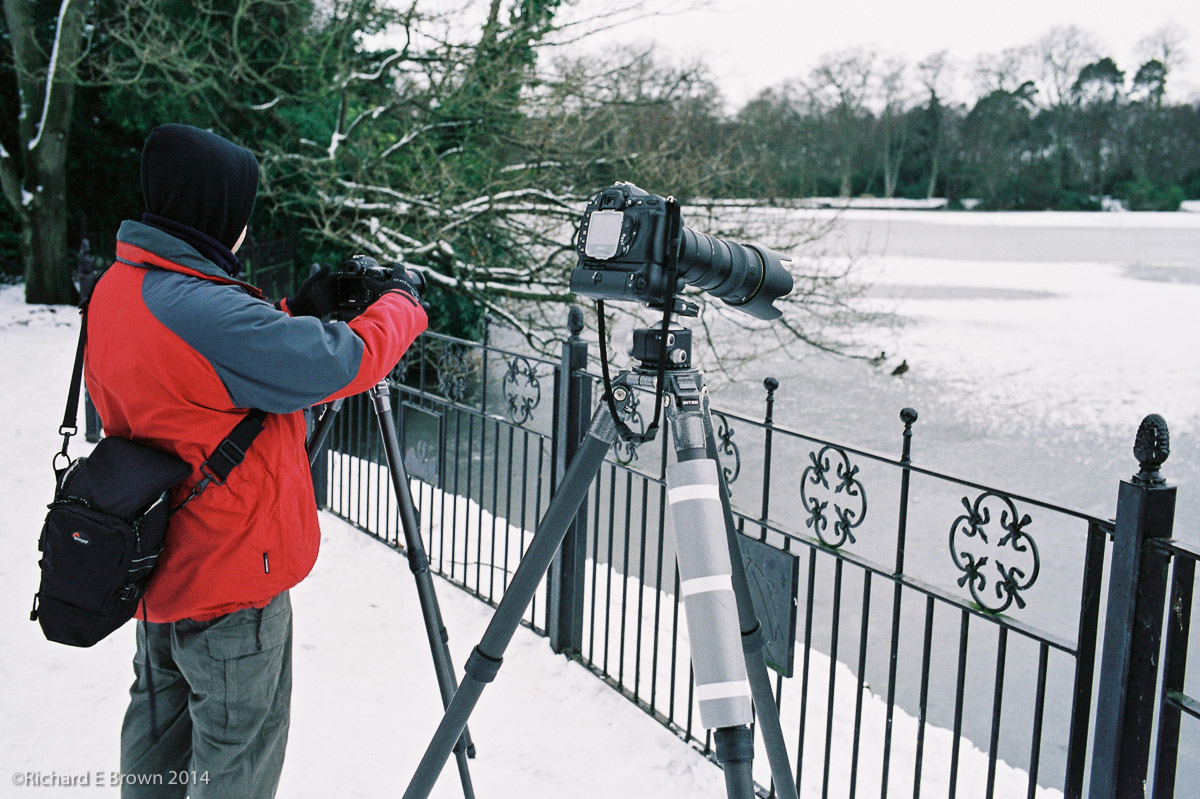
We have not had a film Friday for a while, so I thought I would dig an old Leica M4 shot out to publish.
This was a couple of winters ago and myself and Chris was photographing the birds on a local frozen lake.
With the extreme (for Lincoln, UK) conditions I thought I would take a quick snapshot. I do love my Leica M’s for their carry everywhere convenience and as the M4 is purely mechanical its not that effected by the cold conditions.
For my SLR I had the battery grip fitted containing two batteries and a third battery being kept warm in my jacket pocket.
The smaller Micro Four Third bodies, Fuji X100, and if your willing to accept no view finder the Ricoh GR also make excellent carry everywhere cameras.
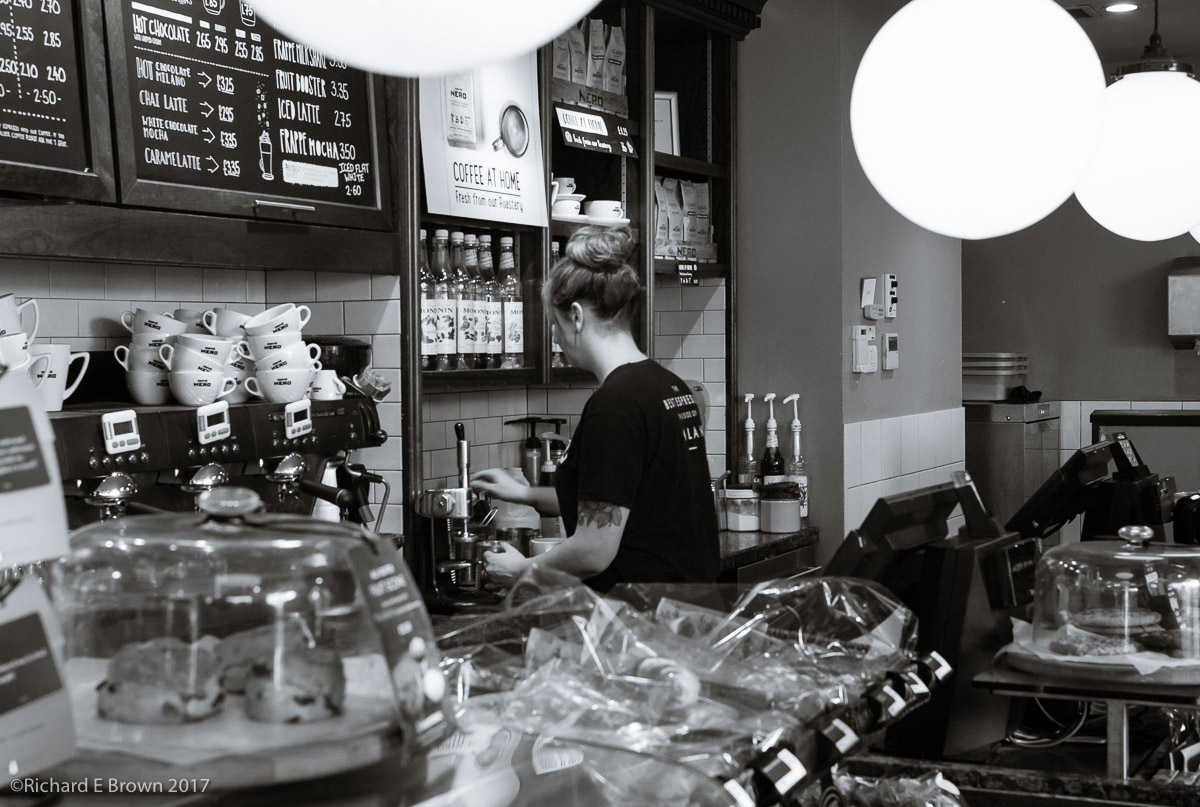
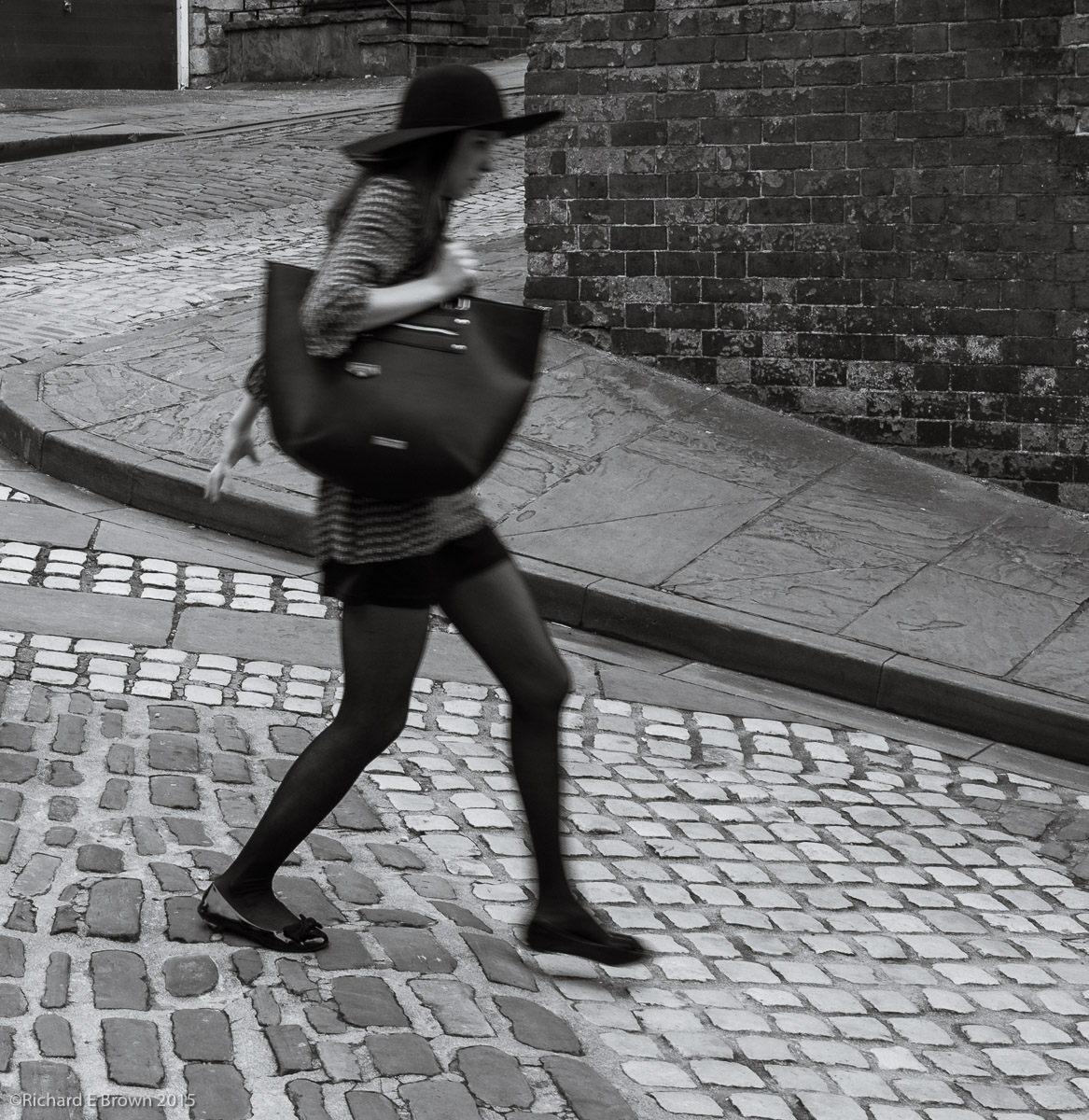
While I personally feel that a Leica M is the best choice for street photography there are alternatives including cameras with features superior to the M for this type of photography.
Back in June 2015 I went on an Olympus event shooting around the streets of Lincoln. I wanted to test the Olympus OM-D E-M10. It’s the smallest of the OM-D cameras with a reasonable EVF but also a rear screen that tilts allowing waist level shooting.
This brings in a new dimension to street photography; and while many Leica M users shoot from the hip and zone focus, hoping for the best, being able to glance down and use live view with a small mirrorless camera that has a tilting screen improves your hit rate.