The Leica Q – The Real Mini ‘M’?

Leica QWhen the Leica X Vario was announced it was marketed as a Mini M.  With its excelent build quality and image quality, Leica though they had a hit on their hands.  Unfortunately coupled with a slow zoom lens, and the marketing hype, it just could not live up to the expectation.

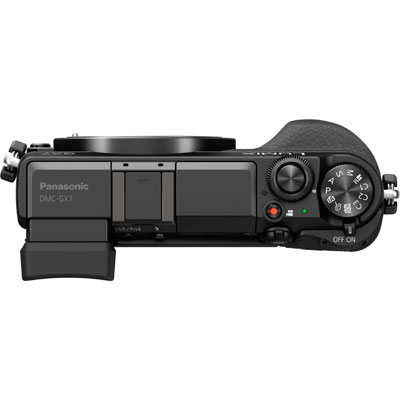
Today we have a new compact announced, this time the Leica Q.  Think Sony RX1 crossed with the best bits of a Leica X, add a viewfinder and you have the Leica Q.

A very simple fixed lens compact, with the excellent and innovative focusing of the Leica X (Type 113) but with a Leica full frame sensor and finally a EVF.

Leica Q Focusing

One could really call this a mini M.  I have read a couple of reviews and finally we have a Leica where the electronics don’t get in the way or slow down the photographer.

You can check out the reviews at most popular photography sites:

http://www.stevehuffphoto.com/2015/06/10/the-leica-q-real-world-camera-review-by-steve-huff/

http://www.slack.co.uk/2015/Hemingway.html

http://blog.mingthein.com/2015/06/10/review-2015-leica-q-typ-116/#more-11294


Lincoln 1940’s Weekend

Leica M8 50mm Summicron

One good thing about living near Lincoln is that there always seems to be something going. Whether the Santa Run or Lincoln Christmas Market in the winter to cycle races and Steam Punk events.

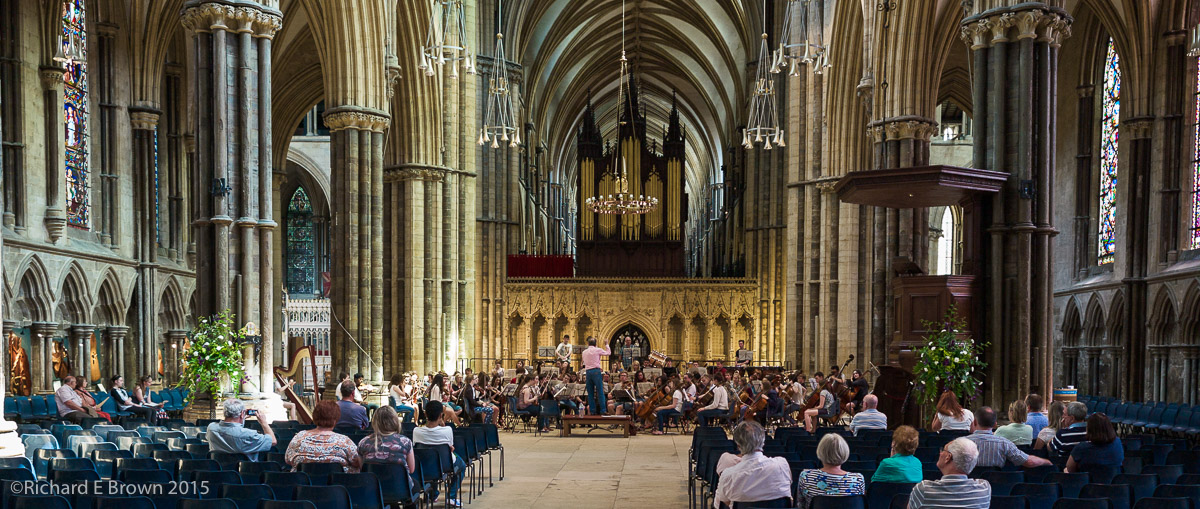
Last weekend was Lincoln’s 1940’s weekend and unfortunately I could not make it but from looking at the photographs people have been post on the Internet it looks like it was a fun filled weekend with lots of photographic opportunities.

Getting a good scan

There are three pieces of advice I can give you for scanning.

  • Scan Once
  • Cleanliness
  • Treat as a RAW file

So what do I mean by this.

Well scanning is time consuming so do the proceedure once at the highest native resolution of your scanner.

Clean your scanner plate with a soft cleaning cloth then clean your slides/film. Once mounted in the frame clean again. Don’t be surprised that after the scan you made need to clean again and rescan.

Maximise the quality of the scan. Your not after something that looks fantastic that’s your usual editing softwares job. You are after a flat low contrast file which you can work with in a flexible way.

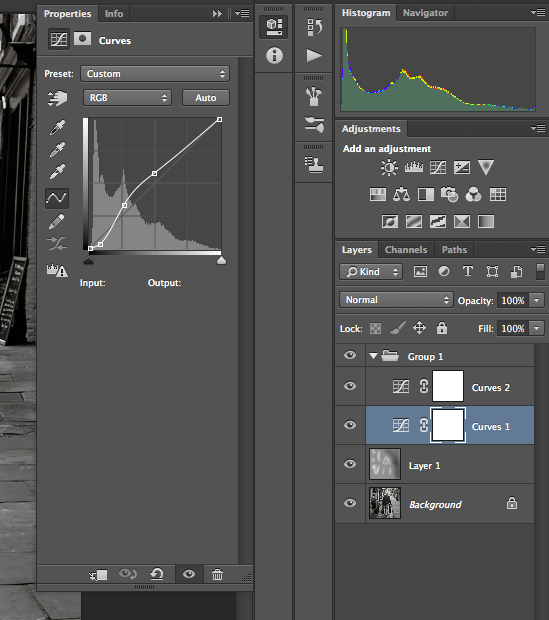
ScanAs you can see from the histogram this image is finishing at 232 not 255 so adjust the sliders to maximise the scan over the images histogram range.  I also give the mid tones a slight boost and also turn off sharpening and noise reduction.  Our third party tools offer far better quality and options then what comes with the scanner software.

I quickly flick through all my images in the slide/film holder setting the histogram appropriate for each image.

Lightroom Auto ImportI then select batch scan; I scan to a folder which I set as a watch folder in Adobe Lightroom, once each image is scanned it gets auto imported into Lightroom with my default copyright and develop settings preset I have created for this.


BBC Spring Watch is Back

This year I have not managed to do much wildlife photography but one thing that is sure to inspire me is the start of BBC’s Spring watch program. 

This year I hope to get out to some of the British Isles more remote islands for some landscape photography. Hopefully I’ll be able to get a few good wildlife shots too. 

Leica’s are too Expensive

Water NymphOr are they.

First let me state, Leica rangefinders are not for everyone.  You don’t get the wysiwyg (what you see is what you get) view.  Your not seeing the same perspective, it suffers from parallax errors.  The cameras are very manual, including focus, so getting a well exposed image, focused correctly and framed as you want can seem a challenge.

The bodies start from £3990 for an M-E with no lens, up to £6000 for a Monochrom.

The lens are from £980 to £7350 for the famous Leica Noctilux-M 50mm f0.95 6-Bit in Anodised Silver.

Out of reach for many.

Second hand you can get a M8 for £1000, if you want full frame then there is the M-E for £2750, and a good selection of reasonable lens in the £1000 range, so you can get started for £2000.  But you say this is old kit, so lets try a little experiment, what is more expensive, shooting a Leica or shooting Pro Digital SLR?

Well I went to a well known store and prices up a typical pro kit.  Two D4s, zooms to cover 12mm to 200mm and a small selection of quality primes, a wide-angle, standard, portrait and macro.  No exotic telephotos, just a typical range a pro would want.

Now this is where you may say it gets unfair and I am playing favourites to Leica, but typically Leica users own 1.8 lens a user.  The Leica user typically has a wide angle and a standard lens and travels light just with what.

So I went to a well known Leica dealer and priced up new a brand new M-P, 35mm f/2, 50mm f/1.4 and 90mm f/2, an outfit for the Leica user.

Now I know the SLR outfit is far more useful, flexible and can handle more types of work but the fact is:

Pro SLR outfit £17000

Leica M outfit £13000

So are Leica’s expensive, well yes but then so is a pro digital slr outfit and with an slr, you tend to buy everything and the kitchen sink, whilst many photographers have discovered the joy and simplicity of a rangefinder and just one or two stunning high quality optics.

Film Friday – Simple Nude Form Study

Nude Girl's Back This week I have been going through some of my very early work, this film shot was taken in 1995 I believe with a Canon A1.  So twenty years old.  I have certainly learnt a lot since then, and also forgotten a lot.

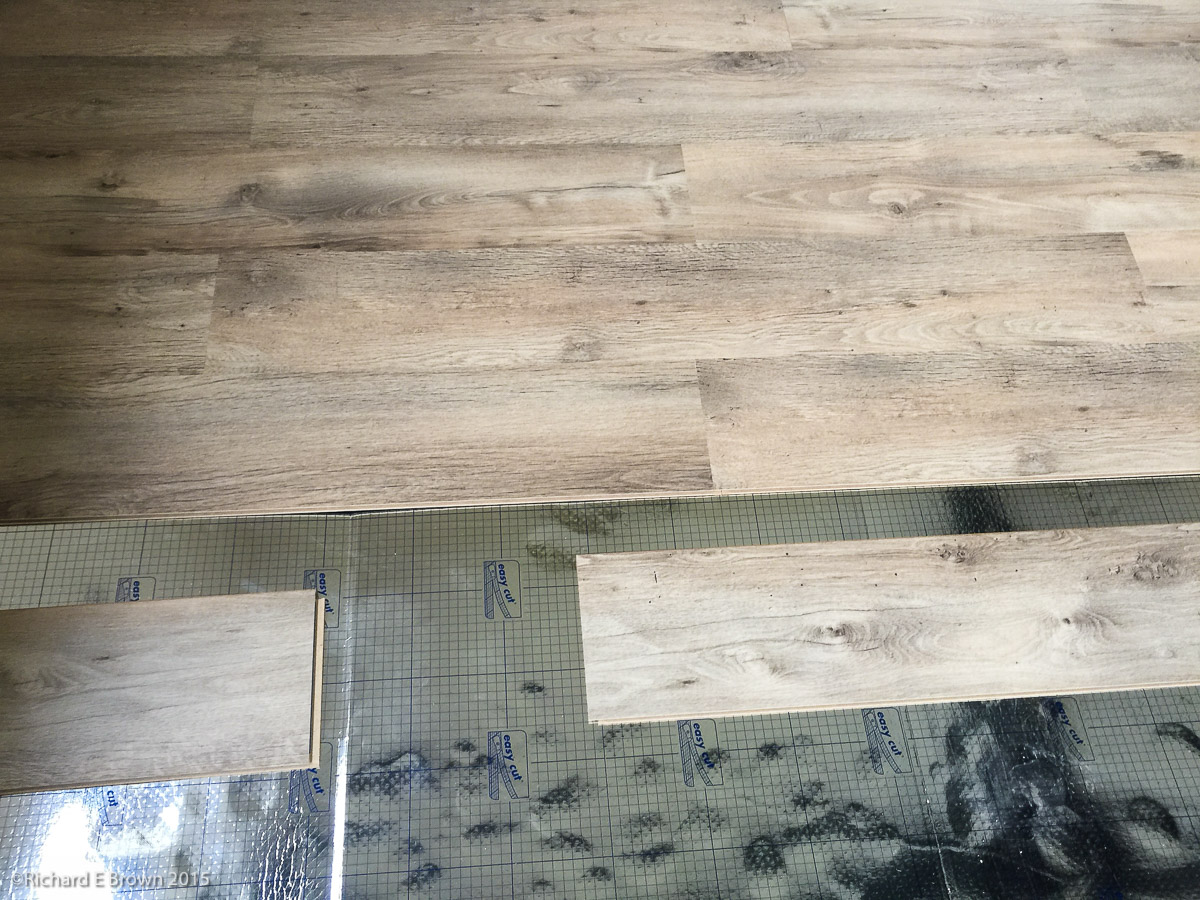
Soon i’ll have my own studio ready (getting ready to put the new floor down at the moment), and I think i’ll be going back to simple studies like this, working simply with a single light and getting back to the basics.

Sometimes keeping it simple is all that is required.

Software that needs CD Drives

SilverFastOne of the things I was pleased to see about my new scanner was that it included a copy of Silverfast Scanning software.

As usual I downloaded and installed the Epson drivers then downloaded the Silverfast software and installed it.  It was at this point I hit a problem.

When I entered the license key it would not accept it.  You had to have installed from the CD.  So what if you have a very modern computer.  My Mac is seven years old and has a CD drive, but my wife has a modern Mac with no drive.  My work laptop is a new Lenovo machine which like a lot of current machines also has no CD drive.

Well Epson did include a note with a URL to go to if you have a machine with no CD drive, unfortunately the URL did not work.  After a little digging I found that if I registered the serial code listed on the CD of the Silverfast software I could then request a CD less upgrade code.  This I did which then meant I could register the software and start using it.

In this day and age where people are moving away from physical media they really need to make this easier.

Instructions and software

Over the last few year computer and computer accessory companies have been getting better. Clearer instructions and simpler more straight forward software. 

Epson printers have for many years been excellent products but with poor instructions. Of late and certainly with my Epson 3880 they were much better but it seems the scanner department still have some way to come. 

Lots of bits of paper but no real single simple setup guide. 

I was very pleased to see as well as the Epson software a copy of Silverfast and iOne profile targets. 

As is usual for me I ignored CD’s and downloaded the latest versions from the web. This led to other issues which I’ll detail later in the week.