
Virtual Machine Manager – Synology makes an Oops

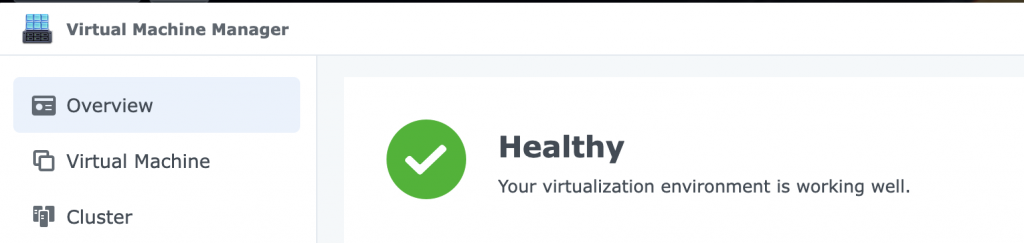
Summary of Synology Virtual Machine Manager console showing it in a healthy state.

I updated my main NAS today and unfortunately found that none of my virtual machines running on it would start. Unfortunately my main DNS server and filtering software was running on that.

A quick internet search found this:

Users upgrading to DSM 7.4.1-90080 have reported that Virtual Machine Manager (VMM) fails to initialize correctly, specifically causing the virtual network switch and storage pool to remain inactive.  This issue was observed on models like the DS723+ running VMM version 2.7.0-12229, where virtual machines lost network connectivity and the system reported errors despite the underlying binaries being present. 

The root cause was identified as a version incompatibility, with Synology support suggesting that the stable package branch was insufficient for the new DSM release. The resolution involved manually installing the VMM 2.8.0-12322 beta package.  After installing this beta version and recreating the virtual machine configuration, network and storage functionality was restored. 

  • Symptom: Virtual network switch and storage pool fail to initialize; VMs lose connectivity. 
  • Affected Version: VMM 2.7.0-12229 on DSM 7.4.1-90080
  • Fix: Install VMM 2.8.0-12322 (Beta) and reconfigure the virtual machine.
  • Warning: Ensure you have backups, as DSM 7.4.1 does not allow downgrading to previous versions.

First issue the beta was not available just an error message, then I remembered my DNS would be in fall back mode and some things might not be available. So I quickly pointed the NAS at an alternative and then beta software was available. I updated my virtual machine manager fixed the issues that caused and could then bring back up my virtual servers.

Bad testing from Synology but I suppose as this was a security update they may have had to rush it out. But some notes on the documentation would have been nice.

The World Wide Web

I have a had a long career in IT. From mainframes to the start of the PC revolution and the start of networking computers. I have memories from the 1990’s of pulling up the floor to find where the good old coax cable had become broken and brought the whole network down.

I was browsing Mastodon and came across a reminder that last week that we are in the 35th anniversary of the World Wide Web.

Back then the first web browser just ran on powerful Next Machines at Cern, but they developed a universal command line browser similar to w3c that I use sometimes on one of my Linux ThinkPad.

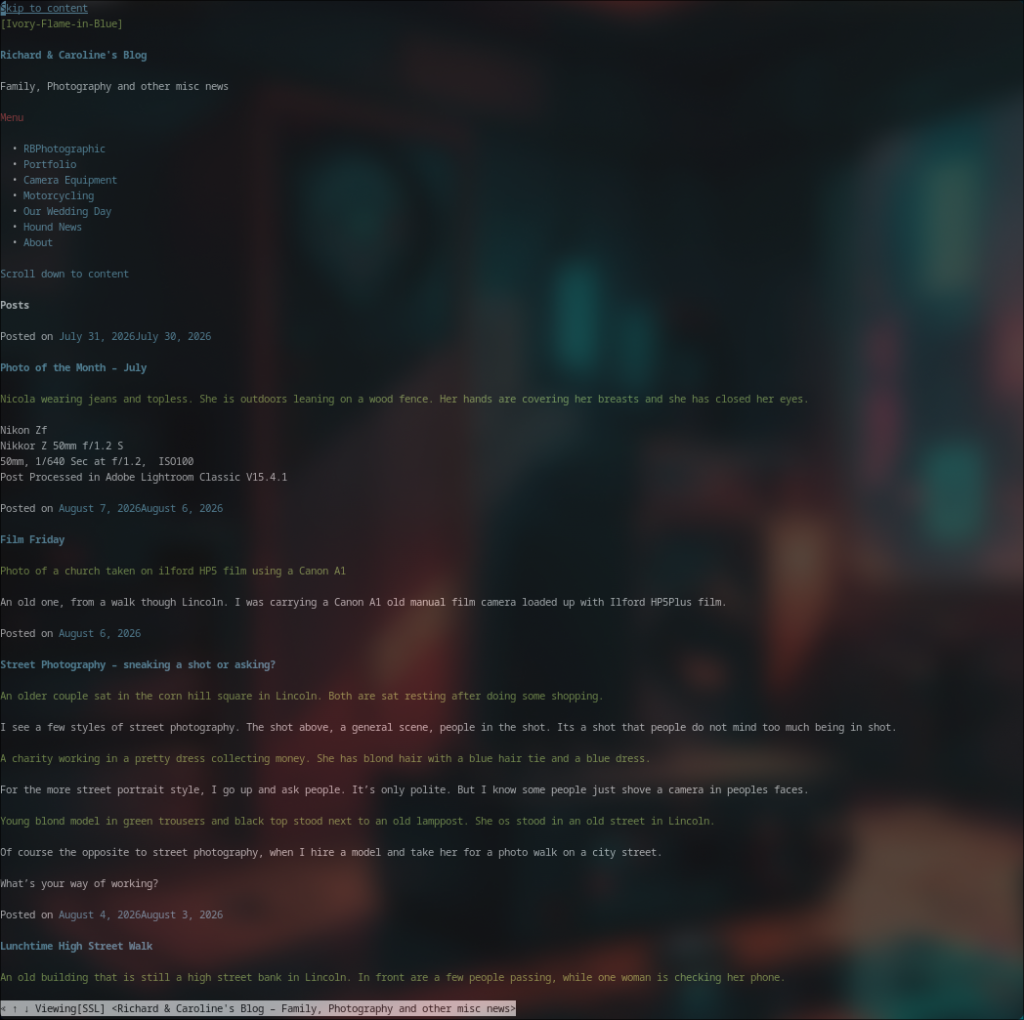
A screen capture of the w3c command line browser I sometimes use on one of my ThinkPads running Arch.

Now with restrictive laws and age verification we are killing the open web; forcing people to use Facebook and other gatekeeping closed systems that steal from us and feed us a lie.

Thank you Tim Berners-Lee and the team, lets hope the open web survives.

Photo Tip: Sharpness 4

Sharpness.

Something all photographers worry about, this the fourth in a series of posts.  This time something a little different that you might not have thought of.

Are your shots tack sharp?

  • Do you use a heavy tripod?
  • A cable release?
  • Still not sharp?

Try using your mirror lockup, something I always use on my
Hasselblad when shooting landscapes, most digital SLR’s have
this function these days.

On lower end DSL’s it is generally buried in a sub menu, but on higher end models there may be a dedicated button or dial.