
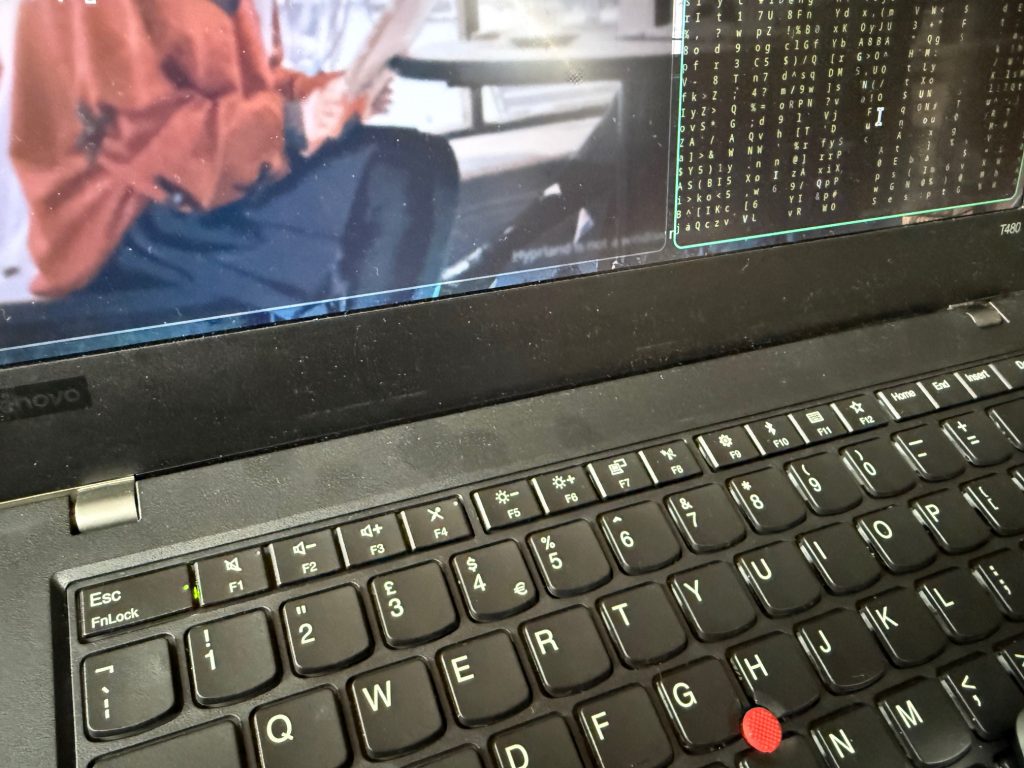
One of my old batteries for my ThinkPad T480 ran down to zero and powered off the laptop. Since then I got the following message on boot:
“The battery installed is not supported by the system and will not charge”
The message was the same when I put in my spare battery as well.
A quick search of the internet soon resolved it.
Unplug from the mains and hold down while powered off the Fn key and the S and V keys for 1 minute. Then hold the power button for 1 minute, then plug in and power on.
This resets the BIOS and resolves the issue.