Barrons on Parade

Barrons on Parade-2
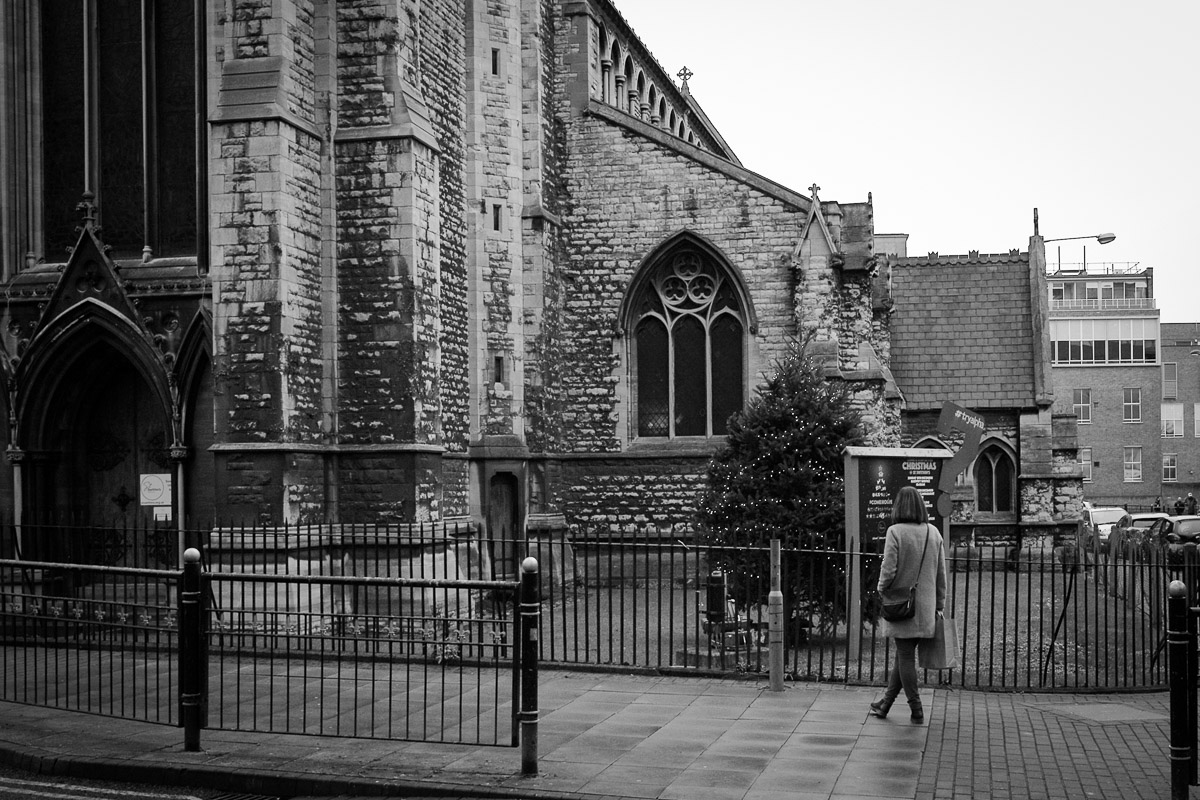
Barrons on ParadeThis week the Lincoln Barron’s were collected together and were all on show in Lincoln Castle.  They have been a terrific success this summer bringing people into the city and getting them to explorer.  This week the Barron’s are all being auctioned off for charity and this will be the last time they are seen together.


Apple Releases OS X 10.11

Apple released the latest version of OS X its called El Capitan an odd name but there are making some bold claims for this minor OS update. 

The big thing for graphic users is Metal a new API layer to access the graphics card. Apple claim 40-60% speed improvement and Adobe after testing an optimised version of Photoshop are backing that claim. 

I will not be risking my work machine until OS 10.11.1 is released but I may upgrade my laptop this weekend and test all my apps. 

I cannot risk breaking printing, screen calibrating software and my Wacom tablet. So testing on another machine or cloning your hard drive and testing on a spare is always a good idea. 

Solar Panels

I get a few people tell me there is no point in having Solar Panels in this country, too wet, cold and cloudy. 

It’s true in the winter I’ll not be generating much but in the Summer I consistently top 0.5 mega watt hours a month. 

So this Monday morning at dawn, I was quite supposed to see in the low light and thick Autumn fog the system was producing 60 watt hours which was more then enough to power our lights if not the kettle for morning coffee. 

As the light levels climbed we nearly got to a kilowatt hour in the morning fog which I was very impressed with. 

Every little helps. 

Apple Release iOS9.0.1

imagesApple released iOS 9.0.1 yesterday and I see it should have fixed the issue that prevented me from upgrading my iPhone 5.  I’ll be waiting until the weekend before trying and i’ll be having a good read on the forums to see what issues people are having.

Leica Press Conference – 20th October 2015

My LeicasLeica have announced a press conference for the 20th October, I am hoping its going to be to announce the new M but there is a rumour going round of a new full frame autofocus mirrorless camera.  Which ever, I look forward to seeing what they are going to release.


For more than 100 years, our thoughts and actions, and our passion, have been dedicated to only one thing – creating the perfect picture. With products that are always focused on “Das Wesentliche”, the essentials, we provide photographers around the world with the ideal tools for capturing the decisive moment and for bringing their own vision to life. This tradition is what drives us to achieve and gives us the power to reinvent ourselves time and again. The outcome is a portfolio of cameras and lenses that redefine the status quo as we know it and have one thing in common, despite a century of progress: a focus on “Das Wesentliche” – in other words, the picture.

We cordially invite you to a celebration of photography in the the spirit of “Das Wesentliche”. From October 20, 6:30 p.m. on until October 21, approximately 1:00 p.m, everything in the Leitz Park in Wetzlar will revolve around the fascinating nature of pictures and the exclusive presentation of a new milestone in the Leica Camera product range. Be one of the first to experience the next chapter in the history of professional photography, a historic moment that begins right here and now and will shape the future. Enjoy a delightful atmosphere and a special photographic program with friends of Leica, photographers, artists, media, and prominent and international guests – in other words, with all those who, just like you, breathe life into the fascination that is Leica.

Read more on LeicaRumors.com: http://leicarumors.com/2015/09/23/leica-das-wesentliche-event-on-october-20th.aspx/#ixzz3meltuvgR

Wifi Calling

If like me you live in a remote village then mobile phone coverage is limited.  The last few versions of the iPhone have supported WiFi calling but its a feature that few carriers seem to want to implement for their customers.

Orange or as its now known EE turned it on earlier this year but only for customers who bought there phones from them.

I switched to Vodafone last year as its the only network I could get any cover in my village but even then its touch and go.  Well they have now announced wifi calling starting this month so I wait for a carrier update but I am not too hopefull as there website says its going to be for the iPhone 6s and 6s Plus only.  Lets hope that’s not true.

Upgrading my Apple AirPort Extreme 

I purchased a new Apple AirPort Extreme this week. The idea is to move the old one into the end room recently decorated, which together with the two AirPort Expresses, covering my office and master bedroom would cover the whole house. 

As I often am with Apple I was very surprised at the ease at which things went. 

I plugged in and the AirPort Utility on the Mac discovered the new device and gave me three options. 

  • Migrate setting from Existing AirPort Extreme and replace
  • Add to existing network
  • Setup as a new network

I took the first option and after a few minutes it prompted me to transfer the cables from the external harddisk and BT router from the old AirPort to the new. This I did and after a few minutes everything was back up and running on the new device. 

I then ran the wizard and added the old Airport in to the existing network as a wireless extender. Once setup I unplugged the old AirPort and plugged it into the room. 

Easy. 

On line Storage – in the Cloud

Dropbox, Microsoft OneDrive, Google, Adobe Creative cloud and of course Apple’s iCloud; not to mention all the other third party smaller solutions.

Currently I have 2.8 Gb of free dropbox, 5 GB free iCloud and 20 GB of Creative Cloud, but none of this is good enough for hosting current projects and keeping my five star images safe on line.

I have started to look again at online solutions as last week I had two disk fails, one hosting a current Wedding photographs I was editing and another hosting my live Master Lightroom library.

Now lucky I lost nothing, I always try and keep at least three backups at home and one off site but I was worried for a while.

Maintaining off site backups is a pain and there generally about a month out of date so I am sure you can see why I have started to look at online ‘cloud’ backups again.

Now usually these things are quite straight forward, if your a Microsoft user and/or MS Office users Microsoft’s OneDrive is the one to go for.  Google is fine if you trust them with your images but they are out to make money out of your by targeted advertising, possibly not for storing a clients images on.

As an Apple user then you may think I would suggest that, well up to this week that would have been a no, they were too expensive but with this weeks price drop they are now only a couple of pounds a year dearer then Dropbox with the new iDriveApp for the iPhone it may become an option but currently for me Dropbox is at the top of my list.

iOS 9 is out

Well its out and on the whole for a maintenance release I am quite pleased, some nice improvements and it seems to be working fine on our iPad2 and iPhone6.

images

What I am not happy is about is the update of our iPhone5.  I basically hung at the slide to continue screen.  No matter what I did, reboots restores etc, nothing could get it working except to setup as a new phone, not something I wanted to do.

Apple have suggested a fix on their support site but it did not work for me.

In the end the fix was to download iOS 8 and restore that then restore the data.  So now I am back to OS8 on the iPhone5 until Apple come up with a fix.

Instructions from https://www.reddit.com/r/ios9/comments/3l7nt8/slide_to_upgrade_freeze_iphone_5c/

To go back:

Step 1 – Backup your pictures! Even though you can’t get to your phone and use it you should still be able to backup your pictures

Step 2 – Download IOS 8.4.1 for your iPhone or iPad from this site –> https://ipsw.me/8.4.1

If you are confused which file to download check the model on back of your phone and use site below to determine the version you need.

https://www.theiphonewiki.com/wiki/Models

The file was taking a while to download for my phone so I searched the filename on Google and downloaded from Mega.

Step 3 – Reboot phone into DFU mode – hold down power button and home button – when it reboots let go of power button – still hold home button

At this point it will ask you to connect your phone to iTunes – will have to connect phone to the computer.

Step 4 – Hold down the Option (Mac) or Shift (Windows) and and then click restore.

Step 5 – Browse to the 8.4.1 file you downloaded and select it. This should restore to the previous IOS version. Note: This will wipe phone.

Step 6 – Restore from backup. Hope that you backed up before attempting to update.