Tethering in Lightroom V11

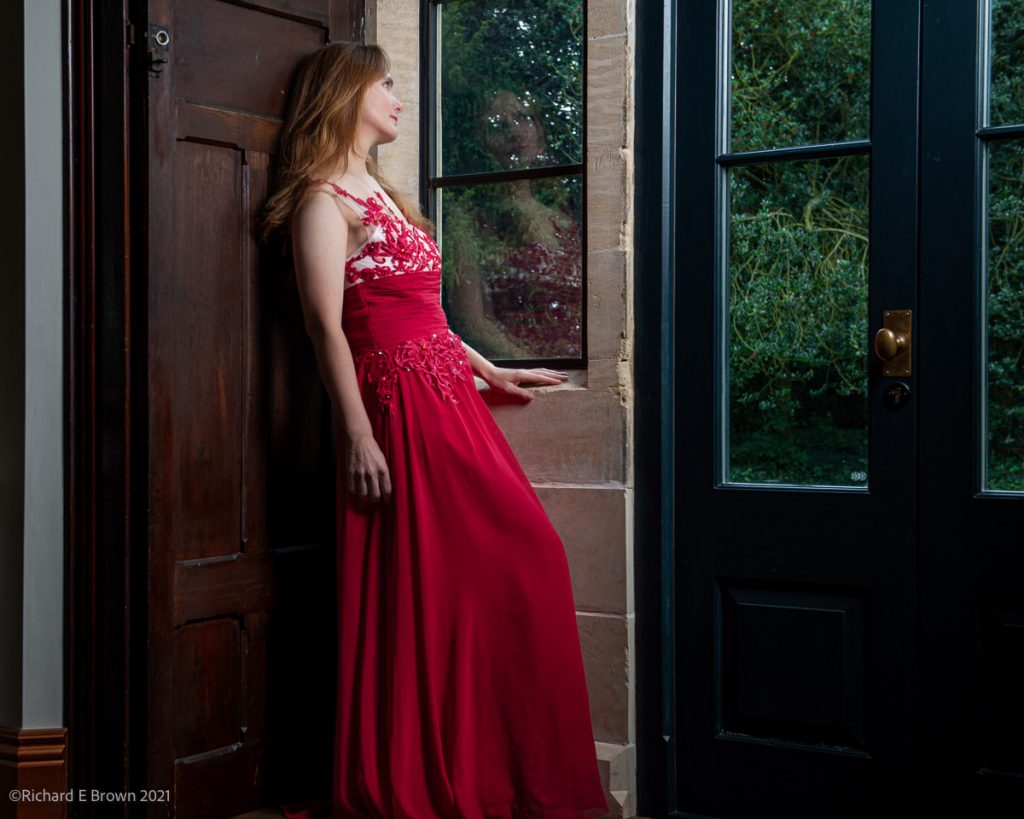
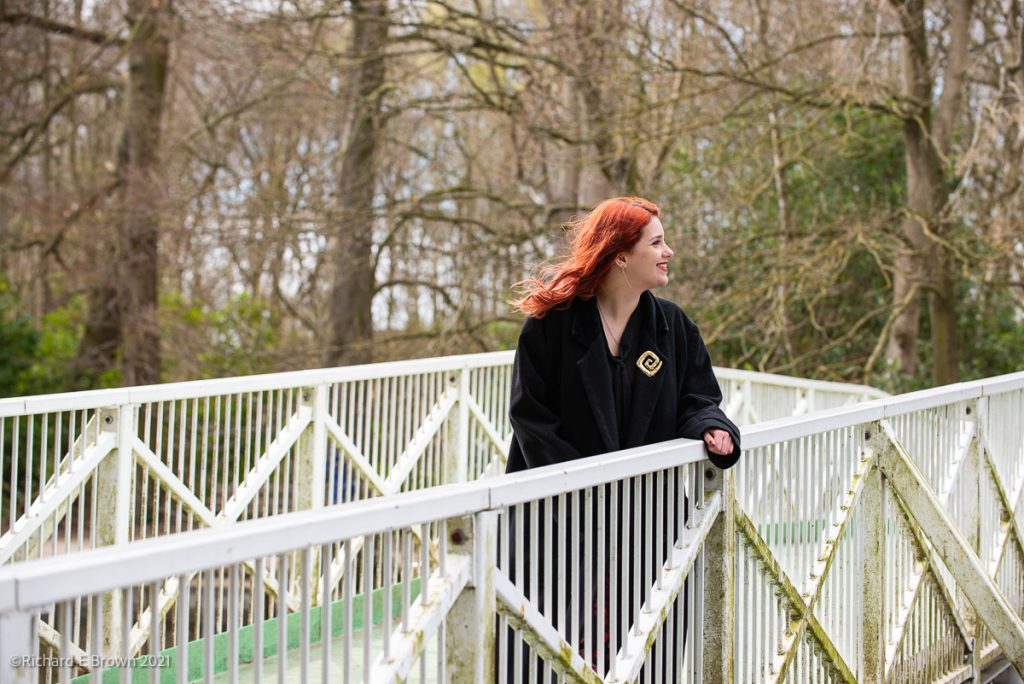
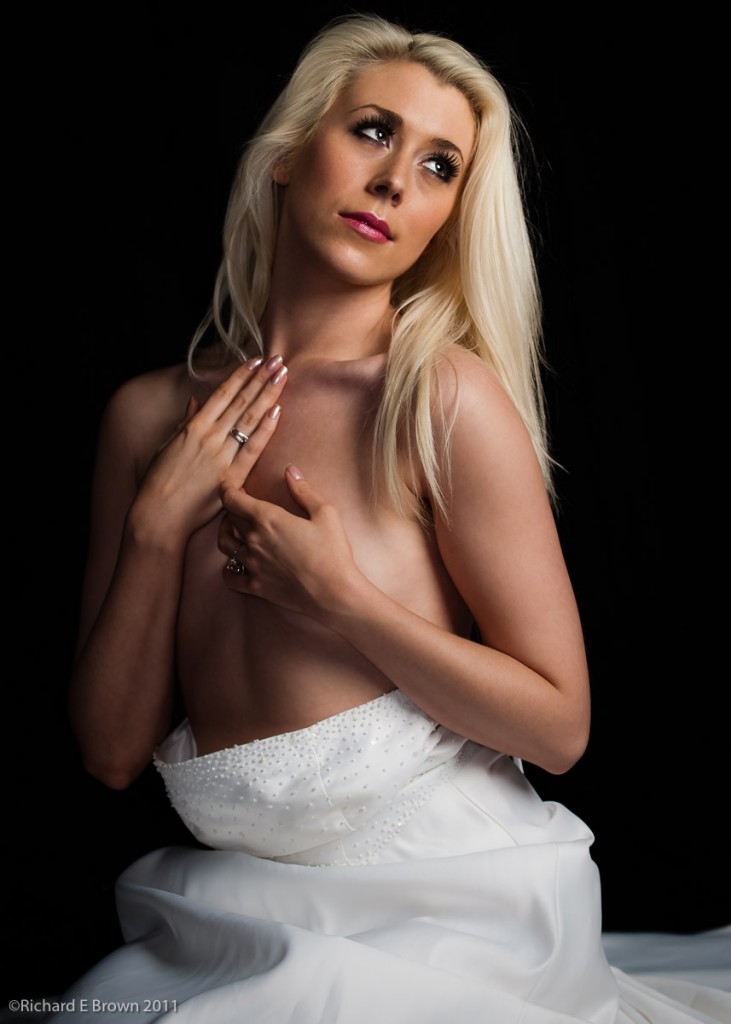
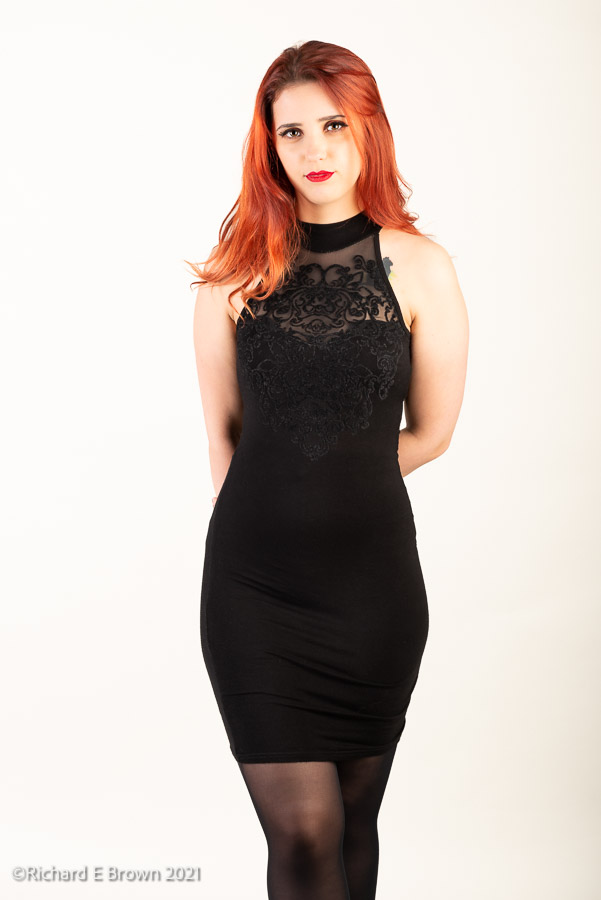
Sophie, with Nikon D800, 24-80mm f/2.8

In the studio I like to use tethering, it gives the models and if the customer or art director is present confidence as they see the results come in.

With the first few shots it is getting the lights in the right positions and the exposure right. For this recent fashion shoot with Sophie, it was a simple background and two lights with soft boxes each side. Once the lighting was right I gave the test images a good look round. The studio we were working in had Bowens lights, I had set the camera its flash sync of 1/250. Generally most high end flash gear will cope well, the mid range flash often has difficulty syncing above 1/200, and the cheaper gear often does not sync above 1/125. Most people do not worry about this any more with modern flash and cameras doing HSS, but HSS heads are still few and far between in most studios.
Sync error with black bar at bottom of frame

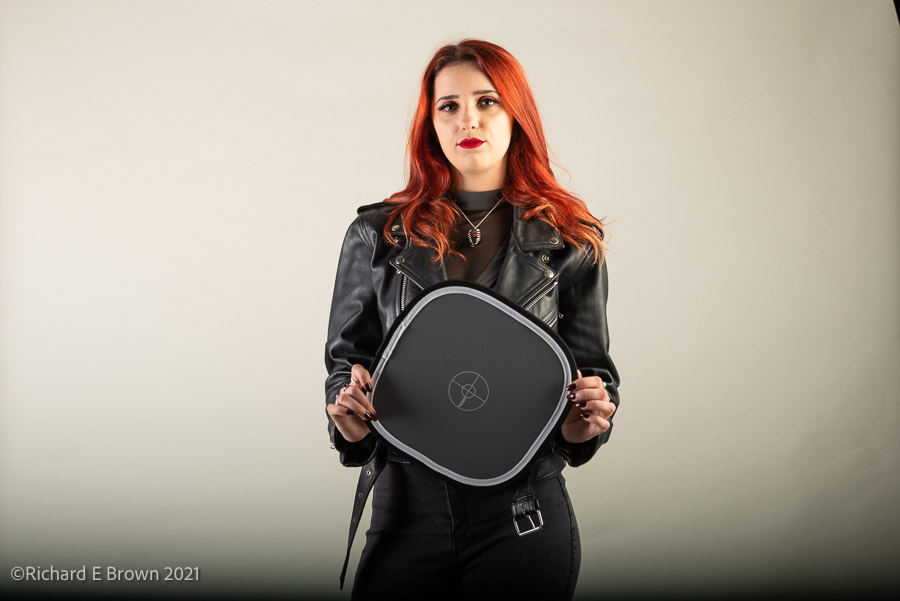
I soon spotted the familiar black bar of sync failure, so dropped my camera to 1/200 and the shots were clean. Once the lights are set how I like, for the first set f/8, I took a white balance reading from my target.

With the lights setup, exposure and white balance all set, I then set Lightroom to apply these consistently to all future shots.

If your seriously into tethered capture, then the camera manufactures often have their own tethering software which generally works well. The software CaptureOne is possibly the best tethering software available. These software packages are designed for tether capture and work fast and efficiently. Lightroom is several applications in one. Its a DAM (digital asset management) with its database making it easy to find photographs if you keep up with the meta data and keyboarding. The develop module which is basically a nice GUI around Adobe Camera RAW. Then the print module; Photoshop has always been very complex to print from. The print module in Lightroom with its profile support and custom presets you can setup, makes it one of the best places to print from. So Lightroom is quite a beast with lots of useful modules. It is into this tethering has also been added. It started off as a watch folder. You created a folder and set Lightroom to ‘watch’; you then used other software to get your images from the camera to this folder, once an image appeared it would be auto imported into Lightroom.

We now have real tethering in the last several versions, it has always been slow and buggy, and would drop the connection losing you a shot at least once during a shoot.

So how was the new Lightroom v11. Well its still slow, but it is useable, and I was pleased that it did not drop the connection or fail at all during the three hour shoot. So if you have Lightroom it is a option. I’ll test it some more, but it is working much better then previous versions.
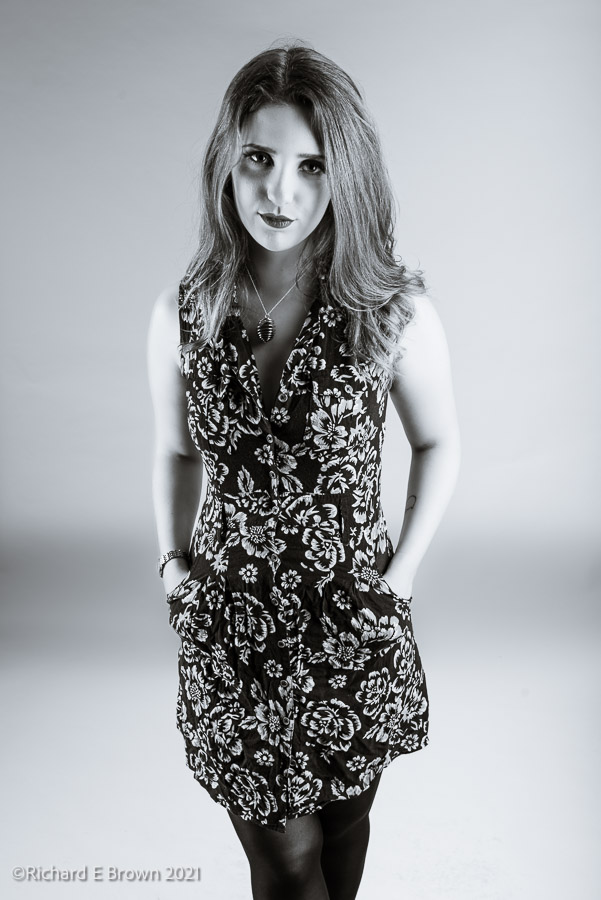
As for the shoot, it went well and we got some great shots. Thanks to Sophie for her hard work and our two assistants on the day.
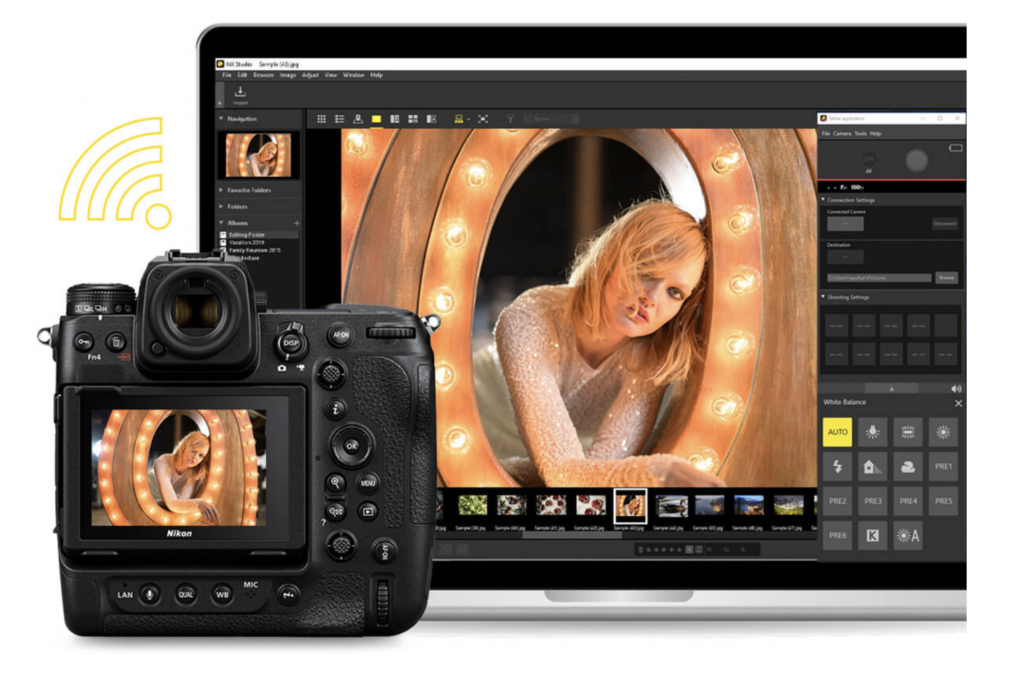

Nikon Release NX Tether – and its free

NX Tether

Today on the UK Website the new v1.0.0 NX Tether is available for free download. Yep its free, supports Mac OS and Windows. Currently on the Z range of cameras and the flagship D7 and D780, but no D850 or my D800 mentioned.

Nice to see, I think most people who tether use CaptureOne, but its nice to have options. I struggle along with Lightroom, I’ll be testing the new Lightroom V11 next week. It works but its slow compared to CaptureOne.

Fan Boys and Trolls

With the release of the Nikon Z9 the trolls are out in force with some very misleading claims.

Lets get this out of the way, the Sony A1 is an excellent camera.

The Canon R5 and R3 are excellent cameras.

The New Nikon Z9 is an excellent camera.

If a particular camera fits a use case for you and solves problems the others cannot then buy that camera, and maybe acknowledge that others may shoot differently, have different use cases and different problems to solve.

So what is right for one person may not be the right choice for others.

You love your camera and support your brand, fine, just let the rest of us enjoy our choices too.

Nikon Z9 Announced

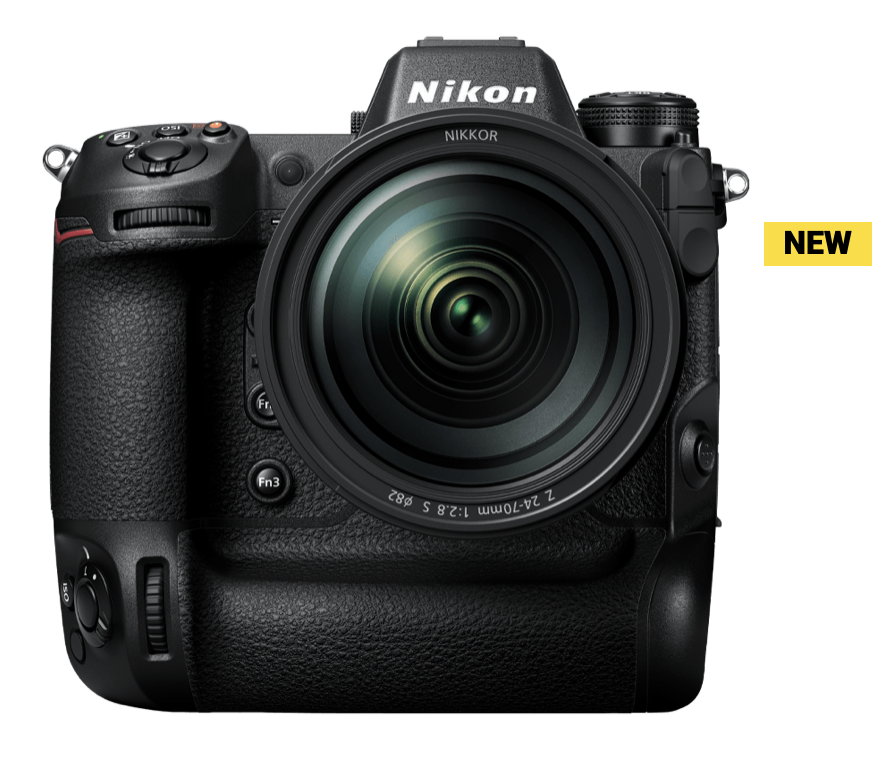
Nikon Z9

This is the camera Nikon users have been waiting for. The new Z9, for many this is another D3 moment. In all the key areas its either better or equals the opposition.

For those wanting a full frame Nikon mirrorless camera you now have a strong lineup of quality bodies.

  • The Z5, a great introduction to mirrorless, a little more plastic then metal in some areas but a good camera.
  • The Z6 great for video and stills, with its BSI sensor slightly better in low light then the Z5 and lower noise.
  • The Z7, while missing a few focus modes of the D850 this is a killer landscape and studio camera.
  • The Z9, a pro level body, all the benefits of mirrorless with the best bits of the D850, D6 and Z7 combined.

Despite what people claim there is nothing sub par about Nikon focus with their latest firmware and we now have a good range of bodies to choose from.

What about lens?

Well three interesting announcements. Two new lens and one coming soon. We have been hoping that Nikon would build out their f/4 zooms and we now have a good range.

We have the trinity of f/2.8 lens, the 14-24mm, 24-70mm and the 70-200mm. The f/4 range are now; 14-30mm, 24-70mm, a new 24-120mm and the odd one out a 100-400 f/4 to f/5.6.

So options for fast zooms and a good range of smaller lighter zooms, the 24-120mm f/4 in particular is of interest for people travelling and to be honest that and a quality 50mm and 85mm for in the studio would suit me well.

One Lens: – a rambling muse

I was listening to a watch podcast the other day and they were discussing one watch collections. I made me think, if you could only have one lens what would it be.

Lets first state, no zooms.

Now in some ways I already do this with my carry around every day camera.

Leica M8 24 mm Elmar

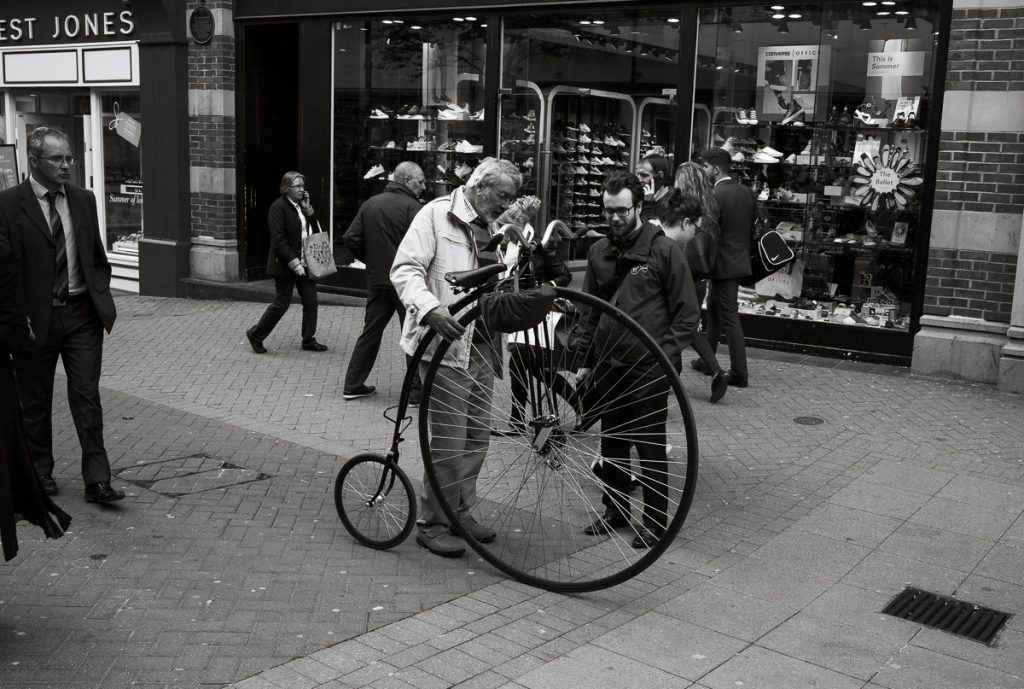
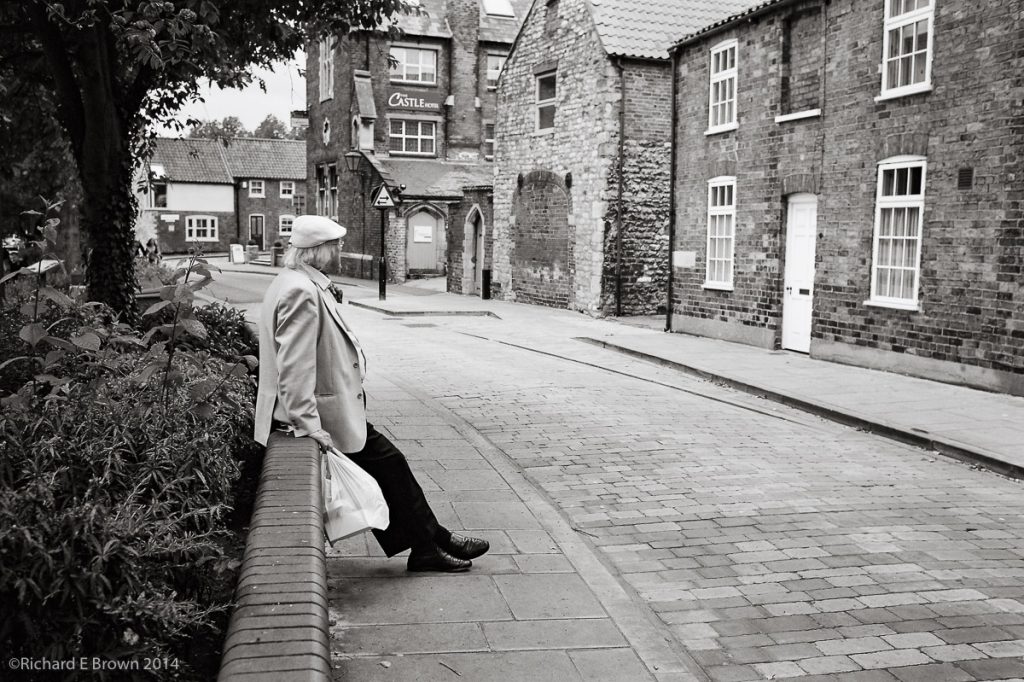
If I am wondering around with a camera over my shoulder its likely to be a Leica M10, M8, M4 or occasionally a Nikon V1 and I’ll have a prime on these.

Most of the the time is the equivalent of a 35mm full frame 35mm or 50mm focal length lens.

Leica M4, 35mm Summicron lens

I surprise myself when I look at my meta data and find I often have the same lens on my Leica for many months at a time.

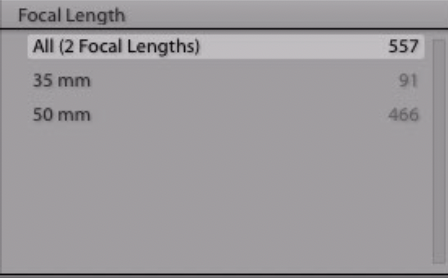
According to my Digital Asset Management program (DAM), for my Leica M10 I shot over 500 photographs in 2019, 84% of them with a 50mm lens.

For my SLR the results were even more shocking.

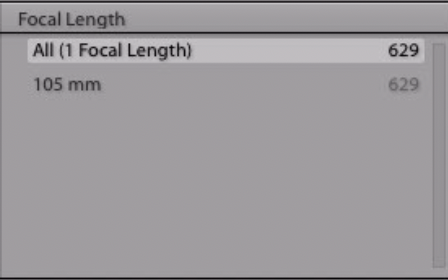
With my Nikon D800 I shot 629 photographs, and everyone of them with a 105mm lens.

Now I have to admit 2019 was the least amount of photography I have done in many years. I had a break and took on very little work. A couple of corporate photoshoots for business portraits, and a couple of studio sessions for local models, but it was quite a shock.

Could you manage with one lens?

Well for my street photography yes, a 35 or 50mm would do me fine. In the studio it seems I can manage with a mild telephoto. I suppose if depends on how many subjects you shoot. I did not do any wildlife last year, if I had you would have seen hundreds of shots using a 300mm /2.8 long telephoto.

If I was to put my hand on my heart, having a modern high resolution rangefinder like the M10 for my everyday camera, I would pick the 35mm. With plenty of megapixels one could crop to give you a field of view of the 50mm when needed. For studio work, well 105mm is a bit long for full length portraits, I would likely pick something in the 75mm to 90mm range; but we are talking two lens not one.

So what would I pick?

I shoot more street then studio, going wide and having a 35mm would not be an issue. As I wrote this I kept going through my Lightroom catalogue and saw that I did have some studio shots at 35mm in previous years. I could manage with one lens.

So sell all my gear and live with one lens, no do not be silly. Photographers are gear heads and love collecting stuff.

But if I did start again well?

  • Leica M10R with a 35mm Summilux lens
  • Hasselblad 80mm f/1.9 (63mm equivalent to 35mm)

No SLR, but I think those two could do most of my work, (he said while dreaming of the rumoured Nikon Z8, Z85mm f/1.2, and the Leica SL2 and lets not forget the M glass 75mm f/1.25 Noctilux).

Ripping CD’s

If you are like me and still have a large vinyl and cd collection you may sometimes want to stream them. A lot of my older stuff is not on the major streaming services. So you will want to rip those CD’s to a hard drive so you can still stream around your home or to what ever device you want. Welcome to the world of music formats or shall we say containers.

Now the majority of music is all encoded to PCM 16-bit/44.1kHz audio. While there is a growing library of high resolution music, few music services offer it or broadcast/stream it.

So for the majority of listeners things like 24-bit/192kHz, MQA, DSD can all be safely ignored.

Lets get back onto the subject; you have a CD, your a Mac user with iTunes or Music as its now called and you want to simply rip it but preserve the quality.

In Music, select file, preferences and then Files, and Import Settings. From the drop down list select Apple Lossless Encoder. Its a compressed format, lossless, and can easily be converted to other open standards if necessary but just about all hardware supports apple lossless.

You might want to copy those rips to a spare hard drive, Apple products can occasionally do odd things, like delete your music files and then stream lossy versions from the cloud.

Studio work post lockdown

Since the end of lock down I have been hitting the studio every few weeks, having some fun, trying out new ideas and new lighting techniques.

I have been shooting some fashion, glamour, even maternity shots.

Its been good try out a few new models as well.

Despite lockdown its been a good photography year.

Where do Nikon lag and lead

Get the Light Close – edit completed

If you follow the internet and especially some well known Youtube channels then Nikon are doomed and failing and about to go bust.

Actually Nikon are doing well. Stock is low and it can be hard to get stuff but with the world semiconductor shortage everyone is suffering. Canon have just admitted that the new R3 will be in very short supply and it looks like the Nikon Z9 may be delayed. The Z cameras are competitive, each new firmware upgrade has improved them. I feel where they get a kicking is generally either because something works differently then other manufacturers or like the banding issue with the original Z7 (what issue who underexposes by 6-7 stops) is also a problem with other manufactures but no one is talking about it.

I like two card slots but its a very niche case for people who actually need them. Yes its useful for backup if your using SD cards which can suffer from reliability problems but the new CFExpress cards are engineered not to suffer from the software and hardware issues that SD cards suffer from. Nikon did listen and put two cards in the mark II models but I would have preferred two CFEx card slots and not CFEx and SD.

So where are Nikon a head, or behind, well I feel Thom Hogan in a recent article wrote about this best so go and have a look on his zsystem web site.