
Now unless you shoot large format film is a choice for artistic reasons and not technical reasons.
Family, Photography and other misc news
Now unless you shoot large format film is a choice for artistic reasons and not technical reasons.
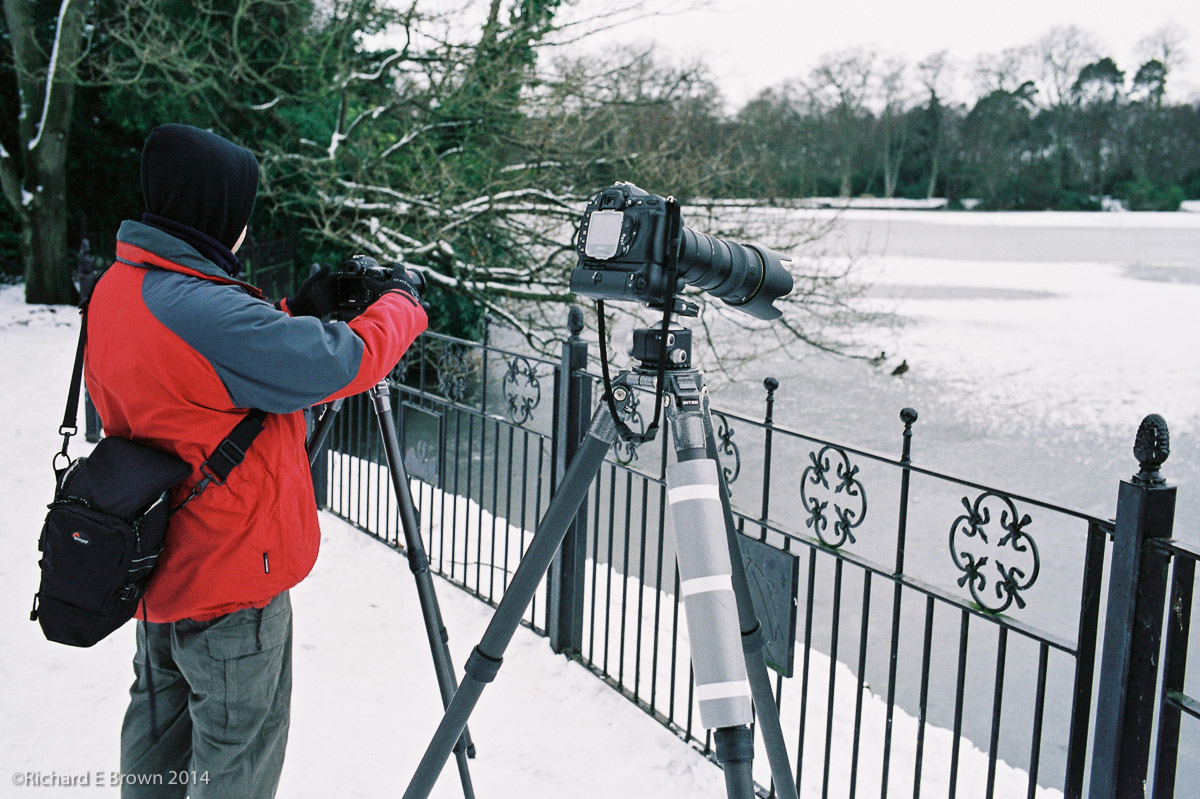
We have not had a film Friday for a while, so I thought I would dig an old Leica M4 shot out to publish.
This was a couple of winters ago and myself and Chris was photographing the birds on a local frozen lake.
With the extreme (for Lincoln, UK) conditions I thought I would take a quick snapshot. I do love my Leica M’s for their carry everywhere convenience and as the M4 is purely mechanical its not that effected by the cold conditions.
For my SLR I had the battery grip fitted containing two batteries and a third battery being kept warm in my jacket pocket.
The smaller Micro Four Third bodies, Fuji X100, and if your willing to accept no view finder the Ricoh GR also make excellent carry everywhere cameras.
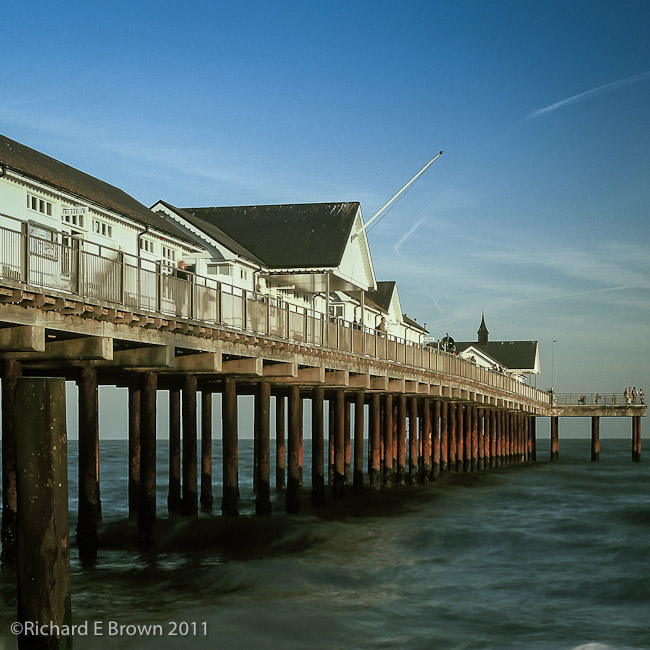
I occasionally post film fridays, where I have taken a film photograph, generally from either my Ebony 5 x 4, Hasselblad 6 x 6 or my Leica M4.
This Friday its a bit of a cheat. Well more then just a single cheat, a) its posted on a Sunday when I started to feel better from my Tummy Bug. And b) its not film but is from a Leica and the majority of my film posts are from my Leica.
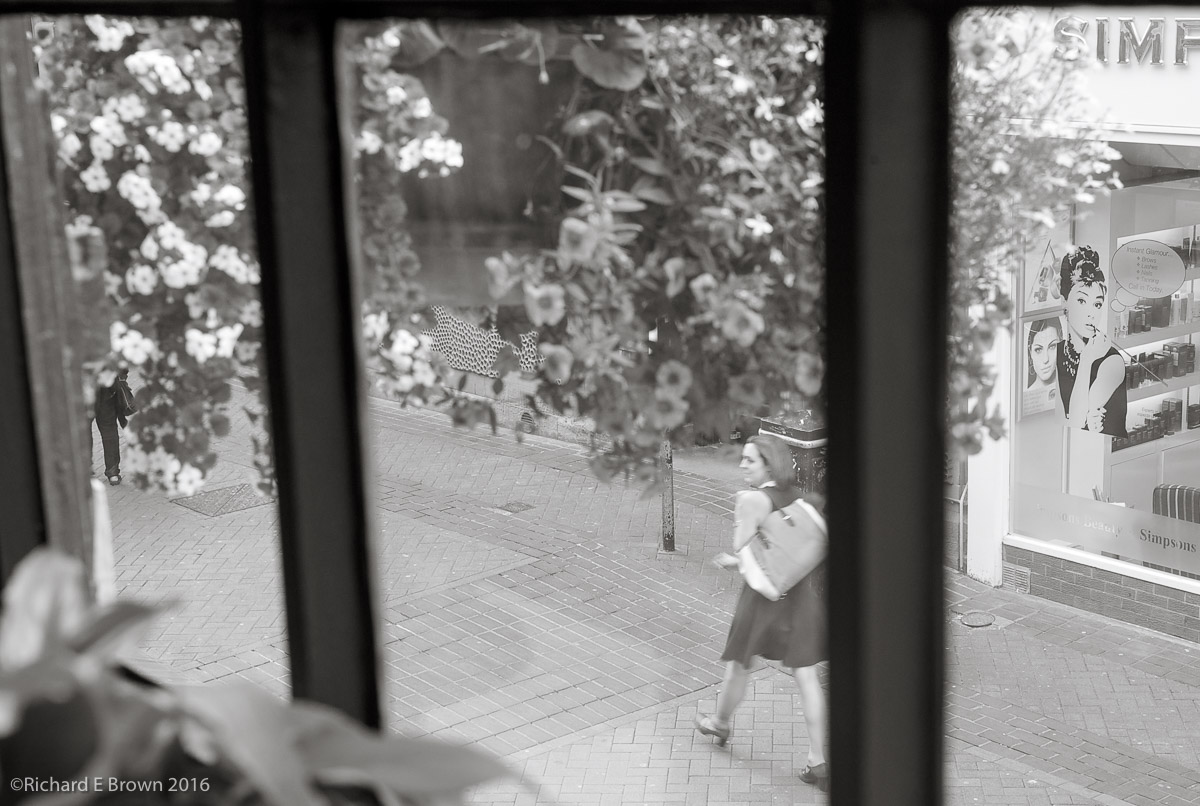
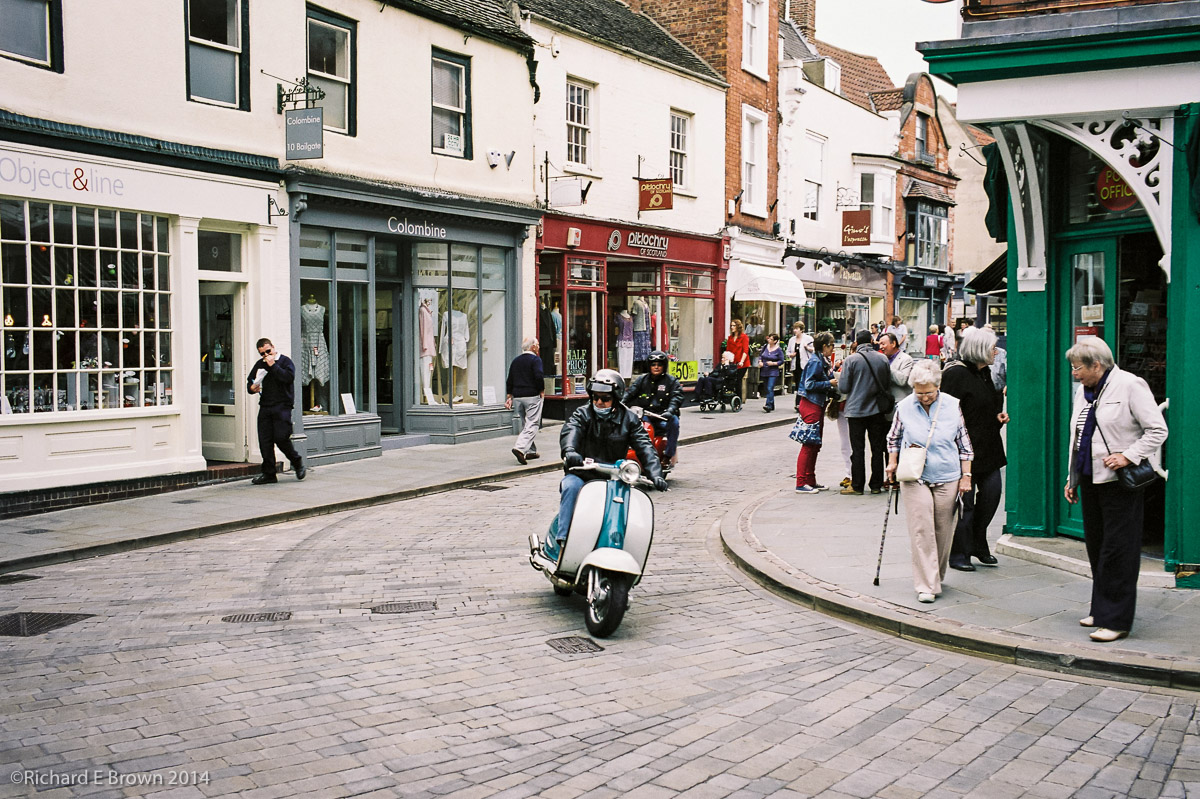
On Tuesday lunchtime just before I started to feel unwell I took a trip to one of my favourite coffee shops in Lincoln, while drinking my coffee I took a few snaps from the coffee shop window.
This is no fine art and shows lack of contrast in the main subject area, plus insufficient shutter speed but then again the greats such as Robert Frank in the book ‘The Americans’ and the decisive moments of ‘Henri Cartier-Bresson’ never let exposure and camera shake get in the way of a great image.
While I would not call this a great image (far from it), remember try to capture the image first and have the technical features of the image come second.
Art first and craft second.
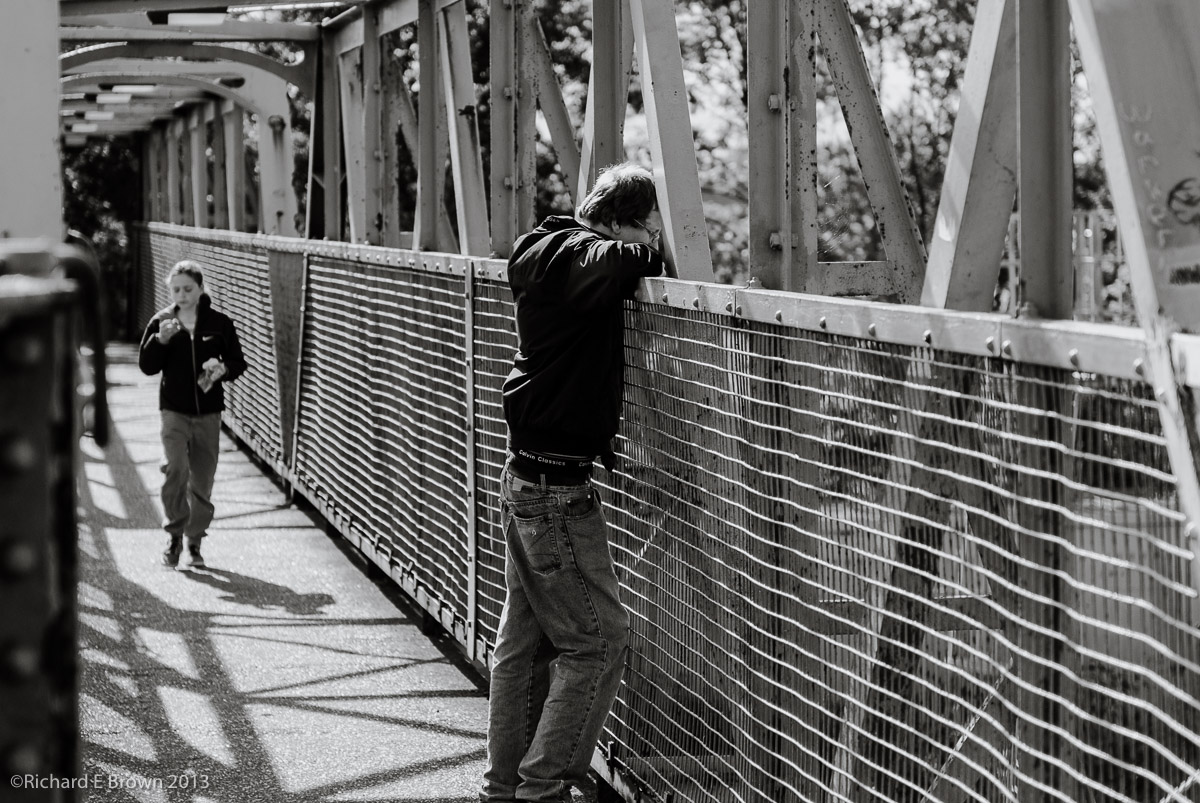
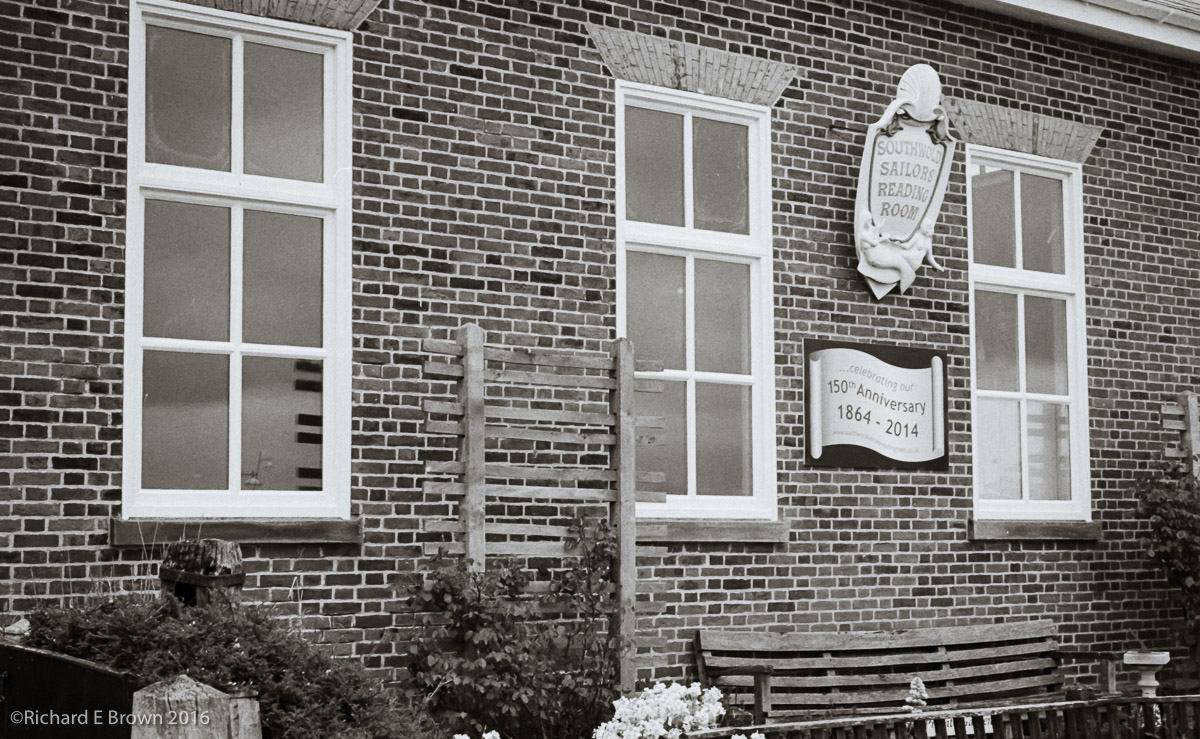
Leica M4 and Kodak Tri-X
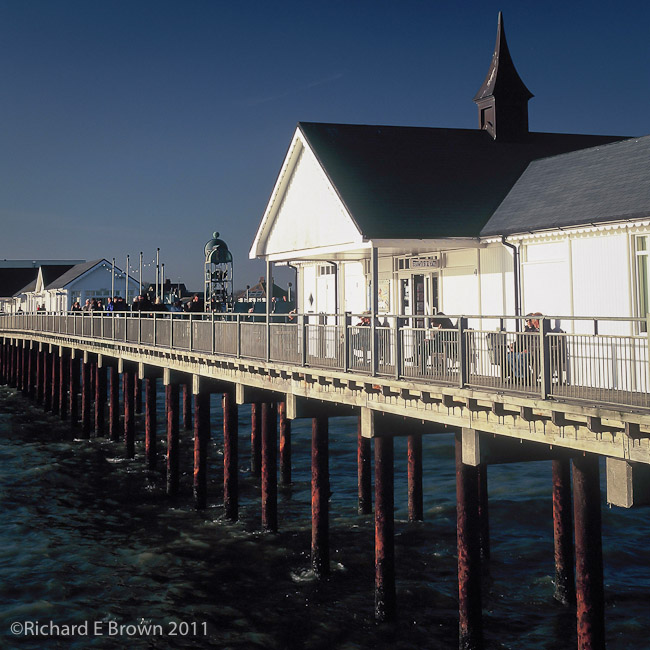
Sailors Reading room in Southwold
We had another update to Adobe Lightroom Mobile and this time they seem be indicating that we now have RAW support for the Mobile version.
This was a big thing for me as I have blogged about in the past. Though Lightroom Mobile already supports DNG, I do want Nikon NEF support.
So I just had to give it a go. I use Lightroom Mobile often to do a quick edit from when I am street shooting using my Leica. The edits are usually just quick adjustments and crops. This time the test was very simple I just grabbed my Nikon D800 and shot a few snaps of the dog and a few flowers in the garden.
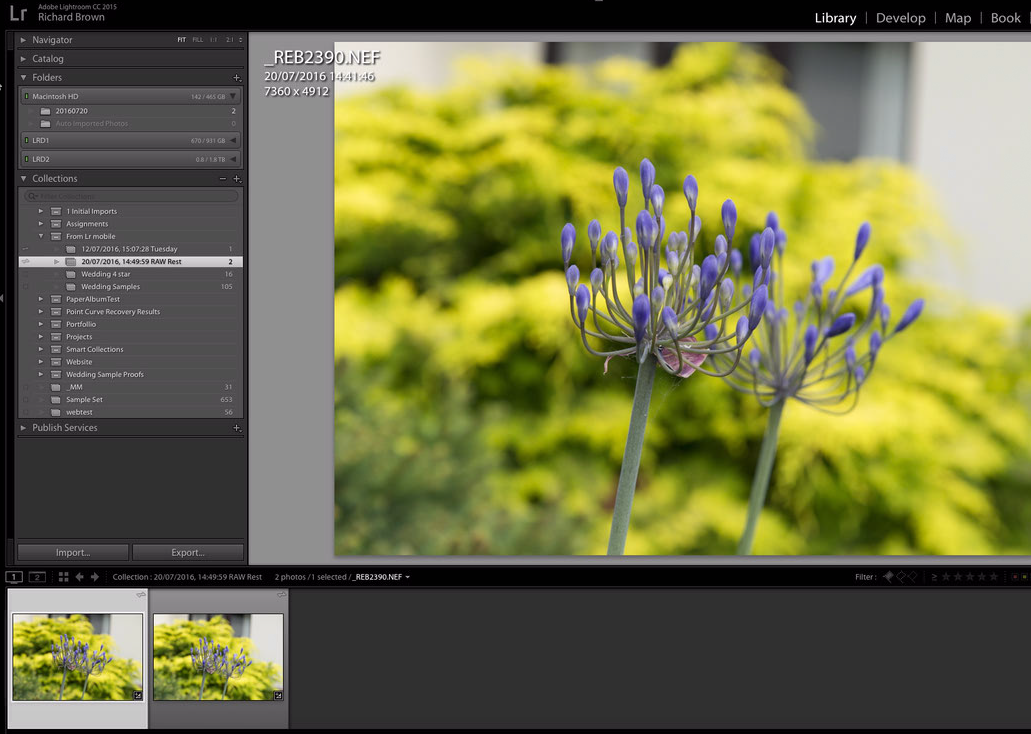
So after a few quick snaps I grabbed my iPad 9.7 Pro and imported the RAW files. All looked good and this worked without issue. I then dived onto my Desktop computer and checked out the ‘From LR mobile’ Collection set.
There I saw my photographs arriving. The question was what format? Lightroom reported them as RAW and I also browsed to the file location in finder to confirm and there my files were. So we now have full RAW support in Lightroom Mobile, thanks Adobe.
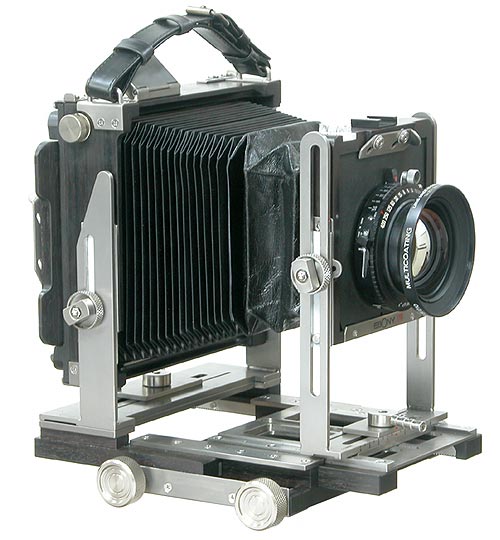
After many years the owner of Ebony cameras has decided to shut up shop. The 30th June 2016 is the last day for orders.
These beautiful cameras made of ebony wood, leather and titanium metal.
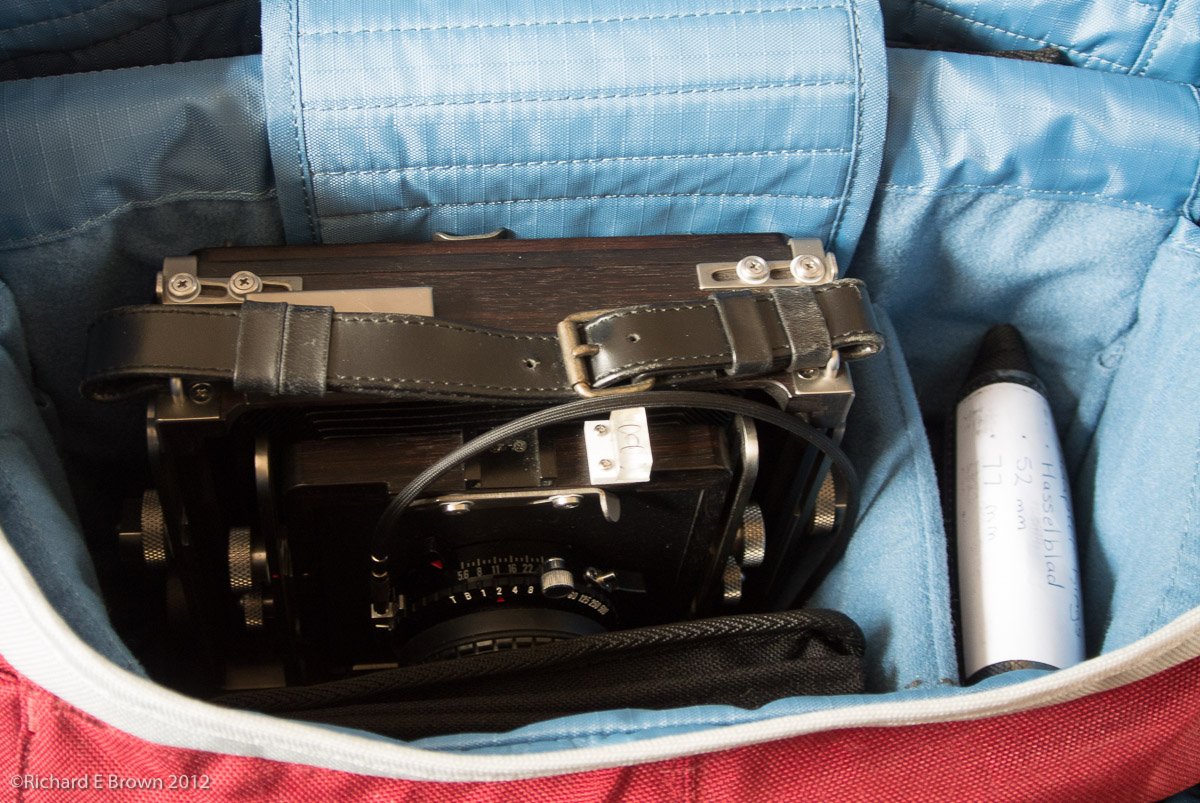
For a large format camera they fold down well and I have hiked with one on a shoulder bag, holding the meter and filters as well.
Its a camera that will last my lifetime as long as I can continue to get hold of film.
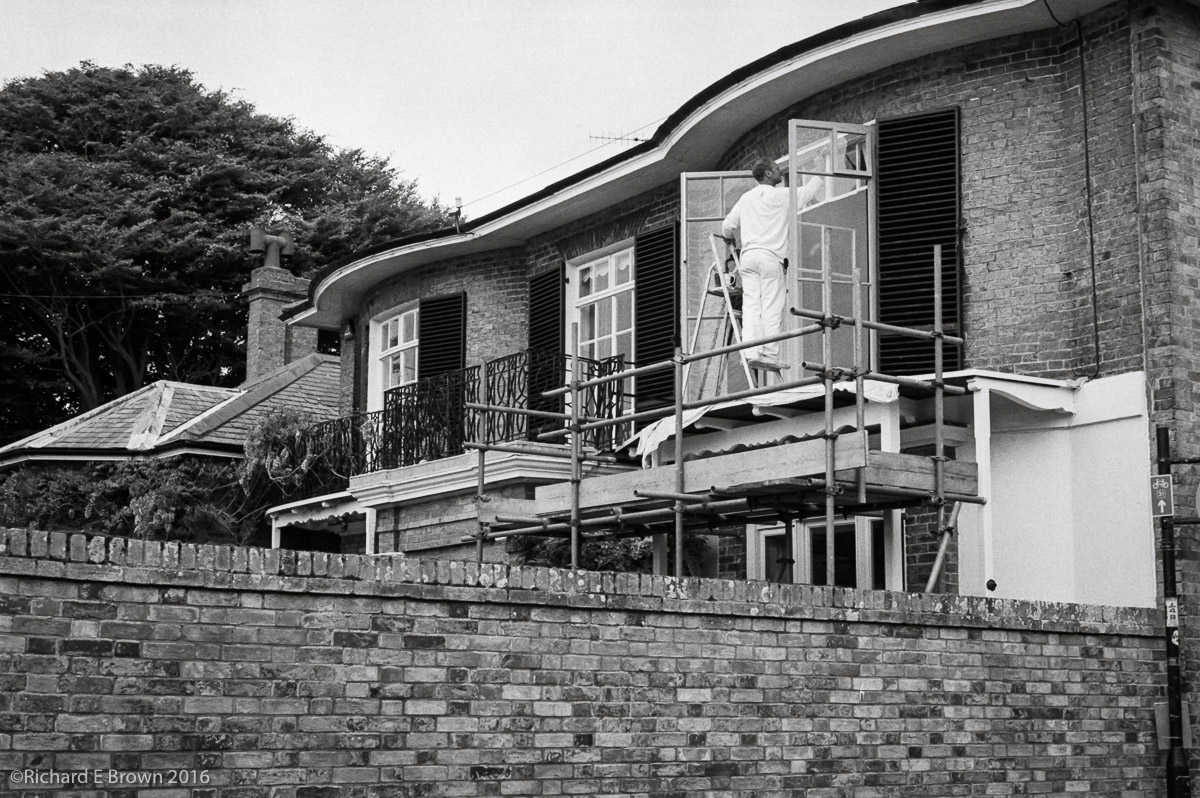
Here is a film Friday. Taken when out for a stroll with the Leica M4, and a handheld meter.
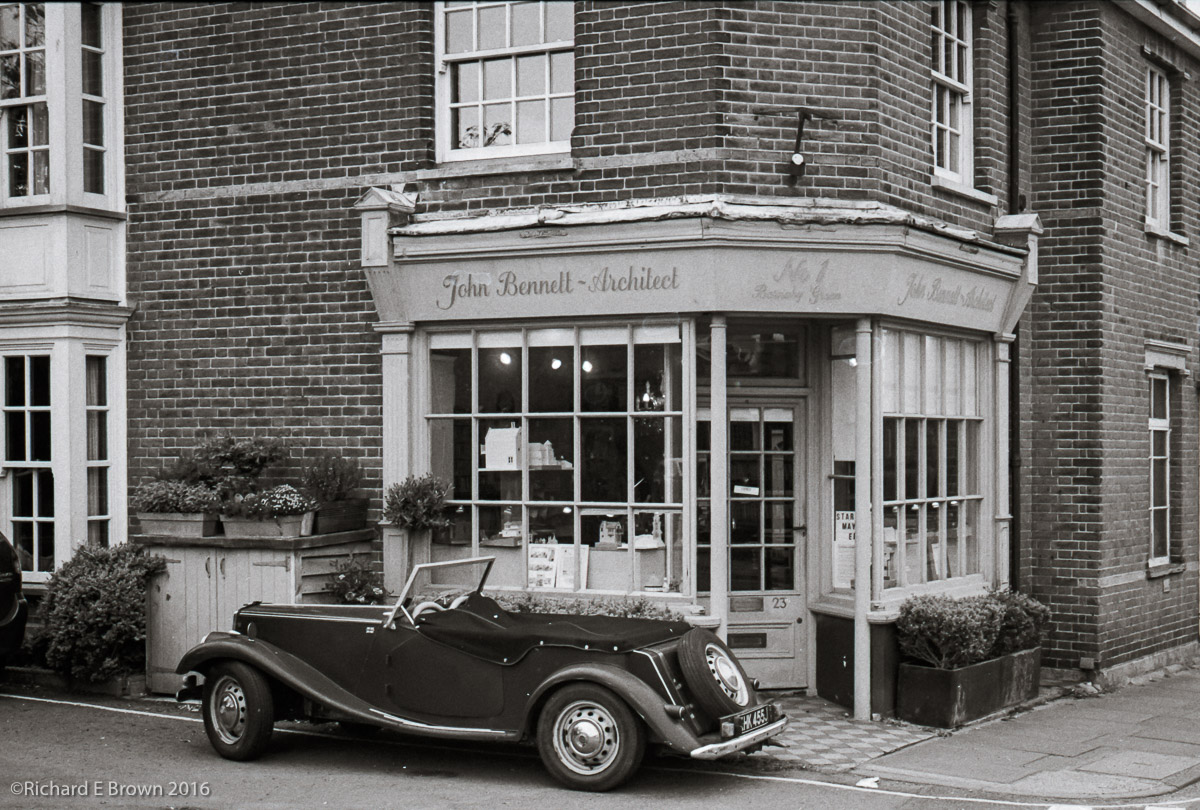 Leica M4
Leica Summilux 50mm f/1.4 ASPH 6-Bit
50mm, 1/500 Sec at f/8, ISO400
Developed in Ilford Ilfotec LC29
Scanned Epson V85p Pro
Post Processed in Adobe Lightroom CC2015.5.1
On a Mac Pro, OS-X 10.11.5
With two rolls of Kodak Tri-X all developed and now dry, it was time to get down to some scanning.
As I have blogged about this before, this is a bit of a re-cap; getting everything clean is the first and major step, after that it is relatively simple.
My scanner is an Epson V850 Pro and instead of using the bundled Epson Software, I use SilverFast.
Step One clean and mount the film and scanner plate
Select Pre-Scan, at this point it does a basic scan

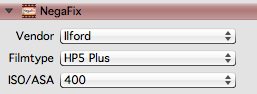
Now for the time consuming part.
Once all frames are done I then select batch scan and have it uniquely number each file and place them in a watch folder.
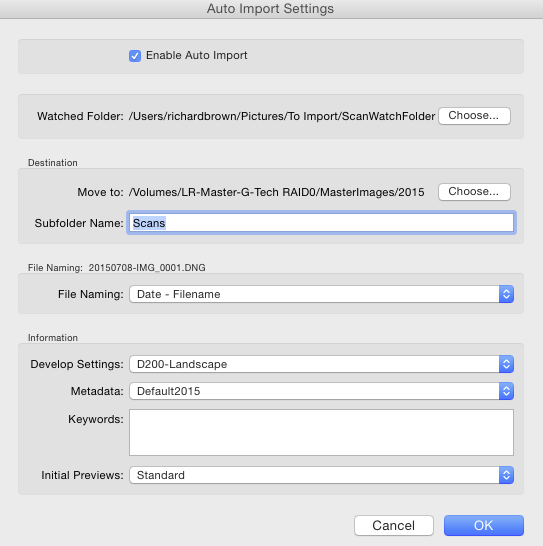
Its then over to Lightroom where I configure Auto Import. I have found the the default developer settings I use for my Nikon DSLR are a good starting point and I have Lightroom add the current date to the scans filename.
I now go off and have a cup of coffee and leave the computer to do its stuff, the scanner putting the images into the watch folder and then Lightroom automatically importing them, adding some developer settings and meta data and adding them to my main Catalogue image store.