Consistant File Names

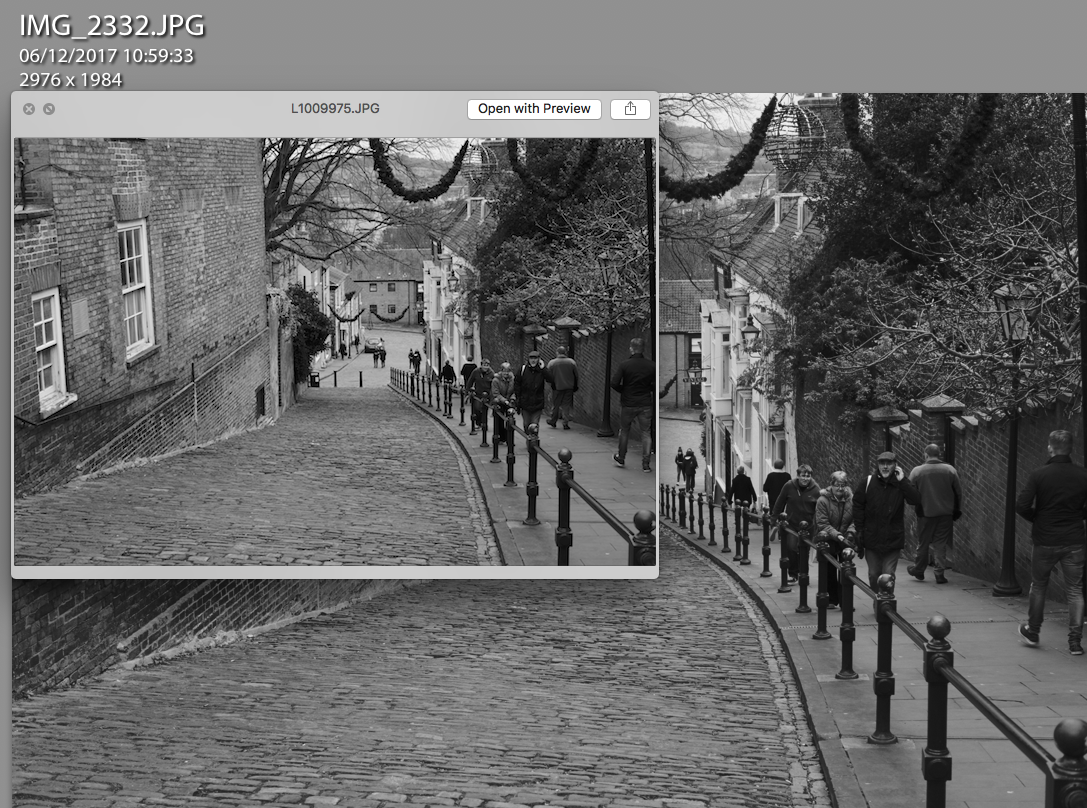
Lightroom reporting a different file name then the one on the memory card

If your like me or most professional photographers then you take a lot of pictures when shooting digital.

Being able to find photographs afterwards in your asset management system is important, and with modern meta data and database systems, the actual file name is becoming less important.

Sometimes though the file name is all you have to go on if your using more then one workflow.

With my desktop Lightroom catalogue, the new cloud based Lightroom CC on my laptop, iPhone and iPad, then keeping track of what I have imported and what I have not can get difficult.

At the weekend i’ll be shooting in the studio with several models and using several different cameras.  Afterwards my work flow will be fairly straight forward.

  1. Copy all the cards to the internal SSD of my Desktop Machine
    1. These then will get backed up by my automatic PC backup
  2. Import to Lightroom Classic
    1. This copies the files to my main external Thunderbolt Drive
    2. This also makes a backup copy to Dropbox
  3. Initial metadata and develop by preset
  4. Then sorting out selects and picks to do a final edit on

When I am shooting more informally then the work flow may be the above, but its more likely me just grabbing the card at the end of the day and then copying the files to Dropbox to sort another day.  Or using my iPad SD Card reader and pulling in the photographs to Lightroom Mobile, or even using the Leica Mobile iOS app to pull off the odd photography.

The problem with these other workflows is that sometimes the process, it the Leica App or the iOS operating system itself is changing the file names.  This then makes it difficult to keep track what photographs have been imported into my master library on the desktop machine and what are still to import.  If not careful you can either loose photographs or end up with duplicate shots in your library.
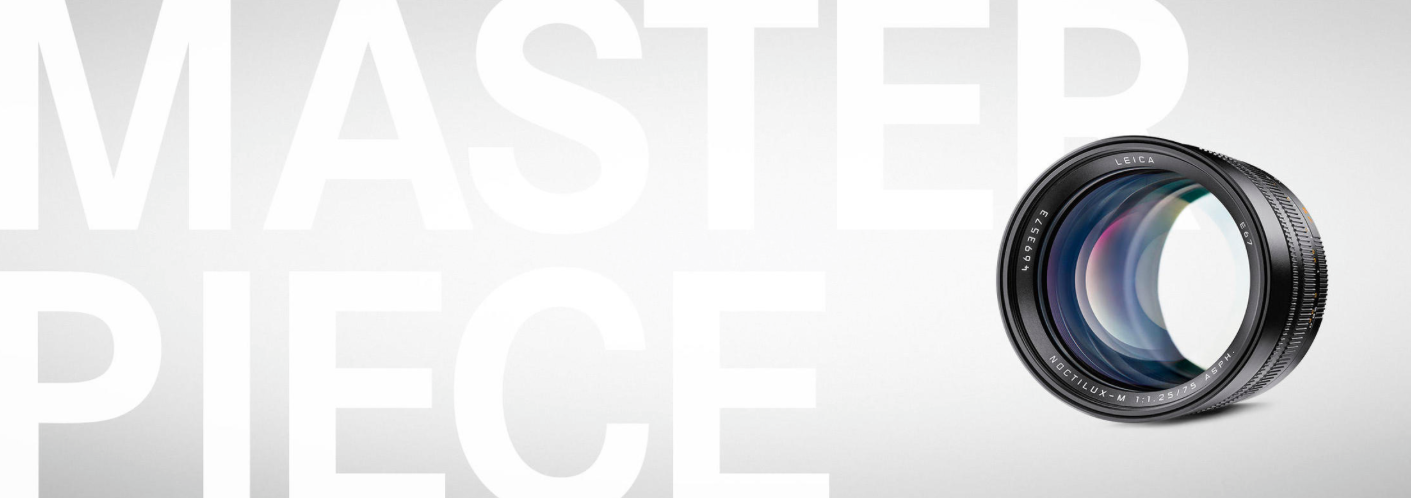
Noctilux-M 75mm

We have had quite a bit of news from Leica over the last few weeks.

On the camera front we have the new Leica CL (review here from Jonathan Slack), which is growing on me but I must keep saying no.  For how I would use that camera an Olympus Pen-F would do just as well and for the price I could get a few nice Olympus lens as well.  We also had a special edition Leica M240 in Red.

We had the second of Leica’s old classic lens released plus they have been releasing a few of the modern lens in the old classic look lens bodies.

We have been hearing rumours over the last couple of months of a new Noctilux and not a 50mm, but some have said it will be a wide angle others have been saying a short or long portrait lens either 75mm or 90mm.  Well this week we finally had the official announcement.

The new Noctilux is a 75mm f/1.25 ASPH.  In the sample photographs the images look absolutely stunning, the options available to you with depth of field and the stunning bokeh.  The look you can achieve is outrageous but then so is the price.

Working with Adobe Lightroom Classic, CC and Mobile

I was not sure I would use Lightroom CC (the new cloud based solution not what they now call Classic), but this month I have been playing with it a little and decided there are some useful elements that I may be able to incorporate into my workflow.

In Lightroom Classic (what used to be called Lightroom or Lightroom CC), I generally have one large catalogue on my master desktop machine.  This means when I am working away I need a separate catalogue on my laptop.  This I usually keep in my Dropbox.

When shooting on holiday or when round town, i’ll sometimes take a break in a coffee shop.  While enjoying my coffee i’ll import the photographs using the Leica iOS app into my iPhone or iPad, these get imported into Lightroom Mobile which means if I want to later do any more editing the photographs are on my desktop machine.  The issue is; if I was away from home I could only then work on the images on the iPhone or iPad as the Cloud can only sync with one catalogue and I have it set to my master catalogue.  My laptop would not get the images synced across.

But now we have some more options.  If working on my laptop I use Lightroom CC and store the images in the cloud.  If I have used my iPad or iPhone the images also appear and can be worked on in Lightroom CC.  Once back to my desktop as the master catalogue syncs with my cloud the photographs are also there, so we have a way of working on the same images across multiple desktops and devices.  Useful.

Leica CL Digital

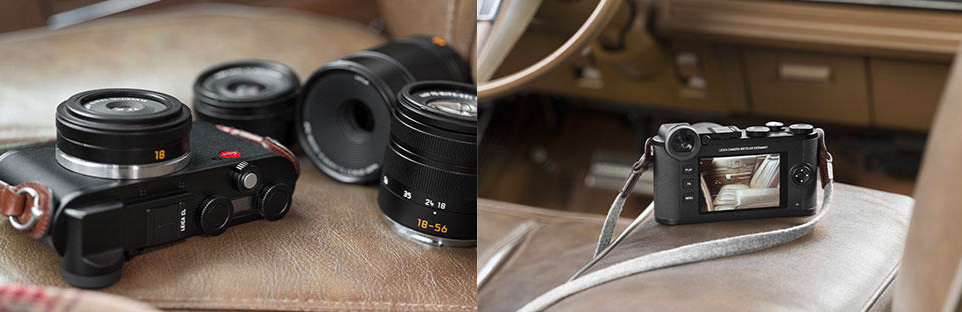
The Leica CL was a cheaper Leica M and did well, the new Leica CL is a camera I have been waiting for Leica to produce for the last few years and it excites me greatly.

The Leica Vario was marketed as a mini Leica M, and because of this if failed.  It was a good camera and fitted a niche well but because of the marketing people were expecting something it was not.

The Leica CL takes the best parts of the Leica X series, Leica Q and Leica TL and produces a real photographers mirrorless camera.

If your looking for a new camera then an Olympus, Sony or Panasonic mirrorless camera may be better but if you want a Leica and to be able to use Leica’s TL and SL glass plus all the old M glass and even R glass in a small modern mirrorless camera then its the one to pick.

I can imagine a lot of older photographers whose eyesight is now getting the better of them, trading their Leica M’s for this and still being able to use there favourite glass collected over the years.

For many photographers its what they expected the Leica TL2 to be.


Wildlife Photography with a Leica M

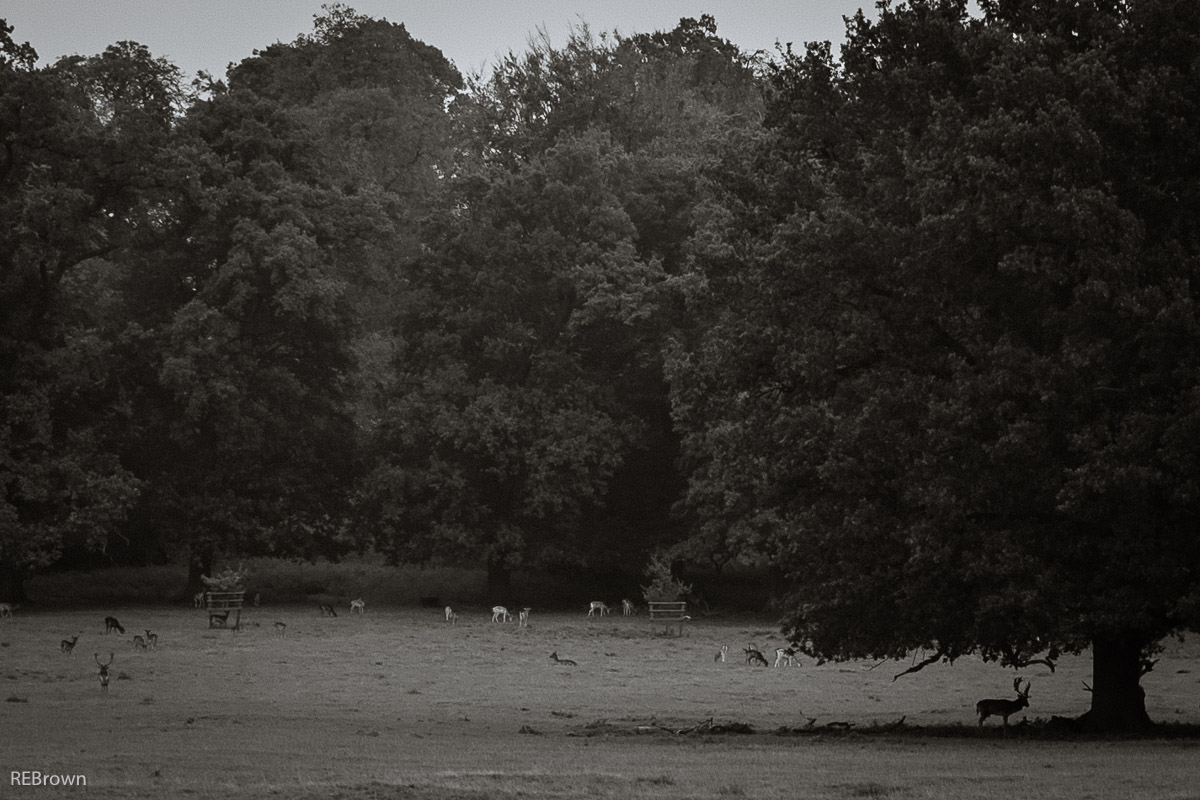
I was doing a bit of market stall photography at the Autumn Market, so was shooting with my Leica M10.  We also took a stroll through the grounds of the local country house and came across the deer.

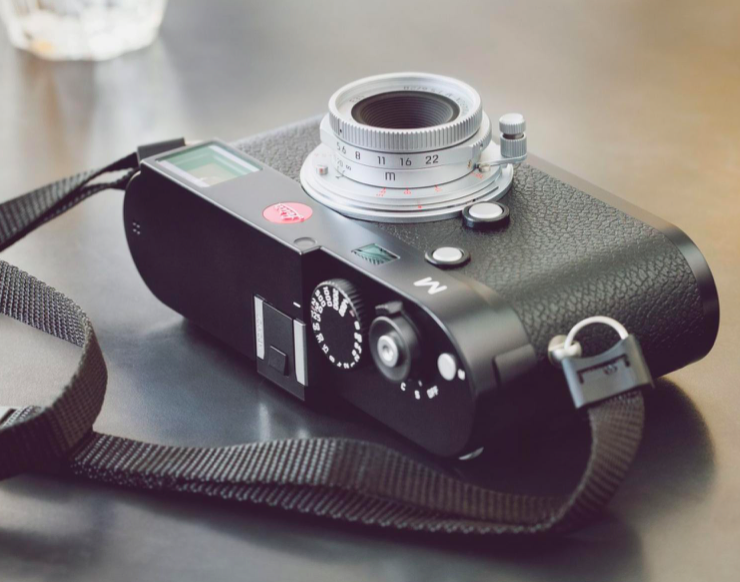
Now a Leica M with a 50mm lens is not the best choice for wildlife, but in situations like this you use what you have.

Sony’s Medium Format Sensor Roadmap

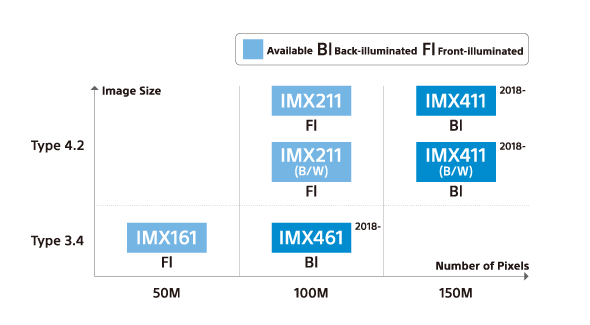
With all the interest currently being shown in high resolution sensors, its with great timing Sony have released their latest medium format sensor roadmap.

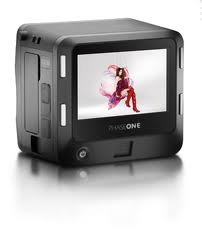
The Pentax, Fuji and new Hasselblad all use the more affordable 50 MP sensors but we have 100 MP version coming in or soon after 2018.  More important then just higher resolution the new sensors deliver nearly 100% faster data read speeds so expect the next generation of mirrorless medium format cameras to be much faster.  For the big boys, and were are talking high end PhaseOne and Hasselblad H series cameras we have a 150 MP sensor coming soon.  Exciting times ahead.

Medium Format for Studio and Landscape – Mirrorless Options

With the recent released of mirrorless medium format cameras I thought I would give some thought to how they fit in with the use I would put them to, and how they fit in with those tasks.

On one side we have the Hasselblad, fixed rear screen weather sealed and only a leaf shutter.  The Hasselblad was announced and nearly released at the same time as the Fuji, but delay after delay hit them and the firmware was very buggy.

For outdoor use its a good solid camera but it excels when shooting fashion outdoors mixing studio and daylight with great creative options due to the leaf shutters built into each lens.

Fuji are less well thought off when it comes to medium format but they have a long history of producing well designed medium format; not only that, but Fuji built the built the Hasselblad X-Pan panoramic for Hasselblad.

The Fuji with its tilting rear screen, weather sealing and focal plane shutter is not quite as flexible in mixed lighting conditions but is possibly superior for landscape use.  With the focal plane shutter you can also use other lens with the Fuji.  It also has the advantage of the removable EVF which hopefully will get upgrades.

As an alternative there is also the Leica S.  An SLR styled camera with weather sealing and a focal plane shutter, but the lens are available in two versions one without a shutter and one with a leaf shutter, thus if you need a leaf shutter lens its available to you.

What would I choose, well if money was no option the Leica is the most tempting with its flexibility.  The newer Hasselblad and Fuji have the advantages of newer higher resolution sensors and they are also cheaper then the Leica.  So out of these two I would say my heart says Hasselblad but my mind says Fuji.  At the moment the Fuji is the better camera, better hardware and firmware.