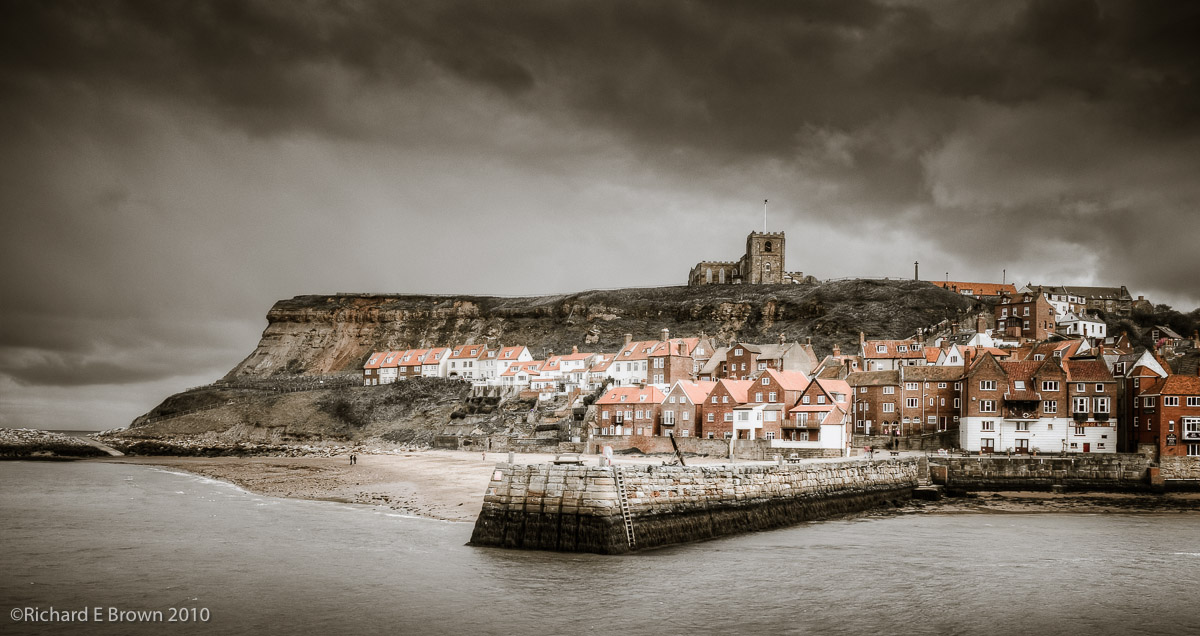
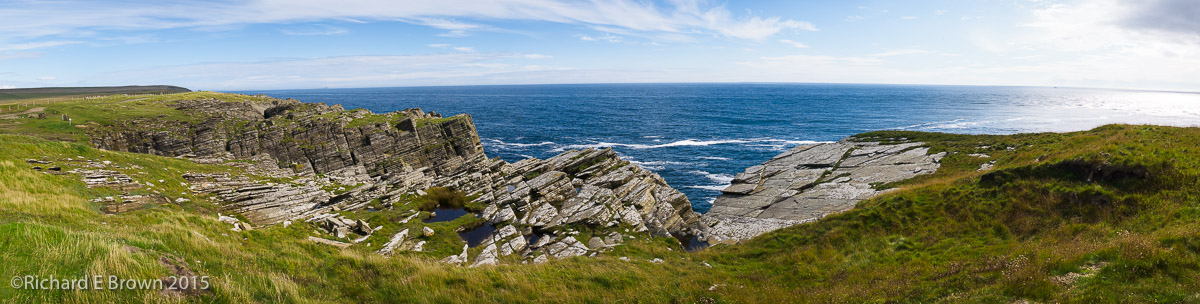
This weekend was Discover Lincolnshire Day, if your after a weekends break then Lincolnshire has everything to offer, from antique fairs, castles and historic cathedrals, to motorcycle and car racing at the iconic Cadwell Park.
For a photographer like me then the views of the Lincolnshire Wolds to the fantastic architecture of the buildings, there is always something to photograph, and as we head into spring the parks and nature reserves have much to offer.
Mirrorless cameras are gradually gaining traction amongst professional and semi professional users.
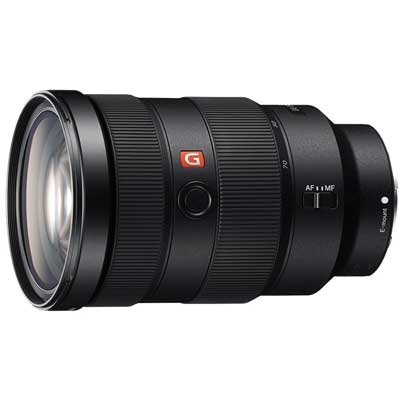
The advantage of a smaller, lighter body appeals to many. We now have full frame mirrorless cameras such as the Sony A7 and the Leica SL. When Leica released the SL they also released a huge no compromise zoom lens for which they got a lot of criticism, but now we have the Sony G range of lens coming out.
The point people keep missing, is that for 35mm full frame, high quality fast lens are large and heavy.
I have to admit, I like having the choice. As a Leica user who also uses a Nikon SLR, when the focus system gets as good as pro DSLR’s I can see me having the latest Leica SL and a few large pro lens for when I need them, and for times when I do not, either a small M prime lens or a DX crop Leica TL lens on the body.
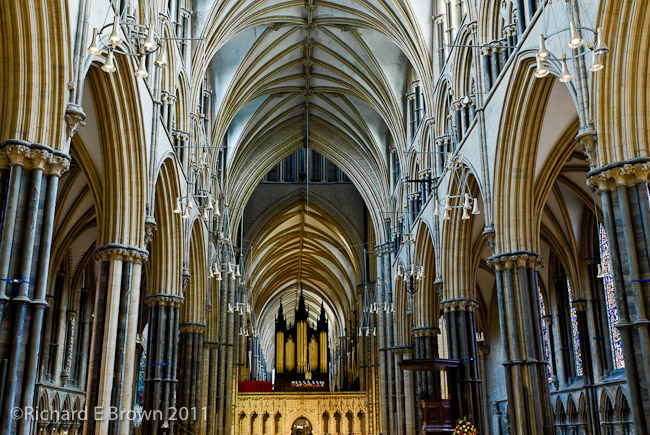
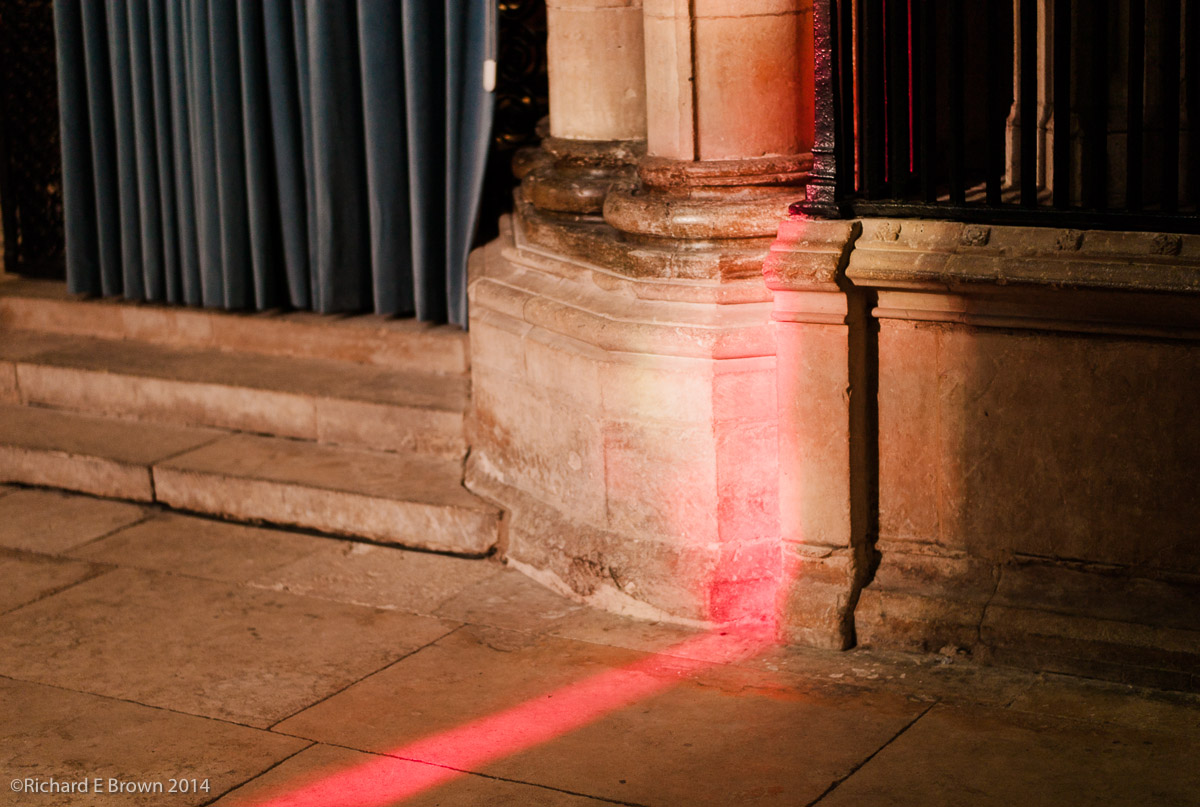
This weekend I made one of my monthly visits to Lincoln Cathedral. I generally wonder round the uphill area of the Bailgate taking photographs and then go into the cathedral for a while.
Generally I take black and white photographs. A job that the Leica M8 excels at. This time I took two cameras, my Leica M4 loaded with Kodak Tri-X and my digital M8.
My outdoors street photography was all done with the M4, and as I have not quite finished the film yet, you will have to wait a while longer before seeing the results.
In the Cathedral itself, I switched to the Leica M8 so I could crank up the ISO some more. I was shooting the 24mm lens which on the M8 is an effective field of view of about 35mm. My 24mm is only f/3.8, so shooting film was not really an option, unless I was willing to push the film, but the rest of the roll had already been exposed at 400 ISO. One of the many advantages of digital is the ability to change the ISO from shot to shot.
For a change I have decided to post a colour shot. Despite it still being winter, we still had the odd moment of sun breaking through the clouds and the light through the stain glassed windows is always remarkable.
This week there have been a few interesting Leica M rumours flying around.
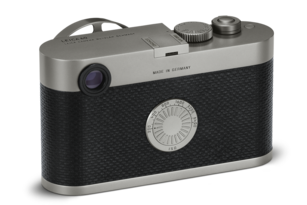
Leica used to have a M called the M-D many years ago and this week the name started to make the rounds again on the rumour sites. The rumours are contradictory. Some say it will be a Leica like the Leica M60 limited edition which is an M 240 but is missing the rear LCD.
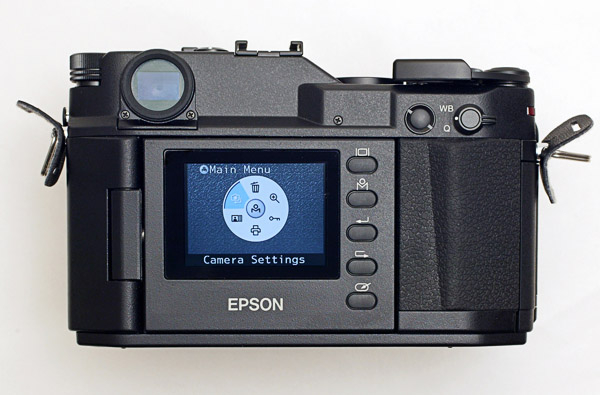
That will appeal to some but I prefer the Panasonic GX8 and Epson RD solution to those who do not want a rear screen. They both have reversible and foldable rear screen, so you can either have the LCD or fold it over and have a plain leather back.
But there is a second rumour going around that is much more interesting, and that is that this Leica M-D is going to be a Leica that has no rangefinder but takes M glass, instead of the optical viewfinder it will have an EVF. Now that would appeal to many photographers.
Whats the best camera? The camera you have with you.
Is that the big heavy SLR hung round your neck, the latest mirrorless, the biggest baddest sensor with the most megapixels.
Well if you look at Flicker its the smartphone. Most phones now have cameras and we nearly always have our phones with us.
Well we now have a press release from Leica and Huawei. Huawei are the third largest smartphone manufacture and they have teamed up with Leica to produce the best smartphone camera.
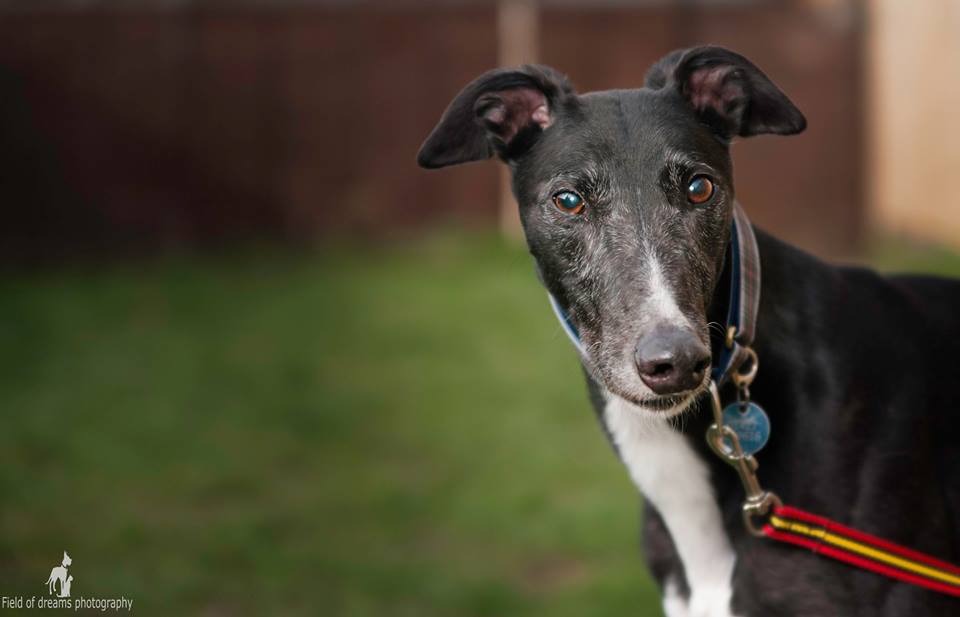
On Monday we visited the Gainsborough Kennels belonging to the Lincolnshire Greyhound Trust to see some of their dogs available for adoption.
A local photographer has also kindly lent his time to take portraits for many of the dogs for the Trusts website. Pet photography can be tricky and like when working with young children requires lots of patience.
Currently Sox and Timmy are our two favourites, its just such a shame we cannot adopt them all.
Nikon D800
Nikkor 300mm f/2.8 with TC17 Converter
500mm, 1/800 Sec at f/6.3, ISO160
Post Processed in Adobe Lightroom CC2015.4
On a MacBook Pro, OS-X 10.11.3
Well nothing has gone wrong on my laptop so its time to update my main machine.
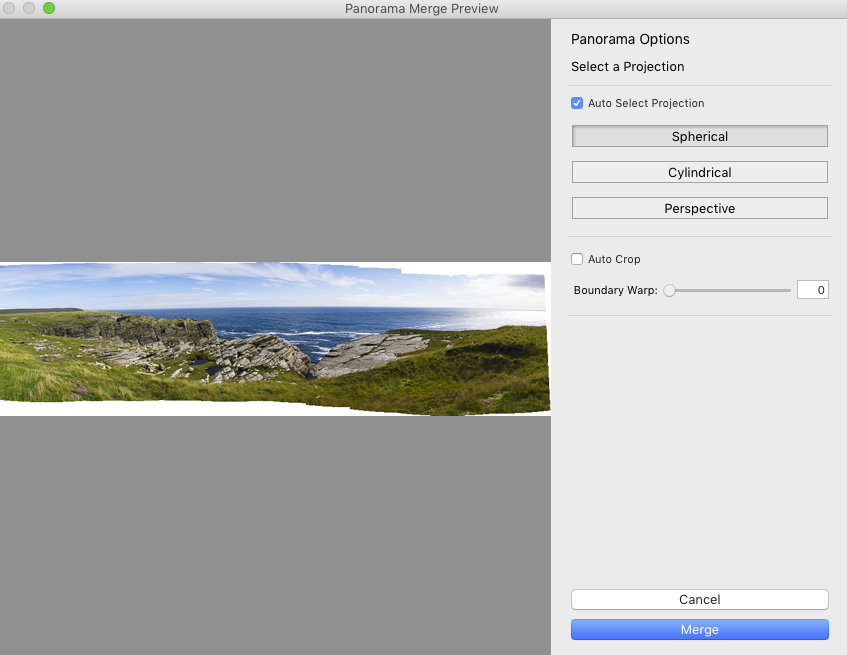
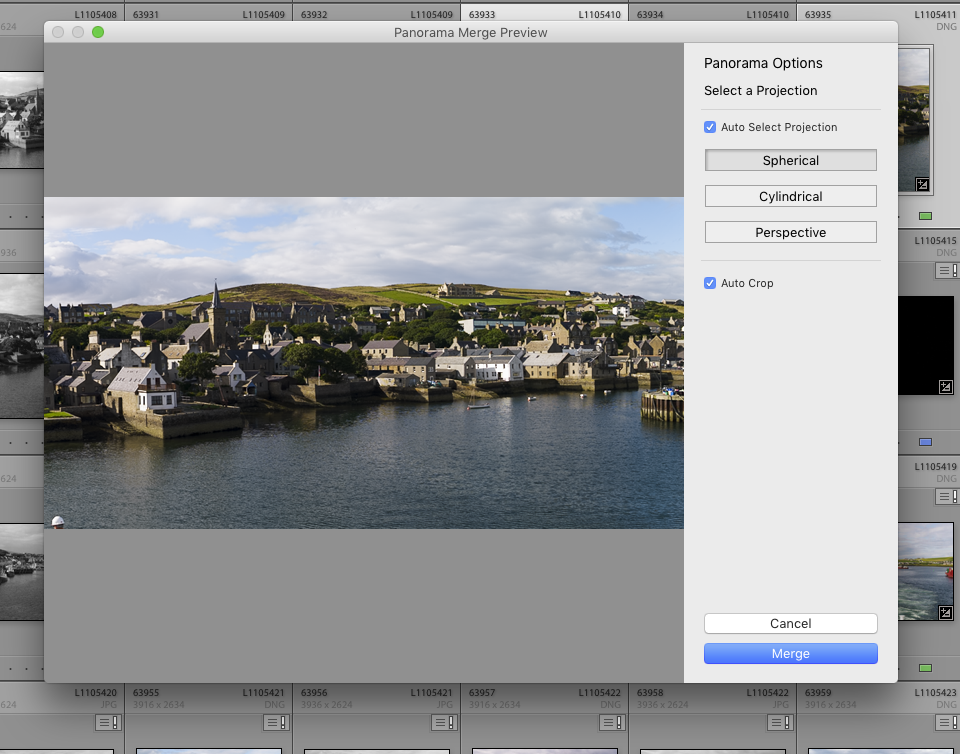
The feature that I have wanted to play with the most is the new Boundary Warp, when creating panoramas.
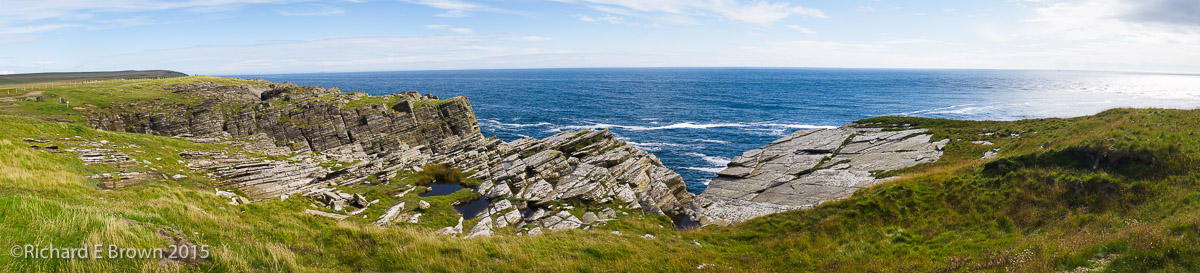
When shooting handheld you always get a lot of white space. This means cropping and loosing some of the shot. Now with the boundary warp you can get some of that back. There will be a lose of quality and its up to you to decide if its worthwhile for a particular shot, but its nice to have the option.
Pano v2015.3Pano Test v2015.4 with boundary warp at 100%
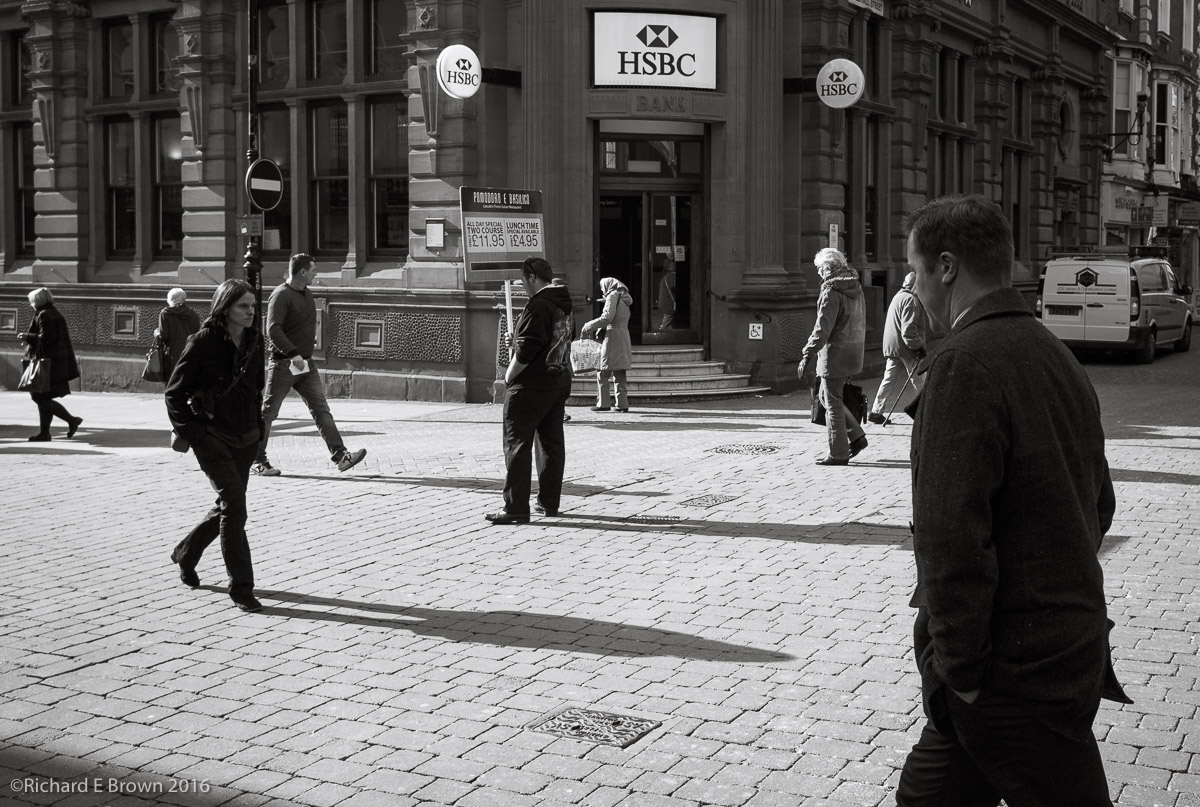
I have a large selection of shots like above. I usually pass by here most lunchtimes. Each time I take a few snaps if the sun is giving a nice amount of contrast.
I keep a lookout for the man with the placard and a reasonable selection of interesting people at key points in the frame. I have a few shots that I am happy with but no knockouts yet.
This shot was taken today while I headed to the best coffee shot in Lincoln.
We had another set of Adobe updates recently and I have been holding off from updating. It seems it was a good idea as the update seems to have been deleting other application folders not related to Adobe.
Come on Adobe I used to trust you and update straight away, now its worry, I have to hold off, test on a spare laptop before risking my main machine.
The latest Adobe Lightroom has added an interesting new feature to those of us who create panoramic images by stitching photographs. Generally you will end up with white space resulting in having to crop tighter, but now you can use boundary warp to fill in the white space.