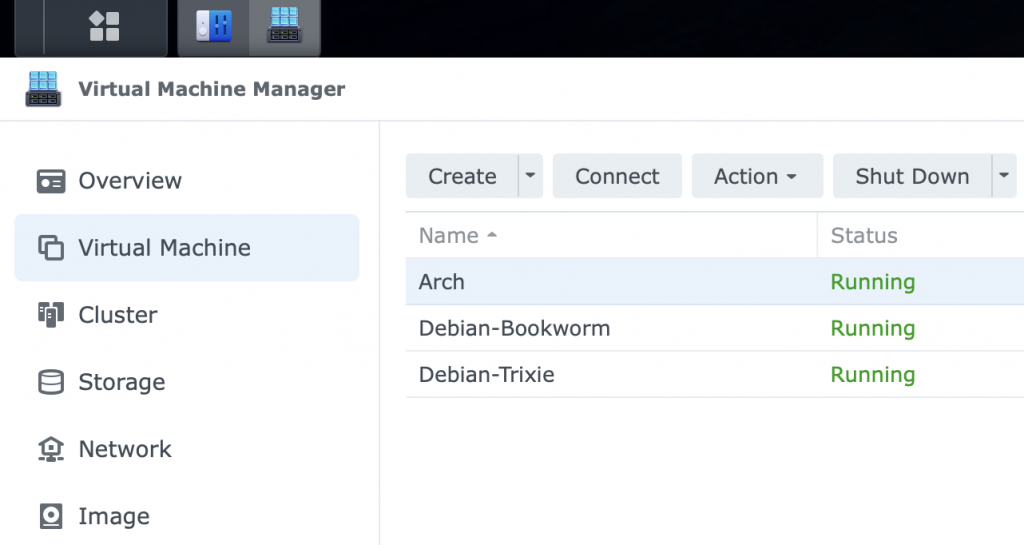
My home server is Debian, the bookworm version, but I have a couple of test Debian instances running as virtual machines on my NAS for testing.
You hear a lot of noise about how great ‘insert latest distrubution here’ is. Debian gets a lot of flack for being old, but its stable and works, if you don’t want flashy I can recommend it, but it may not work on the latest hardware for a while.
Arch linux gets a lot of noise and seems to be the latest and greatest. Part of its appeal was the fact it was difficult to install, no longer true just type archinstall, but still no pretty GUI installer.
I use a selection of hypervisors for virtual machines, from KVM on my old Lenovo laptop running what ever is the flavour of the day of linux I want to play with, virtual box on my Mac laptop and virtual machine manager on my Synology NAS.
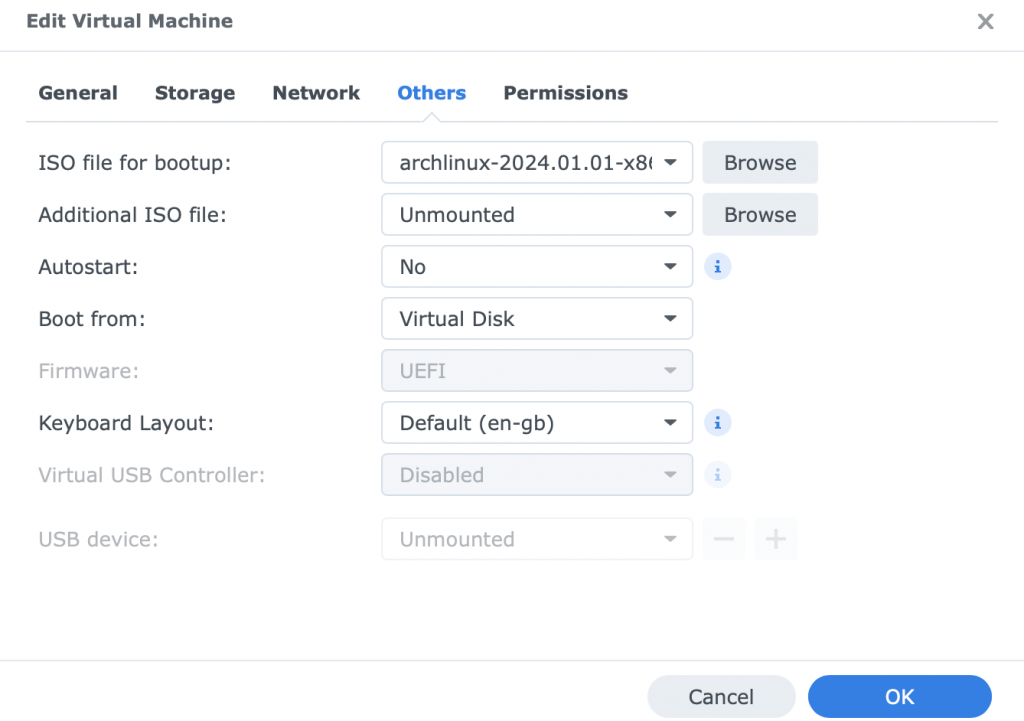
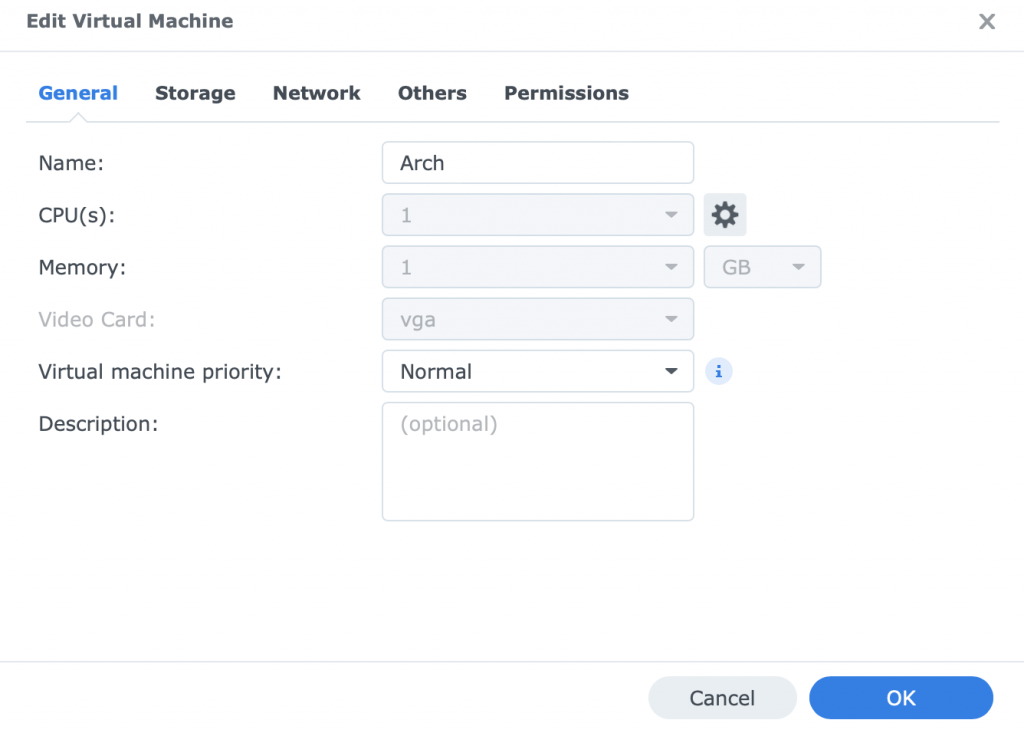
I do occasionally have issues with the Synology NAS, and Arch was no different with it seeming to hang. By default the NAS does not use UEFI which I prefer and change but the hanging issue was the video card. I had to change it from the default to just vga, then no issues.