Mirror-less Party – is it coming to an end

A Fun video about the current mirror-less range. Chris did beat me to this and posted it earlier in the year but I could not resist posting it too.

All the major players are now manufacturing mirror-less system.  The new systems have been a huge hit in the far East.  Recently on a trip to the Böd of Gremista to visit the Shetland Textile Museum, the museum had opened early to allow a coach load of Japanese tourists to visit.  They were just leaving as we were arriving and every one of them had a mirror-less camera round there neck or in there hand.

Yet here in Europe and in the United States of America sales have been slow.  All the major players have released there annual reports now and it shows mirror-less is not making any money.  People still prefer there SLR’s.  Part of the problem can be seen on the camera internet forums and with companies like Canon and Nikon.

People are saying mirror-less is a competitor and Canon and Nikon seem to see it that way too, releasing limited, crippled or models with issues that do not compete with there SLR ranges.

Mirror-less I see currently as a companion camera and not an alternative option, but there are getting better and because of the expense of manufacturing the mirror modules I see SLR’s adopting mirror-less technologies, this will improve camera makers profit margins.
Make your own Coffee

Inventors Blend


I have to admit to being a bit of a coffee geek.  In the office I make good coffee with an aeropress, I hand grind all my coffee fresh each morning.  At home I tend to use a Chemex but also sometimes a Kalita pourover, and when the mood takes me even a Turkish Hob Coffee pot.

I like to support the local coffee roaster but also buy coffee mail order from great online shops like Hasbean.

Recently Hasbean have being doing monthly specials, coffee blends that are a bit risky, a bit different, some you will love some you will hate but always different and educational to the palette.

This month they are being different again and offering you the chance to make your own blend, four very different beans, which you can mix to produce your own, looks like I am going to have a fun month!


Profiles – Camera Profiles

An area that is often missed is that of camera profiles.

Colour Checker

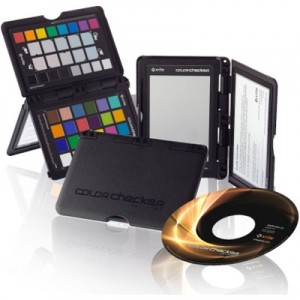
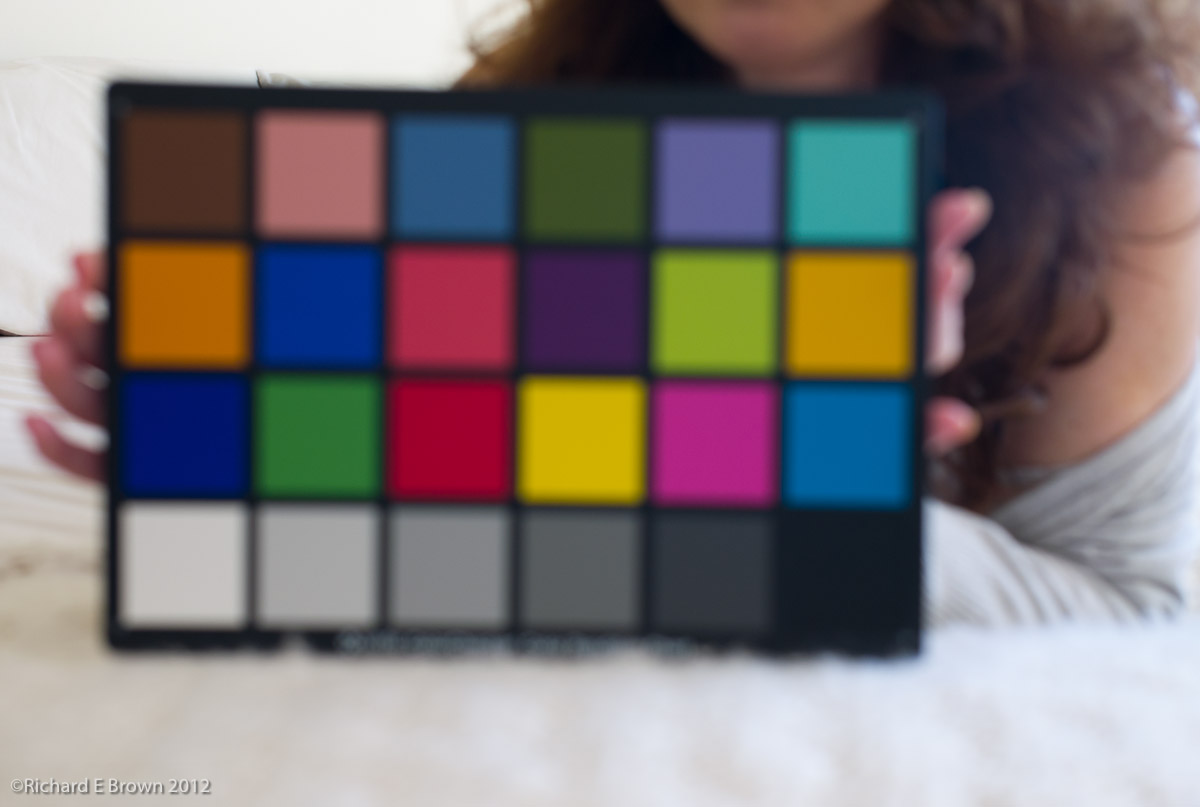
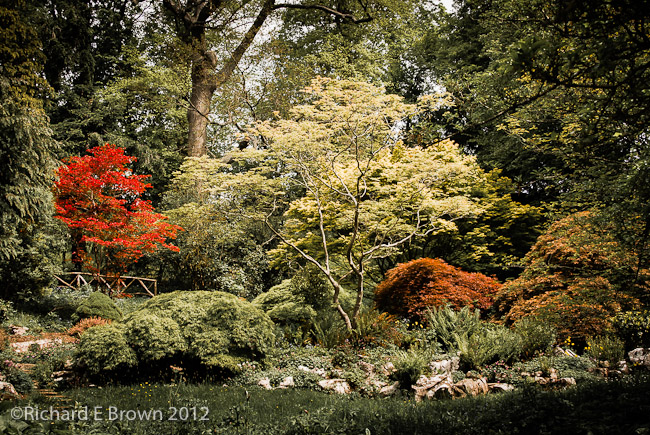
Building a custom colour profile for your camera is relatively easy with tools such as the X Rite ColorChecker, but today Adobe tend to build very good camera profiles into their products. If your a studio worker then photographing a grey card at the start of your session and getting your white balance correct, plus using the built in profile in Photoshop or Lightroom will get you accurate colours.

Colour Checker
Adobe built in Profile
Colour Checker-2
Custom Profile

Which do you prefer?


Profiles – Printers

The GardenOnce your screen is calibrated, what about your printer? Well the output of the printer generally depends on the inks and the paper. You can get calibration devices to scan your prints and build custom profiles but today there is an easier option. Many of the top paper manufacturers have prebuilt profiles for there paper on there websites. Its just a matter of downloading and using.

With a correctly profiled screen and printer, plus using techniques such as soft proofing one can get prints that are close to what you see on the screen.

Profiles – Screen

Profiling your screen is possibly the easiest thing to do. Its also absolutely essential, unless your know the colours you screen is displaying how can you know what you are doing during the editing process.

X-Rite are possibly the best know company in modern profiling technology.

The first step to profiling your screen is to get hold of a measuring tool, for as little as a £100 you can now get a simple screen calibrating tool

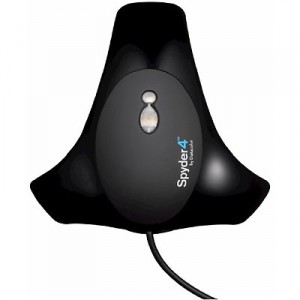
Spyder 4

Its a simple USB device that measures the output from you screen, the software flashes up known colour values and the calibrator measures the output value, it then generates a screen profile for your computer. This profile then ensures your screen displays colours accurately.

Profiles, Camera, Print & Screen – Introduction

Profiling is a key element of modern digital post processing.

Many people just shoot and publish either on web or paper, but getting your images to look right can be tricky if you do not fully understand all the elements.

Using the correct colour space, shooting RAW, calibrating your monitor are all essential elements to shooting digital and getting good output. Then there is Camera Calibration Profiles, Print Profiles etc. For beginners it can quite a minefield.

There is also the fact that not all monitors are created equal and laptop screens are inferior to desktop monitors, and while it may seem contrary to common sense, Black & White photography needs even higher end monitors then does colour.

A few years ago trying to get all these elements correct would prove extremely challenging but today things are a little easy.

High quality monitors which can approach the AdobeRGB Colour Space are now available well under £1000, cameras have a setting for AdobeRGB, and Software tools like Adobe Lightroom and Photoshop support work spaces like ProPhoto RGB, to maximise range of colours and tones available while editing.

Its a fact that while people understand that the computer screen can display a different set of colours and a wider dynamic range it is not better or superior to a paper print. Then there is the web, many browsers while capable of handling colour management some do not. sRGB is still the colour language of the internet and a picture in a web browser is a poor substitute for your own calibrated screen showing your own work in Adobe Lightroom/Photoshop or Apples Aperture, or a fine print.

The best way of learning is to attend a good course on the subject but the next best thing is to purchase the series of video tutorials on the website Luminous Landscape.

Over the next few posts i’ll attempt to offer an introduction to the art of profiling, because without it no matter how you edit your photographs you are working in the dark.

V1 Sample Images

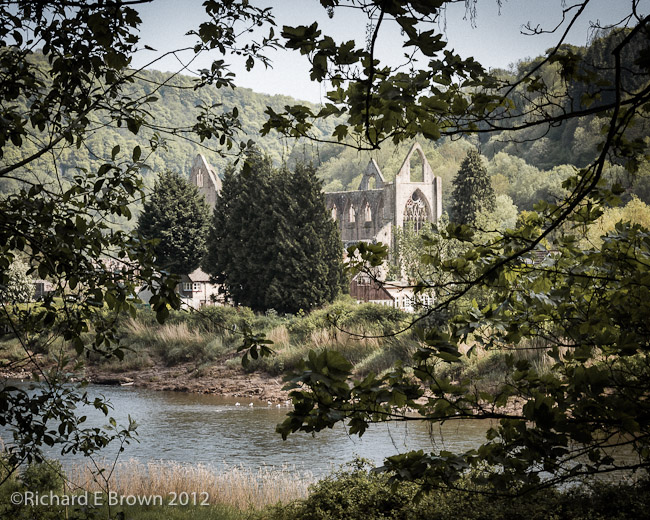
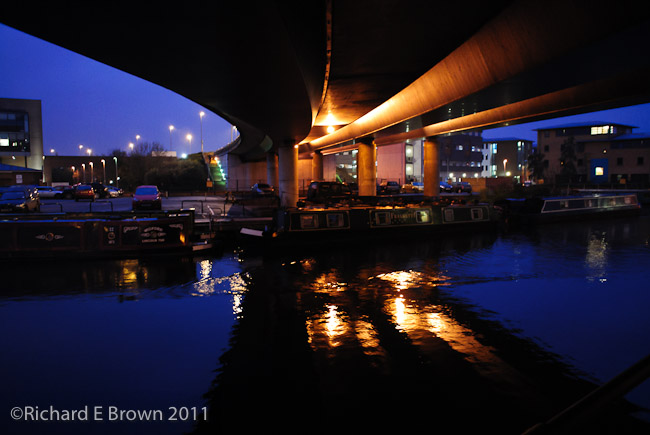
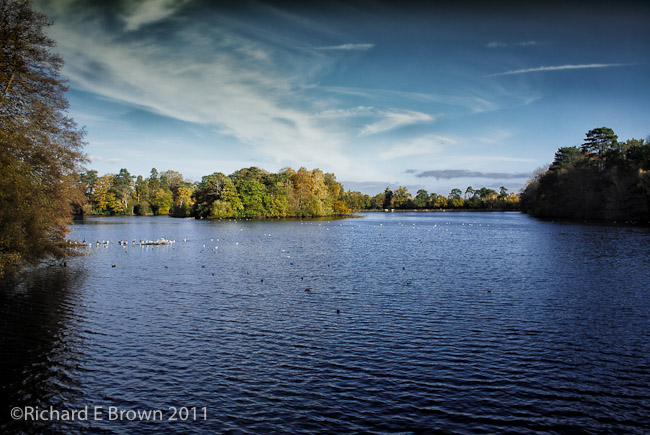
Tintern AbbeyAfter my post about V1 lens yesterday I thought I would post a few sample images I have taken with my V1, enjoy.

Nikon Raws-4 Nikon V1 - 28mm fov-2 Nikon Raws-2

Nikon V1 Lens – a few more options

nikon1


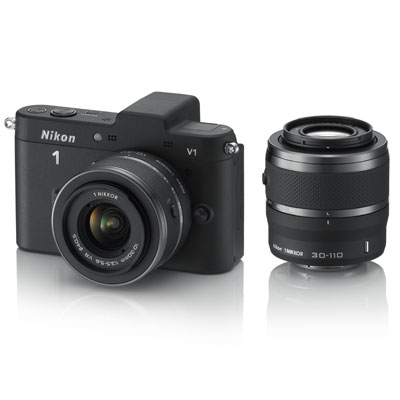
The V1 was initially dismissed by many as being an over expensive system with too small a sensor.  While I still think its over priced and has some ergonomic issues, its actually not a bad camera, with good image quality and its one of the fastest focusing mirrorless cameras.

I bought mine with the standard zoom, telephoto zoom and the 10mm f/2.8 prime.  It seems a while since some more lens have come along.  We had the Nikon 11-27.5mm f/3.5-5.6 but that was not much different to the existing Nikon 10-30mm f/3.5-5.6 VR which I already had.

Finally now we seem to have some nice primes coming through and a wide angle zoom.

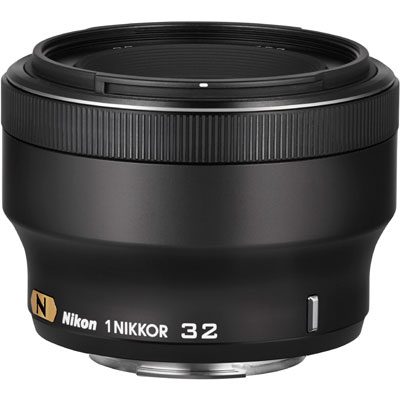
The new zoom is a Nikon 6.7-13mm f/3.5-5.6 VR wide angle and there is a new prime Nikon 18.5mm f/1.8.  The most interesting of the bunch is the new 32mm f/1.2.

Nikon 32mm f/1.2Yes you heard right a f/1.2.  This fast lens goes a long way to addressing many concerns about the small sensor size.  While you are never going to get selective depth of field as with a full frame sensor it produces a pleasing out of focus backgrounds.

I am still using my Nikon as a compact and keep thinking about replacing it with something like a Nikon Coolpix A or Ricoh GR, which have large sensors but if Nikon keep investing in some interesting glass and finally produce a V system body that addresses my usability issues with the V1 has and were not full addresses in the V2, I might stay with the system and invest in a little more glass.