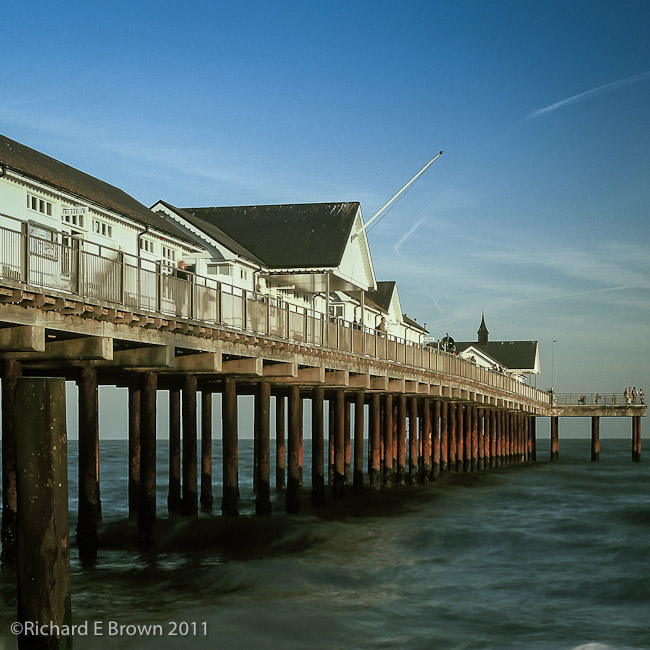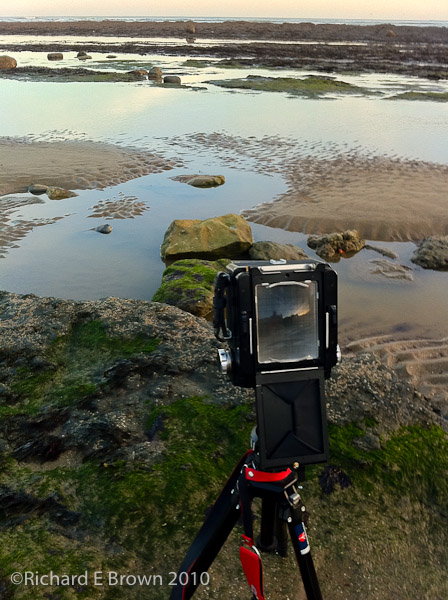
Here is a film Friday. Taken when out for a stroll with the Leica M4, and a handheld meter.

Family, Photography and other misc news

This week I have been hearing rumours about a new M mount camera but with a CCD sensor.
CCD has some advantages over CMOS, the noise is more random, giving a more natural looking image. The big advantage of CMOS is low noise at high ISO.
Still since Leica moved from CCD to CMOS people have been complaining, but with careful processing its actually very hard to tell the difference.
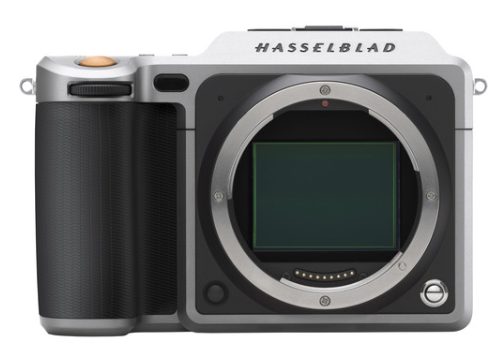
Hasselblad have now announced a press conference on the 22nd June, this is rumoured to be a digital XPan. With these two rumours people are now putting 1 + 2 together and getting 5, a new Hasselblad M mount camera. I do not feel this is likely but with Leica releasing cameras like M-D anything is possible.
Firmware 1.0.0.4 for the Leica M-D Typ 262 released. The only new feature that I can see is just a tweak to the power save mode.
One of the advantages of this camera is its power on speed and the fact it always seems ready to shoot, due to the fact it never powered down.
Having no screen and no video plus a big old battery it still lasted a full day. Now with this new firmware the camera does go to sleep after ten minutes of inaction. So it will be interesting how quickly it responds now.
The latest version of Lightroom now includes a Guided upright feature. In the previous version under lens correction you had the options you see below:
The corrections were Auto, Level, Virtual or Full. Used with care it worked quite well but I don’t think too many people were aware of them as they were hidden in the Lens Correction Panel.
We now have the corrections in there own panel called Transforms with the new guided option. This allows you to select areas of the picture for it to key on correcting the verticals on the areas you select, or horizontals.

This week I made myself have a lunch time walk around Lincoln. Each time I shot seventeen images (yes exactly seventeen on each walk).
Once back in my office I imported them into the iPad 9.7 Pro and did a quick select and edit of the ones I liked.
Usually for me I make my street photographs taken with the Leica into Black & White images but this time I kept most of them in colour. Most likely the wonderful weather putting me in a technicolour mood.
I did a quick a edit of the top shot on the iPad, boosting contrast, saturation, vibrance and clarity. I liked it even though its got a bit more colour impact then my usual shots.
Then as an experiment once home, I fired up the desktop computer and cloned the image processed on the iPad and then applied my usual Leica M8 People Preset. Then I returned the contrast, saturation, vibrance and clarity back to the iPad settings. A quick tweak of the back point and you have the second image.
Now I prefer the second image and it also shows that my custom Leica Preset I have created the the M8 certainly does a good job, but what I found interesting is that not having the presets available on the iPad and just developing the image by ‘touch’ has led me to a final image that is very different to the usual way I work and taken the image in a different direction.
Yesterday Adobe released Lightroom CC 2015.6. The big news for Leica users is support for the new Leica M-D, the screen-less Leica M (Type 240) based camera.
http://blogs.adobe.com/lightroomjournal/2016/06/lightroom-cc-2015-6-now-available.html?sdid=R726NVN2
This release for Creative Cloud members include the new Guided Upright feature.
It’s designed to easily straighten images, fix horizons, and reduce or eliminate the keystone effect in buildings.
I’ll be testing it with a few Lincoln Cathedral shots to see if it affects corner resolution adversely.
I was rebuilding my old eight year old laptop, fresh format and clean install of just the apps I use. i.e. Mail, Internet Browser, Spreadsheet, Dropbox, iTunes with a few favourite tunes and of course Adobe Lightroom, GPS4Cam (adds GPS data to RAW files), and SD Formatter for when those pesky SD cards start to play up or run slow.
Now having a MacPro desktop for the heavy lifting, e.g. heavy Adobe Lightroom and Photoshop work, batch scanning etc, I don’t need a lot on my laptop.
In fact my last few trips out I have even managed with the iPad Pro 9.7 especially if shooting with a Leica or Hasselbald with the PhaseOne digital back; with their none propriety RAW files.
I’ll be replacing my laptop within the next two years, its likely this my 2008 Macbook Pro will become part of my HiFi system. I may just buy Caroline a new laptop and have her old one as its more then capable.
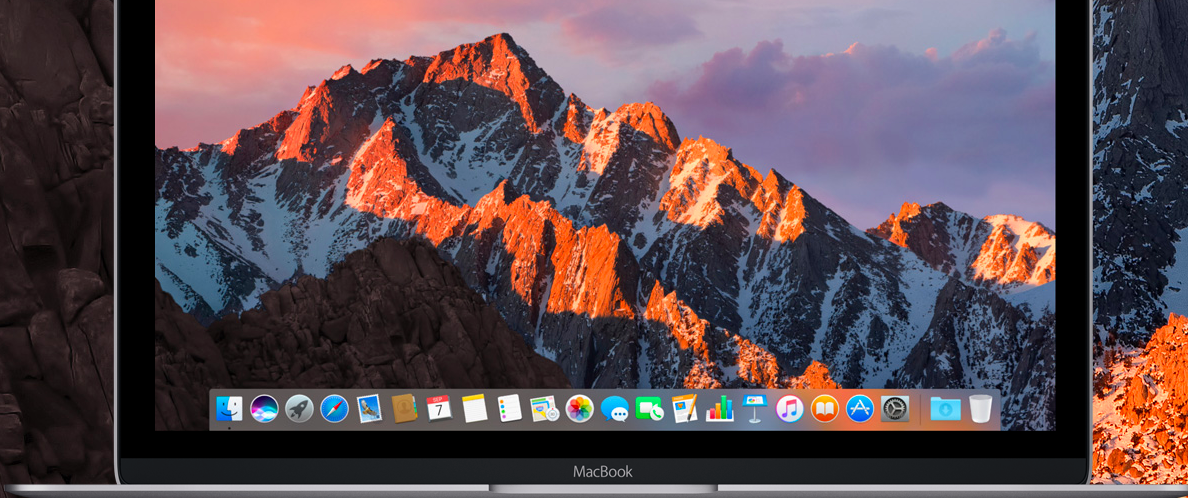
Out of fun I checked out the spec of Apple’s latest MacBook and compared it to mine. Now the current 12 inch MacBook while great for a portable road warrior who needs internet and email plus Microsoft Office, is under-spec in the ports department, having only one.
A photographers laptop, may need power, usb for tethering or memory card reader (remember not all professional cameras use SD Cards), external hard drive for backup etc
So your talking about five ports, my current laptop with Video out, Firewire, power, 2 USB manages this easily. The new MacBook would need a hub so even more cables etc to carry. Not an issue if your docking it in an office but a pain when travelling.
But ignoring the port issue which I am sure they will address with another model what about power. As you know Moore’s Law (yes I know its not a law just an observation) says computers double in power every eighteen to twenty-four months. So I decided to check out the geek bench scores of the current 12 inch MacBook. It is in fact twice as powerful as my current MacBook Pro but not as powerful as Caroline’s MacBook Pro Retina.
Its given me a few thoughts, lower end laptop but with more ports may be the way I go.
Its one week now till Photoshop World and it will be interesting if Adobe let us know whats coming for Lightroom and for the Creative Cloud Photographers Package.
Generally Adobe have been excellent at involving photographers in piloting new features and getting feed back, until the recent disaster with the new import module that they rolled out without consultation but quickly removed again.
So looking forward to seeing some new features. I would love to see preferences like metadata, locations, developer settings etc, sync’ed to the cloud.
So when on a laptop using a temp catalogue you still have all your settings. Having to update a preset on one computer then either doing again on another or copying (on a Mac) from ~/Library/Application Support/Adobe/Lightroom from one computer to another is a bit of a pain. I might automate it with a scripts and Dropbox one of these days.
Also allowing multiple catalogues to sync with the cloud instead of just one would also be cool.
I had noticed that I had a lot of old applications on my laptop that I no longer used including a couple of versions of Photoshop and Lightroom.
So I ran a couple of backups, then formatted my internal SSD and booted from the OS X install disk I had created.
With Adobe Creative Cloud and Apples iCloud rebuilding and getting your computer back up and running after a clean build is getting easier and easier.