another quick look at the Retina MacBook Pro

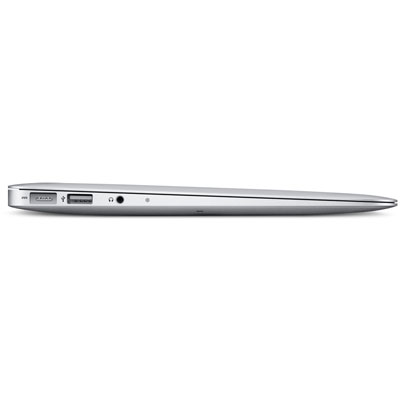
Well after reading lots of reviews, trying one for myself in the local store, I have decided not to update my four year old MacBook Pro to the new model, but that does not mean we do not have one.

Caroline’s laptop, a late model 12″ PowerBook is now seven years old, so a few weeks ago I placed an order to get a replacement for her.

We were torn between the MacBook Airs and the bigger screen of the 15″ Retina models, in the end with us also having an iPad for light computer use (I am typing this on it right now), we decided on getting the 15″ Retina.

It arrived yesterday and we quickly migrated the PowerBook’s data, settings and apps over to it. This is one area that makes Macs a joy to use. Updating, backing up, restoring is all effortless and easy. Rumour has it that Windows 8 is going to be more like this, let’s hope so.

I have not had a chance to do much on it yet, as Caroline is yet to let it out of her hands but I’ll be getting Adobe Lightroom and Photoshop installed and really giving it a good test.

I have to say the screen is everything they say and everything looks fantastic on it, and everything is so quick, but then with 16 Gb of RAM and an SSD for storage it should be.

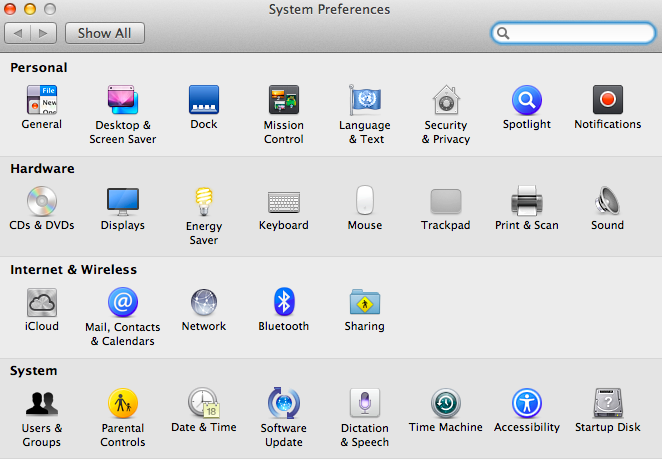
The only thing so far to catch us out is GateKeeper. This is a new feature in Mountain Lion (OS X 10.8), which prevents unsigned apps from running. For some reason it did not trust the BBC’s Desktop iPlayer.

Also some picture transitions using flash on a website were less smooth then I would expect, whether this is a coding issue on that site, Adobe Flash, or the graphics card struggling to keep up with things on the Retina display I do not know. It maybe that as we were just looking at a website the OS chose to,use the lower powered Intel Graphics instead of the high end discreet graphics card built in.

I have to admit I am dead jealous and I think I’ll be purchasing a SSD to put in my MacBook Pro to give it a new lease of life.

OS X 10.8 – Mountain Lion – the upgrade

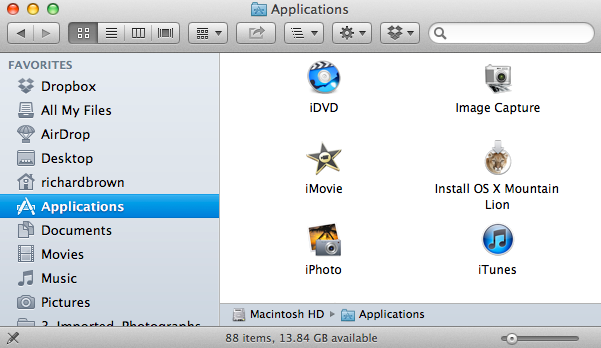
Technology keeps moving on and after assuring myself that my key apps would work, I bit the bullet and upgraded.  As always with an Apple Mac and OS X, the upgrade was easy and trouble free.

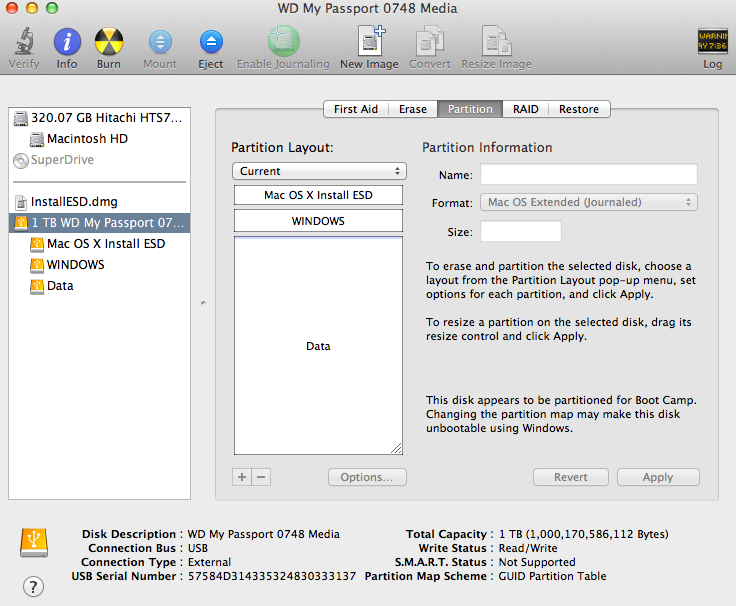
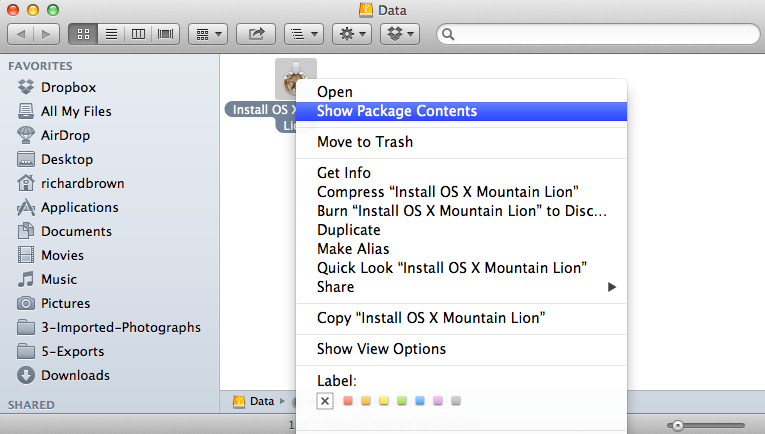
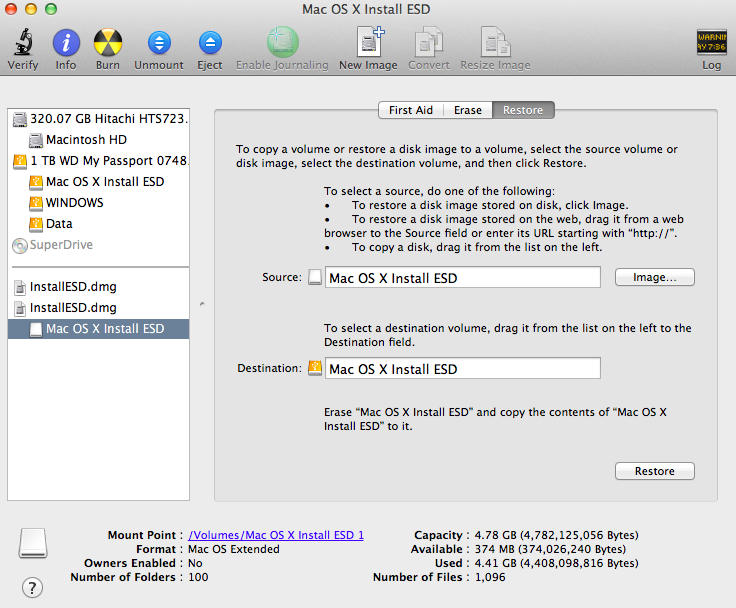
When I upgraded to Lion, I installed that on a second hard drive and tested all my apps first, I also waited for the first update from 10.7.0 to 10.7.1 before risking it.

But as Snow Leopard was to Leopard; more of a under the hood polish, then so is Mountain Lion.

Nothing too much to say about it yet, it all works and the computer is definitely a little quicker.  The major thing I have noticed is Safari, it really is much faster.

Mountain Lion

Well the latest and greatest OS X release is now here.

Not had a chance yet to try it. Will need to ensure all my key apps work with it and if my laptop will take it.

We will be getting it soon either way as its time to replace our old PowerBook.

My MacBookPro still has plenty of life left in, so the new laptop will go to Caroline while I turn the PowerBook into a server.

Update: 27th July

Adobe and Apple have worked closely together to test Adobe® Creative Suite® 5, 5.5 and CS6 editions and individual products for reliability, performance and user experience when installed on Intel® based systems running Mac OS X Mountain Lion (v10.8). Earlier versions of Adobe Photoshop® (CS3 and CS4) software were also tested with Mountain Lion and there are currently no known issues.

Adobe requests that users discovering problems report them to Adobe.

http://www.macrumors.com/2012/07/25/adobe-and-avid-report-only-minor-issues-with-mountain-lion/

Hands on with the Retina MacBook Pro

Well I finally managed to get my hands on one of the new 15″ MacBook Pro Retina Laptops.

While the screen is an improvement, the thing that made the biggest impression on me was:

  • it’s speed
  • the weight


It really is a speed machine, the RAM and of course the SSD instead of a conventional Hard Disk removes all the usual bottlenecks.

Not sure yet if I am going to get one, I would like to find out more about the screen and it’s colour gamut before committing.

WWDC 2012 and Retina Macbook Pro

This week is Apple’s Developer conference and in the opening speech yesterday as well as the Software announcements was the new MacBook Pro with Retina Display, this could be excellent news for Photographers.

Not so sure about them dropping the Firewire Ports but they did say a FW to ThunderPort Adapter will be available so Photographers like me with lots of external FW drives will not feel left out.

I have to admit I am tempted as my MacBook Pro is now four years old, if I upgrade to a Nikon D800 this year then the new MacBook Pro will be an essential upgrade.  Until then I can wait.  I’ll be interested in how shiny the new display is as well as the Colour Gamut.

It would be nice to be able to do colour critical work on a laptop, but i’ll not hold by breath.

Blogs – Who are they for and what is their focus

I read a number of blogs, and each one is focused on a particular subject.

Many are about photography, or about photographic gear. Others about Motorcycling, Flying and cooking.

My blog has a number of functions. Primary it’s like my diary, I look back over time and see what has happened, it’s also a record of my photographic and motorcycling trips.

I sometimes ask what do I want from my blog. Most blog readers want a targeted blog detailing and being focused on there interests.

My blog while primary about photography does drift off sometimes onto other subjects. I hope you will continue to bear with me while I sometimes blog about subjects that may be off no interest to you.

Adobe Photoshop CS6 Public Beta out now

With the recent release of Adobe Lightroom V4 we were expecting Adobe Photoshop CS6 to follow soon.  Well we did  not have to wait long as Adobe have now announced a Public Beta of Photoshop CS6.

More information can be found from the usual suspects.

Lets hope they release some nice package deals of Lightroom and Photoshop so users of both can upgrade cost effectively.