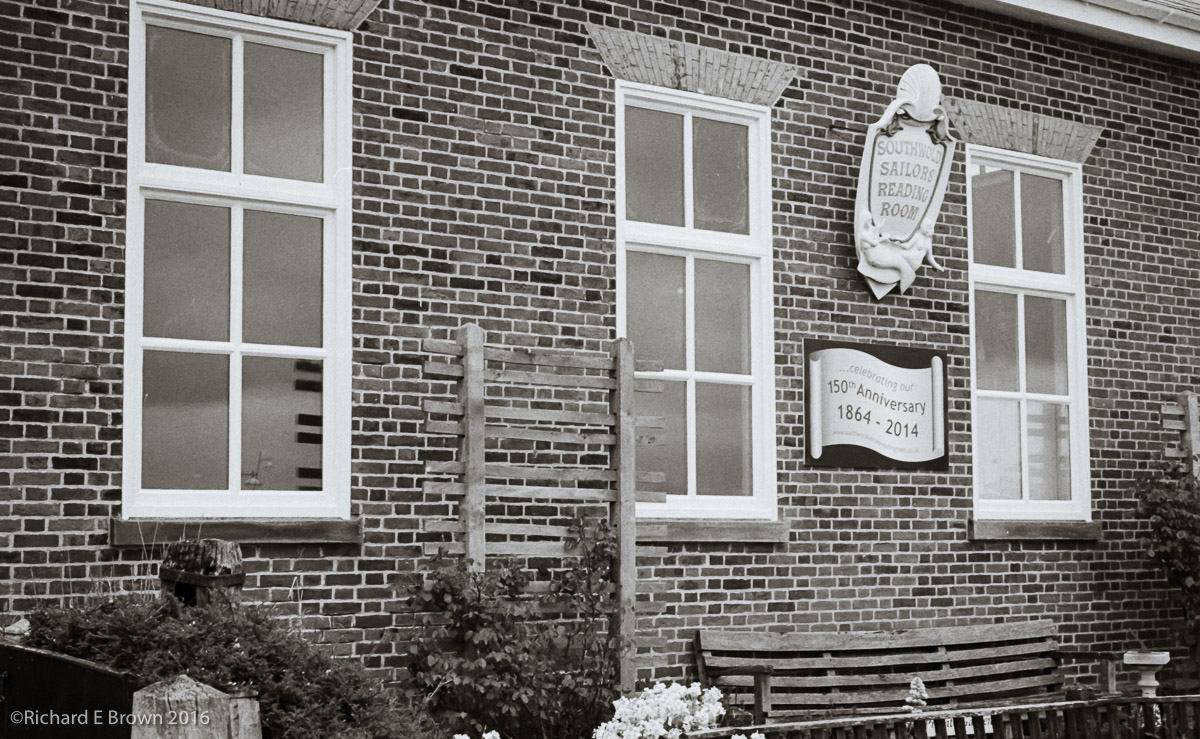
Leica M4 and Kodak Tri-X
Sailors Reading room in Southwold

Family, Photography and other misc news
Leica M4 and Kodak Tri-X
Sailors Reading room in Southwold
We had another update to Adobe Lightroom Mobile and this time they seem be indicating that we now have RAW support for the Mobile version.
This was a big thing for me as I have blogged about in the past. Though Lightroom Mobile already supports DNG, I do want Nikon NEF support.
So I just had to give it a go. I use Lightroom Mobile often to do a quick edit from when I am street shooting using my Leica. The edits are usually just quick adjustments and crops. This time the test was very simple I just grabbed my Nikon D800 and shot a few snaps of the dog and a few flowers in the garden.
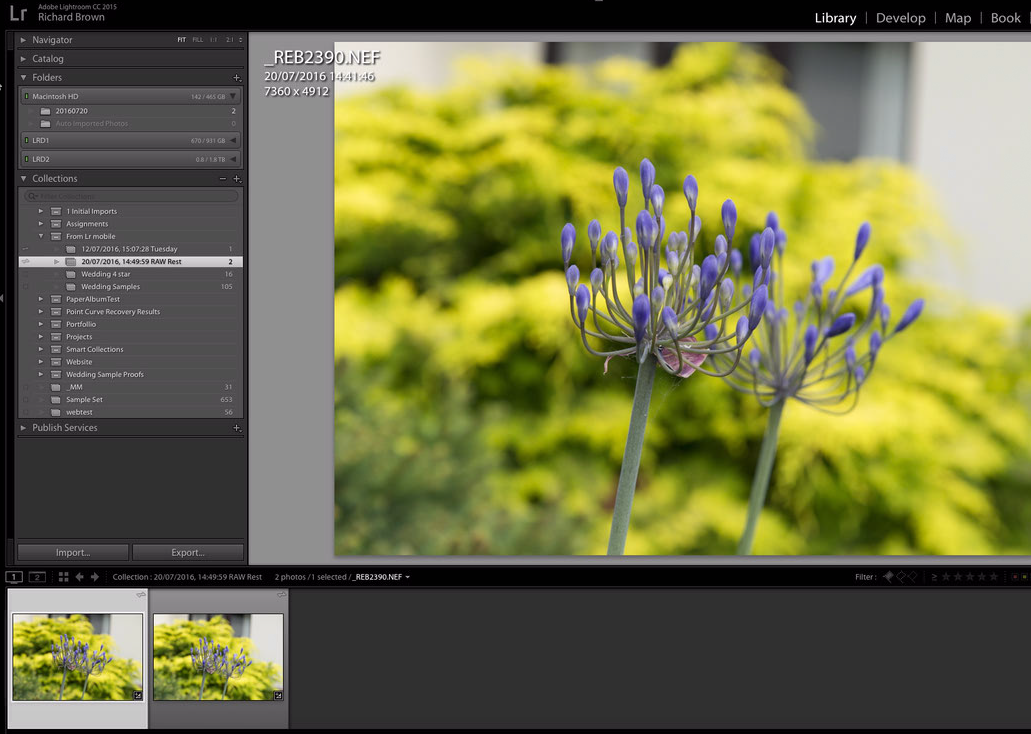
So after a few quick snaps I grabbed my iPad 9.7 Pro and imported the RAW files. All looked good and this worked without issue. I then dived onto my Desktop computer and checked out the ‘From LR mobile’ Collection set.
There I saw my photographs arriving. The question was what format? Lightroom reported them as RAW and I also browsed to the file location in finder to confirm and there my files were. So we now have full RAW support in Lightroom Mobile, thanks Adobe.
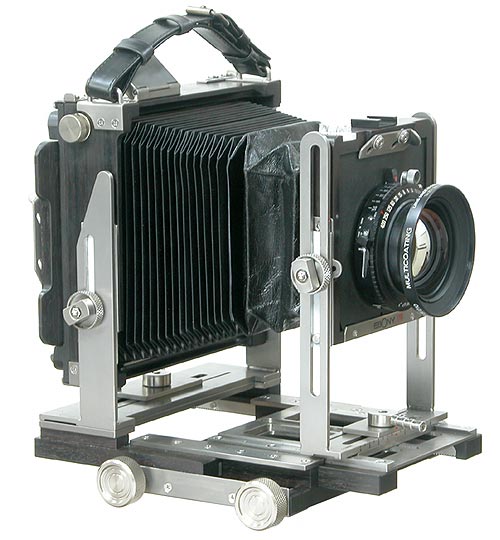
After many years the owner of Ebony cameras has decided to shut up shop. The 30th June 2016 is the last day for orders.
These beautiful cameras made of ebony wood, leather and titanium metal.
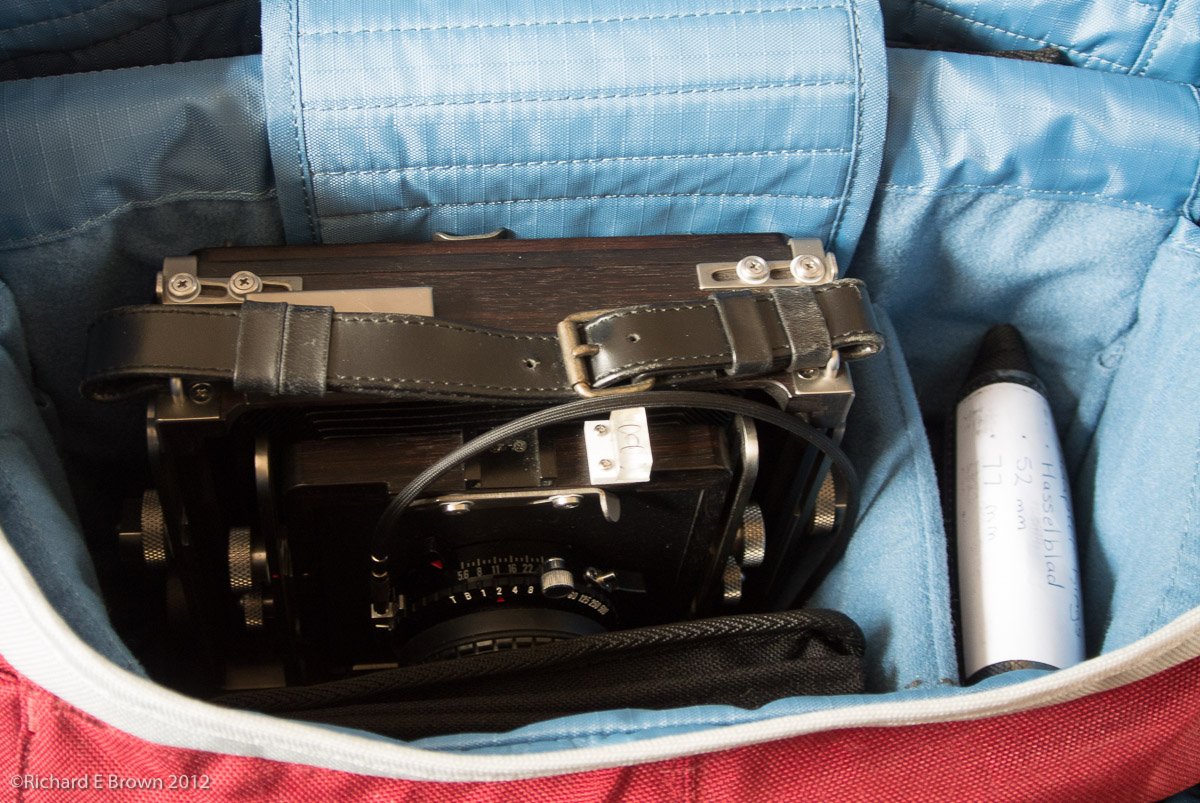
For a large format camera they fold down well and I have hiked with one on a shoulder bag, holding the meter and filters as well.
Its a camera that will last my lifetime as long as I can continue to get hold of film.
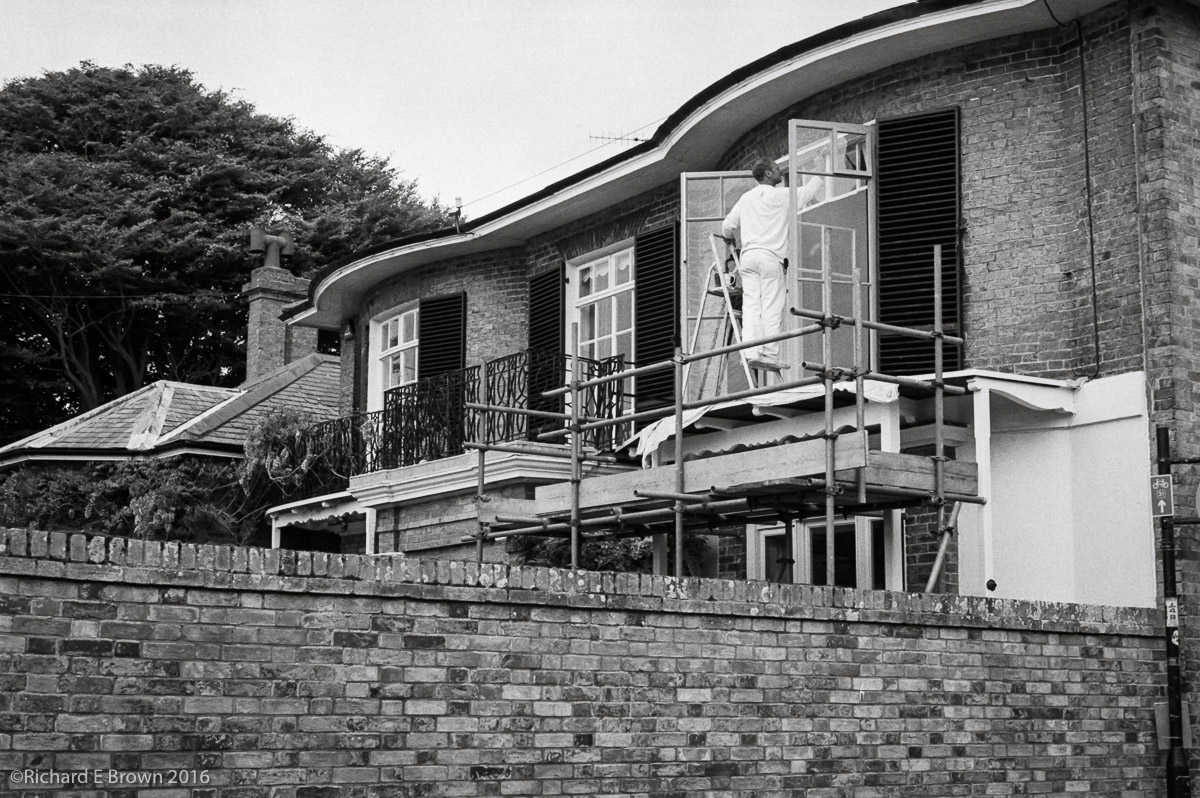
Here is a film Friday. Taken when out for a stroll with the Leica M4, and a handheld meter.
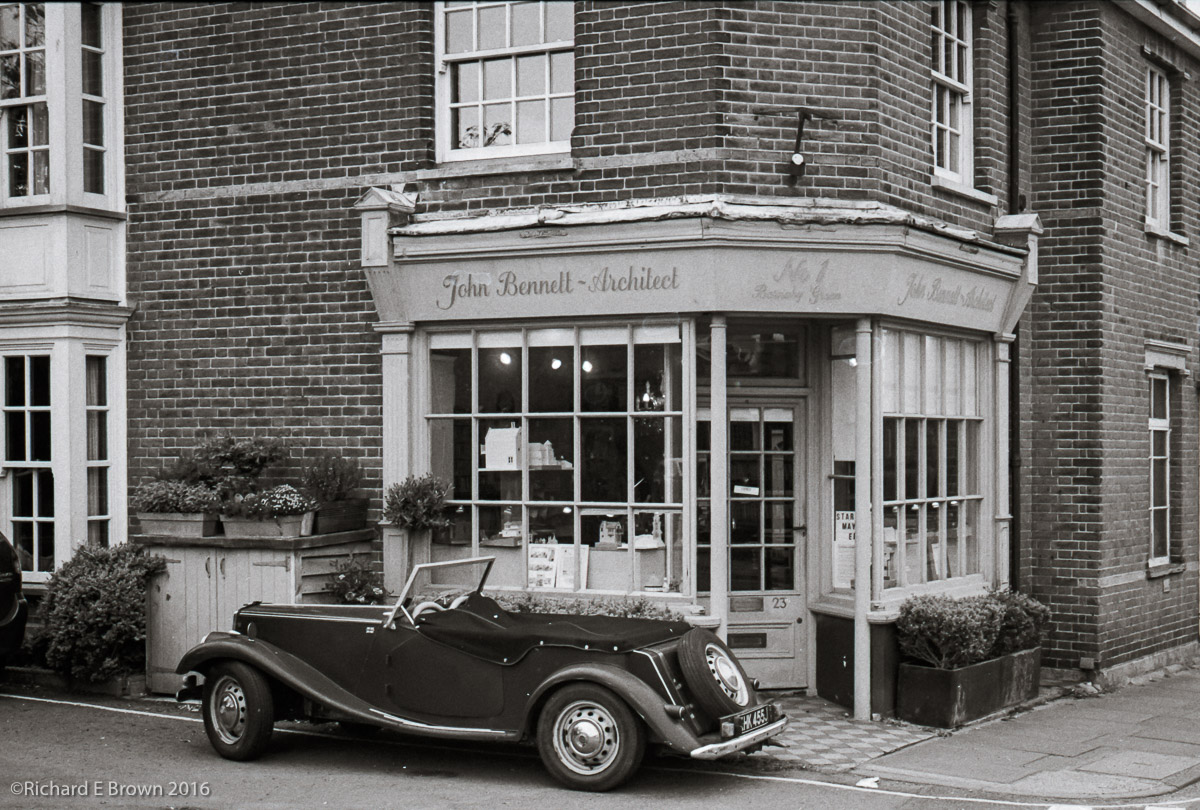 Leica M4
Leica Summilux 50mm f/1.4 ASPH 6-Bit
50mm, 1/500 Sec at f/8, ISO400
Developed in Ilford Ilfotec LC29
Scanned Epson V85p Pro
Post Processed in Adobe Lightroom CC2015.5.1
On a Mac Pro, OS-X 10.11.5
With two rolls of Kodak Tri-X all developed and now dry, it was time to get down to some scanning.
As I have blogged about this before, this is a bit of a re-cap; getting everything clean is the first and major step, after that it is relatively simple.
My scanner is an Epson V850 Pro and instead of using the bundled Epson Software, I use SilverFast.
Step One clean and mount the film and scanner plate
Select Pre-Scan, at this point it does a basic scan

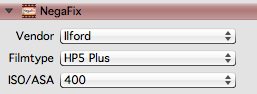
Now for the time consuming part.
Once all frames are done I then select batch scan and have it uniquely number each file and place them in a watch folder.
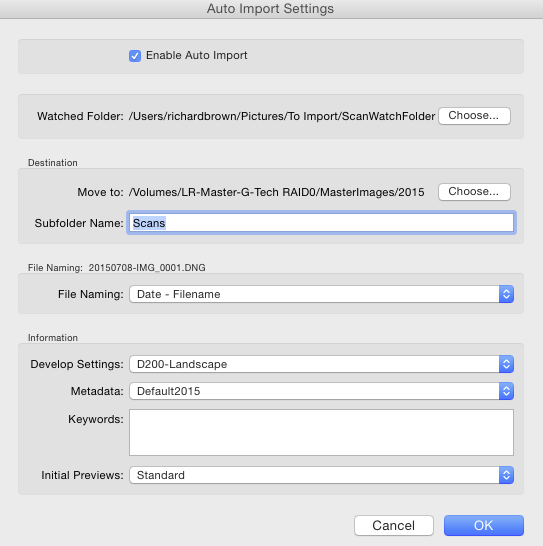
Its then over to Lightroom where I configure Auto Import. I have found the the default developer settings I use for my Nikon DSLR are a good starting point and I have Lightroom add the current date to the scans filename.
I now go off and have a cup of coffee and leave the computer to do its stuff, the scanner putting the images into the watch folder and then Lightroom automatically importing them, adding some developer settings and meta data and adding them to my main Catalogue image store.

This week I shot just over two rolls of Kodak Tri-X. Now you can send off your film and get the negs and a CD back within a week, but scanning costs keep going up so if your shooting Black & White its very easy to do it yourself.
I already had some fresh chemicals which I had ordered earlier in the year, along with ten rolls of Kodak Tri-X.
So with two complete rolls ready to develop it was time to get started.
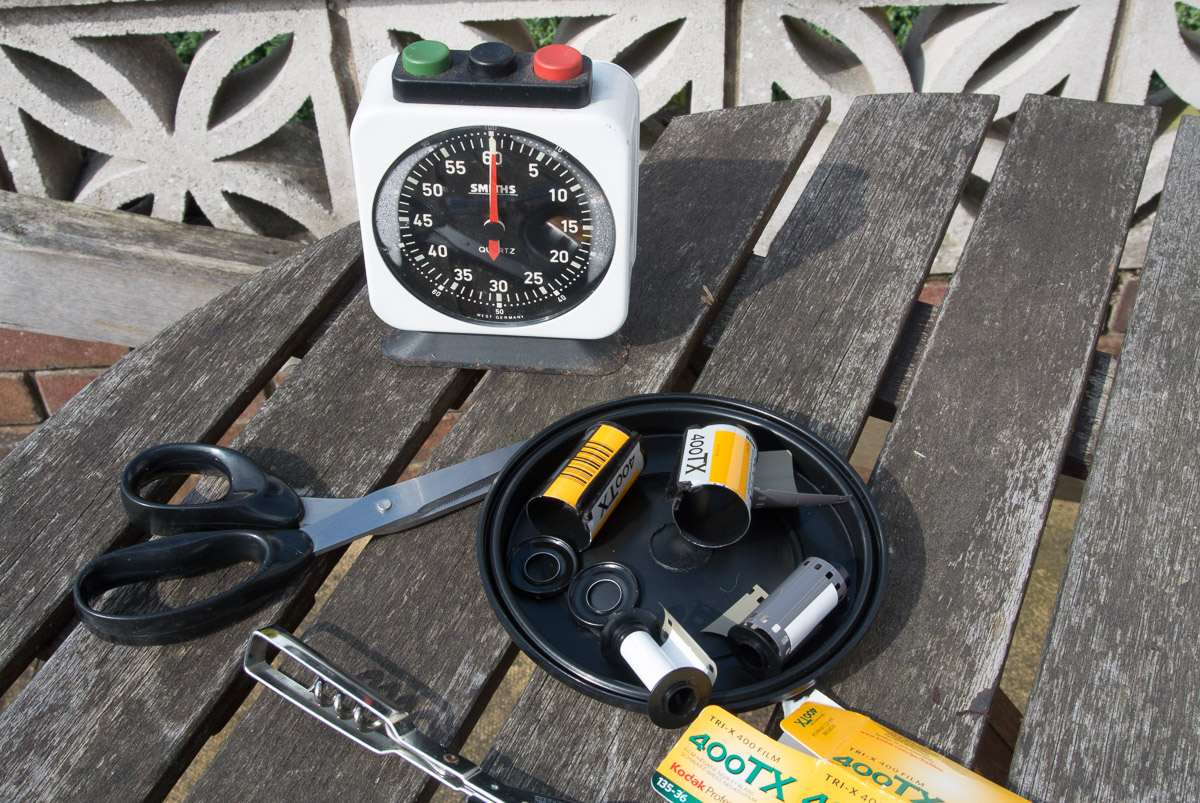
I shoot large format and that requires loading and unloading the dark slides. For this I use a large changing bag, so first step is to get the changing bag loaded up.
In the changing bag I placed, scissors, a can opener, two film spool rolls and a developing in tank.
In total darkness you using the bag as your darkroom you first use the can opener to remove the film. If you have a film leader retriever you can start loading the spools in the light which makes things easier but I could not find mine.
Once the film is out of the film canister I trim off the leader and then start to load the film onto the spools. Once both films are loaded onto the spools you load them into the development tank. Once the film tank is assembled it is then light tight.

Now its time to mix the chemicals.
The essentials are a developer and a fix. The stop and the wetting agent are optional.
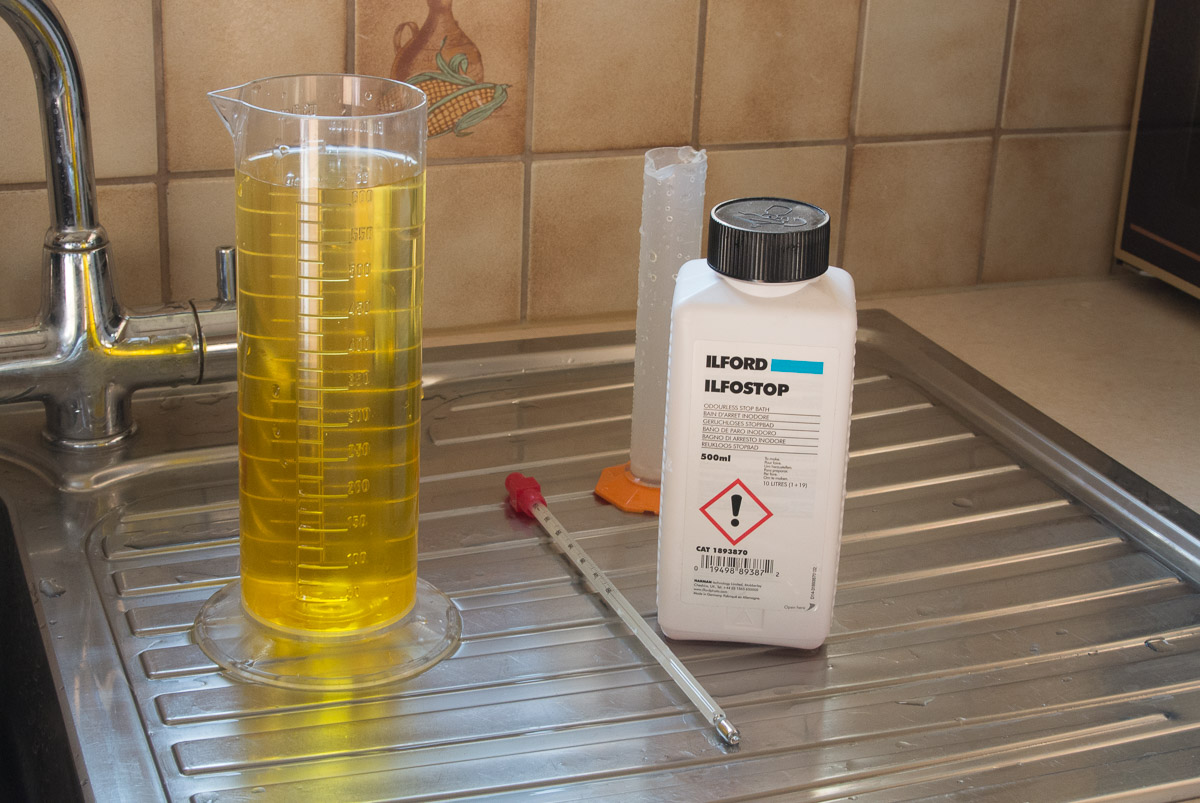
I mixed up some hot and cold water so that the water was at 20 C. Then mixed up the chemicals. For developer I use liquid not powered developer as its easier to mix but its cheaper in powered form. One part Ilfotec LC29 and nineteen parts of water. I mixed up 600 ml, the tank said 290 ml of chemicals per film so for two films I just rounded it up.
Stop is mixed the same and the fix is one part fix and five parts water. While all this was going on I kept the mixed chemicals in bottles stood in the sink. I had earlier filled the sink with water at 21 C to keep the chemicals at the right temperature.
You start the timing the moment you start to pour in the developer.
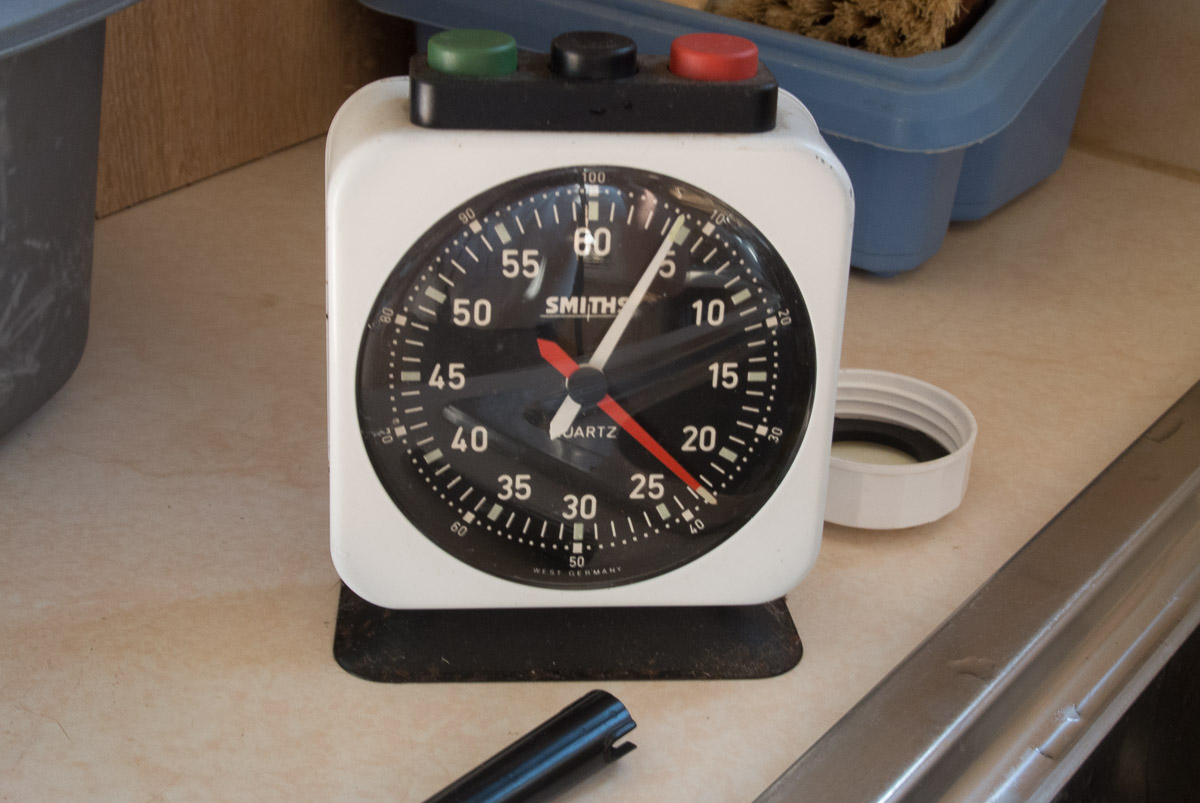
For this film and developer its six minutes and thirty seconds of development with agitation every minute.
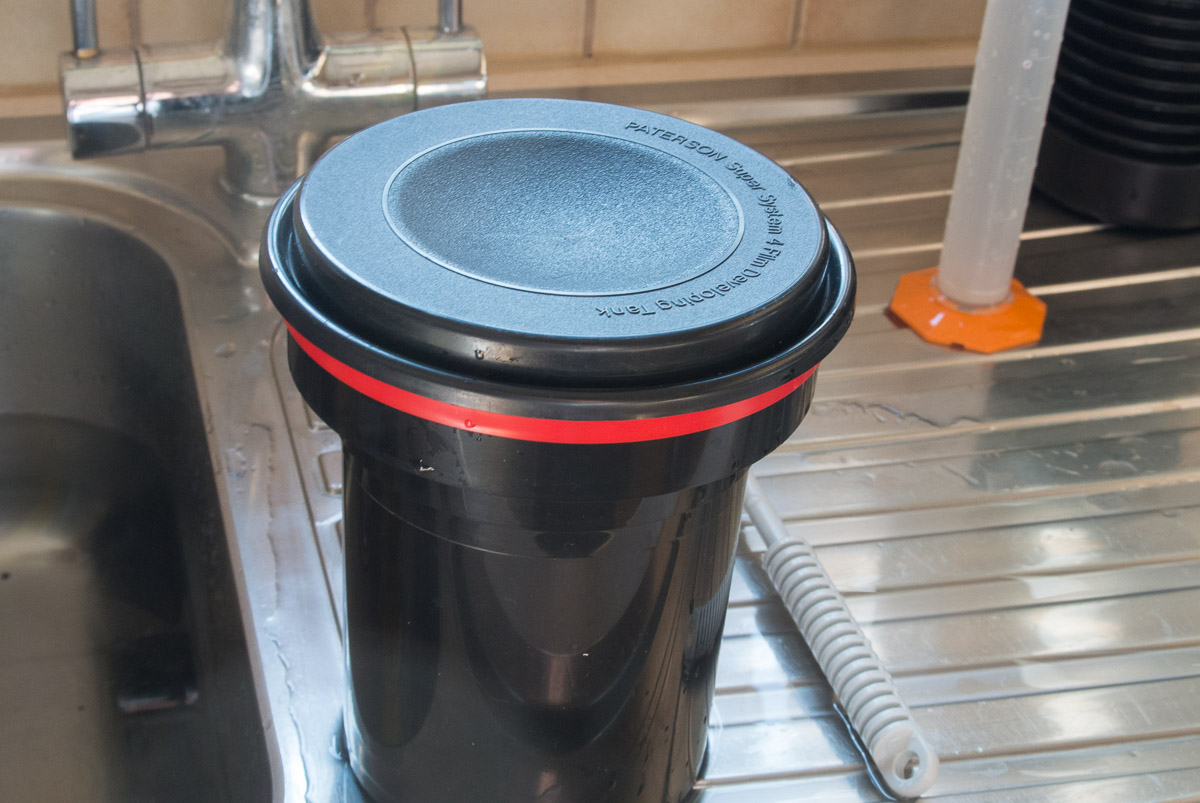
Your pour out the developer ten seconds before the time ends and at the end of development time add the stop, or water if you have no stop.
Stop just needs ten seconds, then pour out and add the fix for five minutes
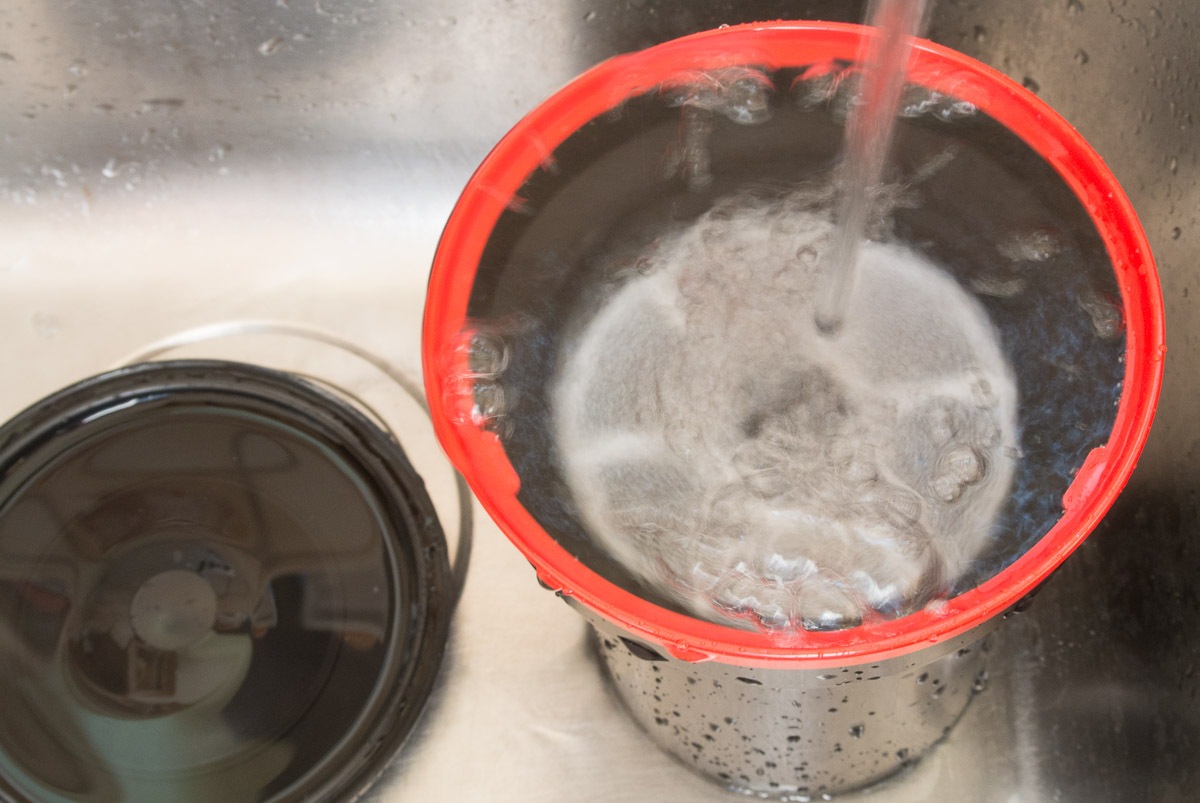
After that I gave it a ten minute wash, the amount you wash does depend on the type of fix you use.
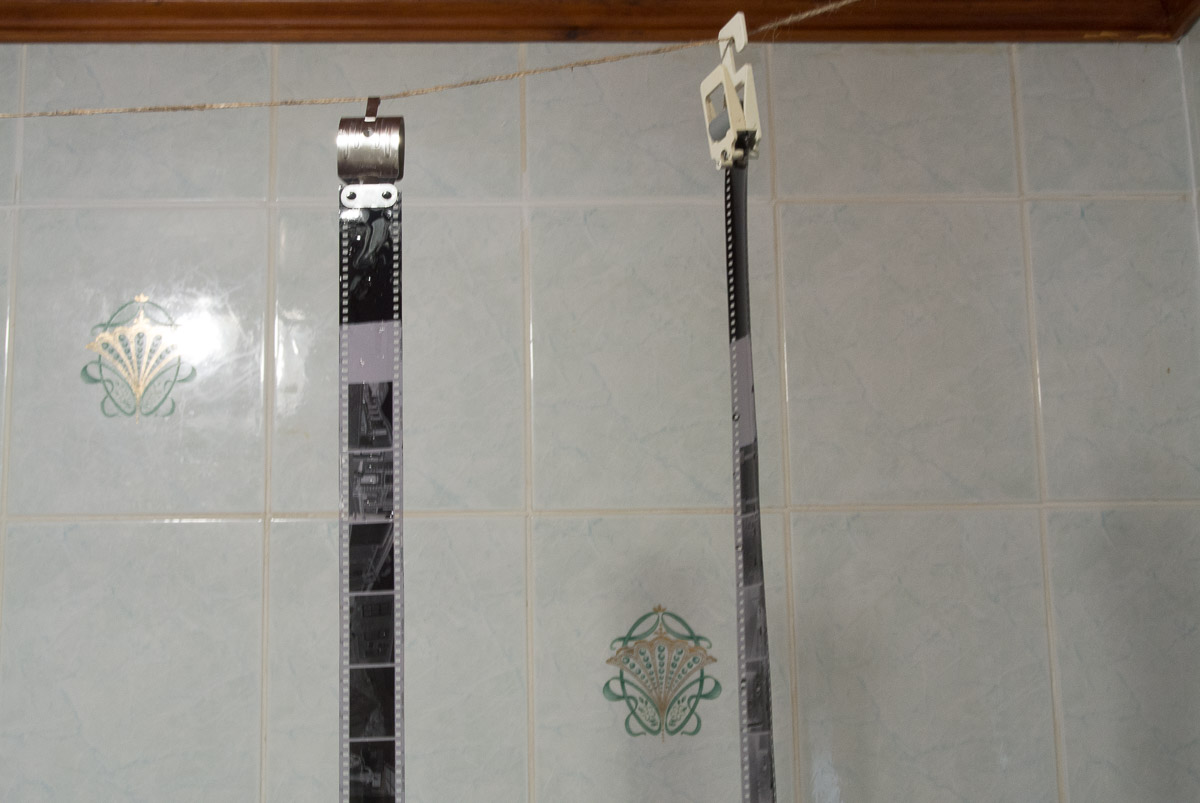
Caroline then fixed up a line in the bathroom and both films were hung over night in the bathroom.
So there you have it quick and easy film developing.
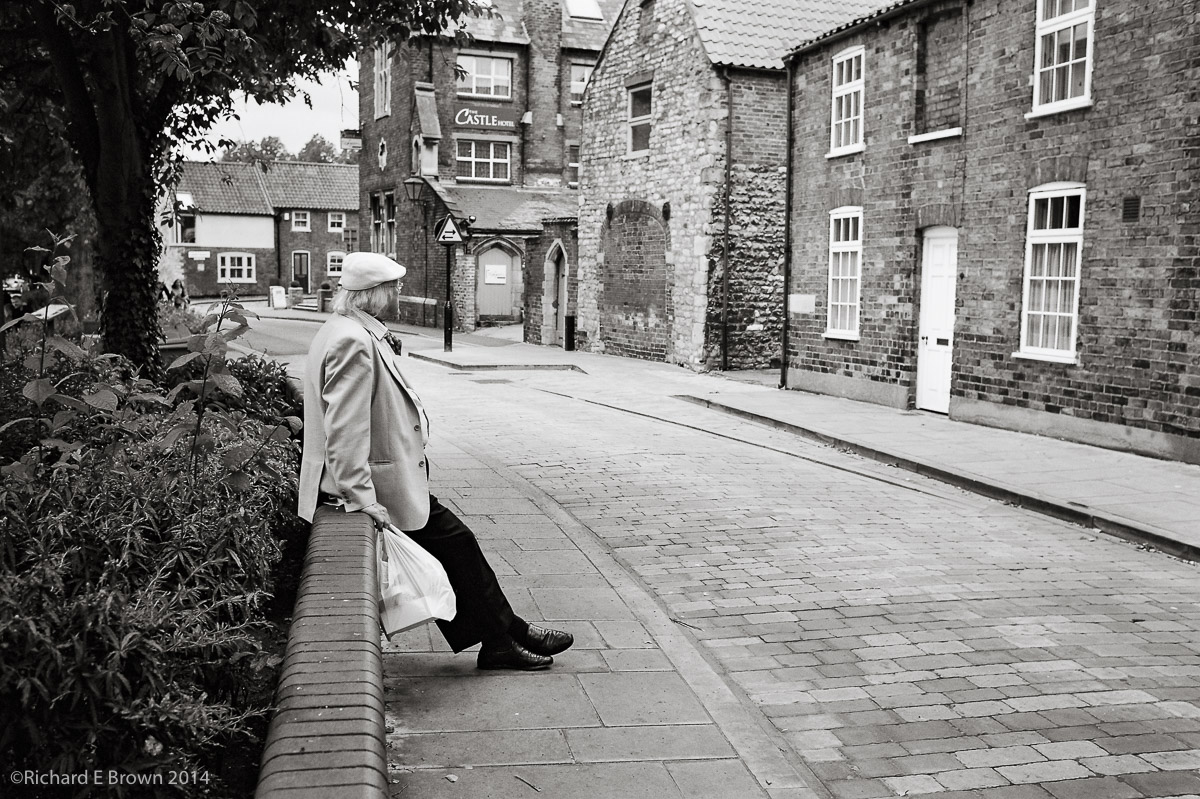
Just a quick snap from and old roll I scanned recently.
Leica M4 and a 35mm Summicron lens while wandering around the Bailgate area of uphill Lincoln.
Its always fun using the M4, no built in lightmeter so a handheld meter and a bit of luck and judgement. As I wonder around, as I spot the light changing I do a quick re-meter and change the settings on the camera.
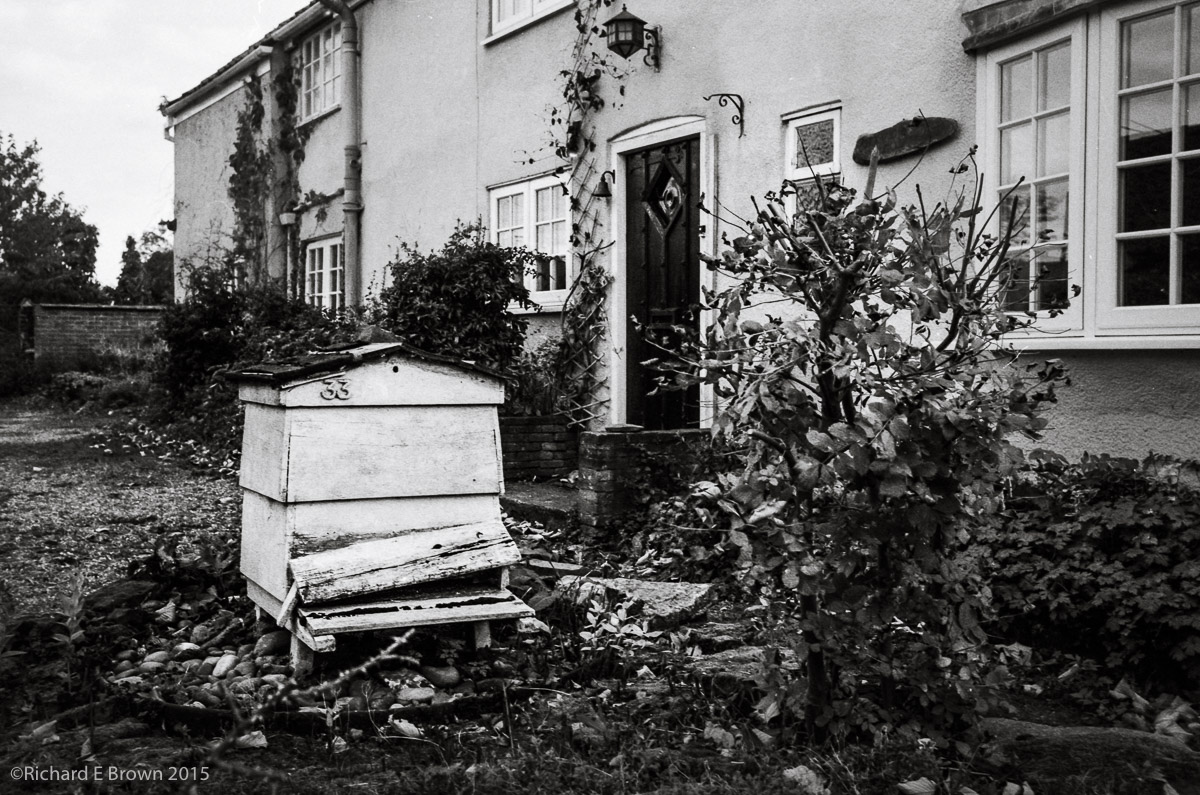
Now we are well past the winter solstice the days are getting brighter so its time to get some film loaded into the Leica M4 and shoot some film.
I’ll be developing the film myself and then scanning it.
So good light depending, we will have a few more film Fridays coming up.

Events are a good place to start, people expect photographers at events.
The above shot was taken at the monthly farmers market in Lincoln, its a more interesting picture because its taken from behind the counter. Shot on my little Leica M4 film camera, the people in it are busy with their shopping and are not noticing me.