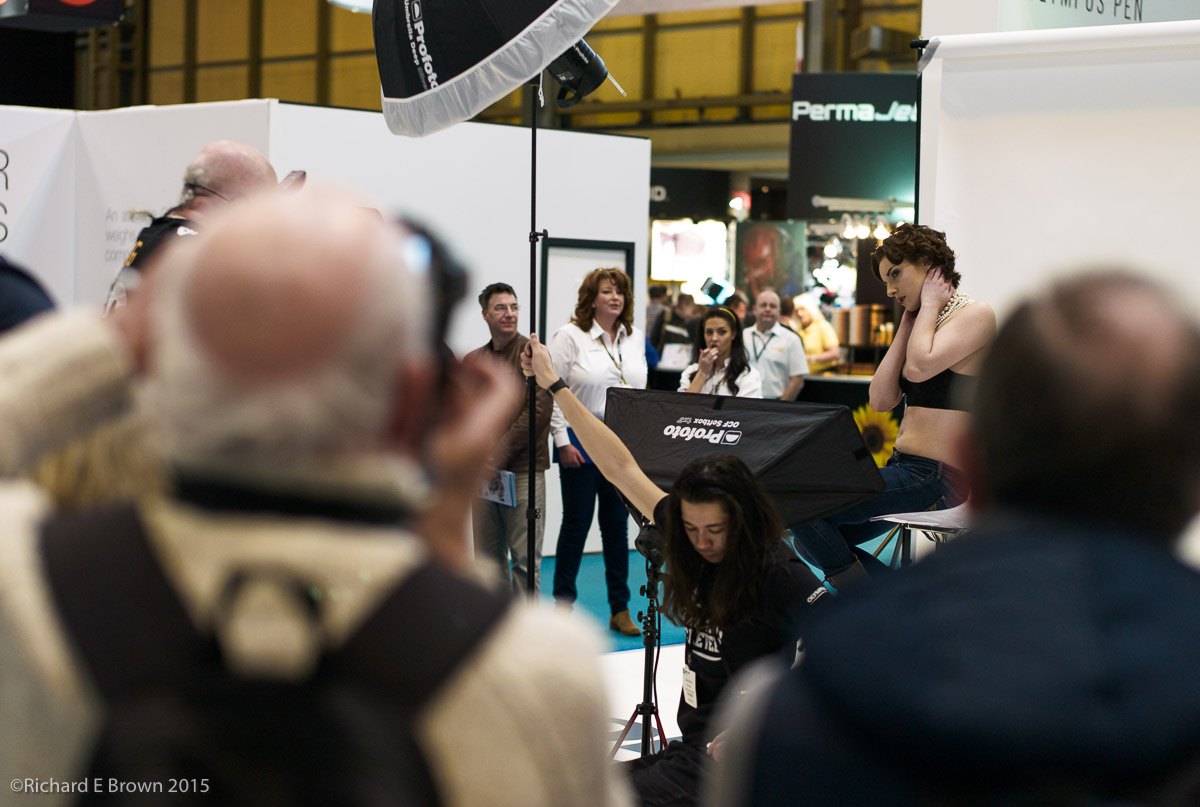
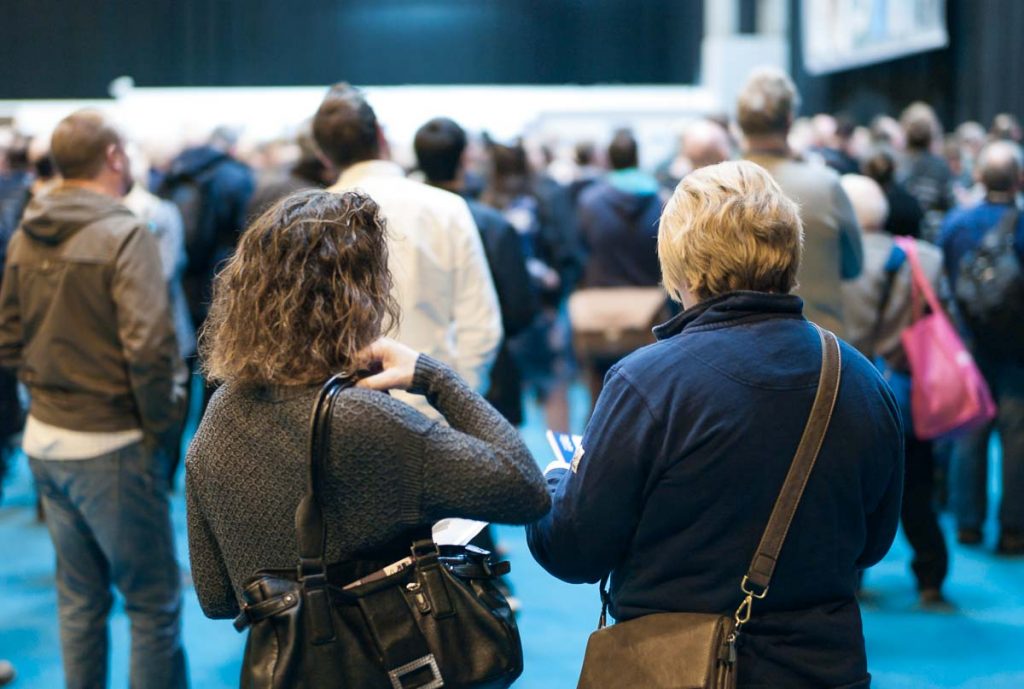
 This weekend myself and Chris Bennett visited the Photography Show at the Birmingham NEC.
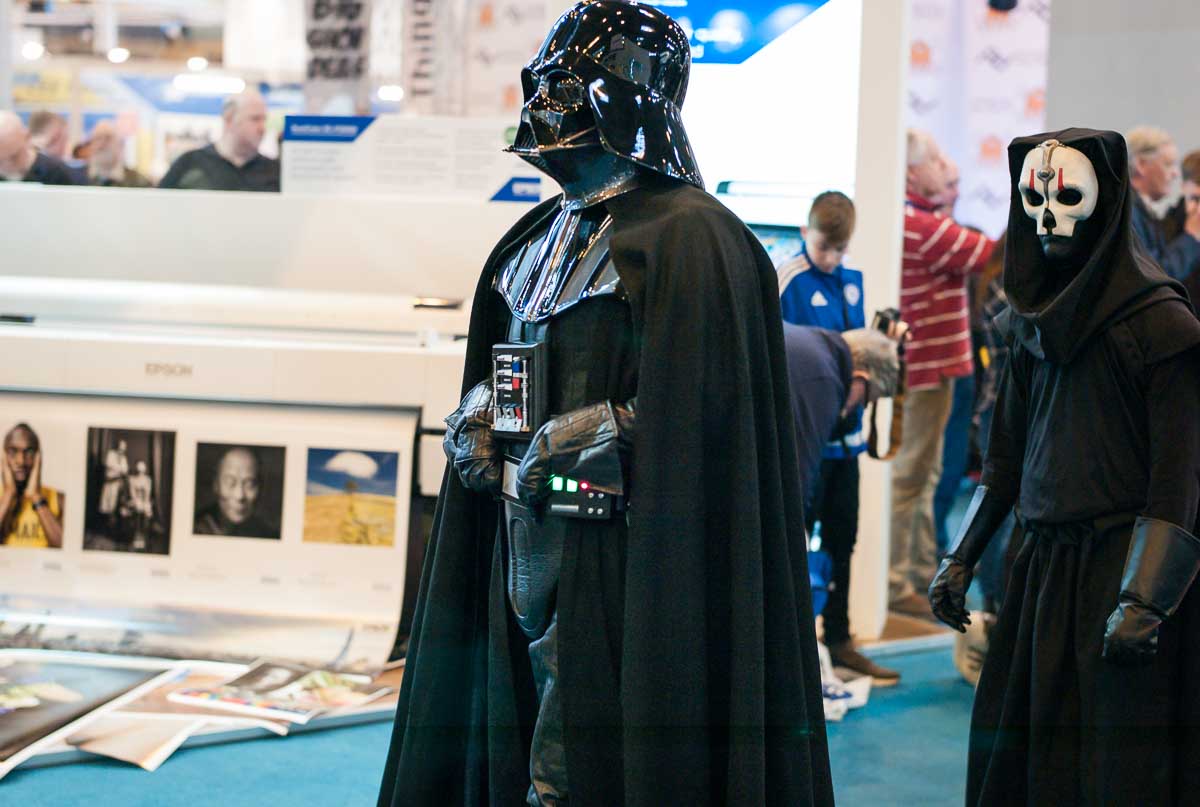
When we arrived there was a number of shows on including ComicCon which proved a hit with photographers.
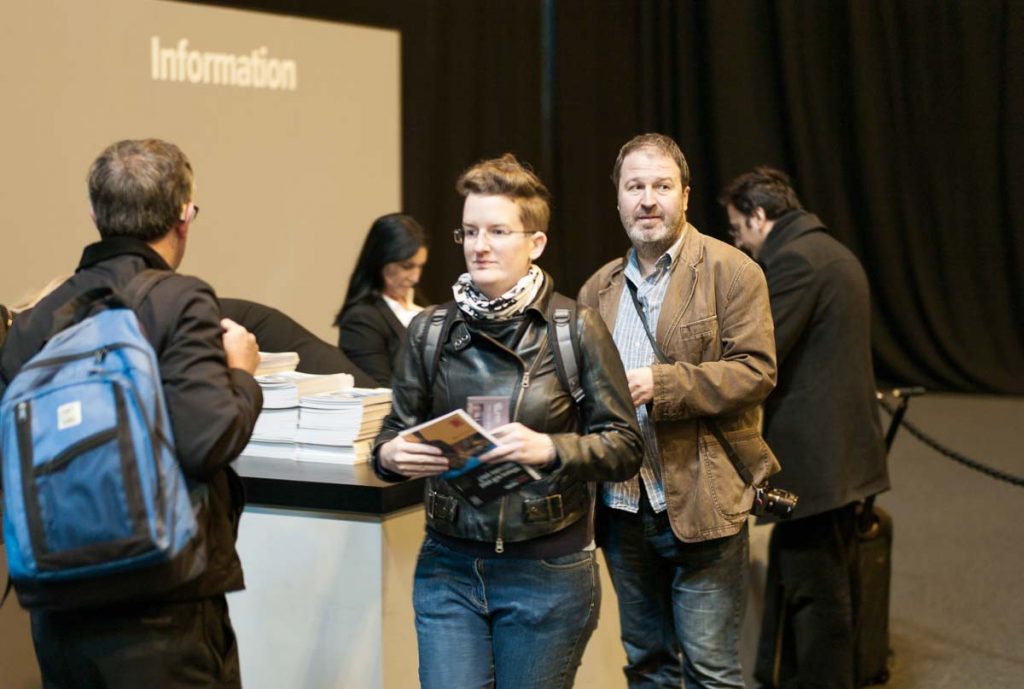
On arrival we visited the Starbucks franchise and paid over the odds for an average coffee, but captive market, so slightly understandable.
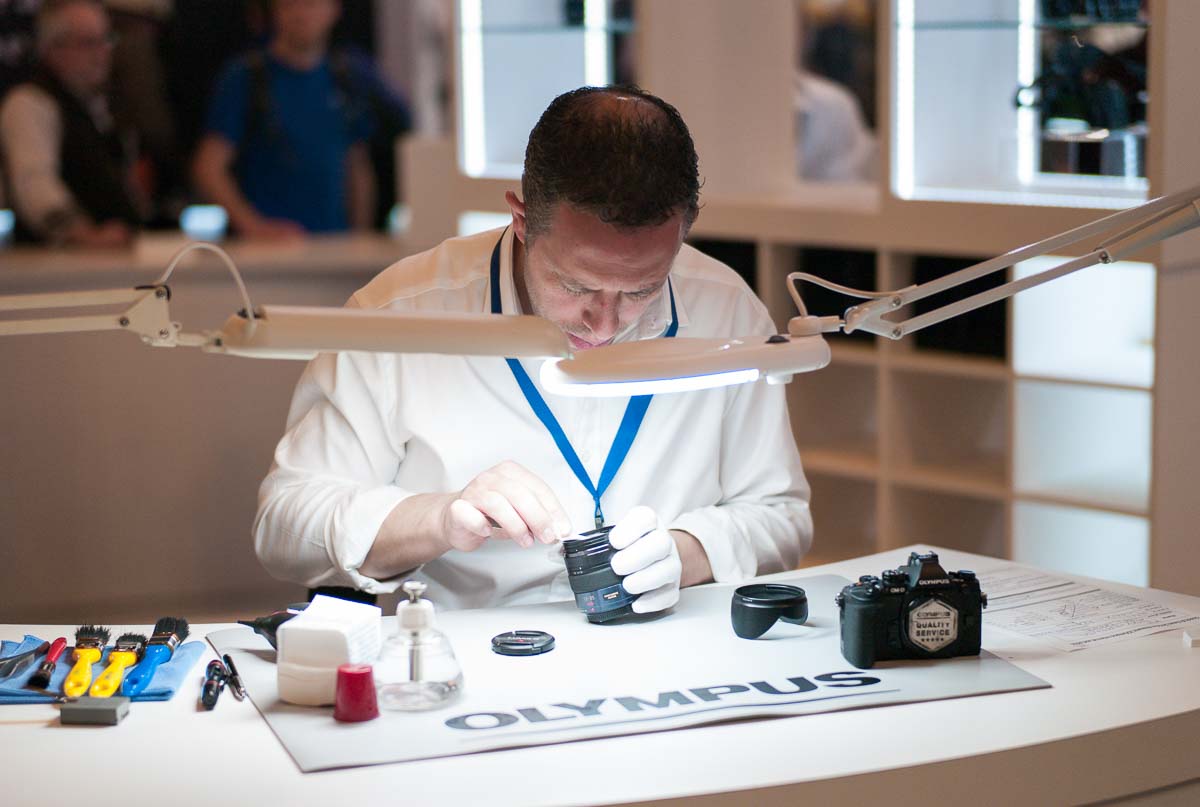
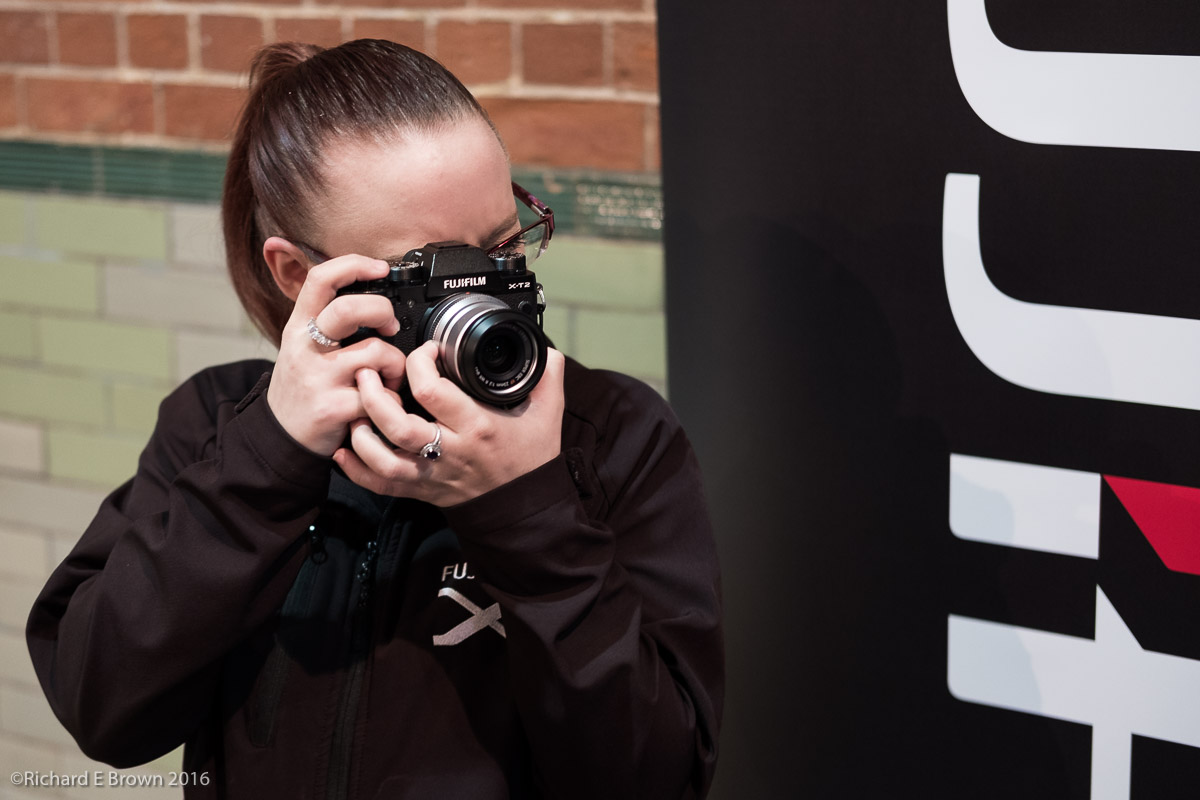
Chris collected the guide book, and once the clock hit 10:00 am the doors opened. We headed straight for the Fuji stand, with a quick stop on the way at the Olympus stand to collect the Olympus magazine; I had to interests here, the Fuji X100F and the Fuji medium format camera.
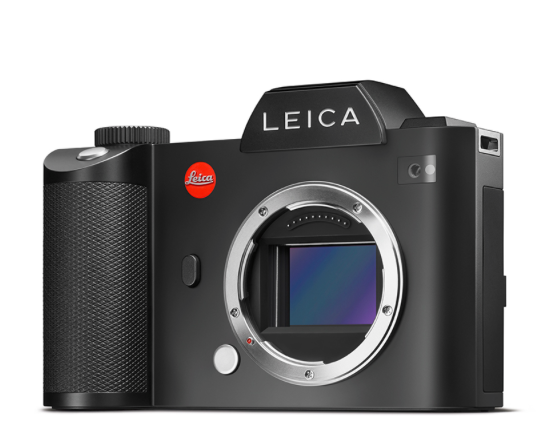
The original Fuji X100 impressed me but I have now been shooting with Leica too long and have found the optical viewfinder somewhat lacking in the Fuji. After playing with it for a while I confirmed what I had thought when I played with the Fuji X100T, its not for me.
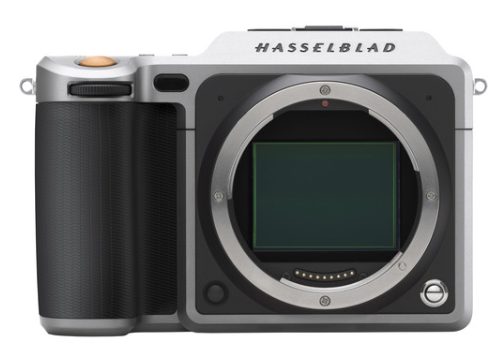
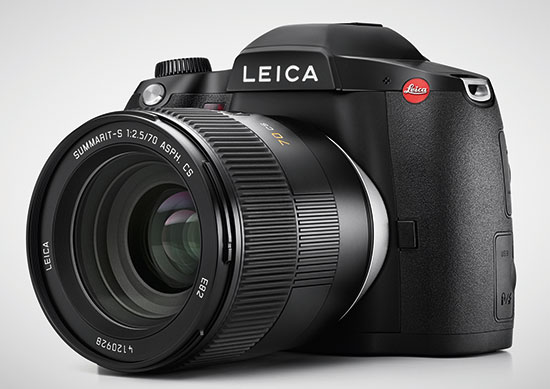
I got my hands on the Fuji Medium format camera and was quite impressed. I heard a few complaints about the size and its weight, but compared to my Hasselblad 503CW with PhaseOne digital back, this new Fuji GFX felt a little lighter and easier to use. It was slow and heavy to use, if you have just used more normal censored mirrorless cameras but for a medium format camera its fast and easy to handle. If your after easy to use, easy to handle medium format then the new mirrorless Fuji, Hasselblad and the SLR Leica S are definitely ones to look at. The Fuji seems a well put together model and certainly with just the few minutes I had to use it a relatively (for medium format) responsive camera.
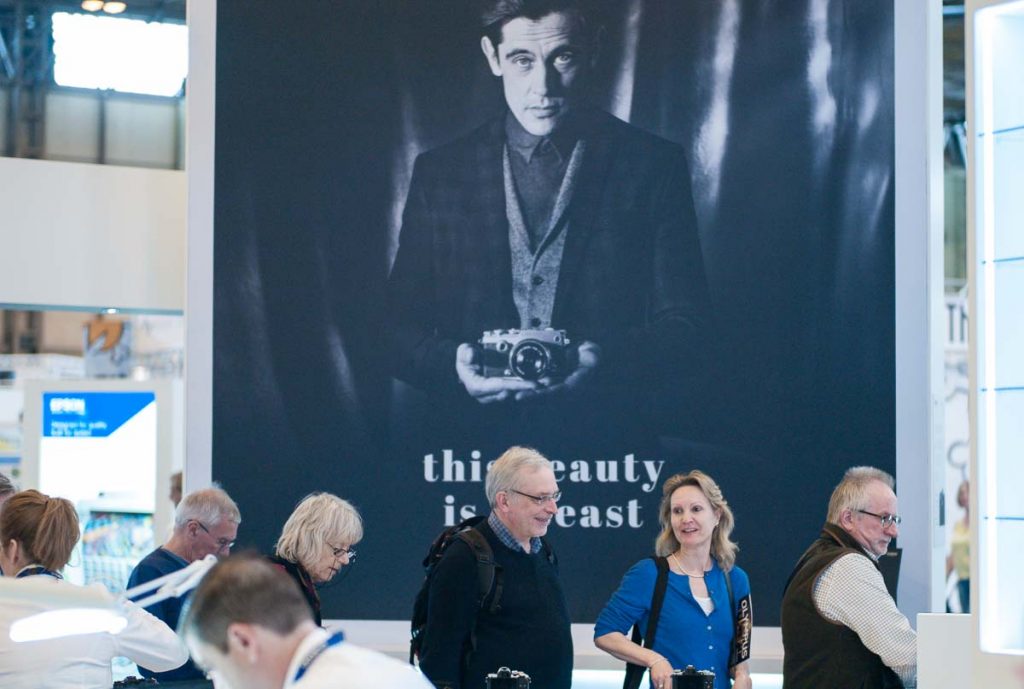 The Olympus stand was our other major stop. Chris who is currently a Olympus user, treated himself to the new 300mm prime, at f/4 and an effective field of view of 600mm for MicroFourThirds.
For wildlife photographers MicroFourThirds makes a compelling choice.
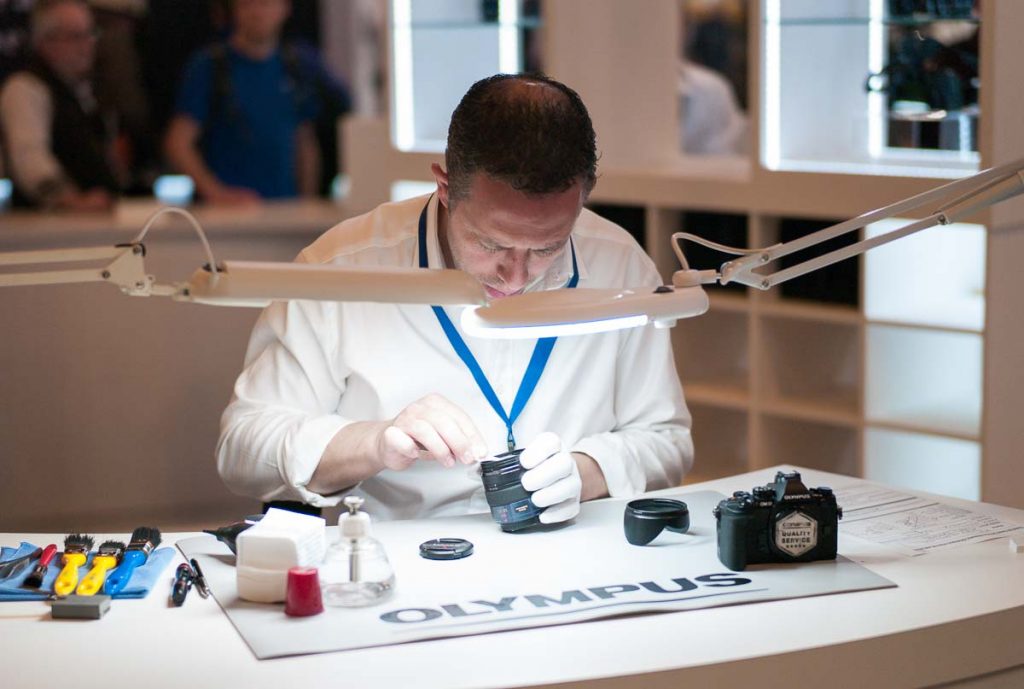
I took the opportunity to have a good look at the current Olympus models. I like the top model OM-D E-M 1 and the bottom model OM-D E-M 10, the M 5 is large enough to make you think you might as well carry the M 1.
I also had a play with the Pen-F. This is my favourite small camera currently, and I love its features and handling. Unfortunately it is way too expensive.
As well as Olympus I also tried out some of the Panasonic models. I liked the GH5 but not much else, though the new Panasonic 42.5mm f/1.2 is a thing of beauty.
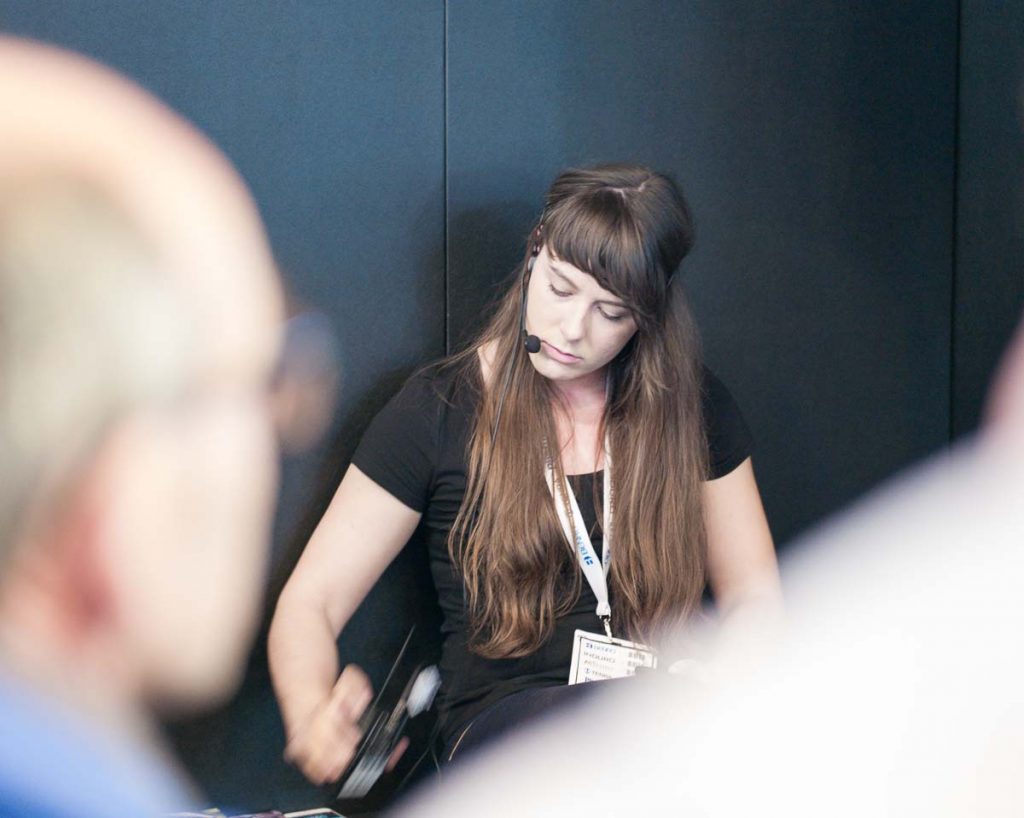
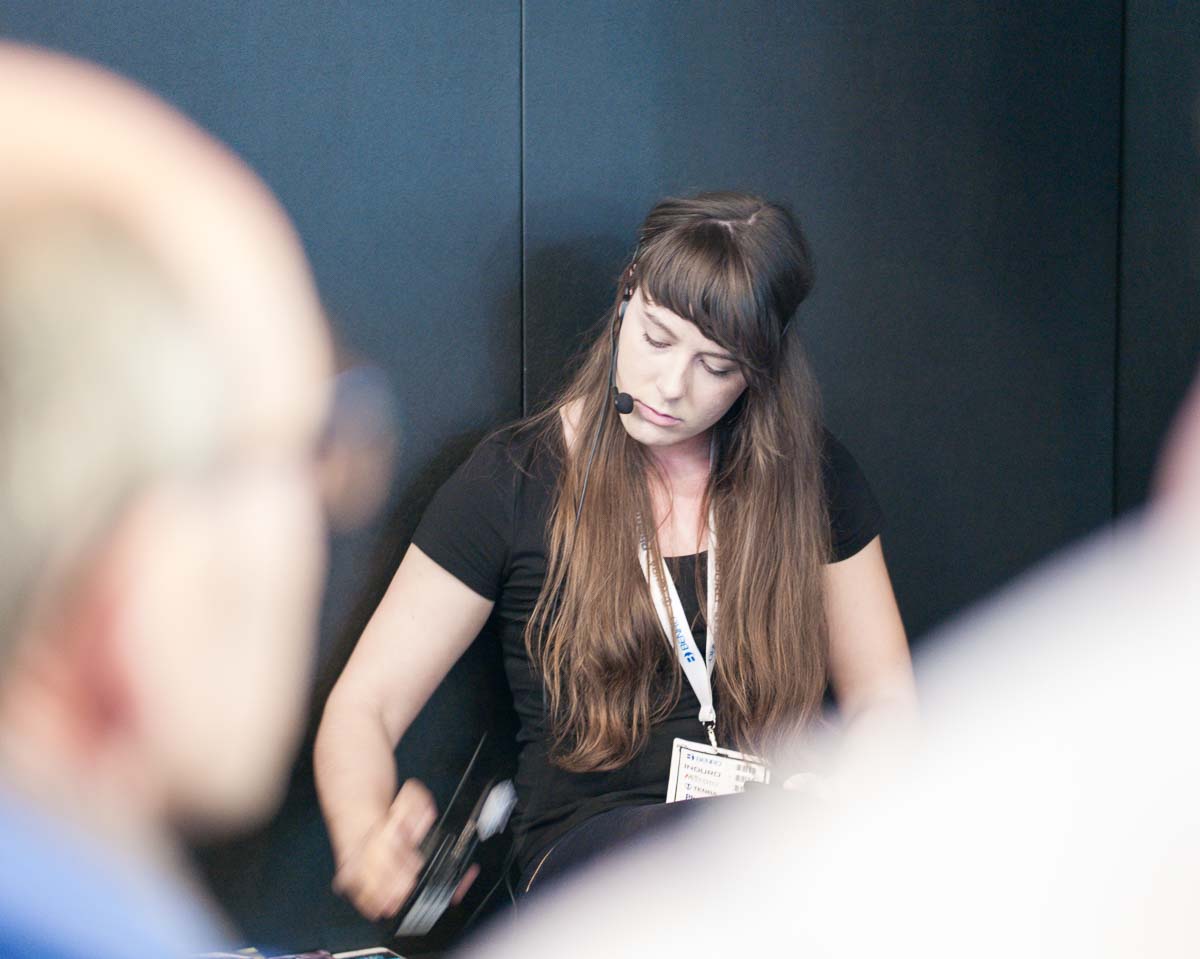
As well as the hardware we also watched a few seminars. I particularly enjoyed the one on wildlife photography by Tesni Ward, her pictures of mountain hares were amusing, fun and showed real character.
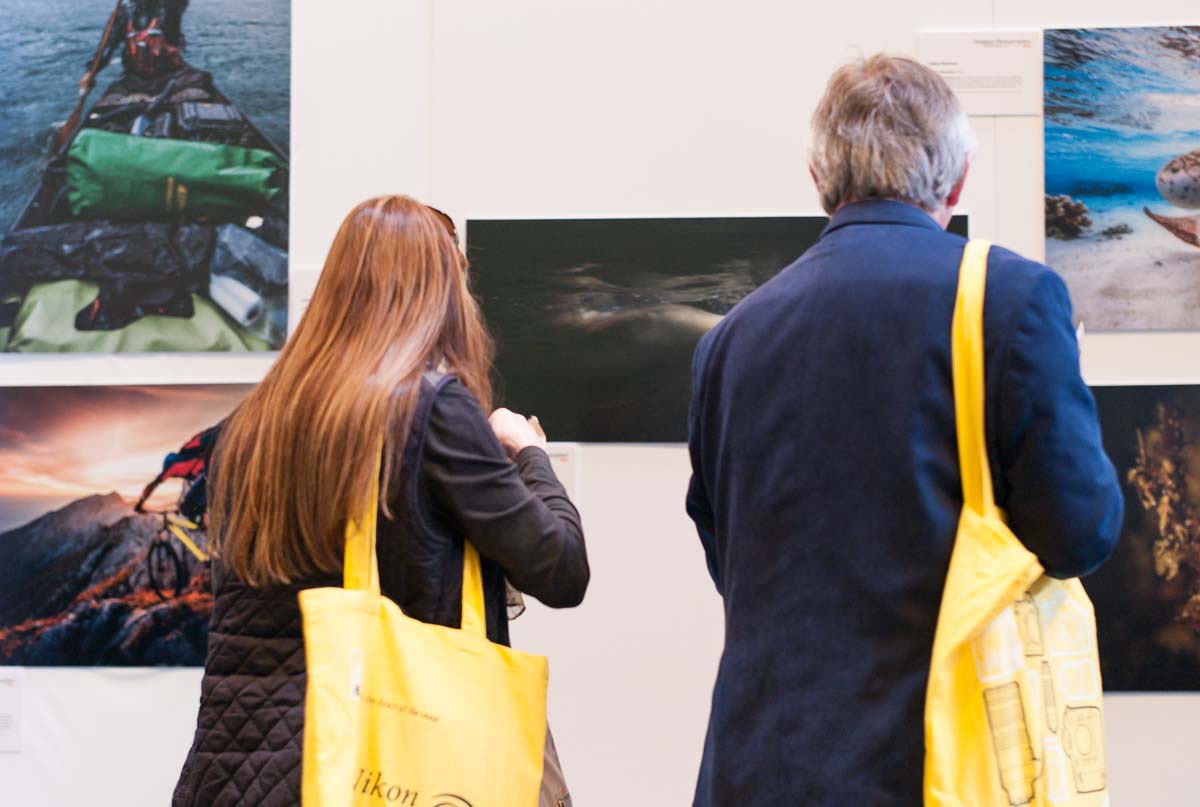
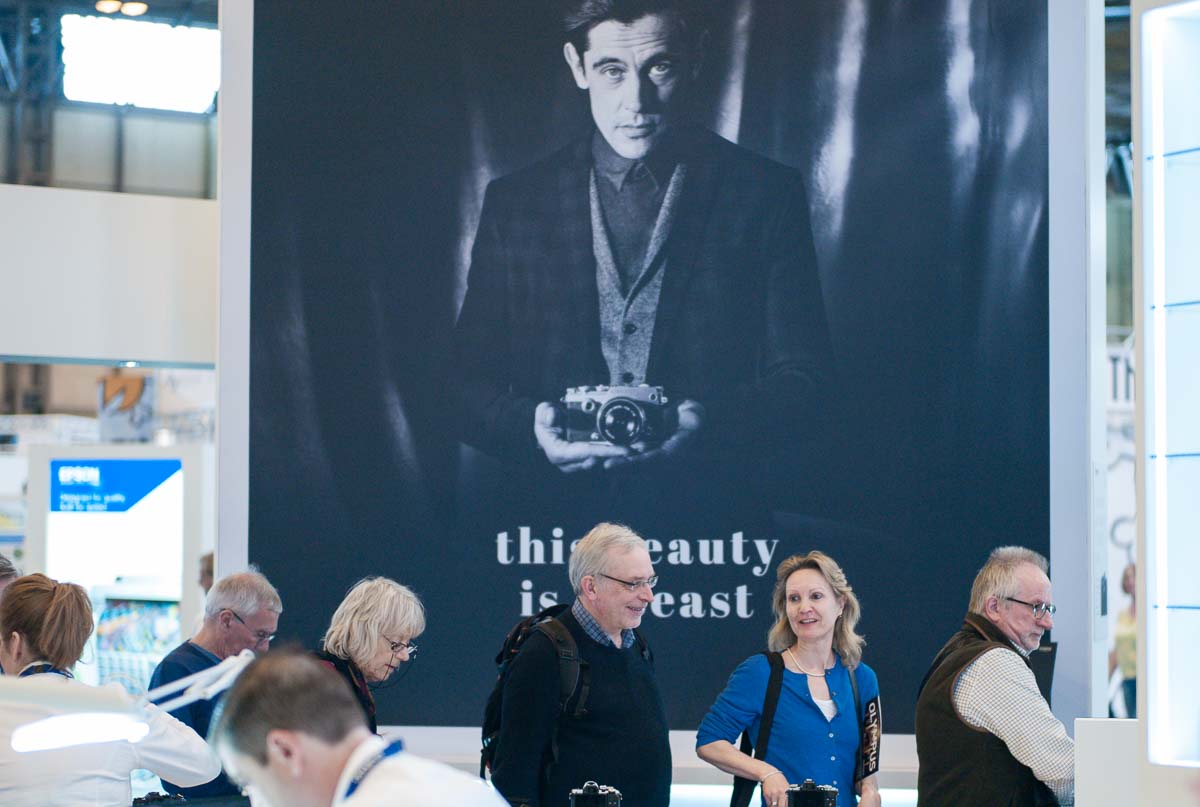
We also caught one from Gavin Hoey. He gave a talk about a commissioned shoot for Olympus. On the wall were some very large blowups of the final images, taken in a dark environment at high ISO, using Olympus MicroFourThird’s equipment. A few years ago you would have been convinced that you needed either medium format equipment to take such large prints or at least full frame 35mm.
Drones were a big element of the show and there were also a few surprising stalls, such as IT backup solutions, dresses and fabric and even holiday companies.
Over all it was a good day. Chris got a very good deal on his lens and I managed to get some good deals on paper. I now know the Fuji X100 is not for me but I am tempted by Olympus.