CCD and CMOS – The Leica Debate

NEC-2
M8 CCD under poor artificial light

For the big names, they can never win.  Just look at the things Apple get critiqued for.

http://www.reddotforum.com/content/2015/02/the-great-debate-ccd-vs-cmos-part-1/

I have two CCD cameras, a Leica and a CCD PhaseOne back for my Hasselblad.  I like the muted subtle look of the colours.  The sharpness of the image and the more film like dynamic range.  Out of camera the images can look more pleasing, plus the noise is far more organic.

LEICA M (Typ 240)
LEICA M (Typ 240)

CMOS though is winning as a technology and has many advantages, not least the high ISO performance, high dynamic range allowing you to post process the images in more directions.

I have heard many people say they will refuse to upgrade to the latest Leica rangefinder because its CMOS, so was very interested to find the article I have linked to about comparing a Leica M9 (CCD) and a Leica M (240-CMOS).

I think the article finally puts to rest the CCD/CMOS is better then CMOS/CCD and that the firmware and post processing is more important.

One of the big complaints about the latest Leica and its something true about Leica in general is that when it first came out the white balance was poor and skin tones and red was not right.  After the camera had been out about a year in the field Leica finally got it right with a new firmware release.  Its something that is quite common for Leica.  I think it was this colour issue that put more people off the new camera then its new CMOS sensor.

Lightroom – working from external drives

ev SSDWith Lightroom, I have the application on my internal SSD, the database on the internal SSD and the Cache on the internal SSD.  The photographs I am currently working on the internal SSD whilst completed images are on external hard drives.

Now that I am looking a getting a new computer, one of the options is to use my old laptop for occasional light use, my wife’s laptop for heavy use when I need power and portability; and the new computer for maximum power and colour critical work together with the Adobe RGB monitor.

This will entail moving between Lightroom databases, possibly having a master Lightroom database on the main computer and a working database that gets moved between the other machines.

While Lightroom works well with importing and exporting databases into other databases, one of the options I have been testing recently is putting the working database and photographs onto an external drive, possibly an external SSD.

G Dock

It seems that the key to getting performance out of Lightroom is raw processor power.  As long as the application is on the internal SSD, and the Lightroom Cache is on the internal SSD then the database and photographs work quite happily on a external drive, either FireWire 800, ThunderBolt or USB3 (USB2 not quite so well).

Lightroom Preferences

The camera RAW cache settings depending on Lightroom version is between 1 and 5 GB.  This is far to small.  For a laptop 20 GB was recommended, and 100 GB for a desktop, since Lightroom V4 Adobe have changed the cache format so 20 GB may be enough for both laptop and desktop use, unless your catalogue is particularly large.  If you use DNG or convert to DNG, then its also important you have fast load ticked.

For now, I am going to create a new Lightroom database on a LaCie external drive that is both FireWire 800 and USB3 and keep switching between my laptop and my wife’s laptop and see how I get on.  If its works well I may invest in a G Tech ev drive and dock.  The dock can be left connected to the desktop I buy.

Fuji X100T and my first real tryout

Fuji X100sA few weeks ago I finally got my hand on a Fuji X100T, at first I was less then impressed until I realised that the battery was very low and Fuji’s when low on power and/or have the power save features selected do limit some features.

On Tuesday this week I had another play, thanks to the local Lincoln London Camera Exchange.  This time I was much more impressed, after setting the power mode correctly and ensuring that there was a fully charged battery I managed to give it a good test.

I liked the way the optical viewfinder works and the speed of performance is now more then fast enough.

I am still torn in the direction I should take with my compact.  I might just in the end buy a better small bag for my Leica and use it with a 24mm, 28mm, or 35mm lens.  If not that then its something like the Leica X, Ricoh GR, or Fuji X100.

Still in usability the the Fuji is a great little of camera, the only concern I have is with the X-Trans sensor, and the option that if I want a compact, then go completely left of field and buy a Olympus OM-10, which is as small as most good quality compacts.

Spring and the evening light

All Saints ChurchNow that the spring is finally here and the clocks have changed to British Summer Time, there is no excuse for not going for a walk on these lighter evenings and taking a camera with you.

While not a fantastic picture, I like this because it reminds me of the warmer evenings to come, with the blue sky and late evening sun kissing the church’s tower.

I’ll be going for a lot more walks now and if the weather is anything like the last few days, definitely taking a camera and shooting a few shots.


Graphic Cards and Monitors

I have been researching what I want from my next computer and I have been considering recently image quality.

The computer is our view into our photography. But what is the limitations of editing high high quality images. The computer or the monitor?

Looking at the software I use, it is recommended that the memory of the graphic’s card is at least 512 MB. Modern inbuilt Intel graphics and discrete graphics all have at least this.

The other limitation is down to the lookup tables built into the hardware. Laptops generally have 8 bit screens, but external high end monitors have 10 bit hardware, meaning higher quality images and better editing without the possibility of banding becoming an issue.

This means that for general work a basic laptop will do the job, but for detailed colour work you will need to plug it into a high end monitor; for more intensive work then a machine with at least 8 GB of RAM and 512 MB of video RAM, 12 GB of RAM plus 512 MB of video RAM for photoshop.

So for general work a MacBook Air with 8 GB will do the job but for more extreme work at Mac Mini with 16 Gb, or a MacBook Pro or Mac Pro/iMac is required.

Comparing Pictures

LEICA X VARIO (Typ 107)

To many of us pixel peep. If you really want to review picture quality make a print and hand it round.

LEICA X (Typ 113)
LEICA X (Typ 113)

The top picture is from a Leica X Vario, the second bottom picture from a Leica M (240. The top camera was generally hammered and dismissed on the internet. The middle picture is from the Leica X a well rated if expensive compact.

LEICA M (Typ 240)
LEICA M (Typ 240)

I have been showing these pictures round to see what people prefer. In theory the most modern camera should win but in fact is was the oldest. Which possibly shows that something else is more important then how modern the camera is.

It can truly be said that we have never had it so good. The most modern cameras may make life easier and pictures easier to take but when it comes to image quality the improvements are now very small. Its more important to choose a camera that suites you and the sort of pictures you take, and most important of all, one you enjoy using.

Thinking about Computers

The announcement of the new Macbook was interesting but as a photographer its not the machine for me.

Ideally I would love a MacPro, but that is more a video and sound machine, despite the growing image sizes of SLR’s and digital backs its overkill.

So with us well into the new year and my seven year old Apple Macbook Pro starting to struggle with rendering full size 36 megapixel RAW files, its finally time to think hard about my next machine.

First thing is its going to be a MAC.  Whilst I have nothing against Windows (I run several virtual windows machines on my MAC), its not for me for general use.  I just prefer the OS X experience and the underlying UNIX of the MAC operating system.

Many people would now dive in and start looking at the best spec machines, but first lets thing about what this machine is for.  For a start, my old mac is fine for office work, email, web browsing etc.  The battery is getting a bit weak but its fine as a general laptop.  The purpose of the new machine is going to be Photoshop and Lightroom, so what are their requirements.

Lightroom

  • Multicore Intel processor with 64-bit support (well thats all Mac’s)
  • 2 GB of RAM, 8 GB recommended (lets read between the lines and say 8 GB is going to be required)!
  • 3.2 GB of disk space
  • 1024×768 display (1280×800 recommended)


Photoshop CS2014

  • Multicore Intel processor with 64-bit support
  • 2 GB of RAM, 8 GB recommended (lets read between the lines and say 8 GB is going to be required)!
  • 3.2 GB of disk space
  • 1024×768 display (1280×800 recommended) with 16-bit colour and 512 MB of VRAM (1 GB recommended)**
**3D features may be disabled with less 512-MB of VRAM

So Lightroom and Photoshop are broadly similar.  As a photographer I don’t tend to use the Photoshop heavy features so the VRAM does not concern me too much.


So lets think about models:

  • MacBook Air 11 inch (1366×768 display), 2xUSB3, Thunderbolt2
  • MacBook Air 13 inch (1440×900 display), 2xUSB3, Thunderbolt2
  • MacBook 12 inch, USB-C (does not really have the connectivity I need)
  • MacBook Pro 13 inch (1280×800 display but of the older Intel Graphics 4000), 2xUSB3, FireWire 800, Thunderbolt
  • MacBook Pro 13 inch retina, 2xUSB3, 2xThunderbolt
  • MacBook Pro 15 inch retina, 2xUSB3, 2xThunderbolt
  • Mac Mini, 4xUSB3, 2xThunderbolt

Now I need to consider that I will be using this with a large external monitor so Thunderbolt uses up a port for that, I also have external storage which can use FireWire or Thunderbolt, so I need either one Thunderbolt port and one firewire, or two Thunderbolt; without spending cash on a Thunderbolt hub.

All of the above with relevant adapters, hubs and external monitors will do the job, but a few do standout.  First the new Macbook 12 inch with the single port.  Hubs are not yet available so its not really an option.  The MacBook Pro 15 inch high-end model with the 2GB of VRAM would really hit the spot but is the most expensive option.

  • MacBook Air 11 inch (1366×768 display), 2xUSB3, Thunderbolt2
  • MacBook Air 13 inch (1440×900 display), 2xUSB3, Thunderbolt2
  • MacBook 12 inch, USB-C (does not really have the connectivity I need)
  • MacBook Pro 13 inch (1280×800 display but of the older Intel Graphics 4000), 2xUSB3, FireWire 800, Thunderbolt
  • MacBook Pro 13 inch retina, 2xUSB3, 2xThunderbolt
  • MacBook Pro 15 inch retina, 2xUSB3, 2xThunderbolt
  • Mac Mini, 4xUSB3, 2xThunderbolt

So looking at the display and the ports the 11 inch Air and 12 inch MacBook go first.

The consideration is now whether I want high end Photoshop ability.  If I do then I need the graphic capability of the MacBook Pro 15 inch.  If not then any of the remaining will do the job.

All of these are laptops with the exception of the Mac Mini, replacing my laptop with another laptop does mean I have a spare laptop, having the Mac Mini gives me a fairly good office machine, neither the Air or the MacBook Pro none retina can go higher then 8 GB.

If I want real portability the 13 inch Air is the one to go for.

If I want something that will last a little longer then I need to go for a machine with 16 GB of RAM.  If we go for power then that leaves us with three.

  • MacBook Pro 13 inch retina, 2xUSB3, 2xThunderbolt
  • MacBook Pro 15 inch retina, 2xUSB3, 2xThunderbolt
  • Mac Mini, 4xUSB3, 2xThunderbolt

It might also be worth mentioning that the Intel built in system graphics can now dynamically allocate up to 1.5 GB of system memory to video, so even the lower spec models may handle Photoshop better then you think, but if your laptop only has 8 GB, that quite a chunk to loose.  Many Photoshop professionals consider 12 GB to be Photoshops sweet spot.

So after all of this what do I think.

Well if your after real portability, the 13 inch Air is hard to beat.

If you want a desktop then its the Mac Mini and with 16 GB of RAM and the lastest Intel Graphics its a good performer.

You want power and portability then its the top of the range MacBook Pro 15 inch retina.

So which will I choose?  Well that would be telling.  Just to confuse you some more though, I can get a discount from Apple and that makes a top spect MacBook Pro 15 and a MacPro less then £200 different.

Lots to think about.

Becoming Emotionally Attached to the Picture

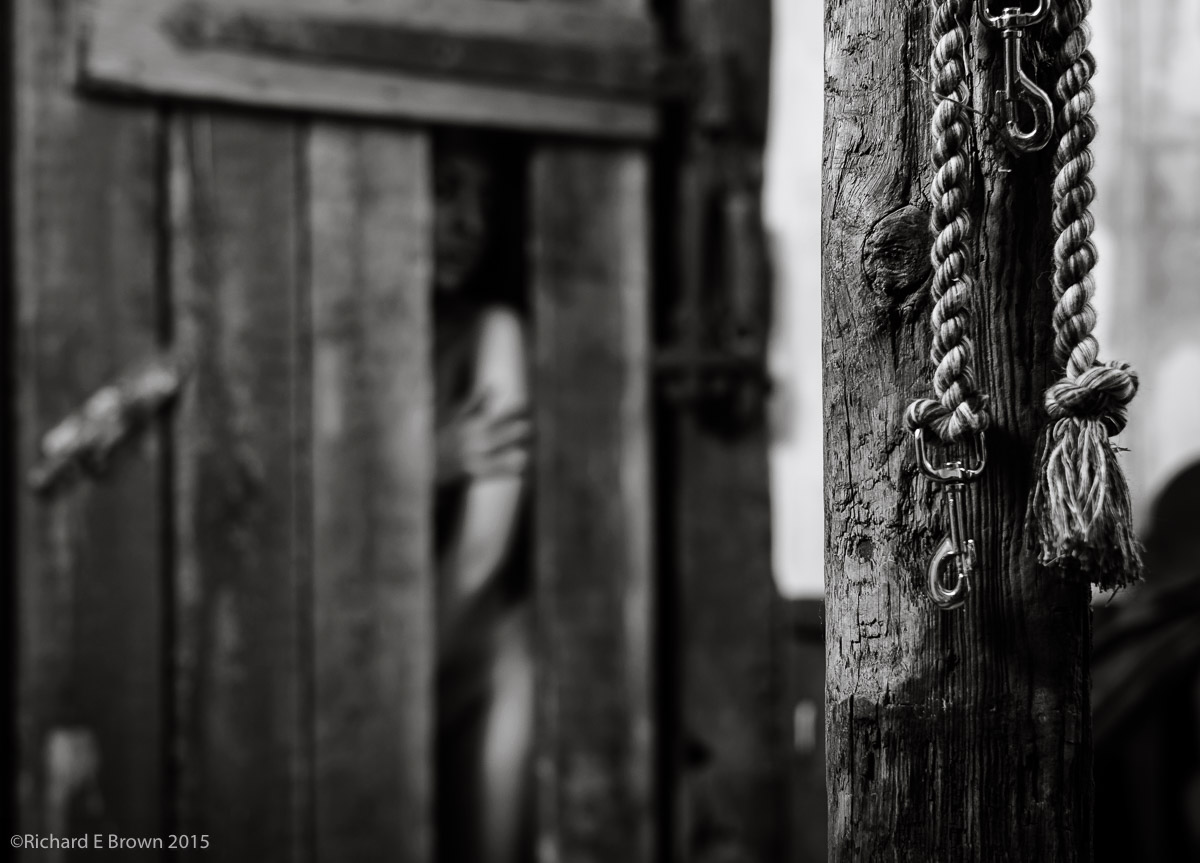
Water Nymph

Its often said that photographers feel that a photograph that was difficult to take is better then one that was easy to take.

I was reading an article today about a photography who had shot film for a year and then only once the year was up did he get the film developed.  Because of the length of time that had expired between the taking of the photograph and the photographer finally seeing the shot, he had removed the emotional link between taking the shot and the final image, thus he could edit and judge the image without prejudice.

I often go back over old images in my image library that have a low rating and sometimes I spot something that I previously missed.  Its always work review your older work but I you have good image sometimes trying to re-edit it is not a good idea.

Birmingham NEC Photography Show 2015

Frank - Leica M8
Frank – Leica M8

The NEC Photography Show started on Saturday and Chris Bennett and myself paid a visit this Monday to the four day show.

Last year was our first time there and I got the chance to hear a seminar by Joe McNally. This year while there are some great photographers I would have liked to listen to and meet, no one that I was interested in was giving a seminar on the main stage this Monday.

This year was the biggest yet and we had more stands and some of the bigger names in photography.

Sony and Leica did not make it last year but were here this year. The local camera shops all stock Sony, but Leica have many models that I have never had a chance to try out, so that was the big excitement for me.

I had four cameras that I really wanted to try out. The Leica X Vario (107), the Leica X (113), the M (240) and the Leica T.

The Leica T was what we got our hands on first. Its quite a technical tour de force and the touch screen works well, but the handling and ergonomics is not for me.

LEICA X VARIO (Typ 107)

The Leica X Vario was a disappointment when released, people did not like the slow lens. Its handling is actually not bad and its optional EVF was very usable. I was disappointed with the performance, it was slow to write to SD card, and until the write had finished it was not ready to shoot again. I am not sure if this is generally the case or was just an issue with this camera because of an issue or a slow SD card was the cause of it.

After writing this I checked a few review sites, as I could not remember people saying this was an issue.  It turns out that it is not an issue with a fast card but if you use a slow card like I did, it is an issue.

When I got home and checked out the image, I was a little concerned with the white balance, it was definitely on the purple side.  You can never be sure if a camera at the show is performing as it should as many other people have had their hands on it.

Under difficult lighting conditions like a show like this most cameras get it wrong.  Sony’s can be particularly bad at this, whilst the Nikon Series 1 and the Olympus seem to get it right.

I did not get the chance to try my memory card in the Leica T but did with the other three cameras.  The Leica X Vario definitely had the worse performance but as you can see above, its produced a pleasing and usable image.  The exposure was 1/8 of a second at ISO 100 so you cannot complain.

LEICA X (Typ 113)
LEICA X (Typ 113)

Next up for loading my SD card into was the fixed lens compact Leica X (113).  In pictures and in the flesh this is a lovely little camera.  It was a shame they did not have the EVF for this as I hate composing on the screen but again it was a nice handling camera.  This camera handles like the X Vario which is to say very well.  I used the same slow SD card in this but had none of the issues with shooting that I did with the Vario.  The X 113 I guess has a fast large buffer to stop it being an issue.  The lens is a fast f/1.7 and I shot wide open at ISO 100.  The white balance was still a little on the purple side but did a far better job then the Vario.  You can really tell the X 113 is a generation ahead of the Vario.

LEICA M (Typ 240)
LEICA M (Typ 240)

I saved the best till last, the M.  I was disappointed to find it thicker and heaver then my Leica M8, but the shutter was nicer.  The picture straight out of the camera was about spot on.  No issue at all with white balance.  With the early firmware people complained about skin tones being too red but as you can see above its not issue at all now.

The M series of digital cameras have never been know for there low light performance.  Certainly I would not want to use my Leica M8 above ISO 640 unless I had to.  The top photograph of Frank Doorhof was taken with my Leica M8 and apart from a slight white balance adjust is pretty much straight from camera.  The M shot was taken at ISO 800 and its colour and noise beats my Leica M8 at base ISO.

The other thing to note is the shutter.  The original M8 shutter was terrible.  The M8.2 upgrade and M9 shutter was better but its not great.  The M finally has a quite usable and predictable shutter.

So what Leica would I buy, well a M and the M Monochrom at the drop of a hat.  Compact wise, I am not sure.  I want to like the X Vario, but with the slow SD card it did not make a good impression.  The X 113 did make a good impression but with its fixed lens is less adaptable then the Vario, but the Vario does have a slow lens compared to the X 113’s f/1.7.

What also needs to be considered is that when shooting close up the X 113 automatically stops down to increase image quality and is not something you can override.

NECSo what else.  Well Chris at the moment is really enjoying his Olympus OM D camera.  So we made a bee line for there cameras.  I was interested in comparing the OM E10 with the E5 MkII.

The OM E1 is a great fit to the hand, and whilst the OM E10 is very small, its also fits the hand well.  The OM E5 being in-between should hit the sweet spot, but without the grip its to large and two small as odd as that sounds.  If your getting one I would say get the OM E1 or the OM E10, if you do want the OM E5 then it needs the grip to handle well.

Olympus were holding a few seminars themselves.  So we booked ourselves into a couple.

The first was by Animal Photographer Linday Dobson.

http://lindsaydobsonphotography.com

She had some great tips and it was good to see photographs of animals that anyone could take, ducks, chickens, foxes, not zebra, elephants and lions.  Very approachable photography.

The second seminar we caught was by ‘The Baby Whispers’, this was led by Damian McGillicuddy and he gave some great tips.

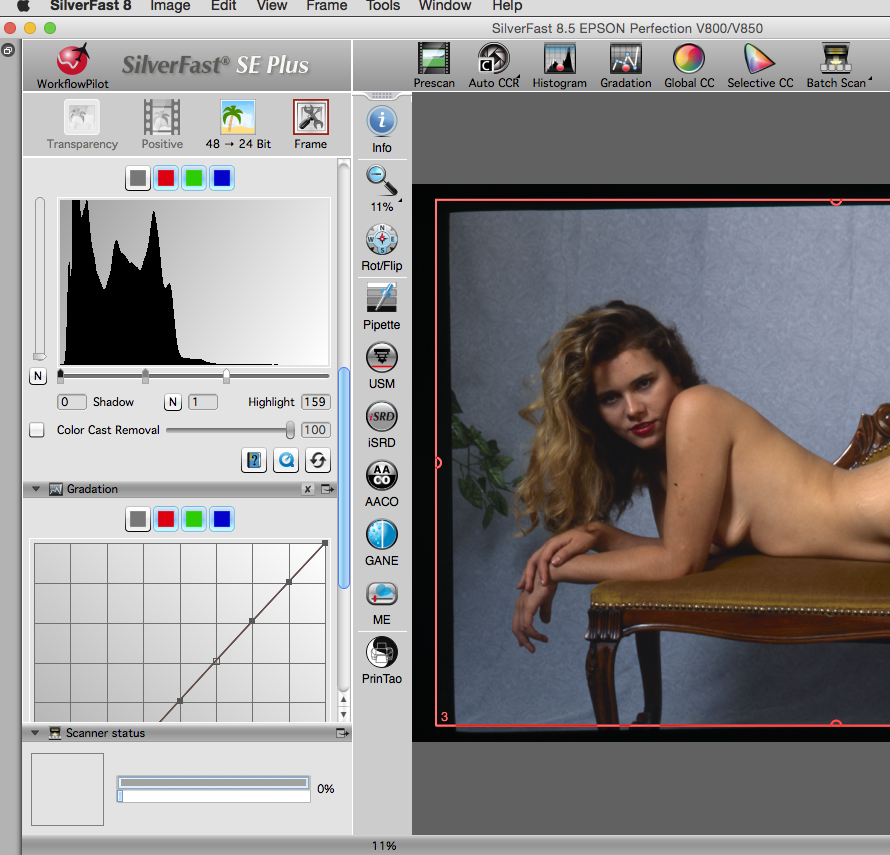
NEC-2The big question is did I buy anything, well yes.  The big purchase was my new scanner, its the new Epson due out end of April, so I have to wait a while but ordering at the show did get me £200 off the list price.

I also got a great deal on paper.  I got some half price Canson A3, and some test packs from  a few other manufactures.

Lastly I picked a few memory cards.  You can never have too many.