The Nikon D5 was expected this year but I was surprised to see it announced at CES and not a more photo focused show.
Nikon DX users of the D200/D300 range will be pleased to see the D500. The D200 turned things round for Nikon and they followed it with the stunning. D3, D700 and D300. While we have see replacements for the D3 and full frame D700 the D300 had no replacement till now and Nikon were loosing customers to the Canon 7D.
Another pleasing announcement was the Phase One XF 100MP a True 100MP Medium Format Camera For just $48,990 ;).
Medium format was being caught by cameras such as the Nikon D800 and latest Canon 5D. When you saw high megapixel figures quoted it was usually via pixel shifting rather then genuine megapixels.
Tuesday was my last studio shoot of the year. Its been a quiet shooting year, some studio work and weddings but not a lot of personal project work. Unfortunately family life sometimes gets in the way.
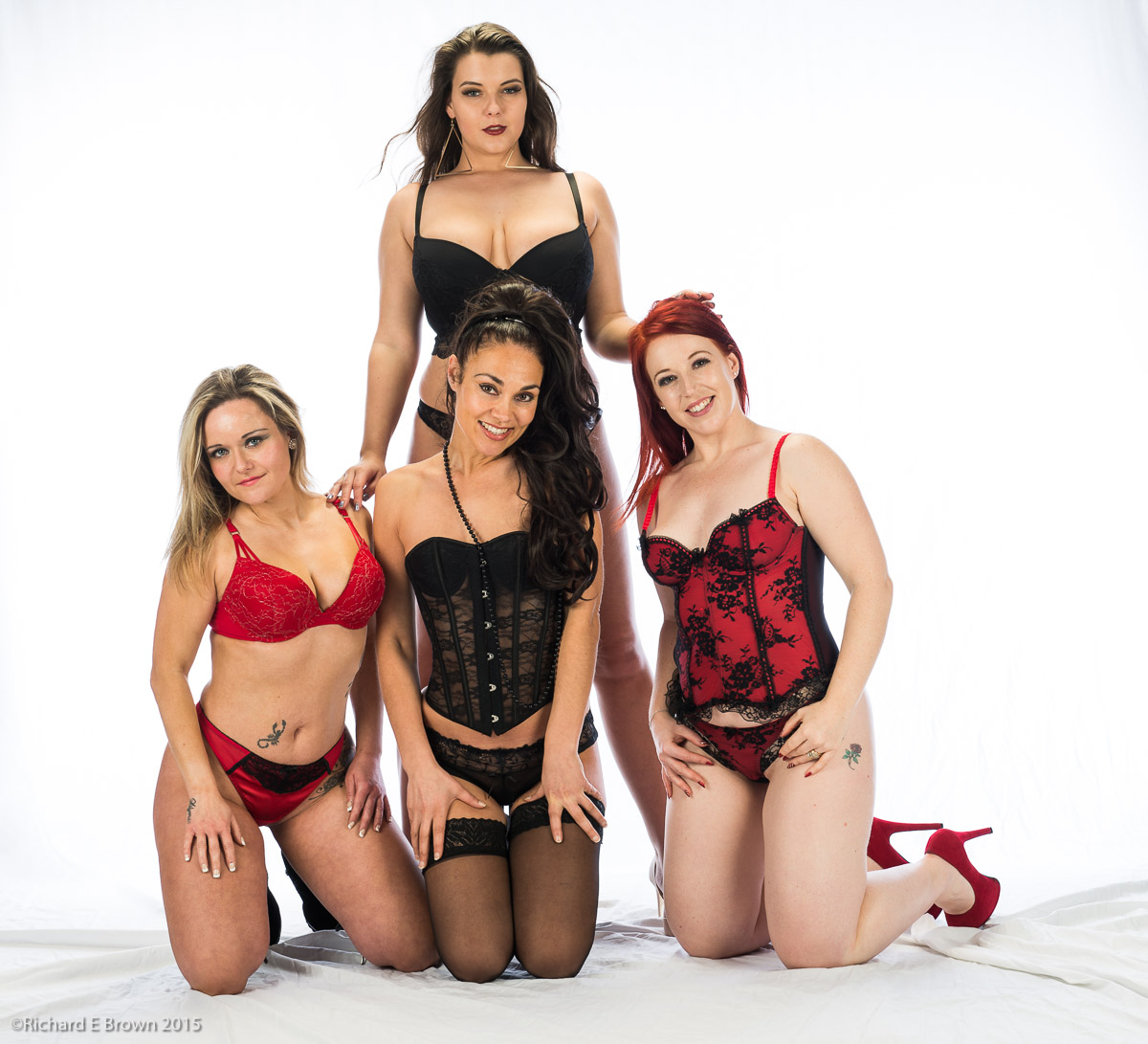
Shooting four models at the same time is a bit of a challenge in the studio, it really challenges your composition and your ability to direct. Not something I would advice your try until you have mastered the basics of lighting and basic direction of one then two models.
Leica being a small company are not always the fastest at releasing updates and bug fixes to their camera firmware but recently we have seen quite a few updates.
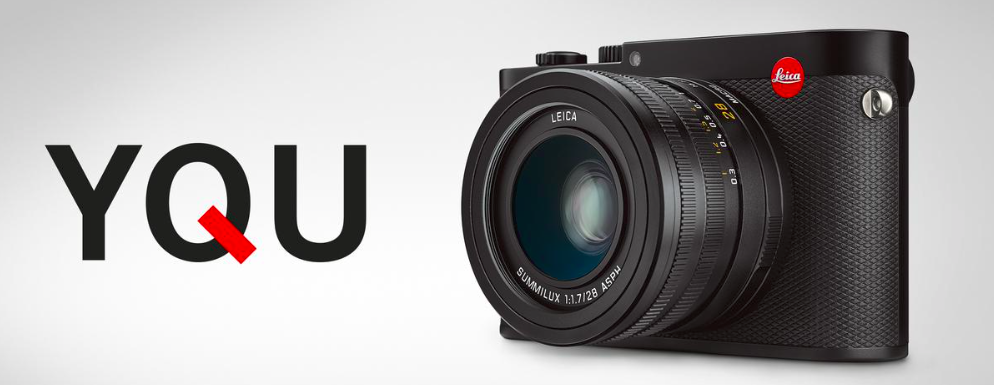
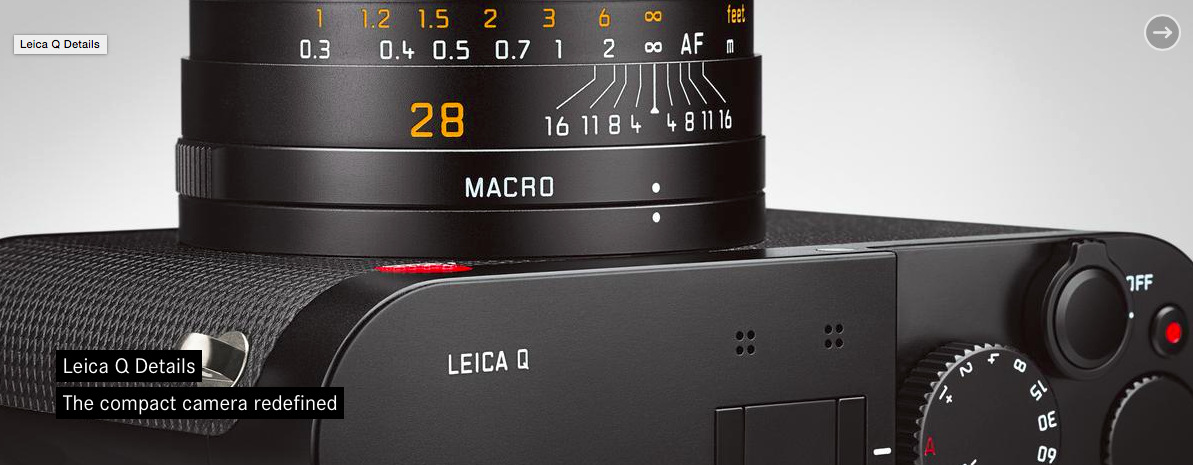
This week it was the turn of the Leica Q.
The smaller camera manufactures such as Olympus, Fuji and Leica are very good at releasing new functionality for their older cameras and its something that the bigger manufactures could learn from.
Last Friday was the official works Christmas party, good food and good company. We have also had a few more small team meals and get togethers over the last week and some of us also went to see old work colleagues from previous companies we used to work for.
We are all now on a final countdown for the big Christmas holiday. Last year I had to work but this year I have Christmas to the new year off but will be squeezing in one Christmas theme photoshoot.
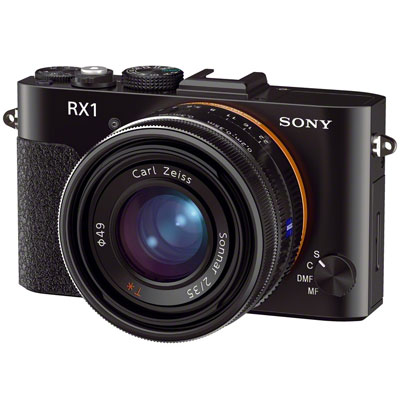
Fix lens compacts are becoming more common again. In the film days we had a wide choice of small 35mm full frame compacts, but it was Sony with its RX1 that re-introduced this format to the digital age.
Most of the short comings over the original Sony RX1 have now been overcome with the latest version and since the originals introduction we now also have the Leica Q in the game.
The Sony uses a 35mm lens and the Leica a 28mm, I have shot with both focal lengths and generally prefer the 35mm, but the 28mm is growing in popularity, driven by all those iPhone photographs that appear on Flicker and Instagram. The iPhone with its tiny sensor is 28mm equivalent so its a field of view were are getting used to.
When I manage to get my full frame digital Leica M, I may just get a 28mm, it can force you to get closer and try more interesting compositions.
The word cheap and Leica rangefinder don’t really belong together but there are ways to get into the system and it not cost an exorbitant amount.
The first way is what I have done and bought one of the original Leica M8.2’s. These at base ISO are still very good. Then over the last few years look out for secondhand bargains for lens.
The other way requires a high initial outlay. The camera above is a Leica special edition. It’s the latest M-P in green, a limited edition box set with a lens and it’s cheaper then an M with this lens bought separately.
This being a special edition is likely to keep its value much better and you can sell it to a collector when you come to upgrade.
If you want good contrast and soft light and shadow in your studio flash photographs the key is to get the light close to your model.
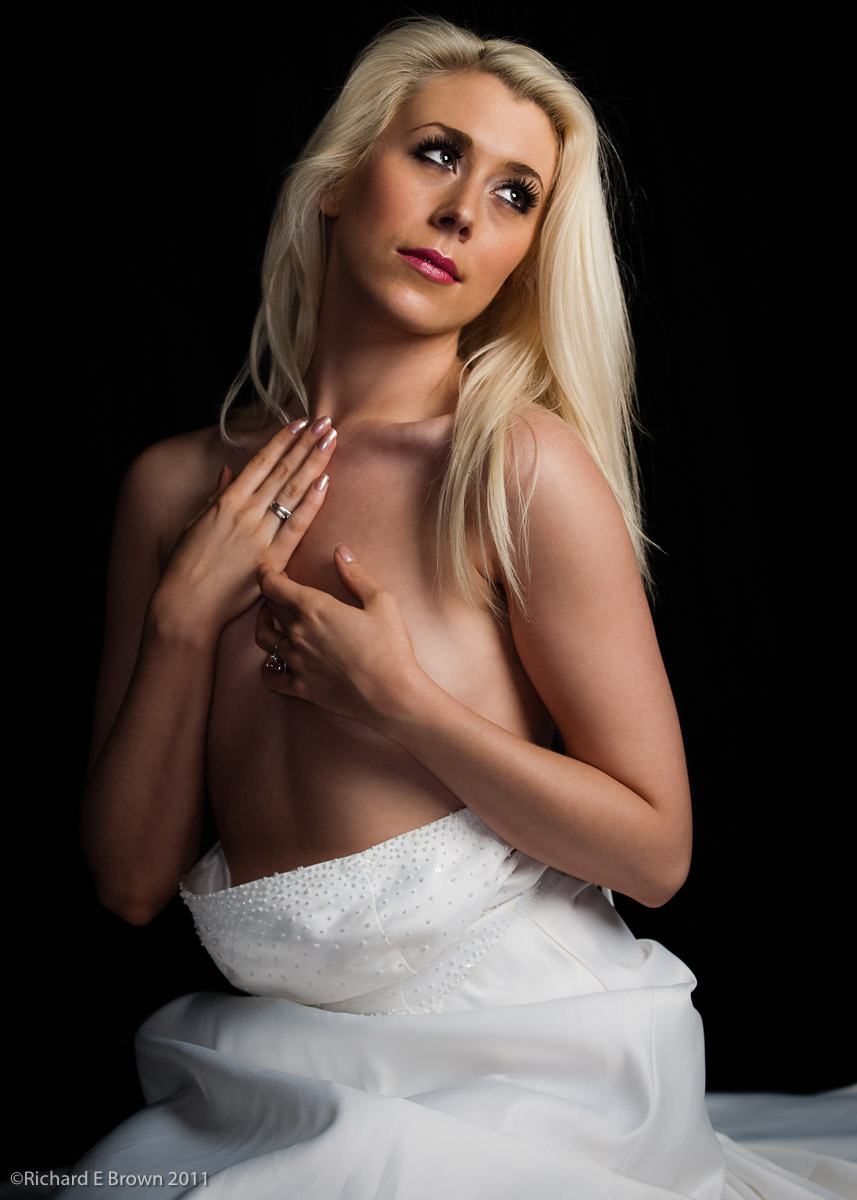
Straight from Camera – Lightroom Defaults Applied
The light here is very close to the model, a very large soft box above the model giving strong directional light, but with very gentle soft shadows, this is caused by the light being so close to the model. The camera was a Nikon D200 with a 70-200mm f/2.8 zoom shot at about 90mm. This shot is straight from camera with my Default Lightroom D200 People pre-set applied. This applies a little sharpening and a mask, a little contrast and some fill. As its stands its pretty good, but I wanted to clean up the skin a little so it needed a round trip to photoshop.
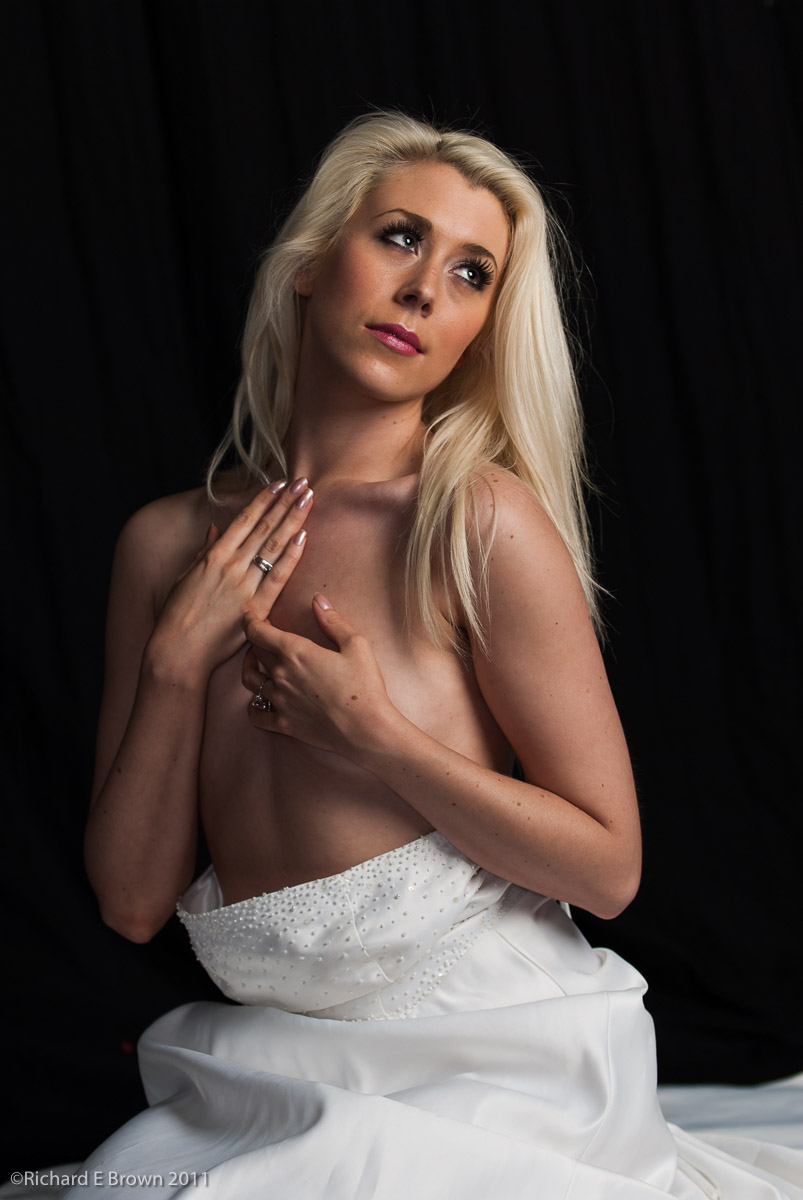
Flattened Contrast
To make the Photoshop work a little easier I dropped the contrast and slightly brightened the image, then it was off to Photoshop.
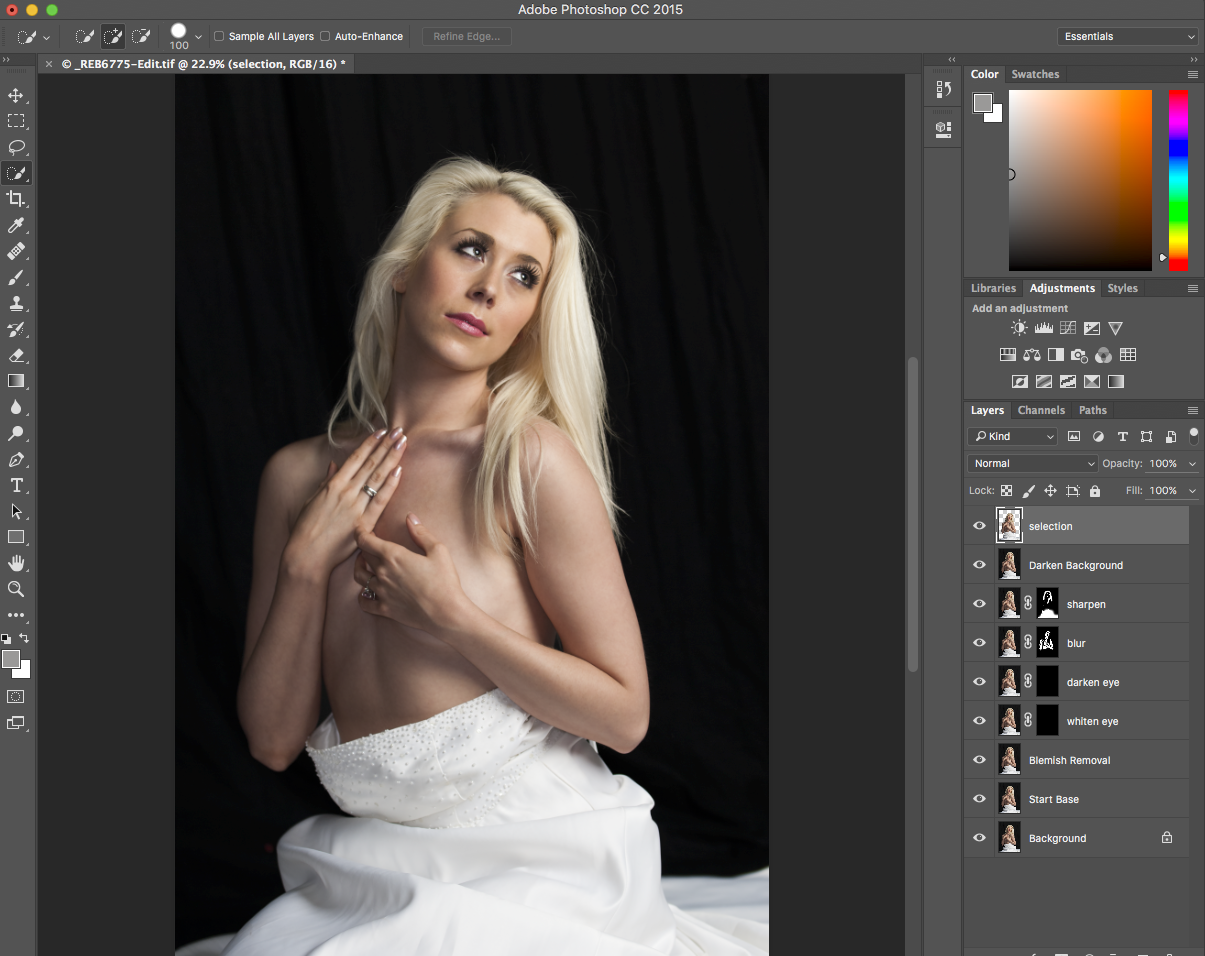
Photoshop
This is an old image but I wanted to see what the latest version of Photoshop could do with it. With the skin cleaned up I whitened the eye and darkened the pupil a little, added a touch of blur to the skin to soften it then darkened the background.
Then back to Lightroom, for a final finish; add contrast, a make the image a touch darker and then crop.
All in all a quick edit and I have to admit Photoshop is getting faster at this kind of thing. Most of this I could have done in Lightroom but taking it to Photoshop and using layers just made it faster and easier.
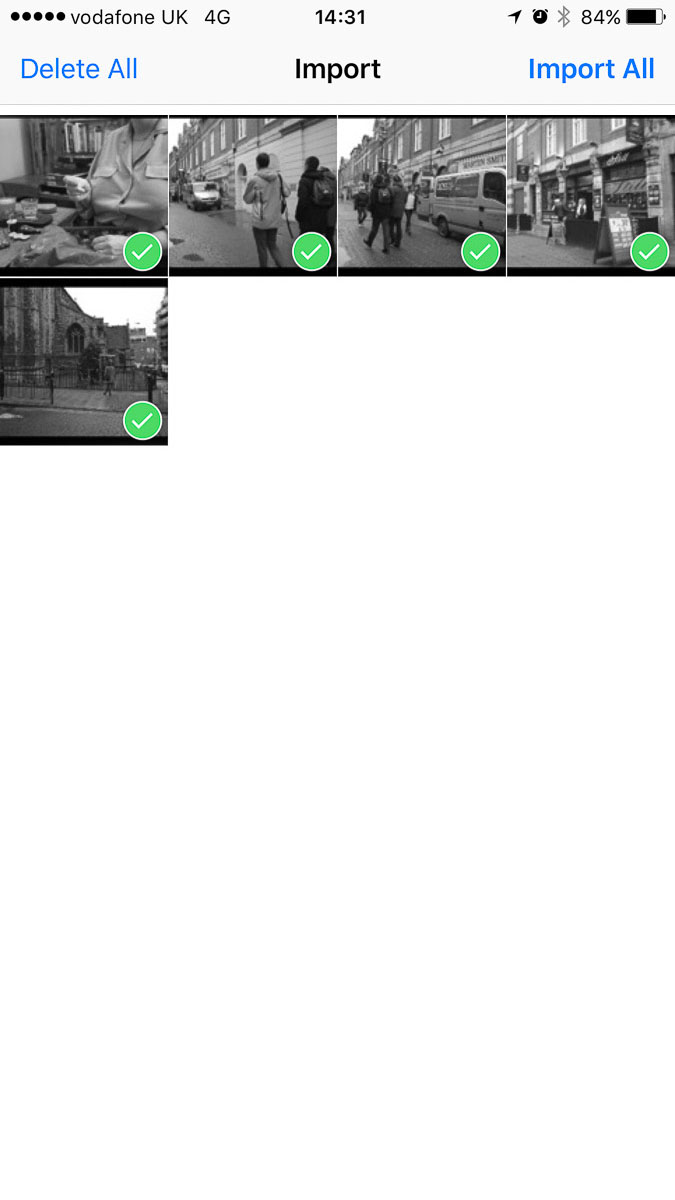
So with the release of iOS 9.2 we finally got the ability to use the Camera Connection kit on our iPhones and I have to admit its about time Apple. While the iPad does make more sense for this kind of work, for those of us with iPhone 6Pluses it can be useful.
This afternoon I set about testing it out.
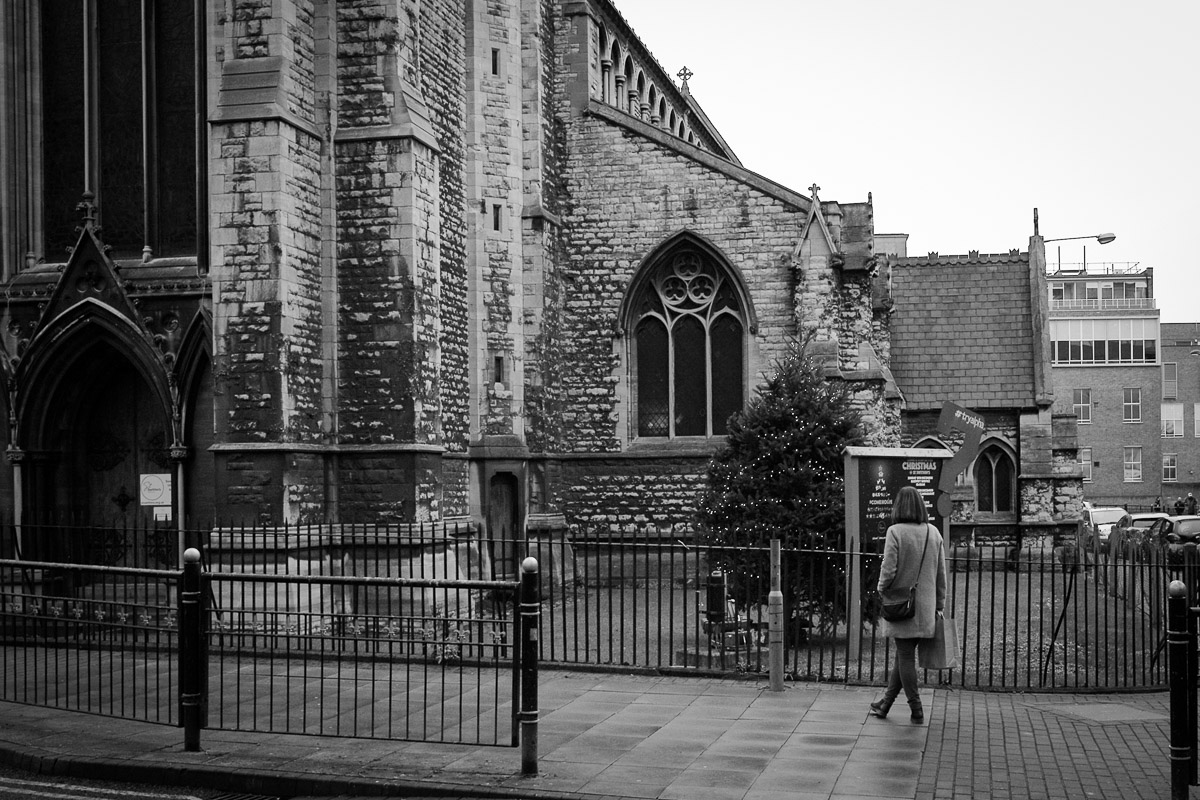
A quick walk around the wet streets of Lincoln soon gave me a small selection of images. Back at my desk the memory card came out of the camera in was plugged into the phone. Into the photo app to import the shots then into Lightroom Mobile for a bit of an edit. The top shot is the results.
Today Apple released the second major update to iOS 9. The thing that interested me with this update is they have enabled support for the camera connection kit on the iPhone.
If like me you have a iPhone 6 Plus then being able to import photographs direct to the phone and then into an application like Adobe Lightroom mobile could be very useful.

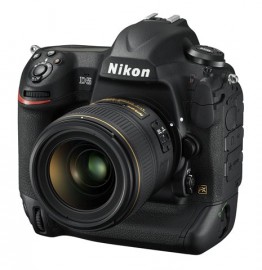 The Nikon D5 was expected this year but I was surprised to see it announced at CES and not a more photo focused show.