HDR Editing in Adobe Lightroom

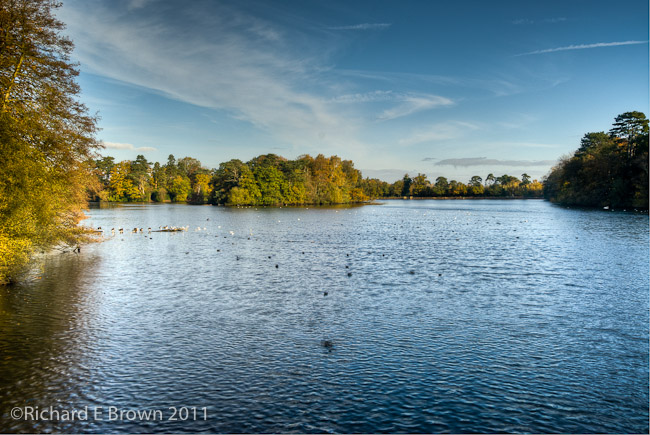
Hartsholme Lake - SLR - HDRHDR – High Dynamic Range, is a useful technique when the dynamic range of the scene is beyond that of the sensor or film you are using.

Traditionally the one uses dedicated HDR like PhotomatrixPro, but recently I found a method of producing a more realistic method of producing a HDR image by doing the editing in Lightroom.
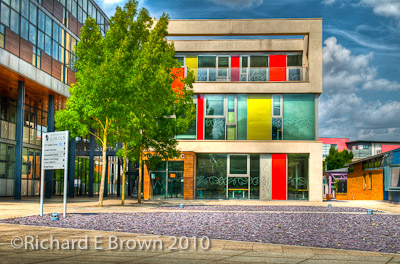
University in HDR

One can use HDR carefully and produce natural looking results like in the photograph at the top of this page. Often now you see HDR used to produce over the top cartoony images like in my shot of the University of Lincoln.

My workflow is generally as follows:

  • Image Capture
  • Initial import to Lightroom
  • Initial Edit
  • Export to HDR Program
  • Process in HDR Program
  • Export Back to Lightroom

I generally shoot a five stop bracket, using auto bracketing. These photographs are then imported into Lightroom and I do basic key wording, copyright information and correcting for lens issues and basic import sharpening.

The five shots are then selected and exported to TIFF into my HDR Program. I use PhotomatrixPro. The HDR processing is now done and the resulting single file exported back to Lightroom. I can then do my usual processing and cropping back in a program I am more familiar with.

Well I did not spot it until recently (thanks to Matt Kloskowski) but you can now export the shots to Photoshop combine them and then re-import and do the processing back in Lightroom. Now Photoshop can do HDR but until CS6 third party programs have been better. This technique though just uses Photoshop to combine the images, which are then exported back to Lightroom and you can do the processing back in the program I am mist familiar with.

So how do you do this? Well for a start you need Lightroom V4.1 at least, V4.0 and before could not do it.
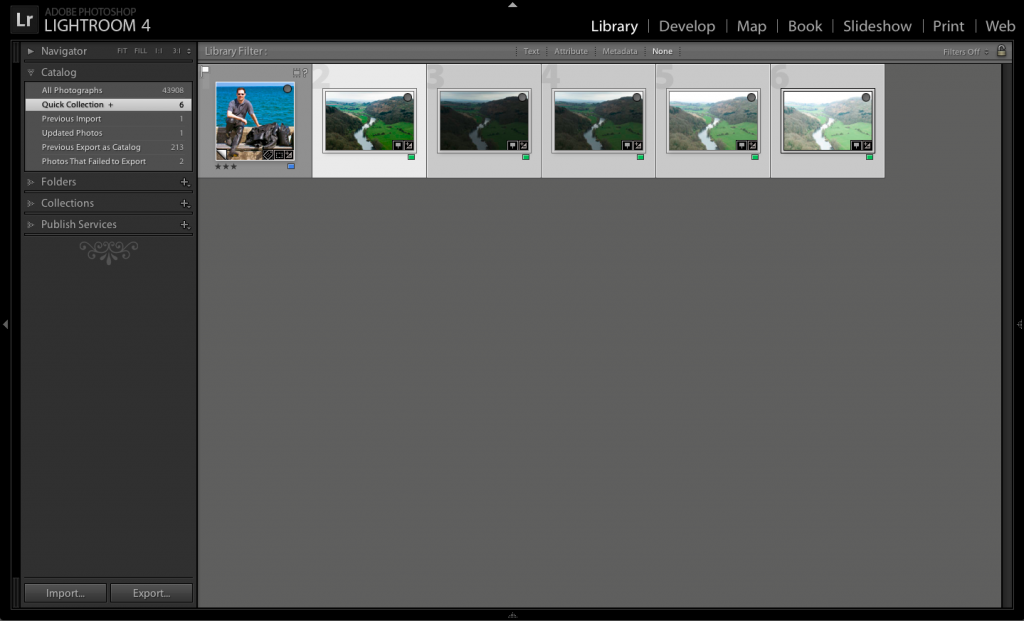
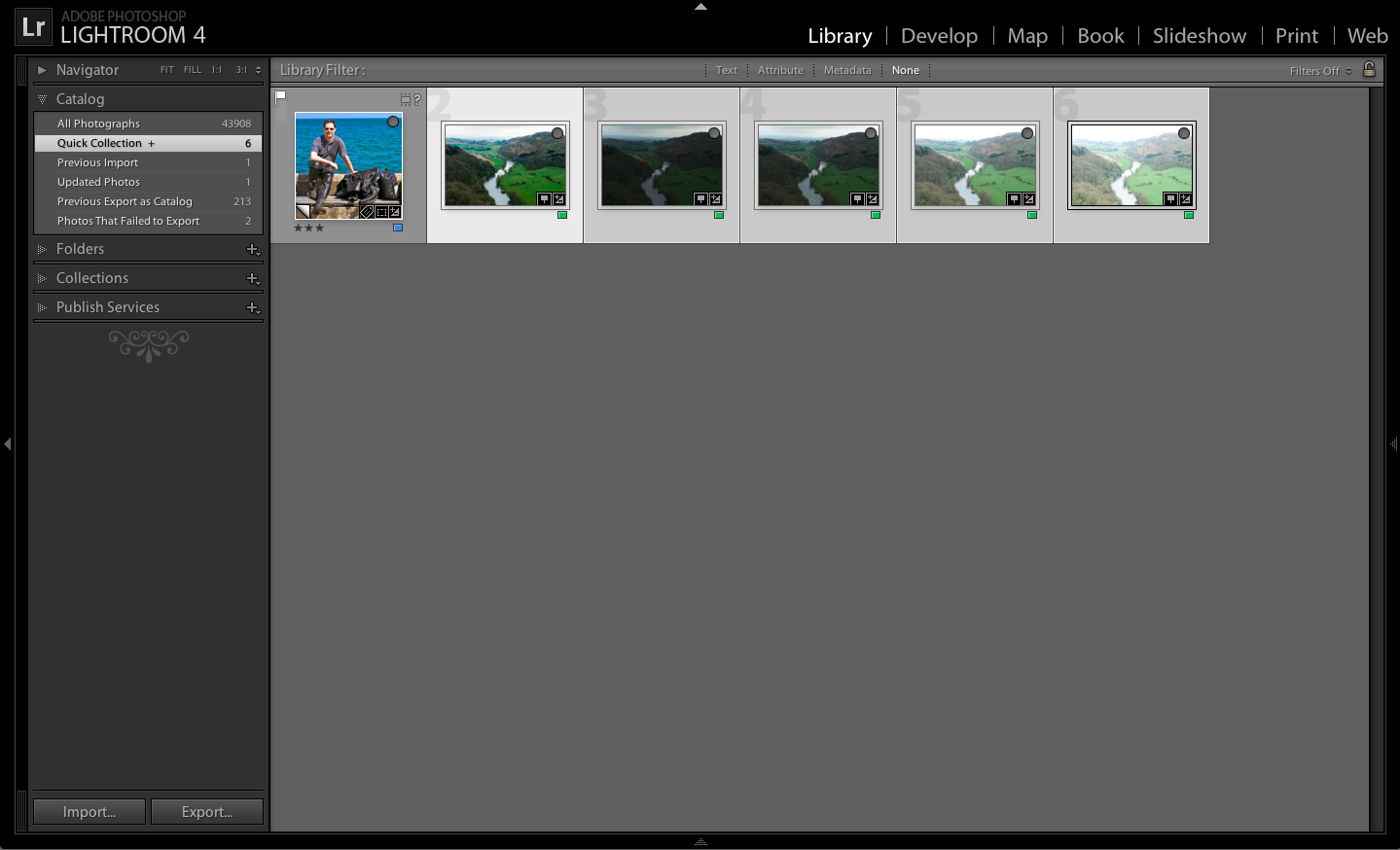
Screen Shot 2013-05-03 at 13.42.13

Select all the photographs in the bracketing set in the Library module.
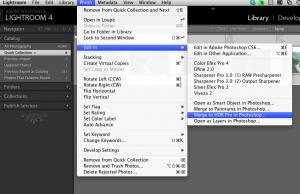
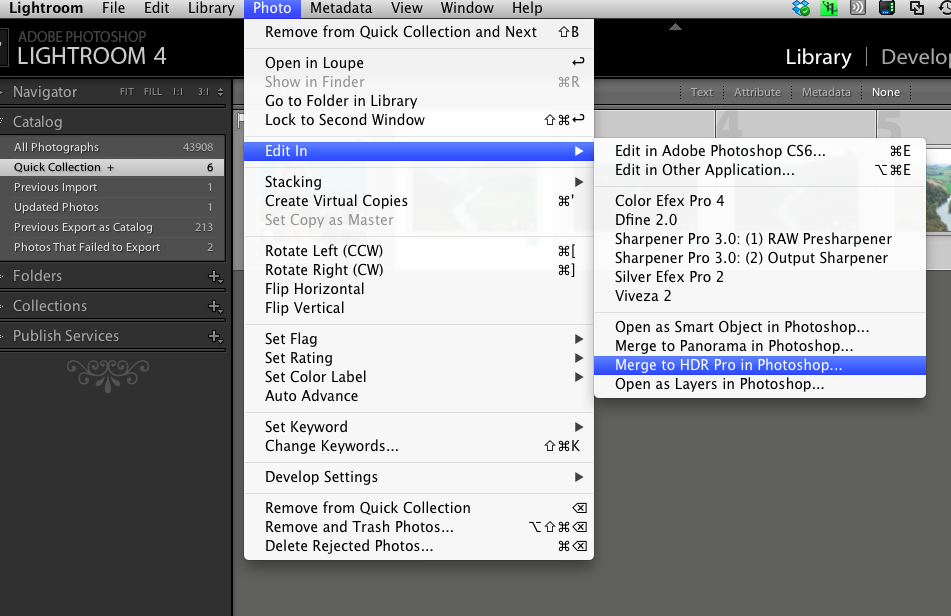
Screen Shot 2013-05-03 at 13.48.00Then go to the Photo Menu, select Edit in, and then, Merge to HDR Pro in Photoshop. This will cause Photoshop to Launch (you will need CS6).

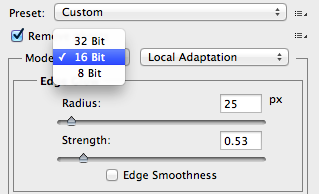
Once all the images how loaded you need to change a setting in the right hand menu panel within Photoshop CS6. I recommend you click on the button Remove Ghosts and then change the Mode from the default of 16 Bit to 32 Bit. Then click OK.
Screen Shot 2013-05-03 at 13.55.12

It will now process the selected files into a single TIFF file (it must be saved as a TIFF). If you shoot with a 24 megapixel camera or more and have a older computer this could take some time!

Then close Photoshop and when prompted to save click Yes. Photoshop will save the file and Lightroom will import it. You can then edit the resulting file with a number of advantages.
Screen Shot 2013-05-03 at 14.09.32

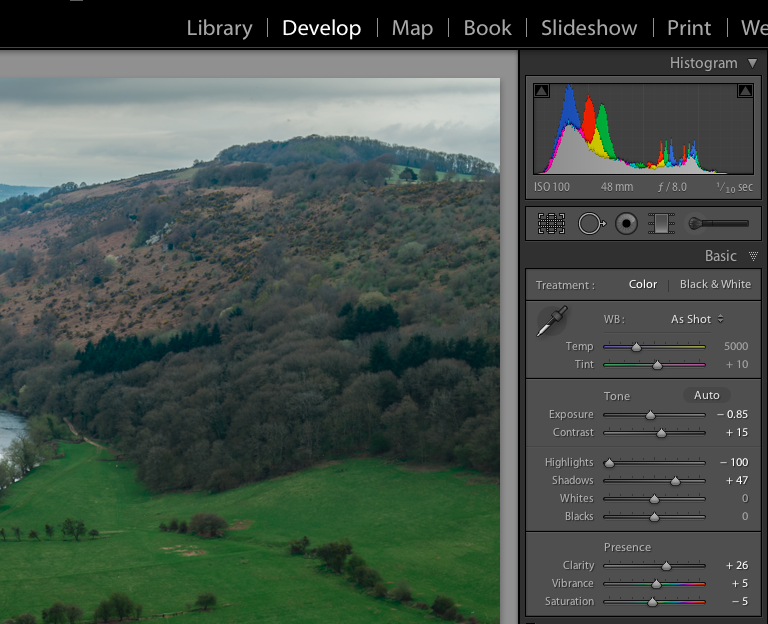
When you now edit the image you will find that there is far more data available then if it was a single image.
Screen Shot 2013-05-03 at 14.10.10

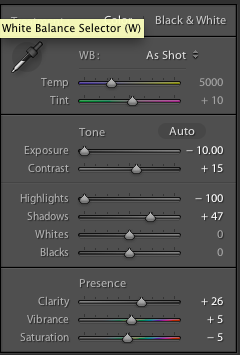
With the five set bracket I took I have plus/minus 10 stops available in the exposure control. This gives you the advantages of HDR but not the cartoony look.
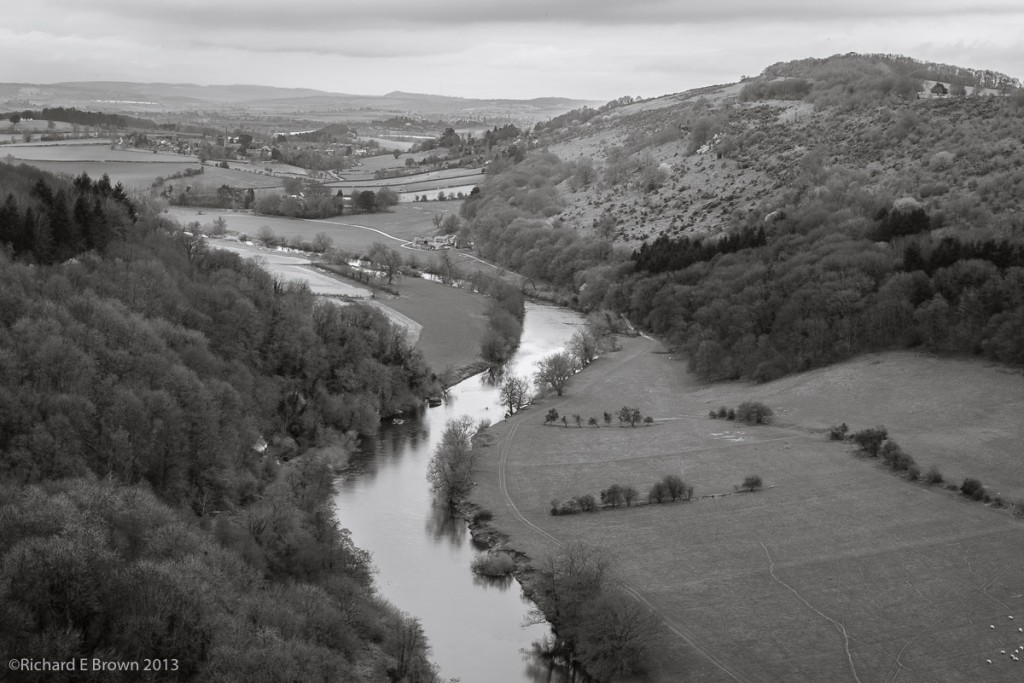
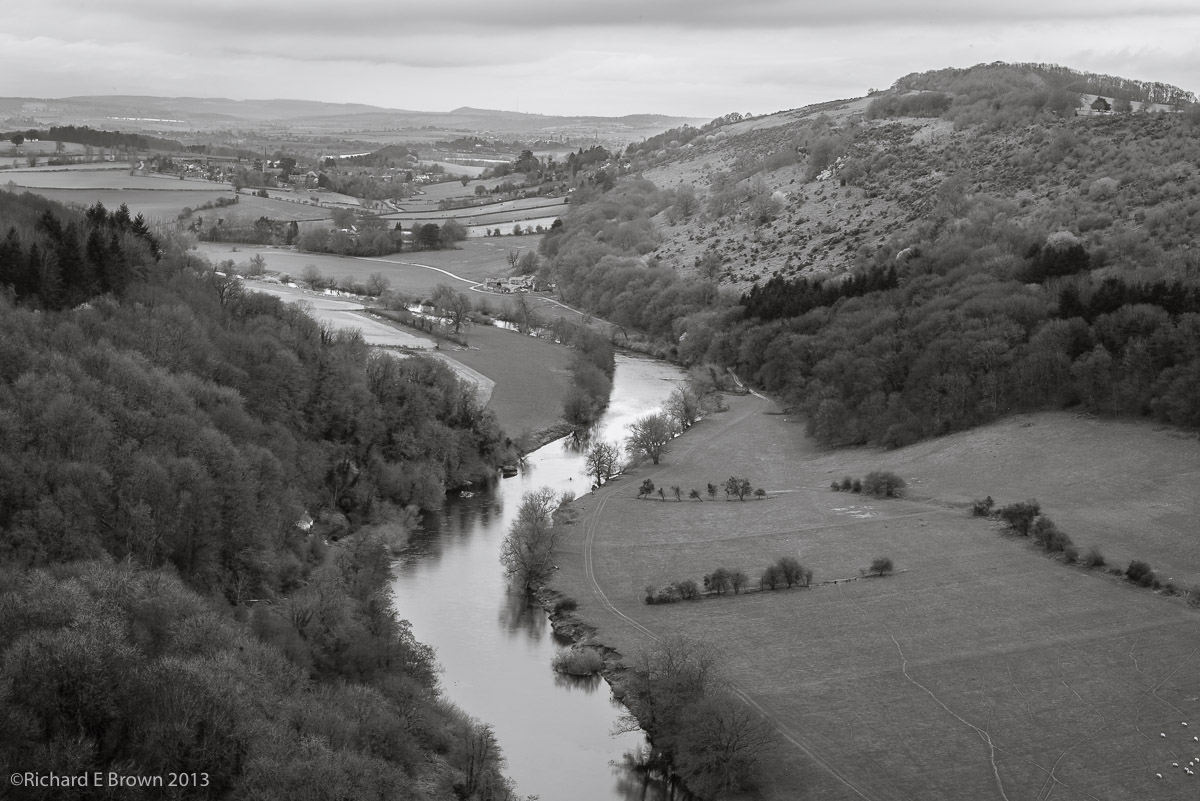
Symonds YatHere is the final image, turned into a Black & White with lot more detail available in the what was a blown out sky.

Now that I have learn’t this technique I’ll be re-visiting some of my older brackets and seeing if I can do a better job of post production. Here is a quick re-edit I did of a interior shot of the lovely and majestic Lincoln Cathedral.
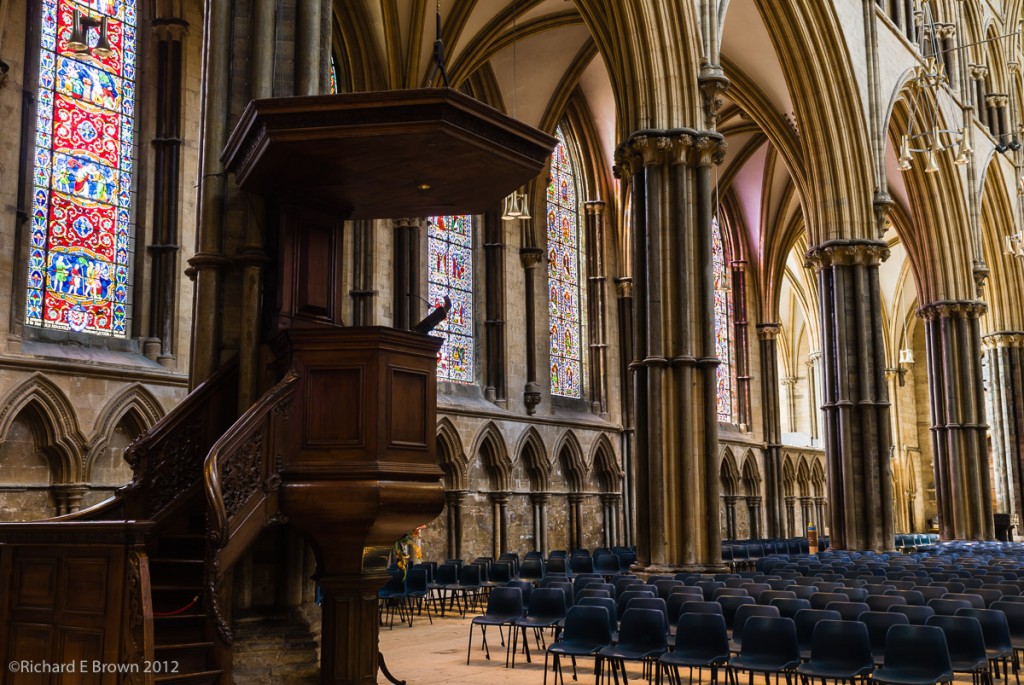
Lincoln Cathedral

How many Lenses do you need

I was reading an interesting article the other day that stated Leica M owners average 1.4 lenses each.

Today the fashion for SLR owners is to try and collect the set, ie own most of the common lenses. It’s something I have found myself doing.

For my DSLR’s I own the lenses from 12mm up to 300mm. Though depending on what I am shooting, I might just use one or two lenses.

Certainly while restrictive, one can have a lot of fun, with a camera and a single focal length. I have often gone out with my Nikon DSLR with just a 35mm prime lens.

Compositionally one can learn a lot, and the restriction can make you a better photographer, because you have to work for the image, rather then just stand still and zoom.

If you own a prime lens I suggest you give it try. Once your eye is used to the focal length and framing you may surprise yourself.

Multiple Flash Heads

char-1006The general rule in Photography is ‘KISS’, keep it simple stupid.  Often though in the studio it can be easier to introduce another flash head then to not.

The shot above looks deceptively simple but in fact uses a total of seven flash heads!

The key to this sort of thing is to build slowly, start with one light and work with that, then introduce another and continue to experiment and build.

This shot has one main light using a large Elinchrom Rotalux soft box, then a fill light on the other side.  A flash over the top of the model with a small soft-box to act as a hair light; and finally for the background, two flash heads on each side fitted with barn doors to light the back ground.  Yes it sounds over kill but when your in a well equipped studio and have plenty of time you might as well experiment and learn.

Picking a Lens 2 – what would you pick?

So at the bottom of yesterdays post was my list of lens, but whats the basics in most peoples bags.

Well its pretty much what I listed.  Going from wide to long its going to be:

  • Nikkor 14-24mm f/2.8
  • Nikkor 24-70mm f/2.8
  • Nikkor 50mm f/1.4
  • Nikkor 70-200mm f/2.8

From that set you can handle 99% of most photographic opportunities, to that list you then add and specfic lens that suite your photographic style and subject matter.

How about a carry everywhere lens, 24-120mm f/4 sounds about right.

Maybe a specialist lens such as a PC lens or Macro lens.  There are a lot to choose from but the top list of four should suit most people for most uses.

Now think about your photography apart from the lens above which lens would you pick for your photography?

Revisiting your work with Fresh Eyes

It is always worth while revisiting your shots a few weeks after they were taken.

Often a shot you did not like then, you may like now, or you may want to re-process a shot and take it in a very different direction.

Wildlife

Often with my Landscape shots, I might rework them over a year later, or find a shot that I originally did not rate but now love.

With being stuck in bed for most of last week meant I had have not had time yet to add the keyword data to my last shoot.  Now obversely, there are still shots that are definitely misses.  Some how I managed to get every shot of the Grey Squirrel out of focus or badly famed.

Wildlife-2

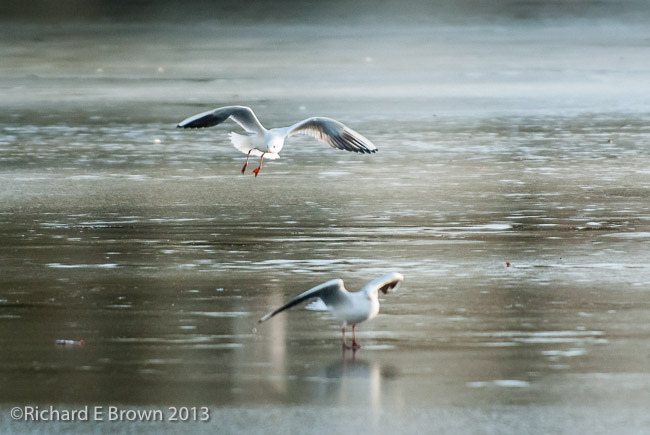
But some of the other shots that I originally dismissed to high noise and being shot into the sun I now find quite pleasing such as the two Black Headed Gulls in the shot above.

Always a reason for never deleting anything in this digital world.

Range Finder Style Shooting – Street Style

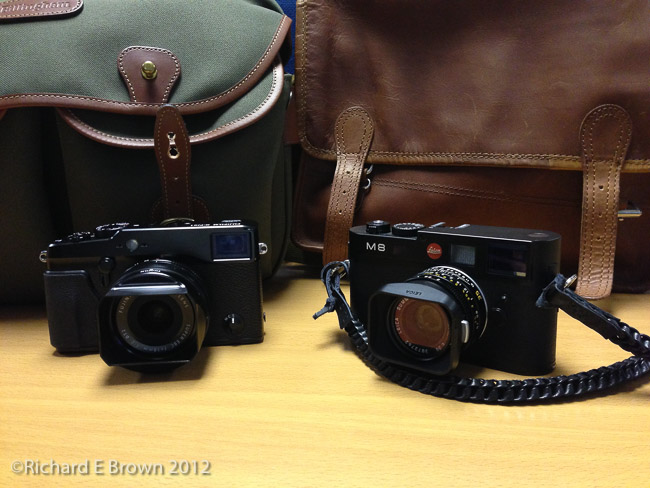
Like most photographers me and Chris have a large selection of Camera Bags.  Recently we got together and had a bit of a compare of our latest street gear.  We both have added new bags to our kit recently.  Chris went with the very well regarded Billingham Hadley Pro, which is a great camera bag.  I went a slightly different path.  A Leather Scaramanga Satchel.  Not a dedicated camera bag, but quite capable of holding a iPad or 11″ MacBook Air and a Leica and spare lens, battery and X-Rite Colour Checker.  If packing my Leica M4 instead of my M8 then I can also easily fit in a light meter and spare film.

With street shooting, fitting into the background is key.  Small mirrorless cameras are ideal for this, especially ones such as the Fuji X100, Fuji X-Pro1 and the Leica M range.  These cameras have optical viewfinders that show greater then 100% of the field of view.  This enables you to see what is about to leave and enter the field of view, enabling you to pick the decisive moment.

Also as part of fitting in, not only the the small none threatening camera but also a camera bag that does not look like a camera bag.  Our two bags in the top photograph are very good examples of this type.

The Fuji X series have received a mixed review.  The image quality is certainly high but there is some controversy over the none standard Bayer filter.  The biggest complaint I hear is the focusing, but with the model I tested with the V2 firmware, indoor under poor artificial light it did a great job.

If your interested in the Fuji, check out Chris Bennett’s Photo Blog.

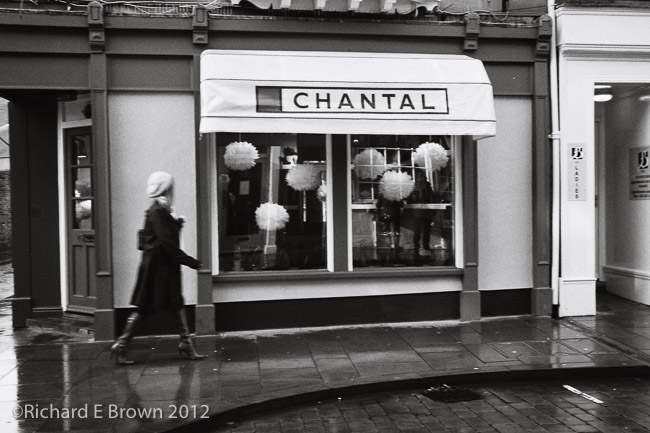
Subject to the weather i’ll hitting the street tomorrow to shoot a roll of film with my trusty Leica M4 and leather satchel bag, hopefully that we get me my picture of the month for January.

Photo Tip – Metering for Winter Scenes

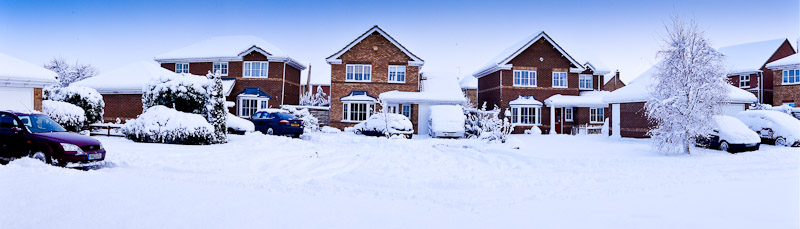
Sony A55 Panoramic
Sony A55 Panoramic

With our modern cameras and there multi pattern metering, we expect our photographs to be correctly exposed, even if there a little over exposed, the head room available in RAW files due to the nature of the Bayer filter means we can get a lot of information back.  Underexposure then we just brighten the image.

The problem with under exposure is noise, as we brighten ie amplify the signal, we also amplify the noise, even at base iso’s this can be noticable.

Its always a good idea when shooting winter snow scenes with lots of white in them that can fool a meter into over exposure, to check the histogram and if necessary give an extra stop or two of exposure.

A quick sensor cleaning tip

I was asked today about sensor cleaning, after a friend of mine spotted some spots on his landscape shots.

Its generally landscapes that spots become visible.  I’ll have to blog about sensor cleaning in more detail when I have the time but here are a quick few tips.

How to test for sensor dust?  Well set your camera to aperture priority, and set a aperture of about f/8 or greater, the more the better, f/22 or f/32 if your lens can stop down that much.  Then at your base ISO or at least not too high, take a photography of a plain even toned subject.  A bright blue sky is ideal.  Then examine the result in some detail on your computer.  The spots should be fairly obvious.

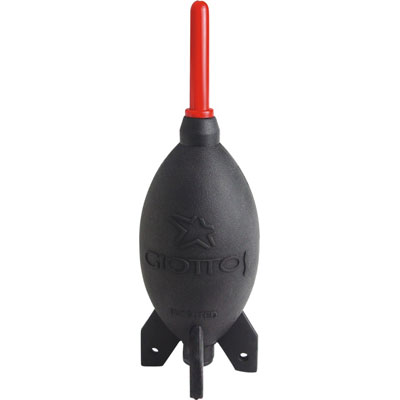
To do the easiest clean then I recommend a good blower such as a Giotto Rocket.  With the camera switched off and the lens removed, turn the camera upside down and give the sensor a good blow with the blower.  Don’t use canned air, and most certainly do not try blowing with your mouth.

Rainy Days

Its certainly been wet here in Lincolnshire.  We have been lucky apart from a few flooded roads we seem to have gotten away lightly compared to some areas.

Its situations like this where having a camera with you can be a good idea.  Unfortunately not all cameras are weather sealed and some are more prone to failure then other.

So if your out photographing this week in this bad weather, take care of your gear.

Photo Tip – Flowers

We have all seen those stunning photographs of flowers, but are yours mediocre.

A quick tip for you, once again, get low, either shoot from the same level or from below.

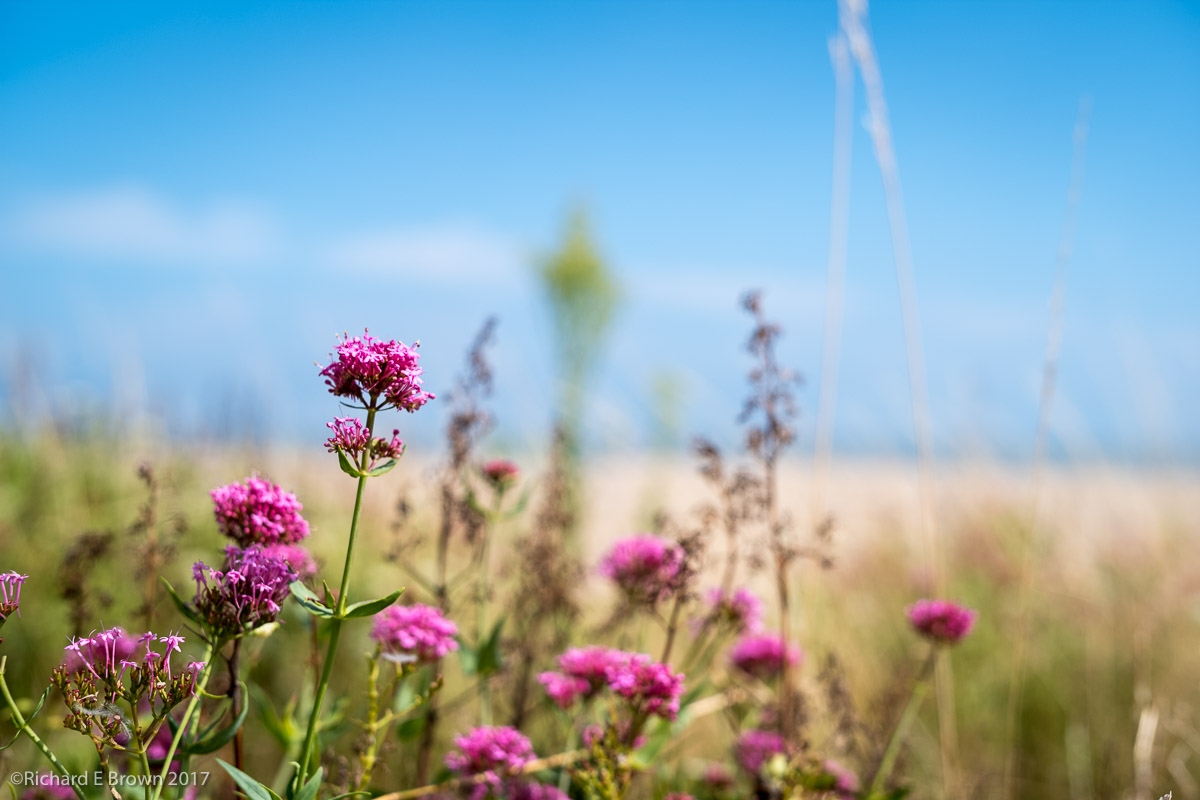
While walking round we are used to the old view from above, challenge that view, show something different to your viewers, get low.