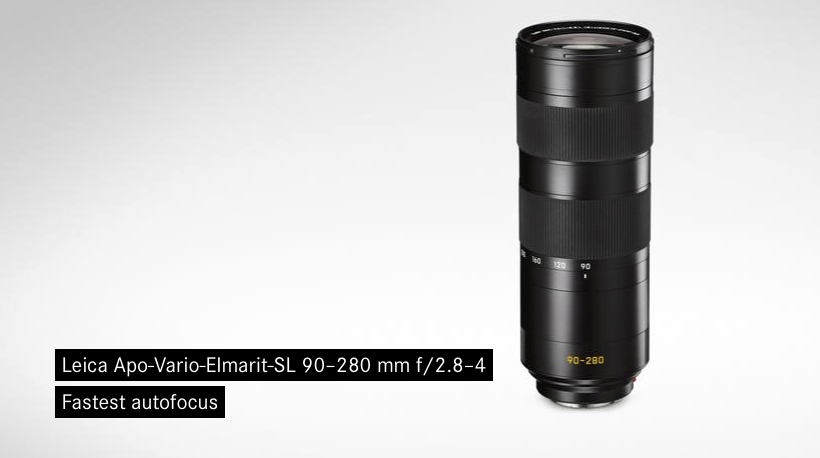
Its made a few people wonder about the new updated lens that Leica have started to release recently for the M.
The older glass was certainly no slouch in the performance states but most of the common lens have now been updated to even higher performance. With the old glass working fine on the current 24 MP Leica M 240 but with a new M due this year its making people think that we might get a big megapixel jump thus higher resolution required in the lens.
Personally I would like Leica to keep it under 36 MP but with better dynamic range and low light performance.
I keep hearing that the ‘Insert Latest Mirrorless Camera Name Here’ will be the death of the Leica M and that the M needs to drop the optical viewfinder to stay relevant.
Now that Leica have the new SL many are saying that this also will be the death of the Leica M. It seems that too few people understand the strengths of the rangefinder and its limitations.
The biggest draw to Leica is of course the Leica glass and many use that glass on their Sony’s, their Olympus/Panasonic’s and their Fuji’s.
Because of the design of a rangefinder lens the ultra wides generally give colour shifts and odd corner artefacts on any camera that is not designed for rangefinder lens, so if your interested in using lens wider then 35mm you need to either use a Leica M or the Ricoh’s A12 M-Mount module for the GXR. Even the Leica SL and T have these issues with wide rangefinder lens.
The key feature of a rangefinder is its optical viewfinder, being able to see more of the scene then you will photograph, if you shoot reactively, and with wide lens, then a rangefinder maybe for you, and an EVF unsuitable for you. If however you shoot more planned and carefully such as landscape, portraits and architecture, need to see precisely what you are shooting then the EVF or traditional SLR is better for you. Certainly if you commonly shoot 50mm or above then a modern mirrorless or SLR is a better choice.
So will these cameras be the death of the Leica M rangefinder, no. But I will say to make the M more flexible I would like to see a hybrid viewfinder like in the Fuji cameras, the best of both worlds. Until them many people like me who shoot many styles then we will sometimes carry our Leica M and sometimes our SLR.
First there was the Fuji X100 with its optical and electronic viewfinder. Then Fuji really stirred things up with the rangefinder styled interchangeable lens X1-Pro with a growing system of lens. Since then we have quite a few bodies some styled like a rangefinder and others like a full blown SLR.
A number of professionals are now shooting with them and Fuji have been keeping them relevant by constant firmware upgrades. The original X1-Pro finally gets replaced with the the X2-Pro and it looks to be a stunning camera. If it was not for the X Trans sensor I would be very tempted.
Another weekend of gardening for us. We started off by digging out the chicken run and cleaning it up. A number of the bushes on the border are very over grown one them a pyracanthas has to come out before we can get the fence replaced so that is what I did as my main weekend job.
A few of the recent special addition cameras have had new version of the M 35mm Summicron so its no surprise that this week Leica announce new M len.
Of these three its the Elmarit 28mm that interests me the most, its a very small compact lens and I can see a number of uses for this. This lens for a Leica lens is very good value and can be picked up for just £1650 from the end of January.
At the end of each month I run an extra set of backups, all my previous years work is exported from Adobe Lightroom as a standalone catalogue with all my images.
When Adobe update Lightroom, once I am happy I also refresh my old backs up on this device.
As its now January and I am finally happy with Adobe Lightroom V2015.3 I have been refreshing my backups.
The problem is its not been going well. When you shoot several thousand large high-res RAW files a year, that export is going to take a while. I normally kick off two and leave it overnight.
This month though, when I get back to the computer in the morning its either rebooted/logged me out, or the Drobo device service and/or Lightroom has hung and the Drobo while mounted is inaccessible.
I checked for hardware issues ran some computer and disk checks, re-cabled the Drobo into the thunderbolt hub. No luck. When the weekend hit I disconnected all external devices and tried to figure out what was going on. It was then I realised what was happening. With nothing running and none of my big external drives connected the computer would cleanly log me out after a period of inactivity.
I have no idea how, but some update or I did it without thinking last month; but Logout after 60 minutes of inactivity was enabled. It seems Lightroom and the Drobo running large catalogue exports counts as inactivity and they cannot cope with a logout request.
This is now turned off and normal service is back.
My use of Adobe Lightroom Mobile is currently fairly basic. I’ll import photographs into the desktop Lightroom, create and sync up a collection and then rate and select photographs on the iPad when I am away from my desk. It gets used sometimes as a mobile portfolio device but that is about it.
This last week though I have been having a go using the iPad more. Shooting a few test photographs, then editing and publishing them direct off the iPad. The shot below was done this way.
JPG edited in Lightroom Mobile on iPad2
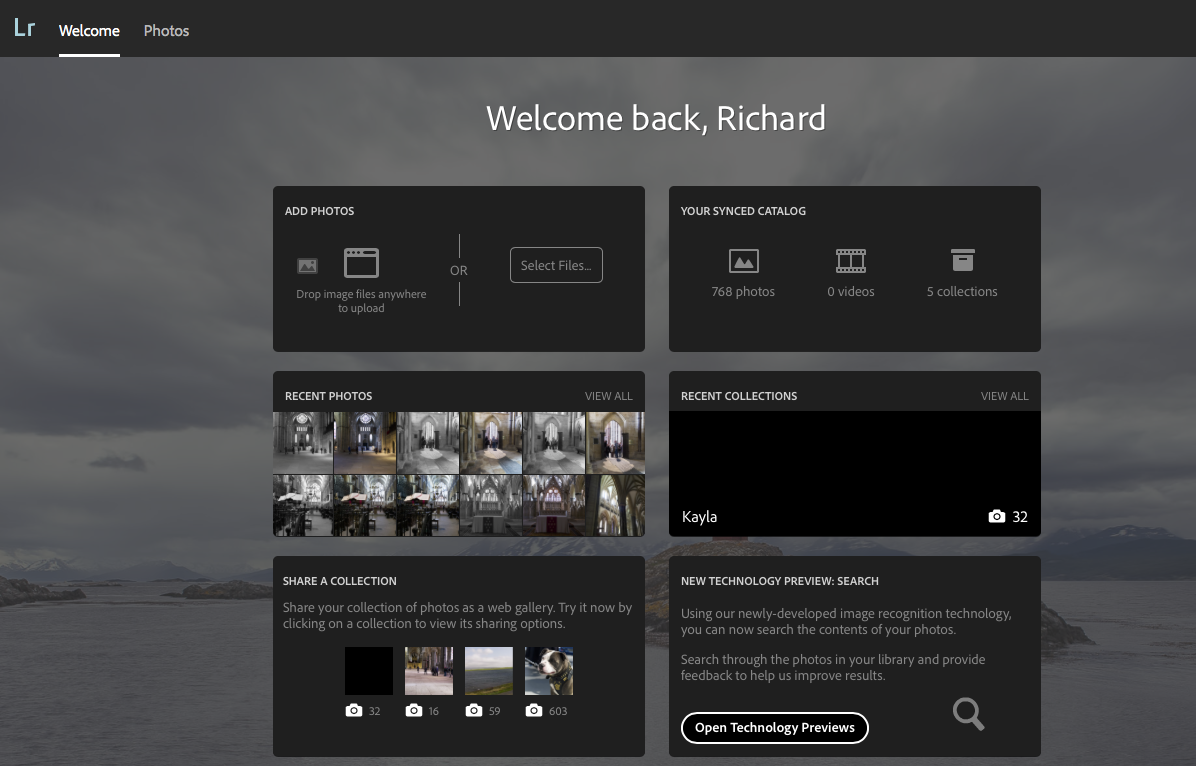
I have wondered though with the integration with Adobe Cloud, how I could incorporate the iPad and Lightroom Mobile more into my workflow.
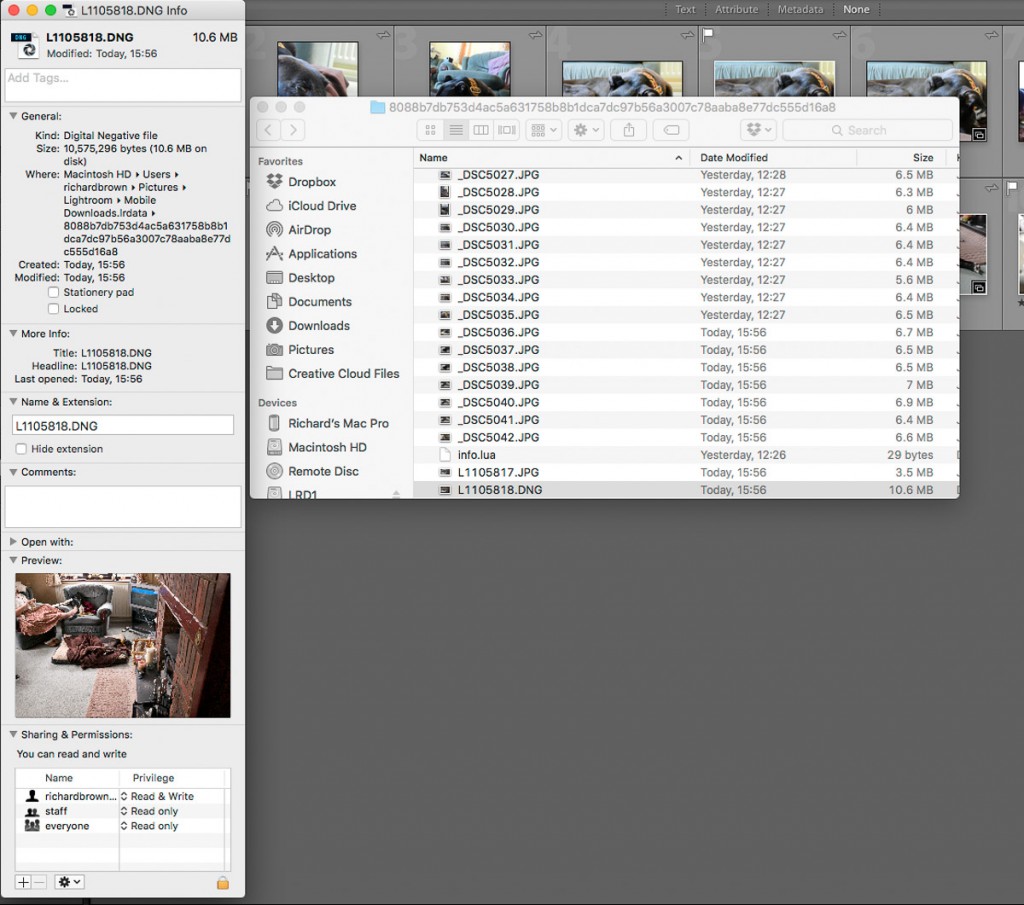
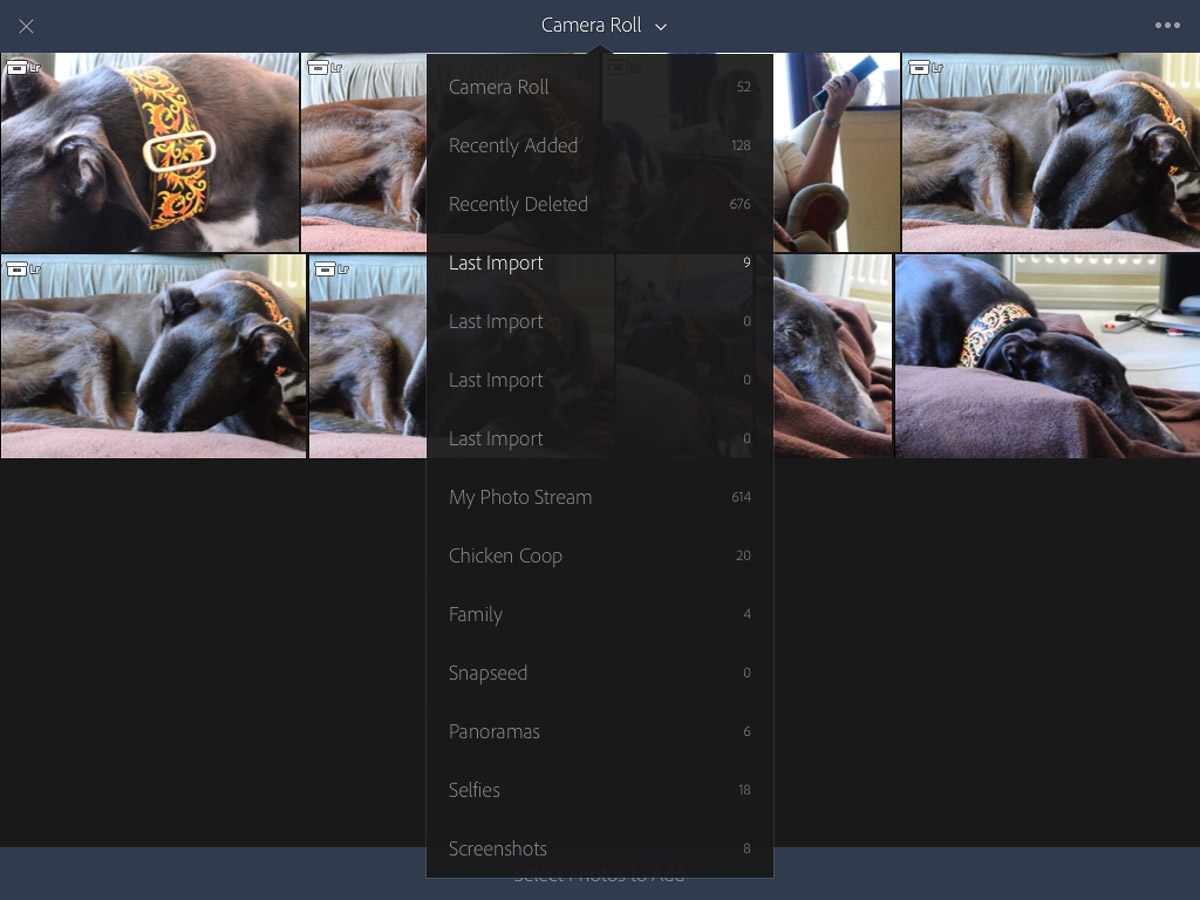
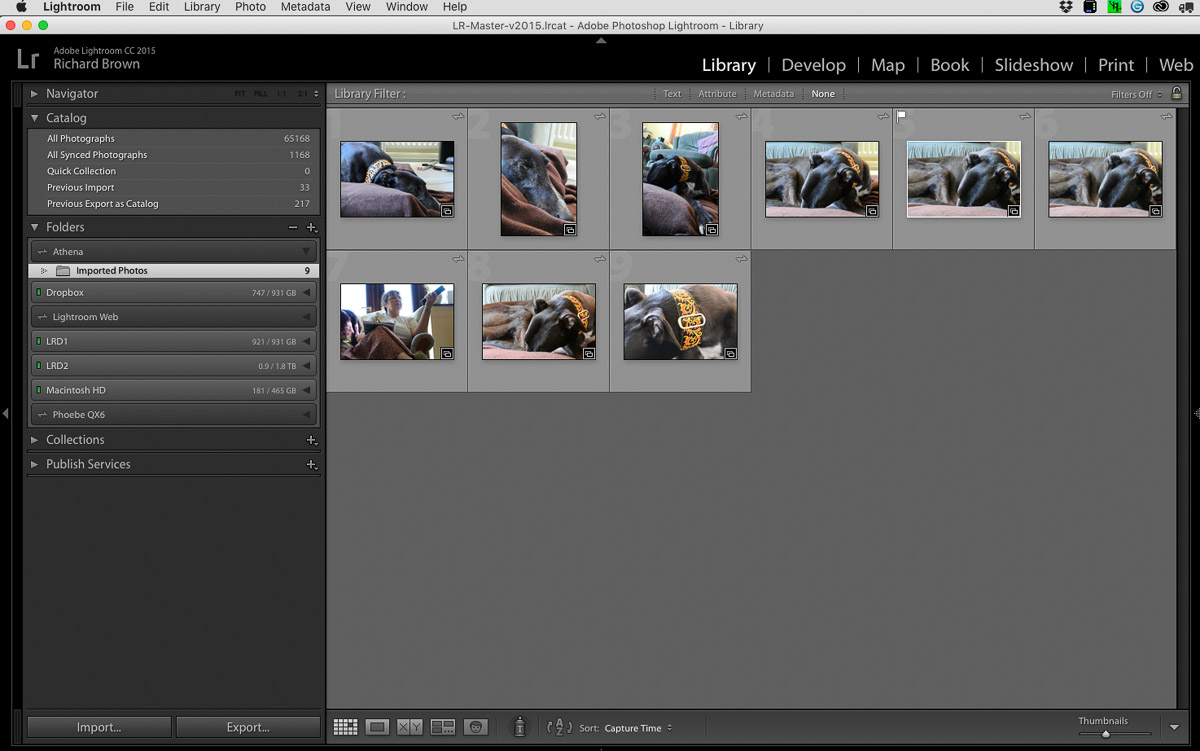
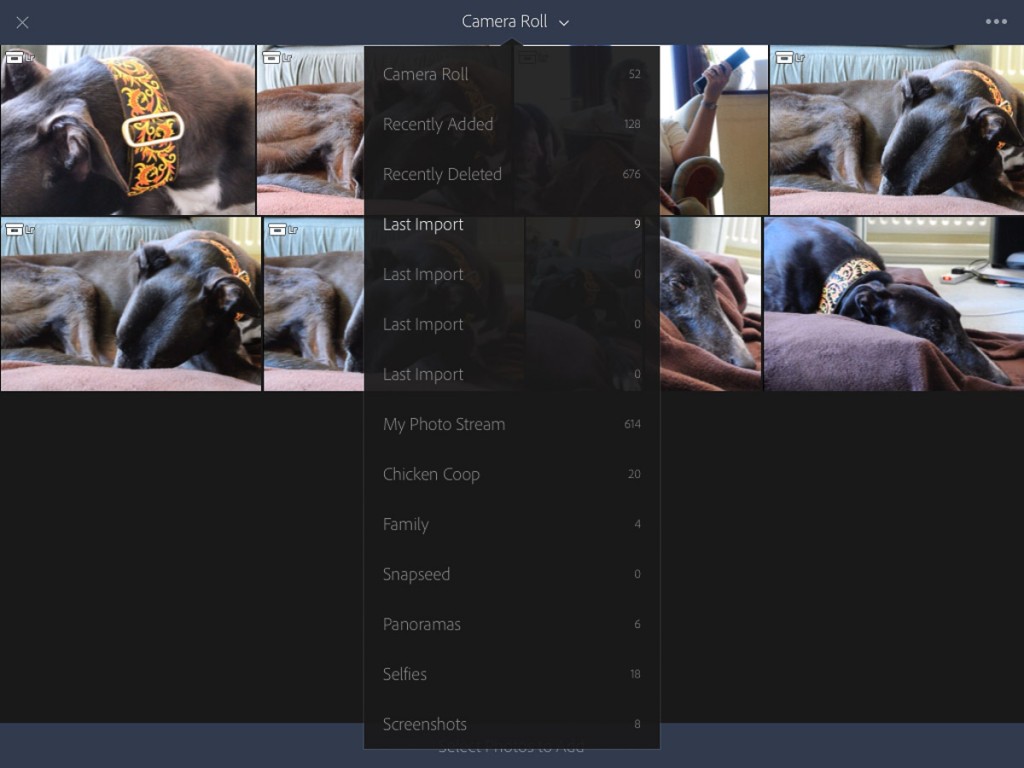
With the shots safely on the iPad, once the iPad was on the internet they were synced across to the Adobe Cloud. As an aside, it would be great if Adobe could come up with a local sync option instead of having to use the internet all the time. Opening up Lightroom on my desktop computer this synced up and I saw the iPad’s name and the JPG’s I had imported.
The questions I had were; what would happen when I tried to import my files again into this Lightroom catalogue from the memory card. What would happen when I went into the Photo app on the iPad and deleted my images. With an edited JPG on the Desktop could I replicate that image processing to the RAW?
So this weekend I set out to answer these questions.
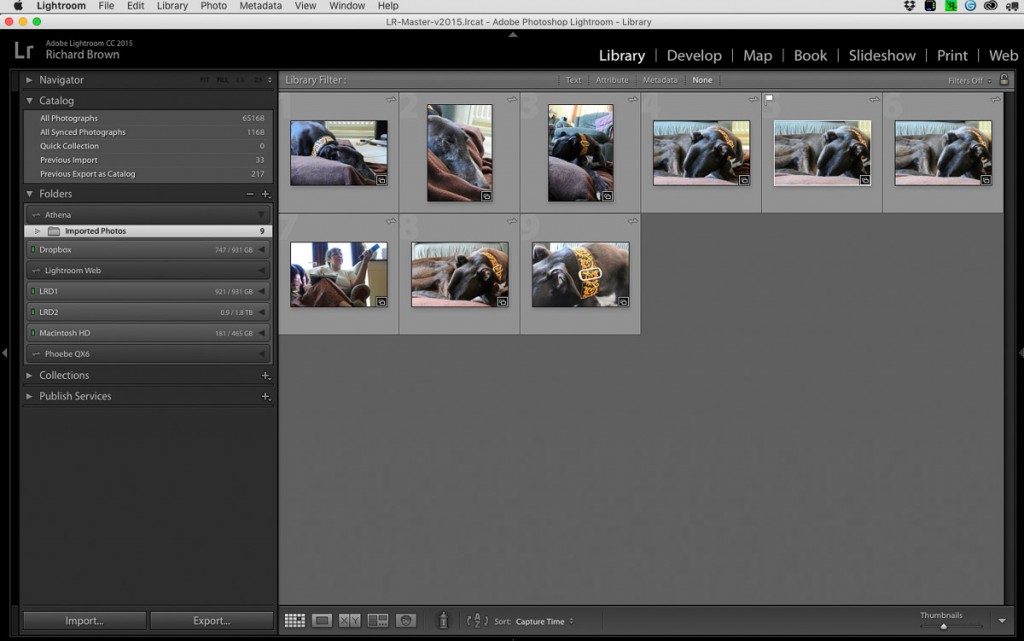
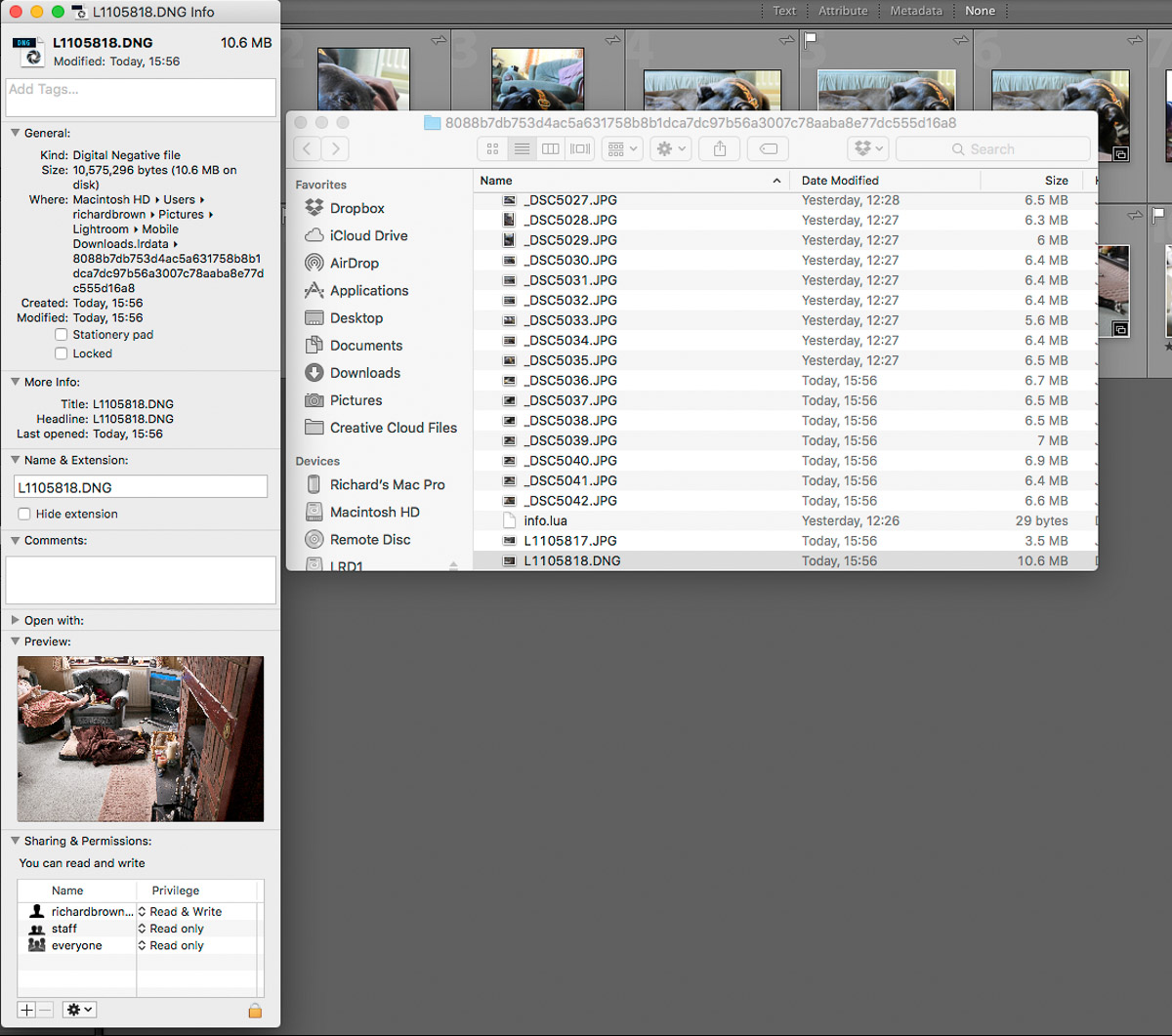
DNG synced with JPG in Desktop Lightroom
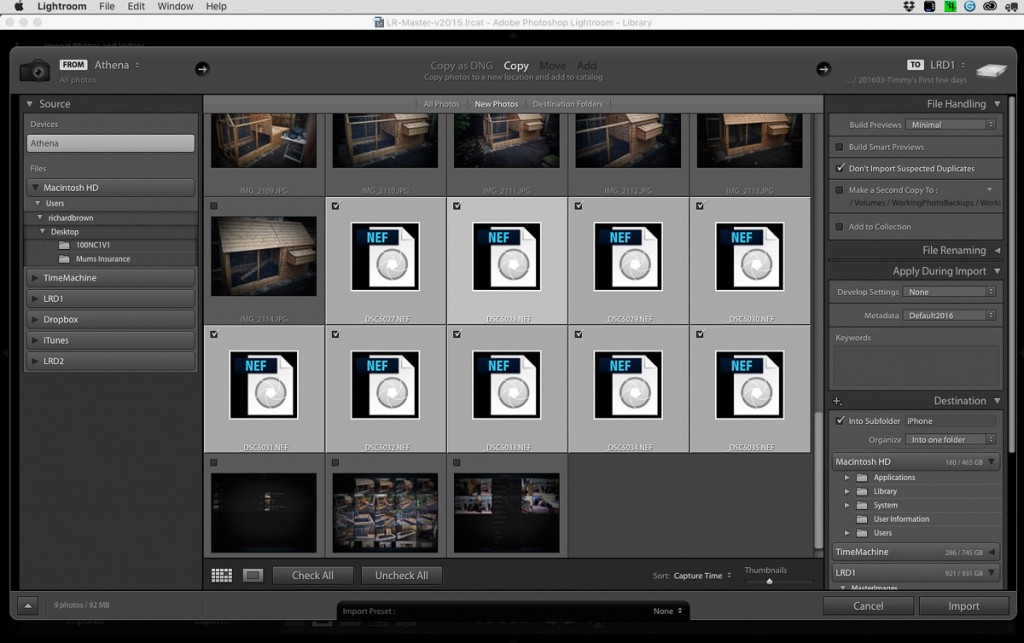
Importing: if you shoot JPG & RAW like I do with the Leica then how you have your Lightroom catalogue configured is important. I believe from default Lightroom ignores the JPG’s and just imports the RAW files. I have Lightroom treat the JPG and the RAW file, in this case a DNG as separate files.
So with my import settings configured as above, I imported my memory card into my master desktop Lightroom, as I expected the RAW files came straight in, but Lightroom ignored the JPG’s.
I tested this several times importing files via SD Card, Dropbox and even a second Lightroom Catalogue, in each instance the JPG’s were ignored if they were already in the Adobe Cloud via my iPad.
My next test was to delete the files from the Photo app on the iPad, as I hoped, the photos were still present on the iPad when I launched Lightroom Mobile.
The iPad screen is pretty good, the iPad Pro even better, but nothing beats a proper colour corrected computer screen especially if like me you have a Adobe RGB rated screen. So you have got an edited jpg from working in Adobe Lightroom Mobile, but what if you want to take it a bit further. JPG’s being eight bit can break while editing, your better working on the RAW file, but if your started work on the iPad then you have been working on the JPG. Can we easily get the RAW file to the JPG point and then continue editing the RAW.
Well luckily Lightroom for the Desktop can sync development settings quiet easily. You will never get it the same, the in camera processing of the camera, the wider dynamic range and more data available from the RAW means that often the JPG looks better then the RAW initially and even after syncing they will be differences.
JPG on Left; RAW DNG on Right
As you can see above, after the sync they are pretty similar, the JPG has more contrast, the RAW treats the highlights a little more gently.
One last point remember; is to move the Cloud files into a dedicated folder on you computer that Lightroom Desktop is referencing. Though if you do remove them from Lightroom they will still be in your Desktop version but just flagged with a cross.
This weekend saw me Lincoln for my first street photography session of the year.
It was a wet cold day but quite bright occasionally. I left the ISO at 640 and the aperture at f/4 and let the shutter speed short itself out.
Street photography can take a bit of getting used to and by first shots were like this one above. No confronting people with the camera for me.
As you get more in practice you start to spot potential scenes and situations where the characters will not notice you like this shot above.
Until eventually you throw caution to the wind and start photographing people direct like in the very top most shot which I feel was one of the best of the session. On the whole if you have a small mirrorless camera and give people a smile they tend to not worry as much as when you confront them with a huge modern DSLR.
GAS – or Gear Acquisition Syndrome is something that affects many people with hobbies.
For photographers it can be a particularly expensive affliction. New cameras, the grass is always greener on the other side so lets switch manufacturers.
For me I have a few things on my list but I know have much of what I want.