
 Leica M8
Leica Summilux 50mm f/1.4 ASPH 6-Bit
50mm, 1/200 Sec at f/1.5, ISO160
Post Processed in Adobe Lightroom CC2015.3
On a MacBook Pro, OS-X 10.11.1
Street Markets – Street Photography

Events are a good place to start, people expect photographers at events.
The above shot was taken at the monthly farmers market in Lincoln, its a more interesting picture because its taken from behind the counter. Shot on my little Leica M4 film camera, the people in it are busy with their shopping and are not noticing me.
Pre focus in the Autumn Sun
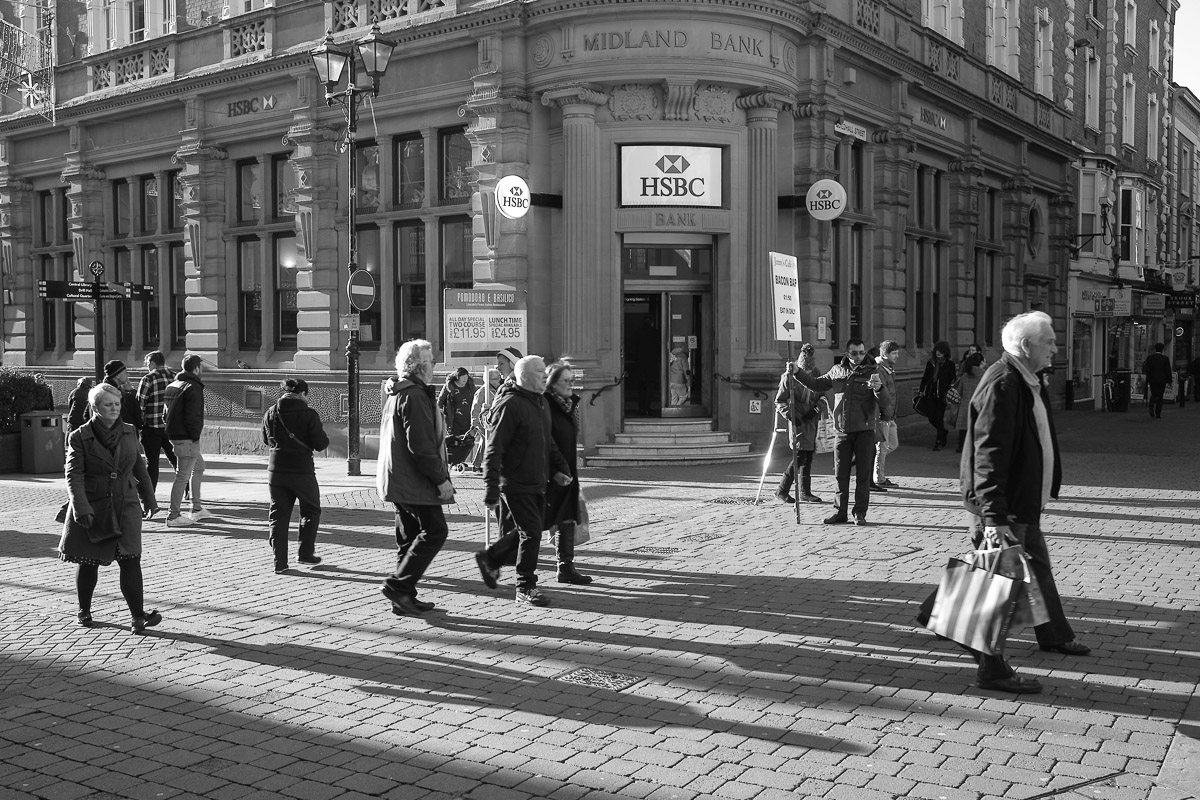
The above shot was a test of two things. The first was my pre focusing technique, I selected the focus and aperture first then as the scene developed I raised the camera to my eye and took a single shot. Fast and unobserved.
Refocusing and using the zone focusing technique is very fast but does take practice, and is something that I am not that good at.
The second test was me working on my mobile workflow.
After taking this and a few other photographs, I took the memory card and imported it into my old iPad2. I had shot RAW & JPG (DNG and Black & White JPG), I then used Lightroom Mobile to drop the contrast and reduce the highlights of the JPG and boost the shadows.
For a JPG its not a bad shot.
How Many Lens do you need?
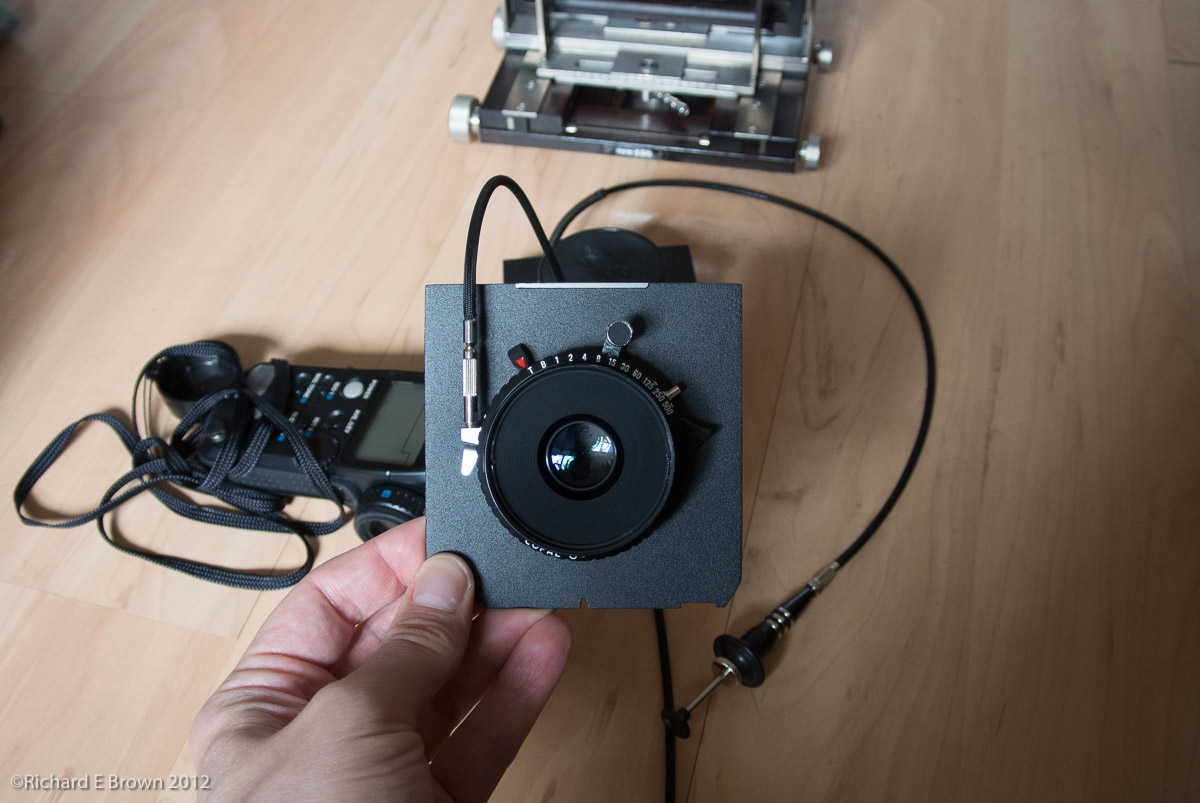
So how many lens do you need? On the SLR front I have a wide angle zoom, standard zoom and a telephoto zoom.
Then I have a wide prime, a standard prime, a macro prime and a couple of big telephoto’s.
For my Leica its a bit different. Generally a rangefinder is only good with lens from 28mm to 75mm. Leica make a range from about 21mm to 135mm, but for the extremes you either need to use live view, or an EVF if you have a Leica M (type 240).
I currently have lens from 24mm to 50mm for my Leica with the hope to add a 90mm and possibly a 28mm.
Many people choose a lens for its handling or size, I know a photographer who owns and used two different 28mm. A very small f/2.8 version which is his favourite due to its very small size, but also has a f/1.4 for low light use.
Leica X-U Rumour
I was hoping that the Leica X rumours were going to be a new X series camera with a viewfinder. Instead it seems the X-U may be a underwater X series camera. A new direction for Leica.
A Nice Leica Surprise
 All the Leica rumour sites have been saying that there are two more Leica camera’s to be announced post the new Mirrorless SL announcement before the end of the year. Most people have been expecting a new X series camera and hoping for the new top of the range M to replace the M240 which is now three years old.
Well yesterday we had a surprise announcement of a new Leica Rangefinder.
The new Leica M (Type 262).
This is a new budget model to replace the Leica M-E, with the sensor issues Leica has had with the CCD based sensor in the M9 and M-E it makes sense to get all cameras onto the current 24 megapixel CMOS range.
For a budget Leica M this is really an excellent camera. Body wise its a cross between the M9 and the M (Type 240), think of it as a fractionally smaller, lighter M240 with the video and live view and EVF functionality removed. Its also got an all new quieter shutter possibly from the Type 240’s replacement that is due soon.
For people like me wanted to upgrade from their M8’s (or M9’s), this is now a tricky but pleasing position to be in.
The new M262 for a Leica rangefinder is a real steal and features all the best bits of the M240 with this new quieter shutter, we also have seen £500 price cuts in the top of the range M240, as well as lots of M240’s appearing second hand as people raise the cash for the upcoming M240’s replacement.
So what do we do, jump now and get this stunning M262 (I might regret not having live view), wait for the M240’s replacements release and then pick up a bargain M240 with the ability to use live view? Or even blow the budget and get the M240’s replacement knowing that that should keep me happy for another eight years or so?
As a side note the M8 is a great camera, while only 10 megapixels (but who needs more then 6 MP unless you print over A4), at base ISO it really is quite something, but take things to 640 ISO and your really pushing it, which is disappointing in the dull wintery days we have now.
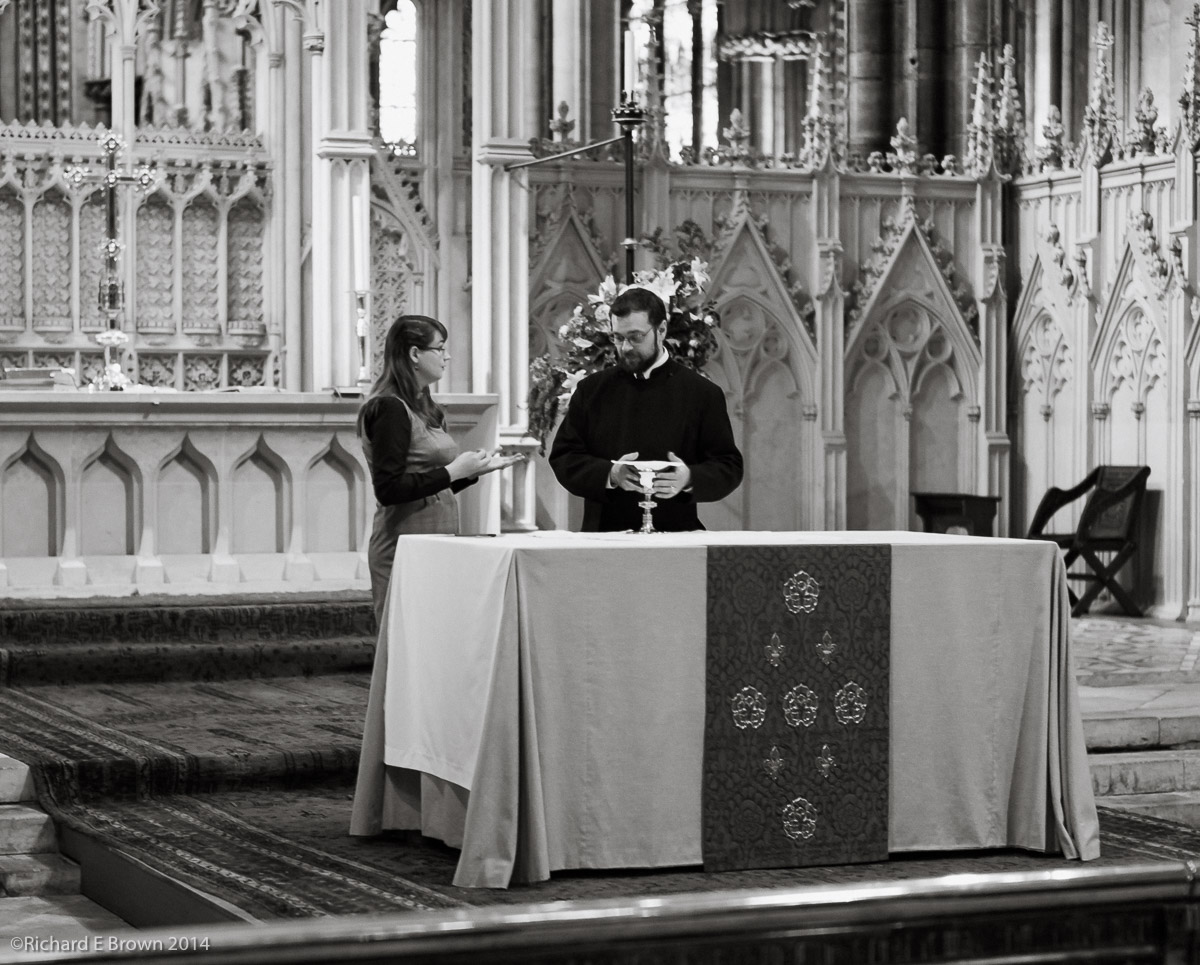
As you can see in the shot above, it was shot wide open on a 50mm f/1.4 Summilux, hand held at 1/30 of a second, your about at the limit. If I had used my Nikon D800 I could have shot at a much higher ISO and gotten a much cleaner, sharper image; the big but is that as soon as I brought up a big DSLR to my face I would have gotten noticed, where they did not notice or worry when I brought up a little rangefinder.
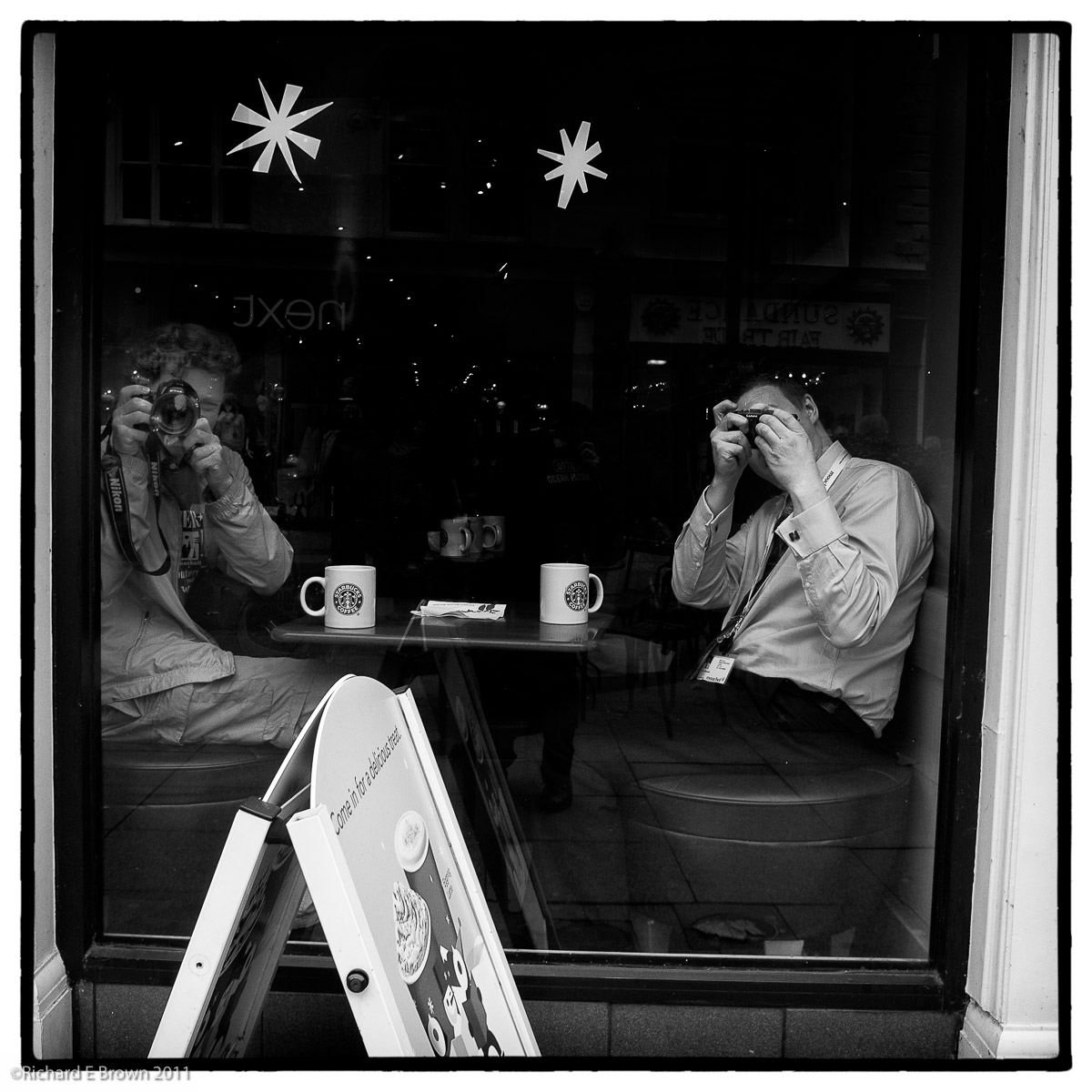
Of course may would say use a small modern mirrorless, as you can see in the quick grab shot above with my Nikon V1, its a much cleaner image, but you need a camera that inspires you, one you want to carry and use, and I find most mirrorless cameras very frustrating.
Going Large
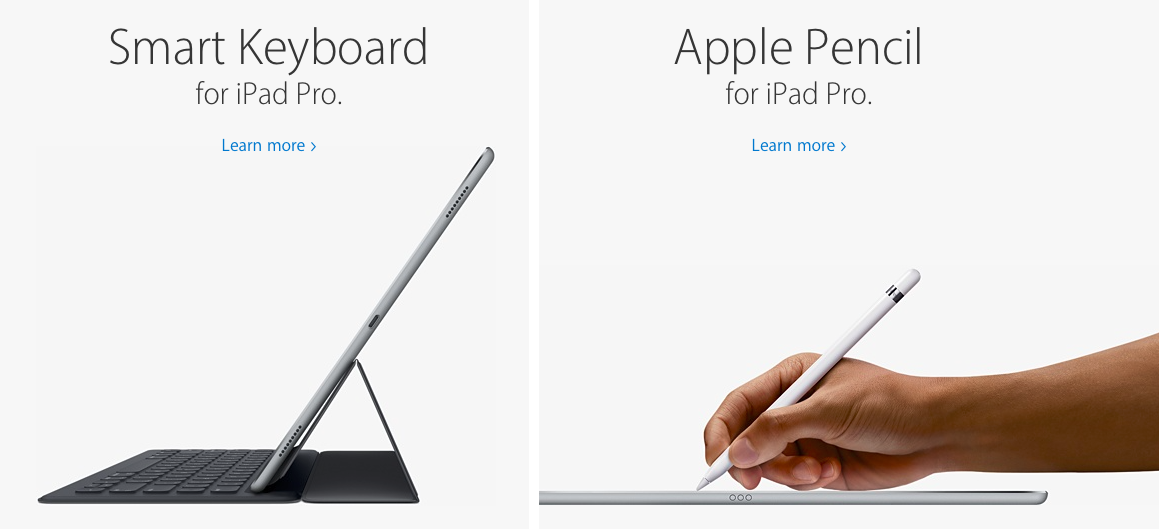
I got the chance this week to have a go with the new iPad Pro, wow; its big. As I stated before if your into graphic arts and working with a stylus this may be the tablet for you. For the rest of us, I think i’ll stick with a regular iPad and when using my desktop MacPro, my Wacom tablet.
Still its an impressive piece of kit.
Adobe Lightroom V2015.3 Released
 I have been looking forward to this release after the disaster that was x.2x.
Most people will be pleased to see the old import module back, but it was broken functionality that was killing it for me. I had to down grade to an older version to finish up my photographs from a shoot.
I also had regular crashing that caused me to have to create a new catalogue which seemed to fix it. Once I had installed the new version I loaded up my old catalogue and retested, no crashing but I’ll keep with the new one now, as I have a months worth of edits that would need rolling back into the old catalogue.
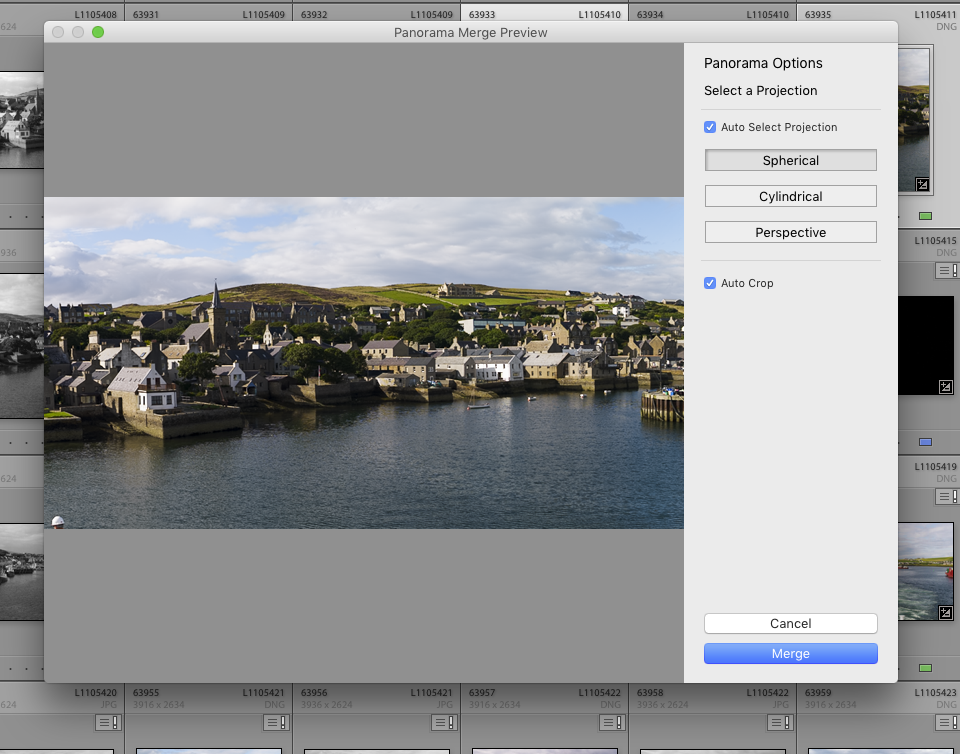
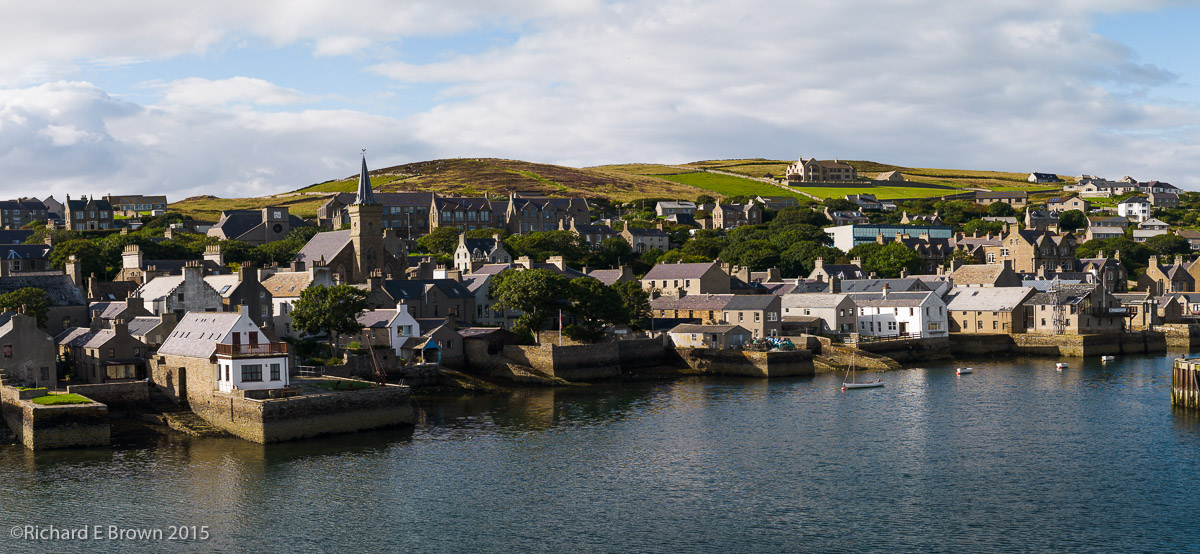
The documentation that accompanied this release did state that it had fixed the tethering issues and the create panoramic issues I was having and I am happy to confirm it certainly seems to have fixed it.
Mobile Photographers
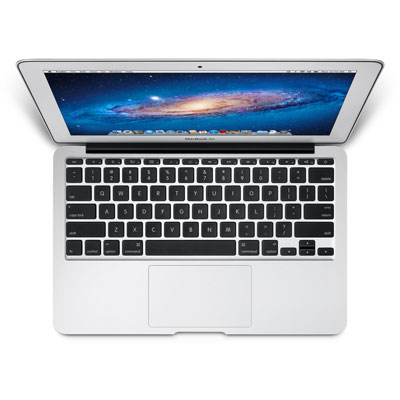
When I am out and about shooting, it can range from a day in the studio, to a couple weeks on a remote Scottish Island with limited internet.
With such wide subject matter and locations, I am always reconsidering my equipment.
I have often discussed the cameras, but with the release of the latest Microsoft Surface and Apple’s iPad Pro I thought I would reassess my mobile computing needs.
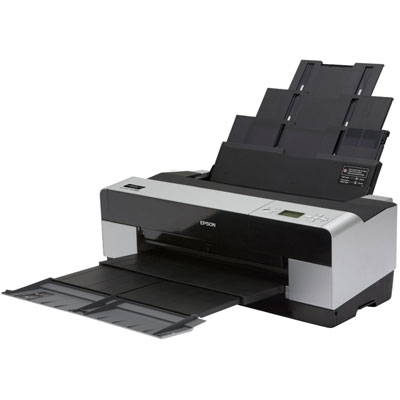
My output is generally large prints or digital files for customers, or output to the web.
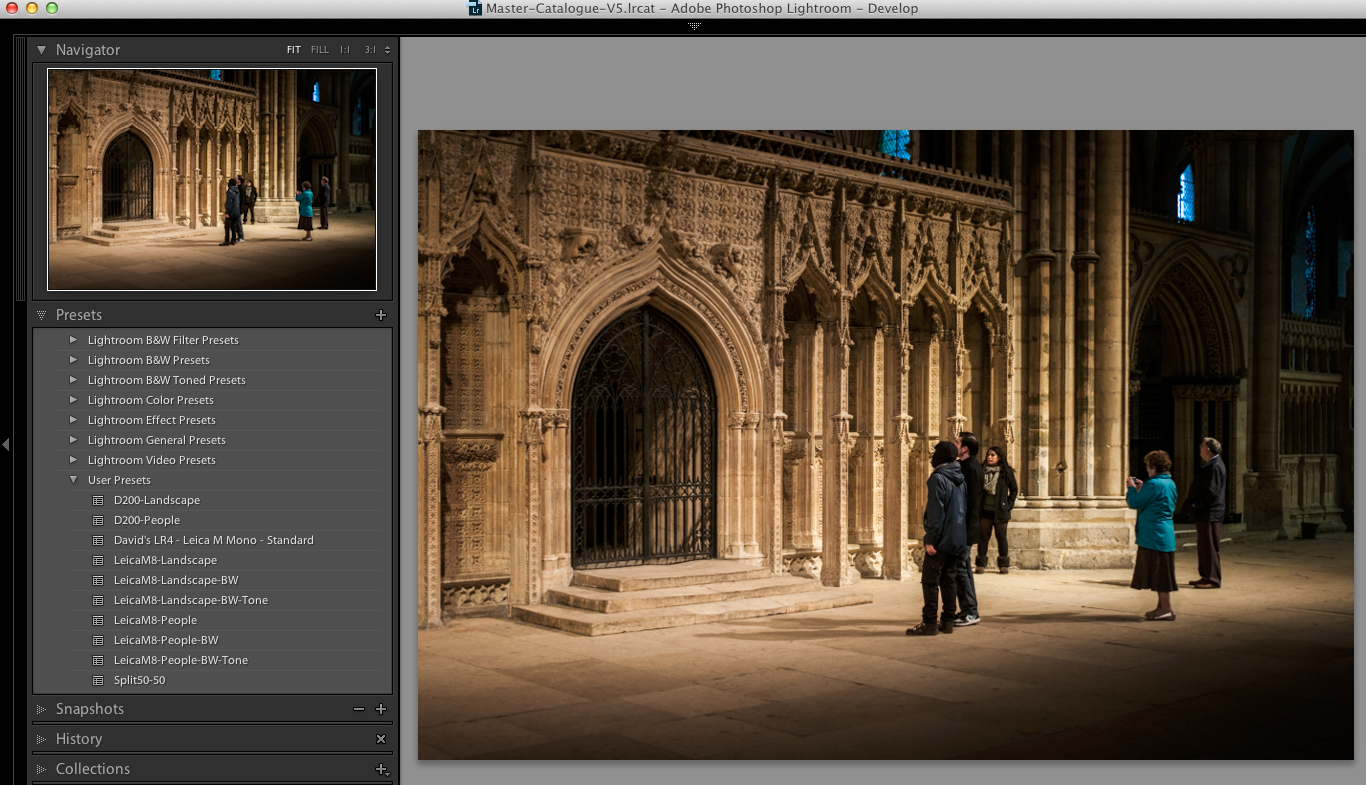
If your just outputting to the web I have proved that any camera (shooting jpg and RAW), you can load the jpg files into any old iPad and with products like Adobe’s and Snapseed apps for the iOS you can edit and produce pretty good output to the web and do some quite complex editing.
I have taken trips for a week or more and just used the iPad as a back up device and to upload the odd edited jpg to the web, but for serious work you always end up having to use a laptop or desktop. This means if your packing an iPad you have to wait till you are back home or at the office.
This is where many feel the Microsoft Surface or Surface Book is the perfect compromise; but I currently feel if your going to go that far you might as well just pack an Apple MacBook Air and have the advantage of Mac OS.
Lets not forget though, if your into social media, or promoting your business via social media, getting the jpg onto your iPad, a quick edit then upload , it is a fast way to work.
iPad Pro
The iPad Pro is now out and a lot of people are asking me should they get it?
With many of these things, we want the toys but we do not ask each what problem is it that we want it to solve.
The Apple iPad Pro and Microsoft’s surface are all trying to bridge the gap between the modern tablet and the laptop.
From a photographers point of view I don’t think the iPad Pro is any better then say a normal iPad. Until software like Lightroom Mobile supports a RAW import driven workflow you are still tied to using a full blown computer.
You can tether with a laptop using programs such as CamRanger which supports Canon and Nikon cameras but you are stuck with a jpeg workflow.
At the moment I see the iPad Pro as being something for graphic artists. The pencil is very clever and people who have to draw will love it.
The keyboard while nice is still in someways an afterthought. For some functions you can use the keyboard but others are touch only and you have to move your hands off the keyboard to touch the screen. The iPad and the Microsoft Surface both suffer from this but at least the Surface is a full blown laptop and can use the full version of Lightroom so work with a RAW workflow, but the Surface does seem to have issues with its USB ports and people report issues with tethering, a normal laptop is possibly better.