
Password Management and security Questions

On Sunday I updated a number of my old passwords, I try to change my passwords at least every year and important ones every month.

Cloud security is on the news a bit this last week as a number of celebrities have had their accounts ‘hacked’.  The problem is that people choose simple to remember passwords and the other big issue is with the security questions.

You get questions like ‘what was my first school?’.  The questions are generally personal but the answers are likely to on your Facebook page and that is the issue.

Some sites now offer two factor authentication, iCloud has offered this for a while but not many use it.  If you want to set it up check out Apple’s support site here.

Colour Management and Check your settings after Photoshop Creative Cloud Updates

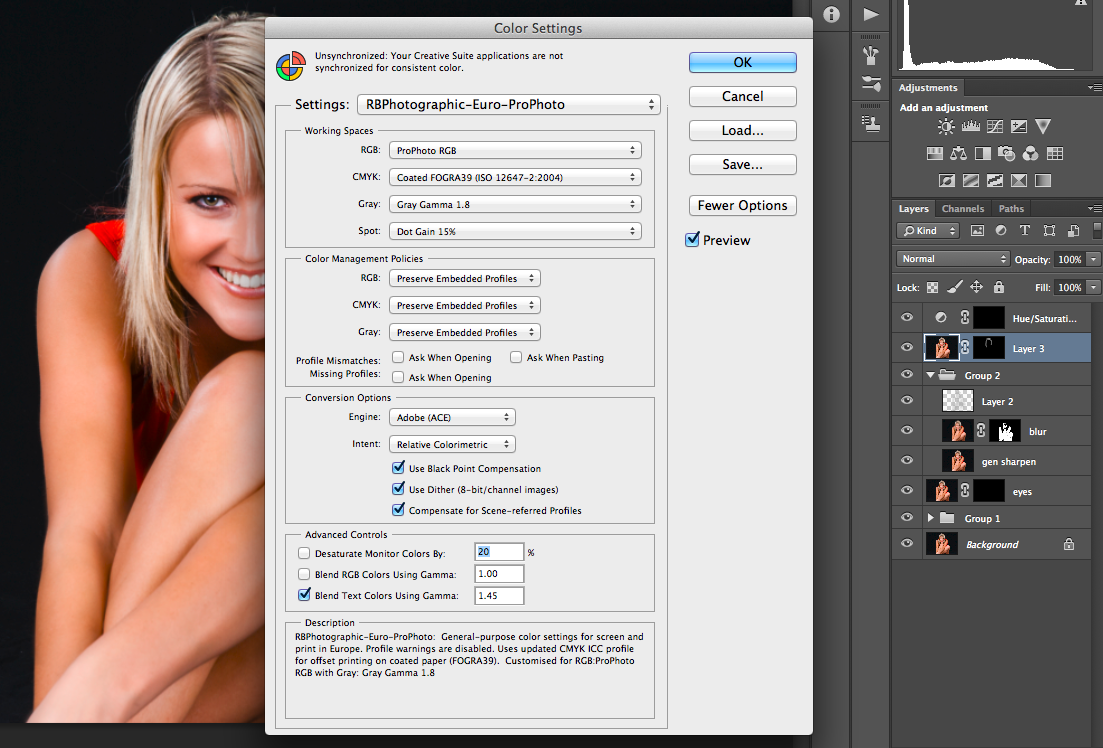
While editing this months picture of the month, there was a few aspects that did not seem quite right to me.  So I dived into Adobe Photoshop’s colour settings just to check a few things and discovered that the defaults were set.  Now this might be fine for many Photoshop workers who do pre-press work etc, but not for photographers.  Luckily I have all my settings saved as a preset so could quickly apply them again but I was not happy that it had happened.

I suspect that during the latest Creative Cloud update that put Adobe Photoshop CC2014 on our machines it took the settings back to default.

I suggest you check any preferences you have set and make sure they are correct.


Photoshop Colour Settings

If your interested in colour management and getting the most out of your images then I suggest you check out one of my old posts on colour management and working spaces.

https://brown-family.org.uk/colour-spaces-working-spaces/

iOS Differences

Since moving villages I no longer get a mobile phone signal at home. My current mobile phone contract is up next month and the excuse of not getting a signal at home plus the fact they will not unlock phones for free has pushed me away from my current provider.

So this month I had my phone unlocked and have been trying other networks.

As part of this testing I made a number of interesting discoveries.

Dependant on whose sim you have in and if you restore your phone from a backup or set up as new you get a few minor differences.

The first thing I spotted was the Cellular Menu became a Mobile Menu, also the options in here differed but not really surprising.  No the surprising thing was things like security options, on the old sim I only had auto lock from instant to 15 minutes, but when the phone was setup as new with the sim from another network it had options up to four hours!

I would have thought the functionality would have remained fairly constant.

Now that my testing has finished I have a few choices to make.  A review of the main UK networks was published this week, and the one I am on came top, but this network does not work at home and I still need to use my mobile at home.  The network that works best at home came worst and in my testing was worst for data.

With those results in mind I am not quite sure what I am going to do.  I could remember to put a divert on my mobile before heading home but what if I forget, and there is the cost.

I could just change networks and put up with a better service at home but poorer data elsewhere (though things are looking like changing in the coming year).  Or even go to two phone.  A basic mobile with my main number on it and the best data sim in my smart phone.

Not sure yet but I have till the next month to decide.

What should Aperture Users do?

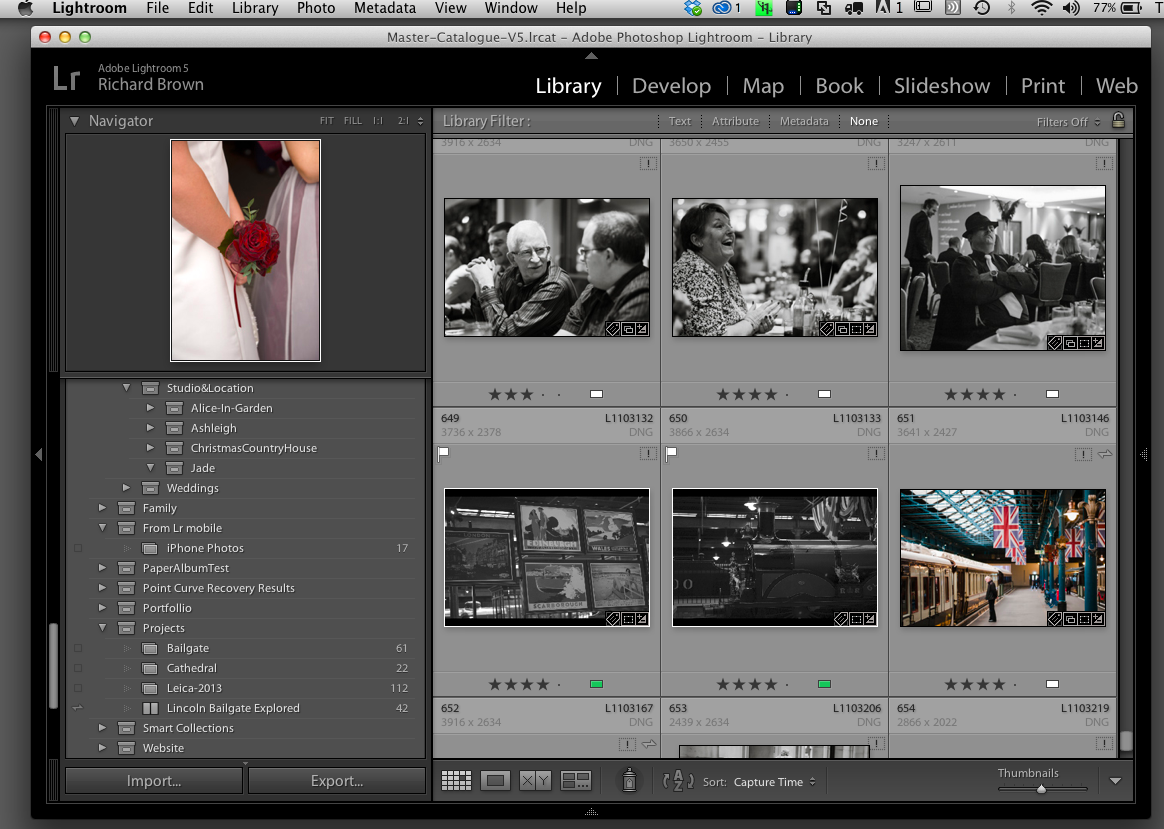
Lightroom V5If your after an all in one DAM/RAW processor that enables none destructive editing there are only two products that you should consider these have been, Apples Aperture and Adobe’s Lightroom, both were released at the same time and both have advantages and disadvantages, I even know some photographers who use both.

This summer Apple announced that they would be ending there Aperture product.  Now they do have a replacement coming soon likely to be released together with there new OS this autumn but if its anything like there other software releases recently, its likely to be a step backwards with less functionality at the start.

With this in mind many users are now considering jumping to Adobe’s Lightroom.  Lightroom has always been my preferred product, but if your an Aperture user I would be tempted to wait and see what Apple’s replacement is like before jumping ship.

Adobe have announced that they will be releasing migration tools to help and so far they have released the following white paper:

http://landing.adobe.com/dam/downloads/whitepapers/54511.en.switch-from-aperture-to-lightroom.pdf

Photo Archive

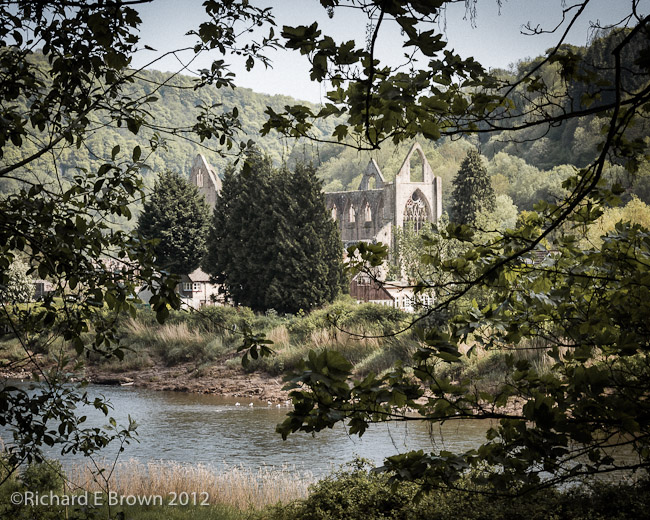
Tintern AbbeyI know of a number of photographers who keep a photographic archive. This is not their backup, but a copy of their selects saved either onto a spare harddisk or in the cloud/internet.

The idea is that these are saved in a different format. Commonly used is JPeg but a growing number of photographers now use DNG.

So why not RAW or Tiff?

Well RAW is just that an unedited RAW file not your final image unless you also bundle into your archive the database for Adobe Lightroom or Apple Aperture.

RAW files are a proprietary format that may not be supported in the future.

TIFF is a good solution if you have the harddisk space, JPeg is smaller but lossy

I find the ideal compromise is DNG. Now this is a standard that Adobe control but it is open and the specification is well published so many program’s can read and view DNG’s.

So if you have a spare drive or a internet storage solution, save your favourite photos as Jpegs or in DNG. Just in case.

If it’s an old drive ask if you can store it at your parents or brother or sisters house. If you have more then one drive rotate them round.

Adobe Lightroom V5.6

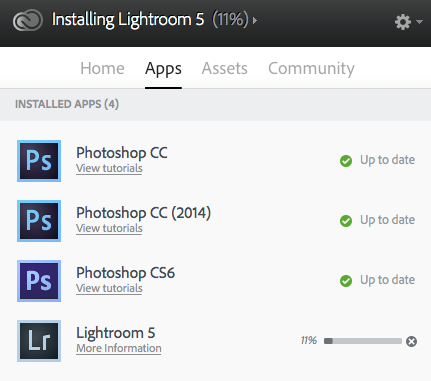
Adobe CC - LR5.6Well its Friday and the weekend is nearly here.  I have been lazy today, I had no blog prepared but on checking out Chris’s Blog this morning I read that Adobe Lightroom V5.6 had been released, its not long since V5.5 was released.

I’ll let you read up on the updates from the usual sites but Chris’s blog post is here.

You can get it here from Adobe’s site.

If your a creative cloud user remember to update from the Creative Cloud Installer and not from Lightroom Update.


Twitter @ Tweetdeck

I am not a huge tweeter but I do enjoy following a number of people on Twitter.

Most of this is done via the Twitter app on my iPhone and I occasionally tweet from my laptop direct via OS X.

Occasionally though I use Tweetdeck, I especially like being able to schedule a tweet.

I recently spotted this YouTube video on Tweetdeck and found it very useful, hope you do too.

Adobe Creative Cloud Expiring

Photoshop Colour SettingsSince the last major update to Adobe Creative Cloud, when I launched Photoshop it warned me I only had a month left of use and could not contact the licensing server. It recommended I check my account details.

I logged into the Adobe website and checked my detail and everything looked fine, but each day I launched Photoshop I was faced with this message and a countdown telling me when Adobe Photoshop would shop working at the end of the month.

The fix turned out to be extremely easy. Log completely out if Creative Cloud then log back in. Now it works fine with no messages saying it’s about to run out.