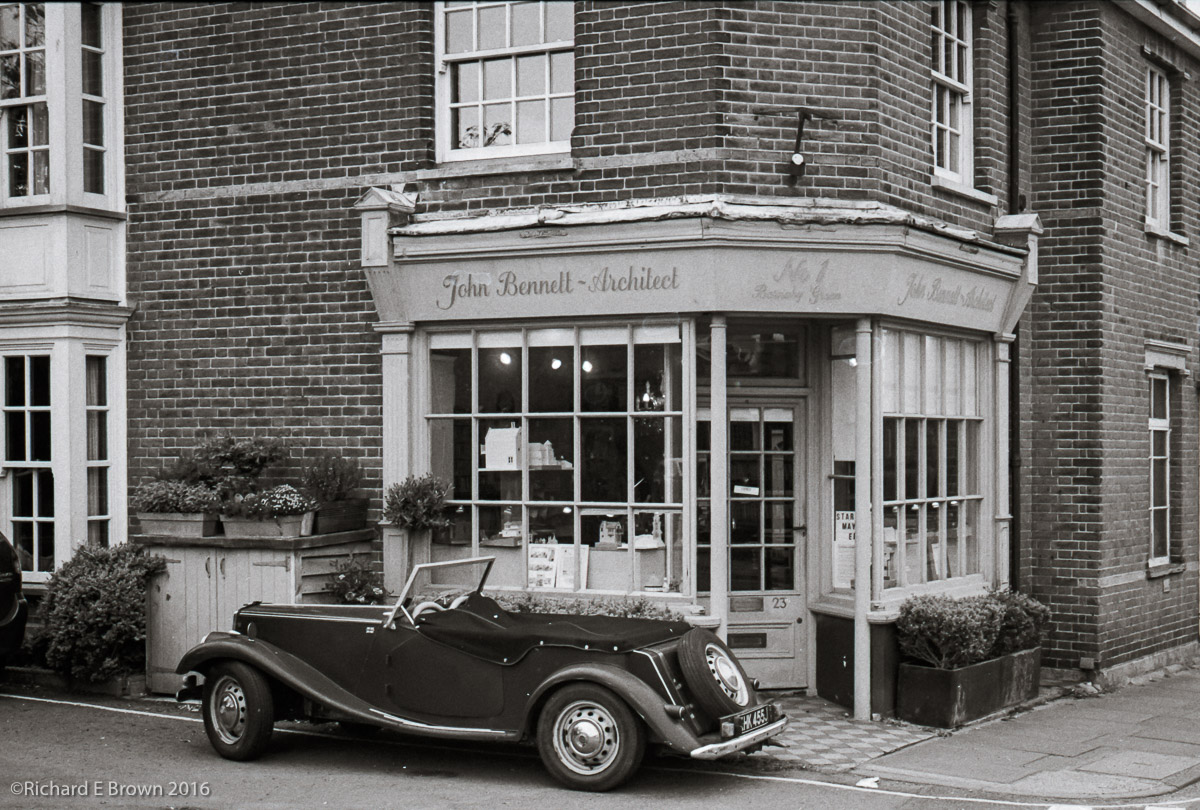
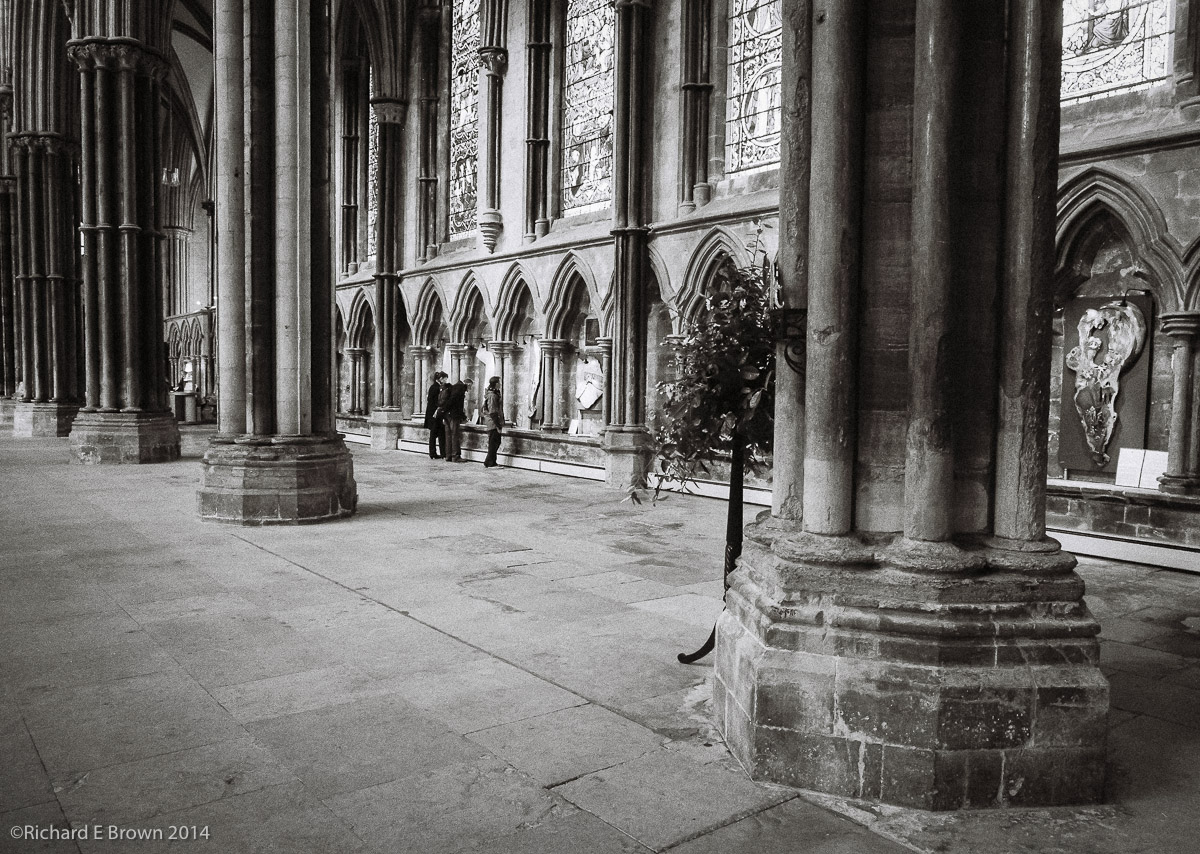
 Leica M4
Leica 50mm f/1.4 Summilux-M
50mm, 1/4 Sec at f/1.4, Ilford Delta 400
Processed in Kodak X-Tol developer
Post Processed in Adobe Lightroom V5.3
On a MacBook Pro, OS-X 10.9.2
What Lens
If I was to carry only one camera and one lens what lens would I want?

Its a question I have asked myself quite often recently. I often go out with the Leica M4 or M8 over my shoulder with nothing else except for a spare battery in my pocket. I usually find myself with the 35mm, which on the full frame M4 is the classic 35mm field of view, on the M8 its closer to the classic 50mm being a 47mm field of view.
If I am travelling light with the Nikon V1 I have the small pancake 10mm which equates to a 28mm field of view.
There is a lot to be said for going out with just a single camera and single focal length, its an excellent training exercise and makes you work harder for the composition rather then just standing still and zooming.
Currently my favourite is the 35mm, its not too wide to distort and works well as a good all round standard lens. Looking at compacts I keep wanting a 35mm field of view but most of the good ones tend to be 28mm unless you get one with a zoom and then the zoom is often too slow.
What lens would you have if you could have only one?
Compromise and use a zoom? Or what focal length if a prime?
Fuji X-T1 Viewfinder – a quick test
I had the good fortune to be able to have a go with the new Fuji X-T1 yesterday thanks to Chris Bennett.
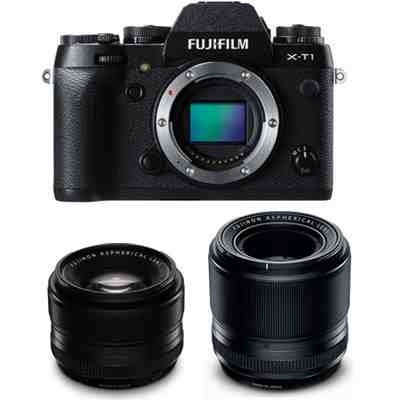
There is a lot of hype about this camera, but it was the viewfinder I was particularly interested in. Some EVF’s are acceptable others less so. The one in this camera is the best I have ever used, simple as that. Its big and bright and unlike most did not drop frames when the light levels dropped.
I still prefer optical viewfinders but this is a technical tour de force of electronic viewfinders. I was particularly impressed with its size, clarity and the split screen option to assist manual focusing. Also simple things like the information rotating with the camera, simple but why has no other camera manufacture thought of this.
So what about the rest of the camera well its what the Nikon DF should have been, great manual controls which are very well thought out. If I had any criticism it would be the D pad on the back, its slightly too small and the buttons are less then positive.
I look forward to seeing this kind of EVF in an up coming upgraded X100s this could be an ultimate compact camera or in an X Pro1, it would make a great spare body for us Leica users.
Optical Window Finders and the X Trans Sensor
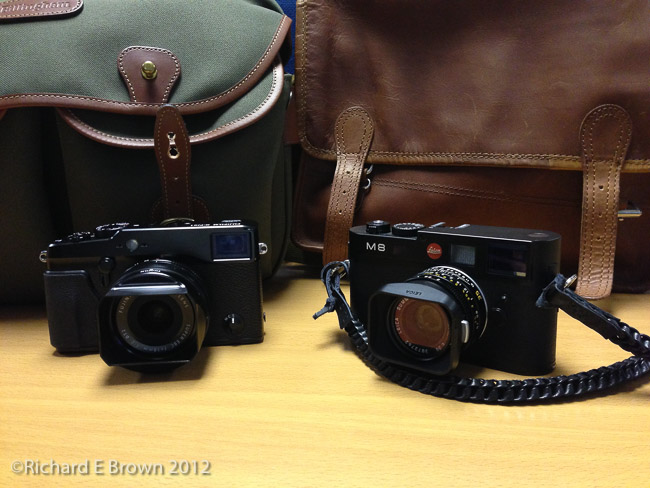
If you are old fashioned like me then you will hate modern compacts. Composing on the back screen is no way to use a camera, with the camera braced to your face and either an optical or EVF you can focus and compose better and use a slower shutter speed if necessary.
I have yet to use the Fuji X T1 but that promises to be the best EVF yet. I still feel that an optical finder is the best and we are still two to three years away from an EVF that can match an optical finder.
So, if you want a decent camera with an optical finder what are your options. Well surprisingly you do not have many. In the small sensor department there is the Canon G16 and G1X and of course the little Fuji X20. These are good compacts but still small sensor compacts, what if you want better image quality. Well there is the Leica M, the Leica Monochrom and the Leica ME, these cameras are £4k plus but are true range finders and full 35mm frame. Focusing a range finder is not for everyone and takes skill and lots of regular practice.
Well the only other option is the Fuji X range with there DX X Trans sensors and there are only two models with optical viewfinders the fixed lens X100s and the Fuji X Pro1.
I loved the X100 idea when the prototype was announced but it had a few issues, these were fixed with the X100s but they also introduced a new issue; the X Trans Sensor.
Like the Leica’s and also cameras like the Nikon D800E, the Fuji’s have no antialias filter meaning stunning sharpness. The problem has been the new sensor does not have a standard 4 x 4 Bayor array but a new Fuji designed 6 x 6 array. This has taken RAW software developers a lot of time to sort out but it looks like it may finally be sorted.
If your interested about reading the issues with the new array check out the Chromasoft Blog.
Capture one and the soon to be released Adobe Lightroom v5.4 may have fixed these issues.
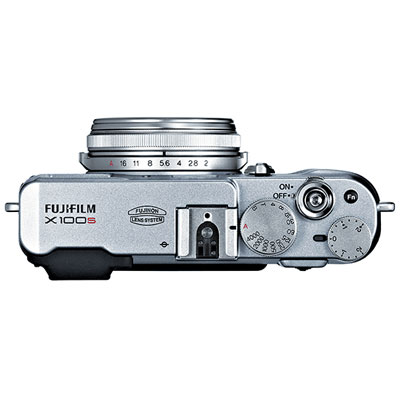
As I have talked about in my blog, I am still looking out for the perfect travel compact. Something that can be carried without noticing and kept in my motorcycle tank bag.
The options I have looked at is keeping my current choice the Nikon V1, switching to the smaller Panasonic LF1 or Fuji X20, or a the Nikon Coolpix A or Ricoh GR. Now the first two are small but have viewfinders, the second two have better image quality but no viewfinder.
Until now I have dismissed the larger Fuji’s due to the colour bleed issues with the X Trans Sensor but if its true and Adobe have fixed this then its another option for me.
While a Fuji X100s or the Fuji X Pro1 is about as big as my Leica M8, I would feel better about it getting chucked around in a motorcycle tank bag due to the lower cost. The X Pro1 also has the option of acting as a second body for my Leica using Leica glass. Something I have been researching with the Sony A7 and A7R, but the Fuji may be a better option due to the DX sensor and being less likely to suffer from colour drift in the corners.
So Fuji how about a fast 35mm f/2 or f/1.4 equivalent pancake lens with a real manual aperture ring for the X Pro1?
Film Friday – Steep Hill Tea
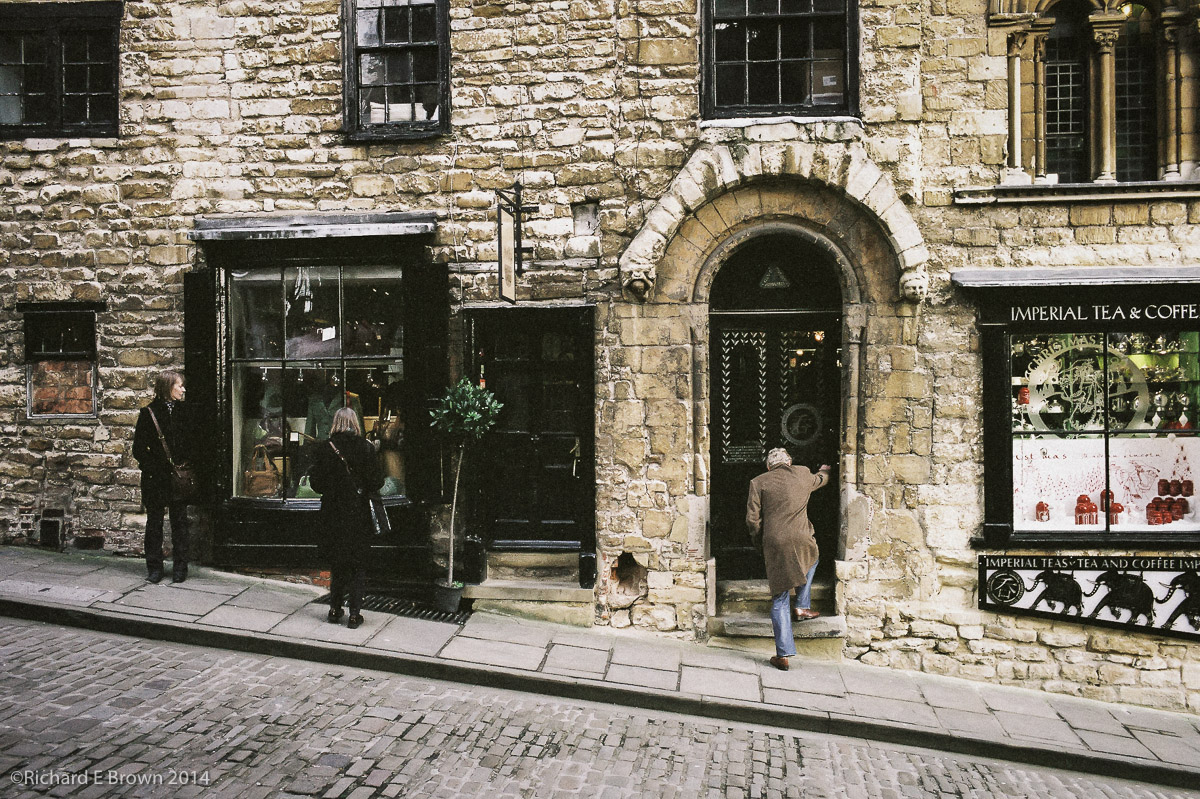
Its been far too long since we had a film Friday, but this week I finally got round to having a couple of rolls developed that I shot with my M4.
This is part of a long term book project I am working on documenting the area around Lincoln Bailgate.
What the Mind sees the Camera cannot
Living in Lincolnshire close to Lincoln, one is blessed by being close to some of the best medieval architecture in Europe if not the world.
Being a member of English Heritage and the National Trust one gets free entry into some of the finest buildings and landscapes this fair land has to offer.
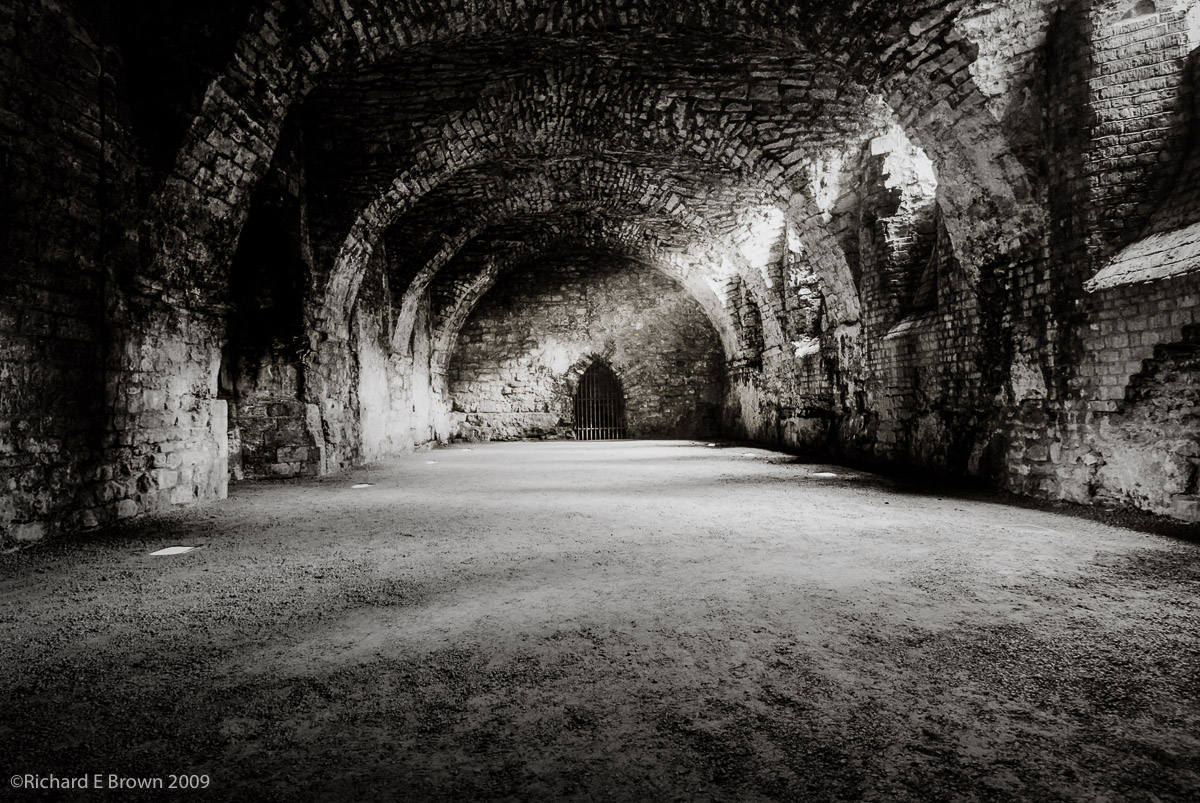
I have on several occasions visited the old Bishop’s Palace in Lincoln, its now mostly a ruin but worth a visit. A few years ago I took my Digital SLR and a heavy tripod and took some photographs of the oldest part of the buildings. Being careful I captured the best quality image I could.
Now the image I had in my mind and could half see was of this ruined chamber with beams of light flooding in.
The camera captured none of this, the emotion and majesty was mostly in my mind created from the image the eye captured and was nothing like what the camera captured.
Over the last few few years my skill with Adobe Lightroom and Adobe Photoshop has grown and the image I took a couple of years ago, I keep revisiting, re-editing the raw file, trying to capture the image I have in my memory that the camera was unable to capture.
I may be proud and boastful but I feel I am a master of Adobe Lightroom V1 to V3 I knew it as well as anyone and now I am getting that way again with Adobe Lightroom V4 and now V5. The raw development engine changed a lot and my techniques have had to change too.
With the monster that is Adobe Photoshop I am less skilled but often its only with a good knowledge of layers and curves that one truly masters that product. I would say that I am now an advanced amateur in Adobe Photoshop at least with, layers and curves, which is a tiny part of the huge product that is Photoshop.
With these new skills I again this weekend went back to the original raw file I took those few years ago and re-edited it from scratch.
With my new skills its now much closer to my original vision and memory.
While not perfect I will share it with you, it looks better as a print but it is certainly approaching what I had in mind that day.
Lincoln Cathedral – Exploring Light
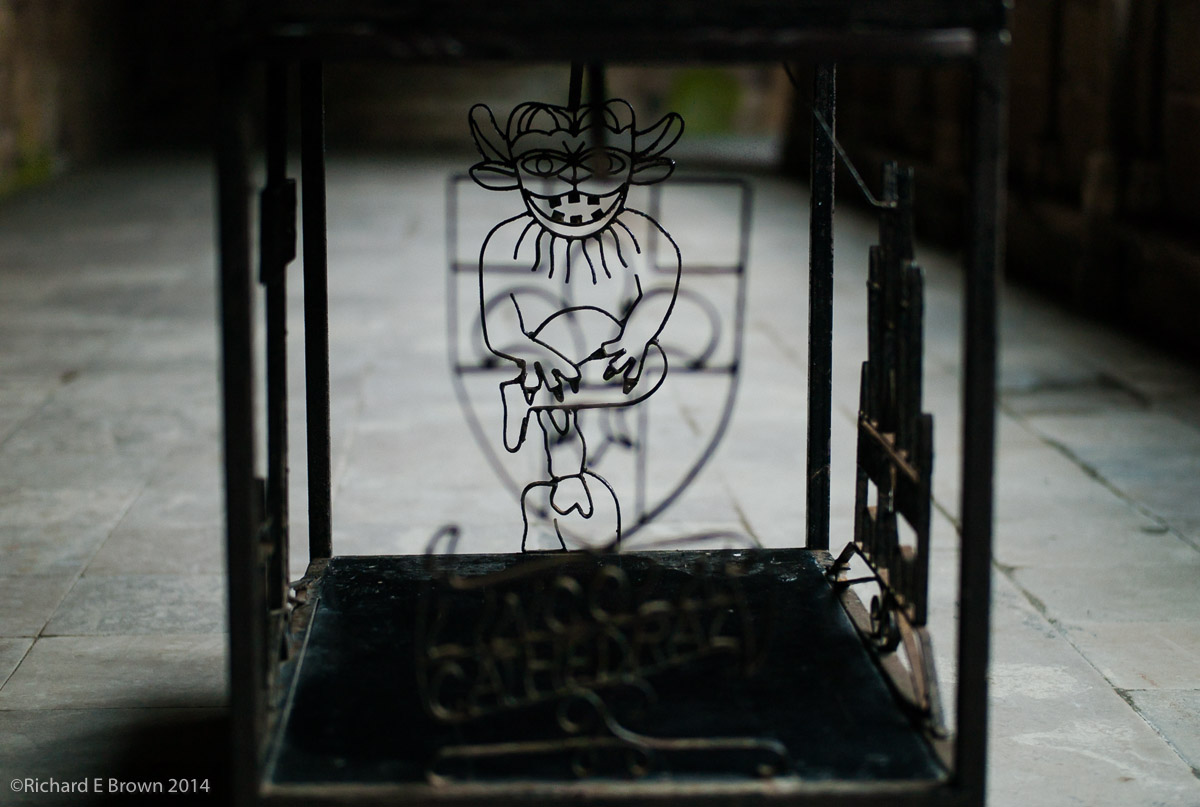
I have a number of long term projects underway, one of them involves a near monthly visit to Lincoln Cathedral.
While there in the winter time you get beams of coloured light flood across the cathedral its something I feel I need to explorer some more.
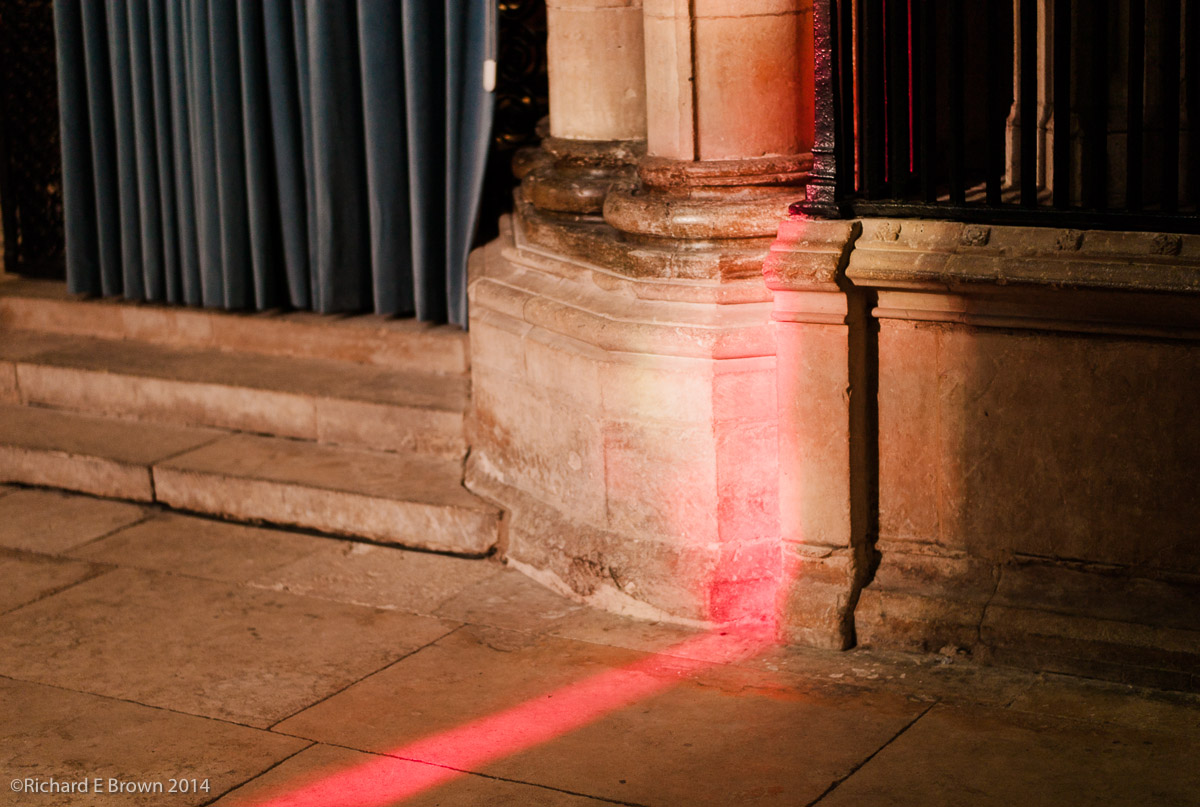
This month there were dramatic red beams of light flooding across the Cathedral floor.
I first saw light pattens like these and other more complex ones a few years ago and this led to the dramatic image below.
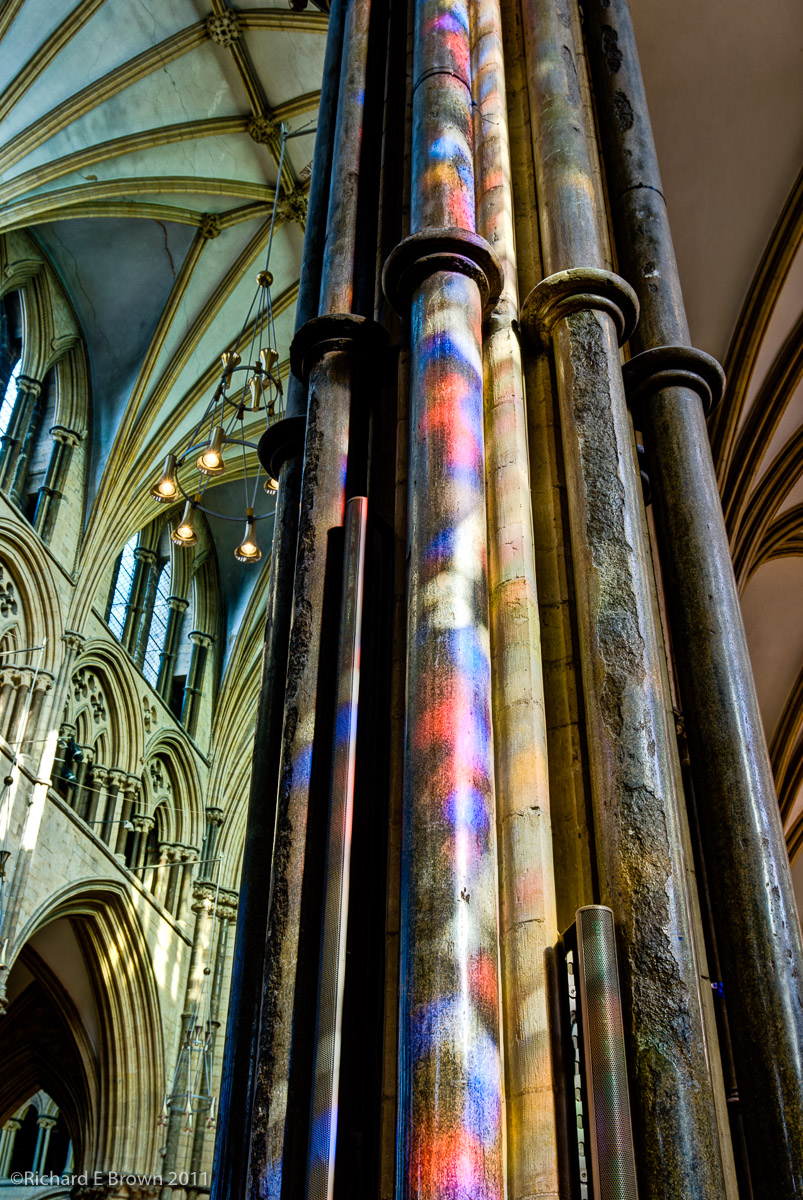
Winter often produces poor weather and dull days, if you have any buildings with stain glass windows and the low sun comes out, pay a visit and try to capture the amazing light that can sometimes illuminat these buildings.
Funky Sigma
This week most of major camera manufacturers seem to have announced new models.
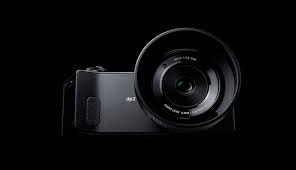
One of the most curious recent announcements (ignoring the Hasselblad rebadged Sony’s) is the Sigma announcement whether it works I don’t know but you can read about it at the usual review sites and here at gearophile.com.
Leica Type T 701
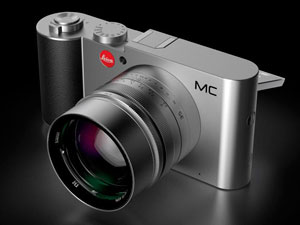 Everyone it seems wants a mini Leica.
Leica make the best glass in the world. I own the 24mm, 35mm and 50mm Leica M lens, I admit they are expensive, they are manual focus but they are small and perfectly formed jewels.
I bought my first two years before I bought my first Leica, it was a risk but has turned out to be an investment. I suspected I would eventually succumb to the micro four thirds cameras, and I know many people who use Leica lens on their Panasonic and Olympus micro four third cameras.
I have not yet bought a Micro Four Thirds camera but have bought a film M4 and a digital M8. Many people would dismiss technology that old but thought it has taken me over a year to master the art of developing a digital RAW file from the M8 I can now produce an image that at base iso rivals even the best that modern cameras can produce. The M4 film camera was an emotional purchase, its a camera made the same year I was born and gets used as a fun toy rather then a working camera.
So while Leica cameras have always been somewhat second best compared to their rivals (some may disagree), the lens are excellent and are hard to beat. What people want is a modern Leica camera to use their Leica glass on. The M9 is a great camera but the range finder experience is not for everyone and takes regular practice to be able to focus accurately and the CCD sensor while capable of stunning sharpness and a more natural film like grain cannot match modern sensors with there high iso capabilities and live view features.
People want the holy grail, a real Leica, autofocus, all mod cons and be compatible with Leica M glass. Oh and Cheap!
When the Leica Mini which turned out to be the Leica Vario people hoped that this was going to be the answer to their prayers; well now there is a new rumour brewing the Leica T, is this finally going to be the Leica that people wish for?
Fuji X20 – a quick play
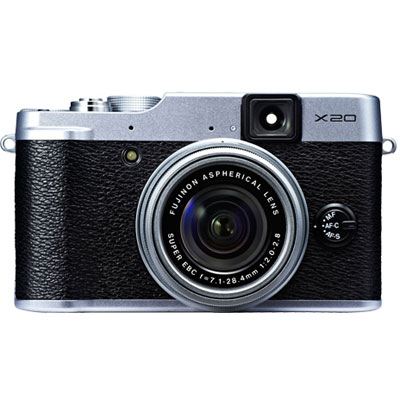 Yesterday I popped into my local London Camera Exchange. The aim was to have another play with the Panasonic LF1 compact.
I had with me my Nikon V1 with 10mm (28mm equivalent) so I could compare sizes.
As was expected size wise the Panasonic won, its much smaller then the Nikon or the Fuji, its a real shirt pocket camera and one that you could easily carry all day every day. With its small sensor its not up to the quality of the Nikon 1 series or Fuji but then it does not try to be. With a good zoom lens its one of the better small compacts around.
As they had one in the store I also tried the Fuji X20. It seems better made then the X10, and the big issue I had with the X10 was the lack of information. When using the viewfinder you had no idea where it was focusing or what it was doing.
The new X20 fixes these issues with information displayed onto the optical viewfinder, even indicating whether it has locked focus and where. There are two issues with the Fuji, first the sensor is smaller then my Nikon V1 but much bigger then the Panasonic, and the view finder is only 85% representative of the actual image being taken so you must remember to frame looser.
The ergonomics were excellent much better than my Nikon and better than the Panasonic, it is much bigger than the Panasonic, in fact its the same size as my Nikon V1 with the 10mm (28mm effective field of view) lens fitted but it does have a decent fast zoom. Of course my Nikon has interchangeable lens and the lens are small and pocketable, the entire outfit of 10-100mm (28mm-300mm effective field of view) can be carried in a jacket pocket makes the outfit much more flexible but sometimes you just want to carry a single camera and lens. Its here that cameras like the Fuji X100s, X20 etc have many advantages, still I have not written off the Panasonic yet, its a camera that can be carried all the time and I would likely have it with me, even when I am carrying my Leica outfit as its so small. The lens range of 28-200mm also makes it very compelling despite the small sensor and low quality EVF.
Its also worth considering older cameras. The Panasonic retails at nearly £300, a second hand Panasonic GF1, EVF and 20mm f/1.7 can be had for that price.