Leica T Lens on the SL

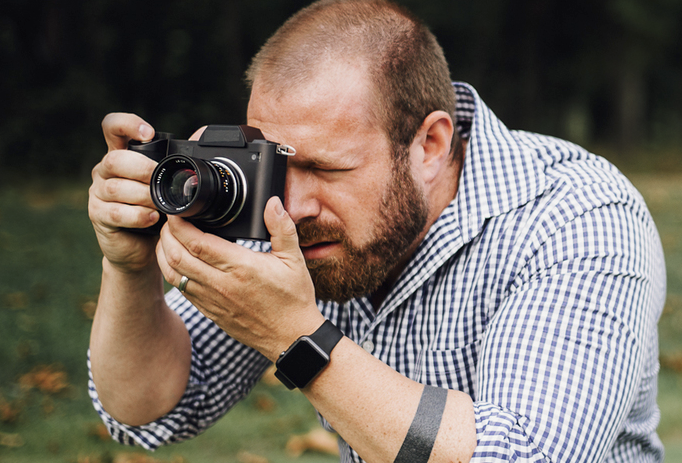
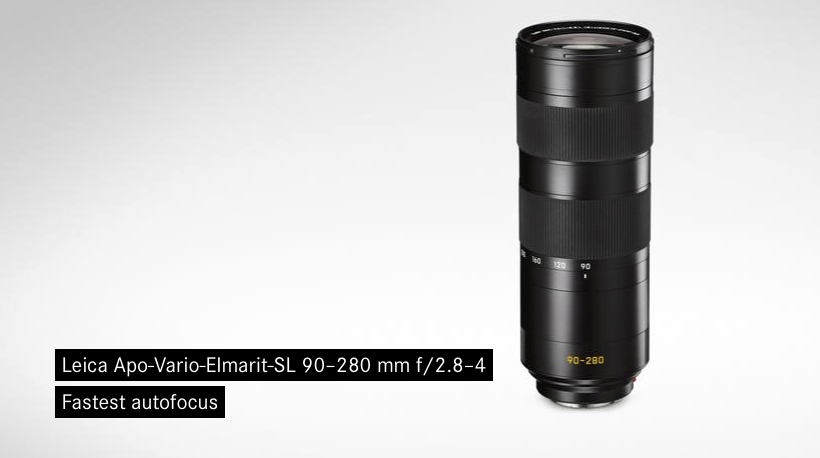
leica ltIf your after a small compact autofocus lens to use on the Leica SL then You are looking at lens that were created for the Leica T.

The SL with these lens will give you a DX (1.5) crop factor.

It should be noted though that you will need a firmware on the lens to allow functionality.

Fuji X2-Pro makes an appearance

XPro2

First there was the Fuji X100 with its optical and electronic viewfinder.  Then Fuji really stirred things up with the rangefinder styled interchangeable lens X1-Pro with a growing system of lens.  Since then we have quite a few bodies some styled like a rangefinder and others like a full blown SLR.

Leica M8 and Fuji XPro1

A number of professionals are now shooting with them and Fuji have been keeping them relevant by constant firmware upgrades.  The original X1-Pro finally gets replaced with the the X2-Pro and it looks to be a stunning camera.  If it was not for the X Trans sensor I would be very tempted.

New Leica M Lens

  • Leica M 28mm  25mmLeica Summicron-M 35mm f/2 ASPH
  • Leica Summicron-M 28mm f/2 ASPH
  • Leica Elmarit-M 28mm f/2.8 ASPH

A few of the recent special addition cameras have had new version of the M 35mm Summicron so its no surprise that this week Leica announce new M len.

Of these three its the Elmarit 28mm that interests me the most, its a very small compact lens and I can see a number of uses for this.  This lens for a Leica lens is very good value and can be picked up for just £1650 from the end of January.

Adobe Lightroom Mobile and workflow

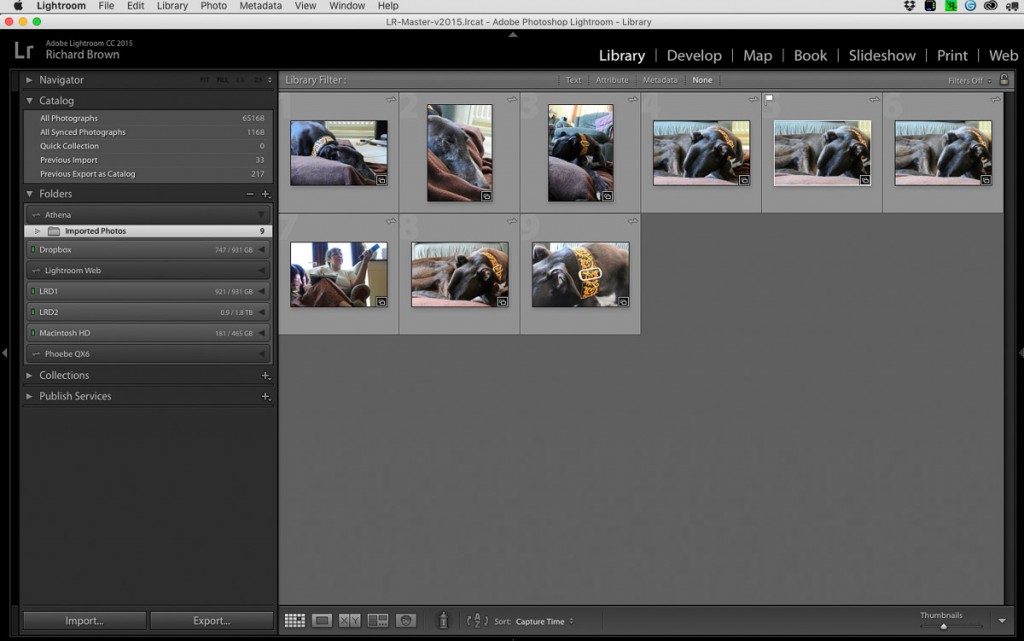
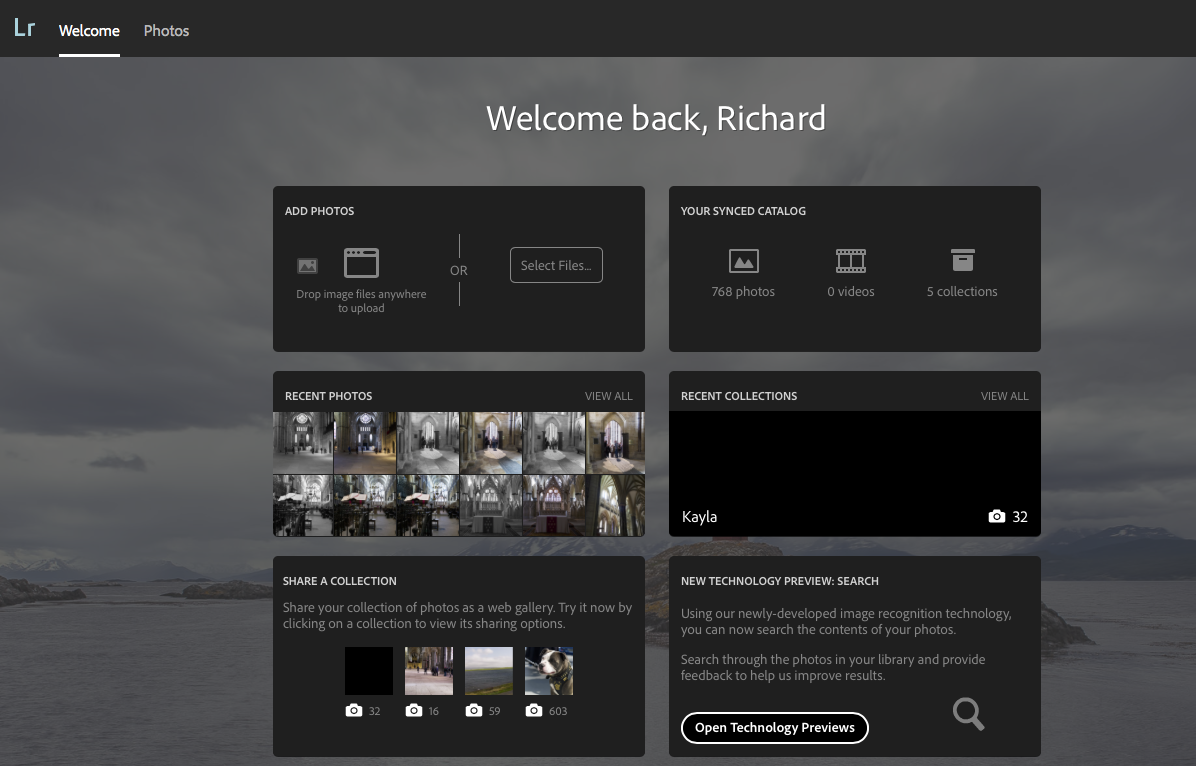
My use of Adobe Lightroom Mobile is currently fairly basic.  I’ll import photographs into the desktop Lightroom, create and sync up a collection and then rate and select photographs on the iPad when I am away from my desk.  It gets used sometimes as a mobile portfolio device but that is about it.

This last week though I have been having a go using the iPad more.  Shooting a few test photographs, then editing and publishing them direct off the iPad.  The shot below was done this way.

HighStreet
JPG edited in Lightroom Mobile on iPad2

I have wondered though with the integration with Adobe Cloud, how I could incorporate the iPad and Lightroom Mobile more into my workflow.

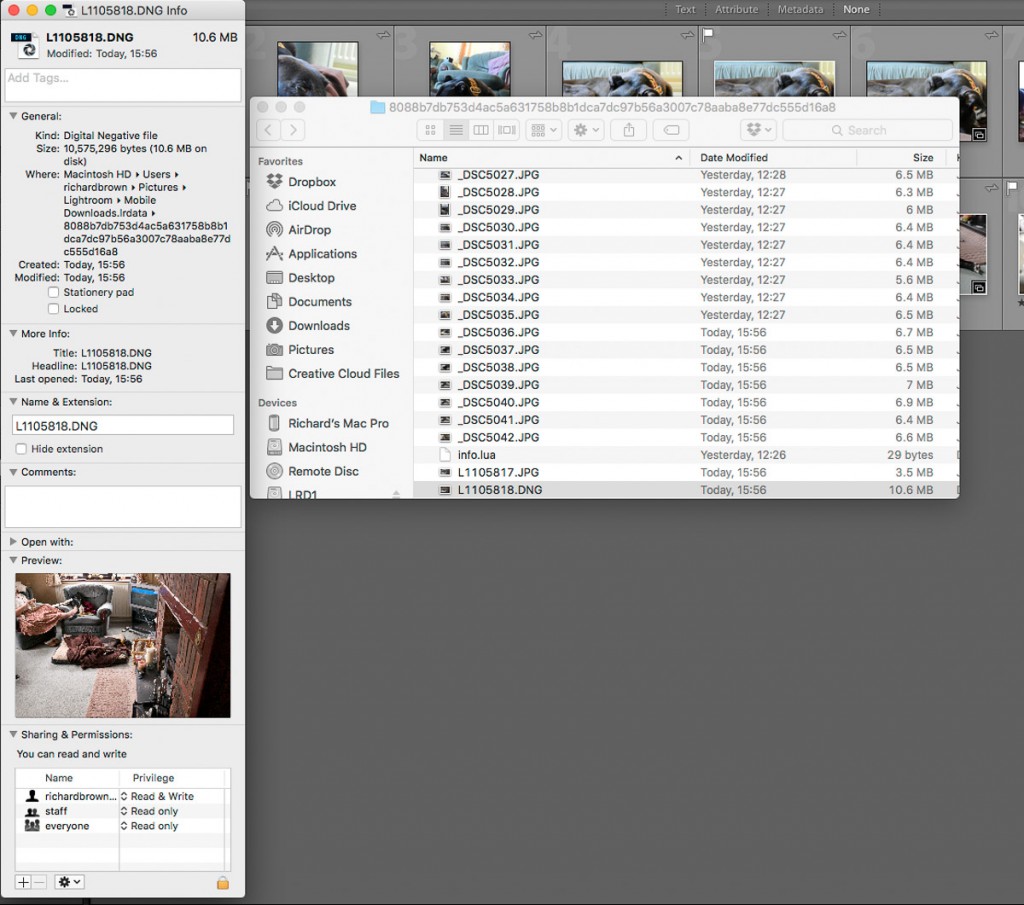
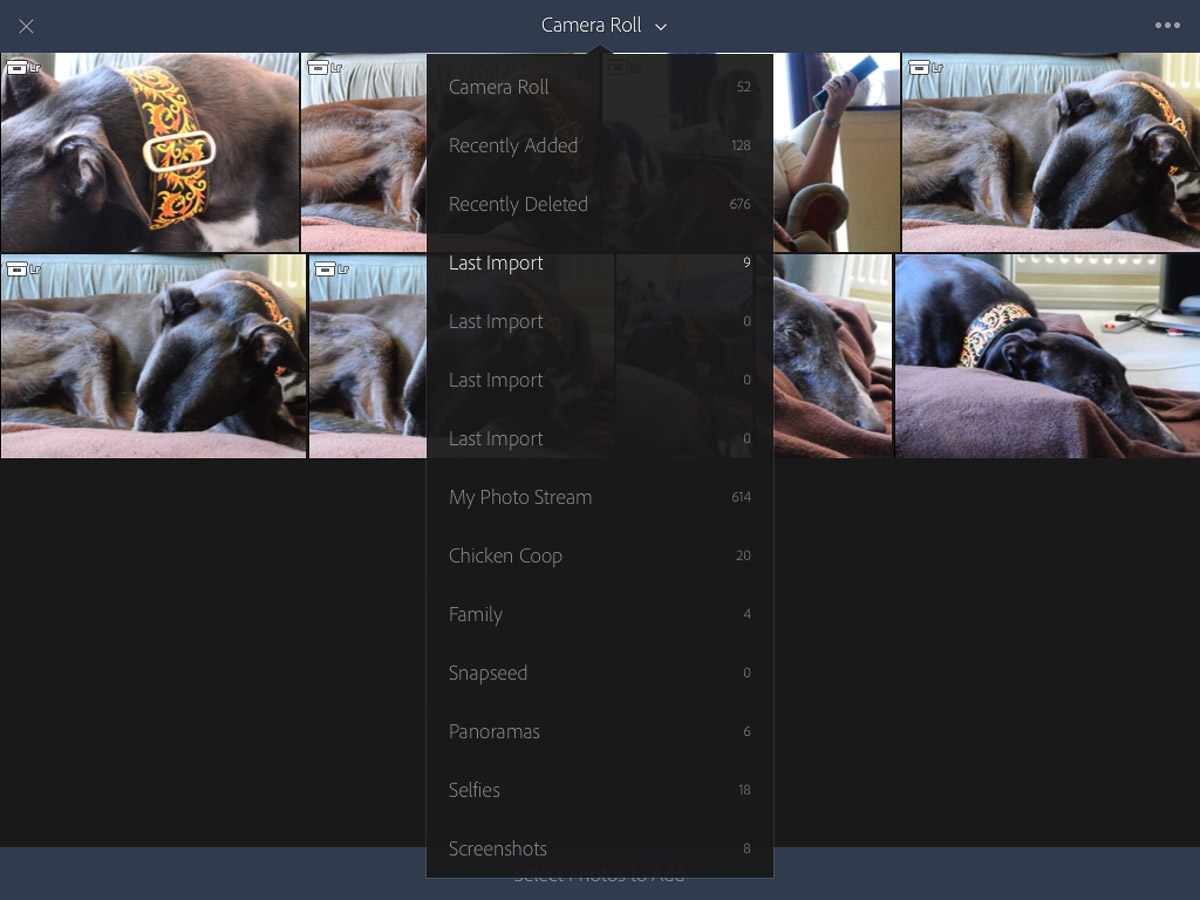
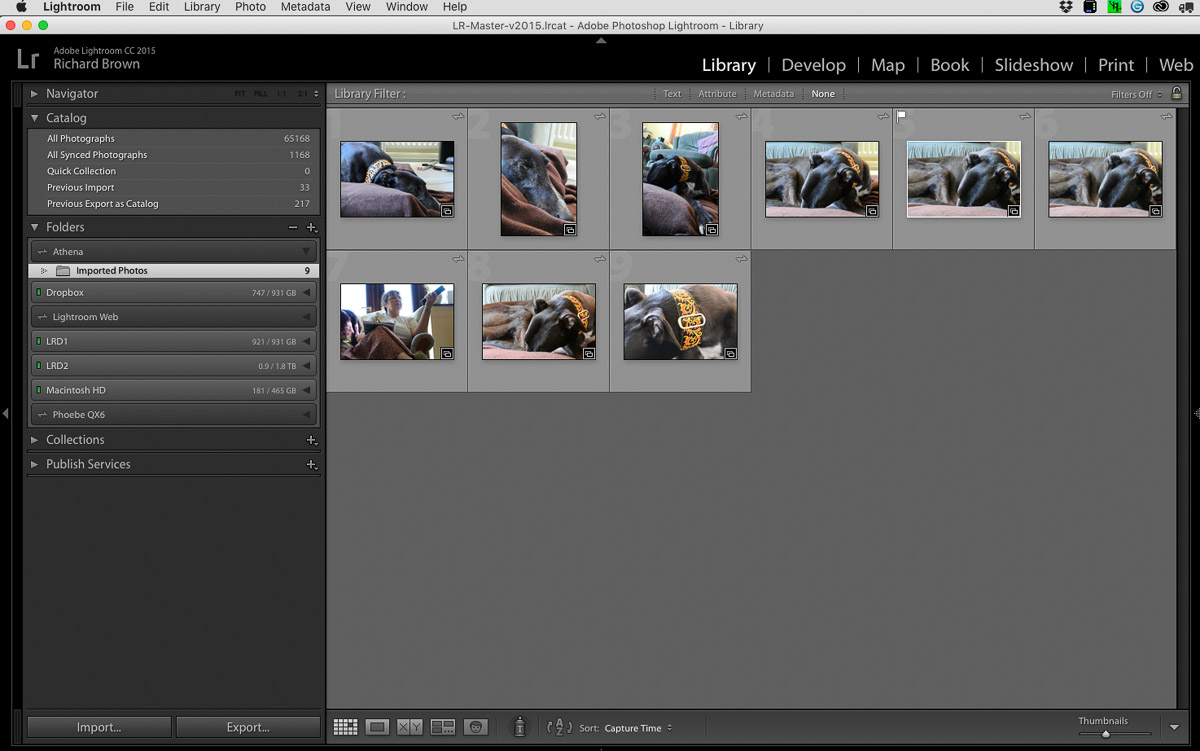
With the shots safely on the iPad, once the iPad was on the internet they were synced across to the Adobe Cloud.  As an aside, it would be great if Adobe could come up with a local sync option instead of having to use the internet all the time.  Opening up Lightroom on my desktop computer this synced up and I saw the iPad’s name and the JPG’s I had imported.

The questions I had were; what would happen when I tried to import my files again into this Lightroom catalogue from the memory card.  What would happen when I went into the Photo app on the iPad and deleted my images.  With an edited JPG on the Desktop could I replicate that image processing to the RAW?

So this weekend I set out to answer these questions.

High Street - dng
DNG synced with JPG in Desktop Lightroom

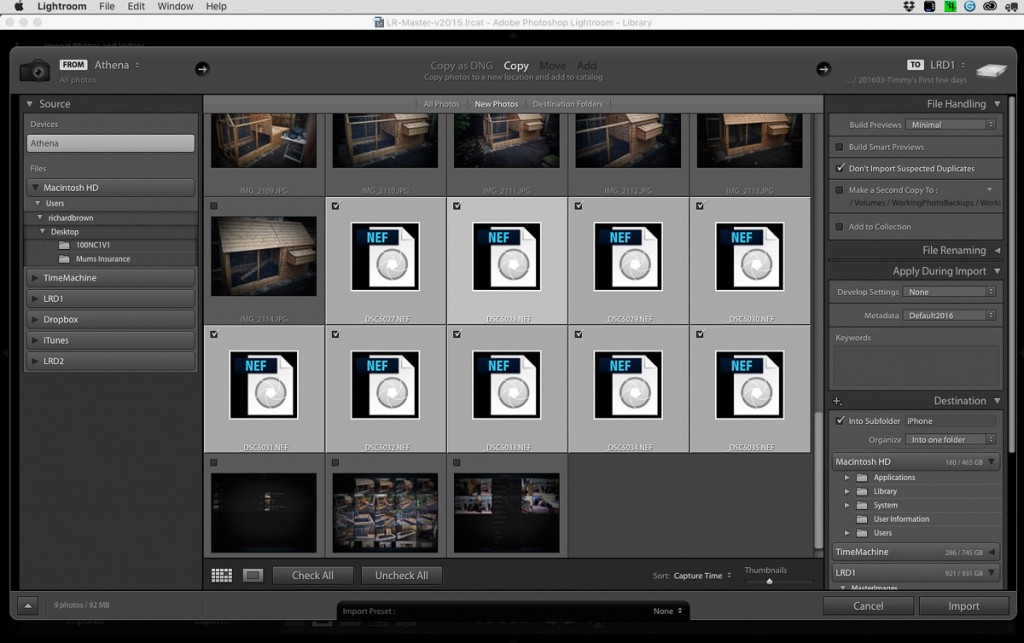
Importing:  if you shoot JPG & RAW like I do with the Leica then how you have your Lightroom catalogue configured is important.  I believe from default Lightroom ignores the JPG’s and just imports the RAW files.  I have Lightroom treat the JPG and the RAW file, in this case a DNG as separate files.

Lightroom Pref, JPG and RAW

So with my import settings configured as above, I imported my memory card into my master desktop Lightroom, as I expected the RAW files came straight in, but Lightroom ignored the JPG’s.

I tested this several times importing files via SD Card, Dropbox and even a second Lightroom Catalogue, in each instance the JPG’s were ignored if they were already in the Adobe Cloud via my iPad.

RAW & JPG

My next test was to delete the files from the Photo app on the iPad, as I hoped, the photos were still present on the iPad when I launched Lightroom Mobile.

The iPad screen is pretty good, the iPad Pro even better, but nothing beats a proper colour corrected computer screen especially if like me you have a Adobe RGB rated screen.  So you have got an edited jpg from working in Adobe Lightroom Mobile, but what if you want to take it a bit further.  JPG’s being eight bit can break while editing, your better working on the RAW file, but if your started work on the iPad then you have been working on the JPG.  Can we easily get the RAW file to the JPG point and then continue editing the RAW.

Sync Settings

Well luckily Lightroom for the Desktop can sync development settings quiet easily.  You will never get it the same, the in camera processing of the camera, the wider dynamic range and more data available from the RAW means that often the JPG looks better then the RAW initially and even after syncing they will be differences.

High Street - comparison
JPG on Left; RAW DNG on Right

As you can see above, after the sync they are pretty similar, the JPG has more contrast, the RAW treats the highlights a little more gently.

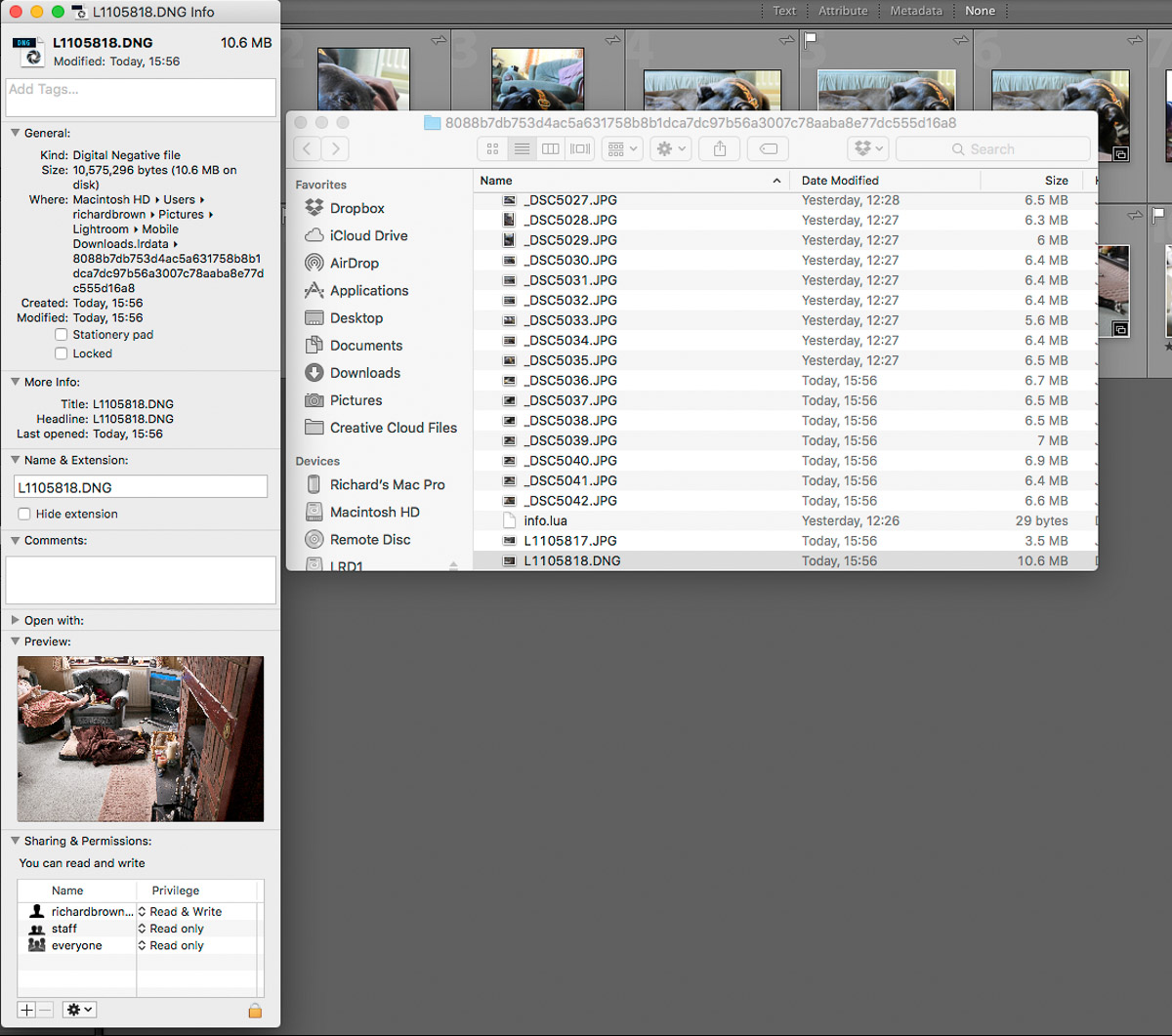
Lightroom-Mobile-RemoveOne last point remember; is to move the Cloud files into a dedicated folder on you computer that Lightroom Desktop is referencing.  Though if you do remove them from Lightroom they will still be in your Desktop version but just flagged with a cross.

Lightroom-Mobile-Remove-2


Lincoln Street Photography in 2016

Hand in Hand
Hand in Hand

This weekend saw me Lincoln for my first street photography session of the year.

It was a wet cold day but quite bright occasionally.  I left the ISO at 640 and the aperture at f/4 and let the shutter speed short itself out.

Lincoln Streets

Street photography can take a bit of getting used to and by first shots were like this one above.  No confronting people with the camera for me.

Lincoln Streets-2

As you get more in practice you start to spot potential scenes and situations where the characters will not notice you like this shot above.

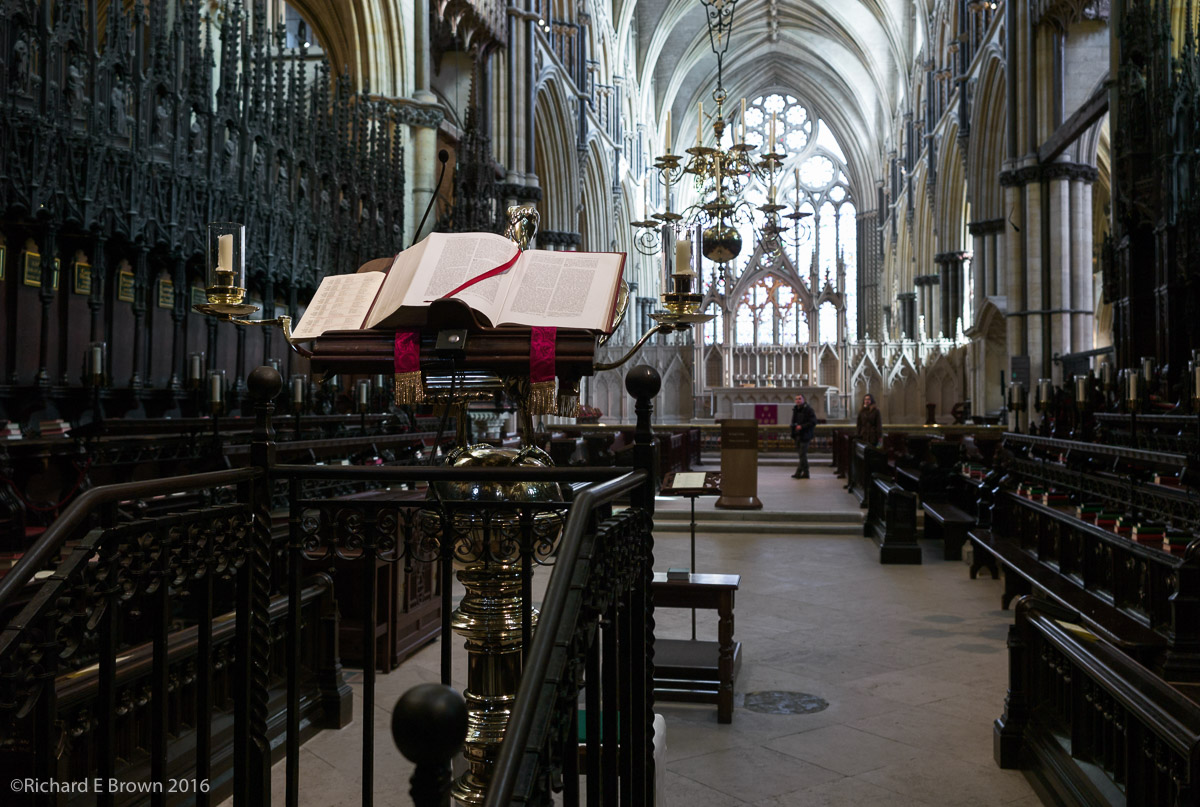
Until eventually you throw caution to the wind and start photographing people direct like in the very top most shot which I feel was one of the best of the session.  On the whole if you have a small mirrorless camera and give people a smile they tend to not worry as much as when you confront them with a huge modern DSLR.

GAS – What will 2016 bring me

My LeicasGAS – or Gear Acquisition Syndrome is something that affects many people with hobbies.

For photographers it can be a particularly expensive affliction.  New cameras, the grass is always greener on the other side so lets switch manufacturers.

For me I have a few things on my list but I know have much of what I want.

  • Another mains flash head for studio photography
  • The Leica M
  • Leica 90mm Summicron
  • Fabric Studio background

CES 2016

D5The Nikon D5 was expected this year but I was surprised to see it announced at CES and not a more photo focused show.

Nikon DX users of the D200/D300 range will be pleased to see the D500. The D200 turned things round for Nikon and they followed it with the stunning. D3, D700 and D300. While we have see replacements for the D3 and full frame D700 the D300 had no replacement till now and Nikon were loosing customers to the Canon 7D.

Another pleasing announcement was the Phase One XF 100MP a True 100MP Medium Format Camera For just $48,990 ;).

Medium format was being caught by cameras such as the Nikon D800 and latest Canon 5D. When you saw high megapixel figures quoted it was usually via pixel shifting rather then genuine megapixels.

Last Studio Shoot of 2015

Four Models One Photographer

Tuesday was my last studio shoot of the year.  Its been a quiet shooting year, some studio work and weddings but not a lot of personal project work.  Unfortunately family life sometimes gets in the way.

Shooting four models at the same time is a bit of a challenge in the studio, it really challenges your composition and your ability to direct.  Not something I would advice your try until you have mastered the basics of lighting and basic direction of one then two models.

Leica firmware – Leica Q Typ 116 firmware update version 1.1-2

Leica QLeica being a small company are not always the fastest at releasing updates and bug fixes to their camera firmware but recently we have seen quite a few updates.

This week it was the turn of the Leica Q.

The smaller camera manufactures such as Olympus, Fuji and Leica are very good at releasing new functionality for their older cameras and its something that the bigger manufactures could learn from.

Leica Q Typ 116 firmware update version 1.1-2