Everyone seems to be bringing out a Mark II or Mark III at the moment.
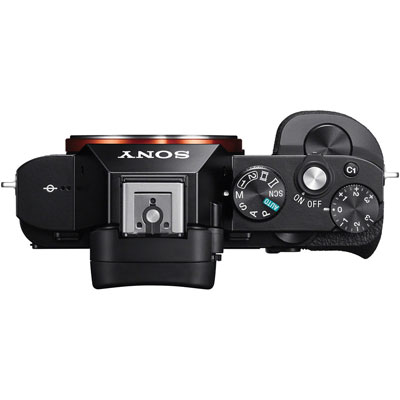
The full frame mirror-less A7 range has been getting better. Its main issues have been noisy shutter, vibration, a slightly inferior RAW file that seems to do some internal lossy compression before saving.
While I admire the continued efforts of Sony with these endless releases of ever improving cameras I also feel sorry for people that buy Sony gear and then six months later they release a better model. I also find it irritating that they release cameras without battery chargers and lens hoods are often an optional extra.
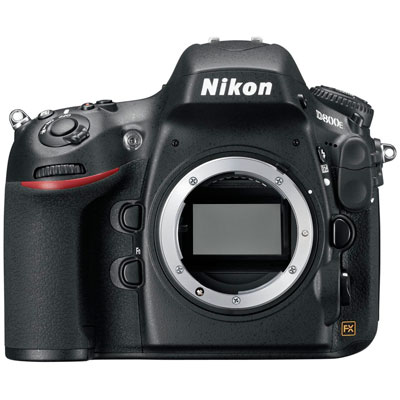
Currently my full frame needs are met with my Nikon D800, and one day I hope a Leica M9 or M 240 so while my GAS (Gear Acquisition Syndrome) wants me to buy one the limitations and the fact that it would just duplicate my Nikon and Leica system stops me.
Still if your after full frame and autofocus in a small package its hard to ignore.
Photo Walk
The truth of the matter is that within ten years cameras like the low end Nikon and Canon SLR’s will look far more like the Sony A7 then a SLR. They will go mirror-less. Its a matter of cost. Producing a mirror box and optical viewfinder is expensive and when Nikon and Canon do jump onto this, possibly when the autofocus matches there low end SLR’s it will happen.
Then its going to be difficult to see where Sony, Fuji etc are going to go. I feel Panasonic and Olympus have a better chance of being a long term success, as the smaller micro four thirds cameras can make an excellent second small system
If your an Apple user you are most likely already aware that the latest bug fix for iOS 8 was released today v8.1.1, not played with it much yet but lets hope things are getting more stable. I have had a few app crashes but nothing too bad. Certainly not like iOS 2.0 which was in my opinion unusable.
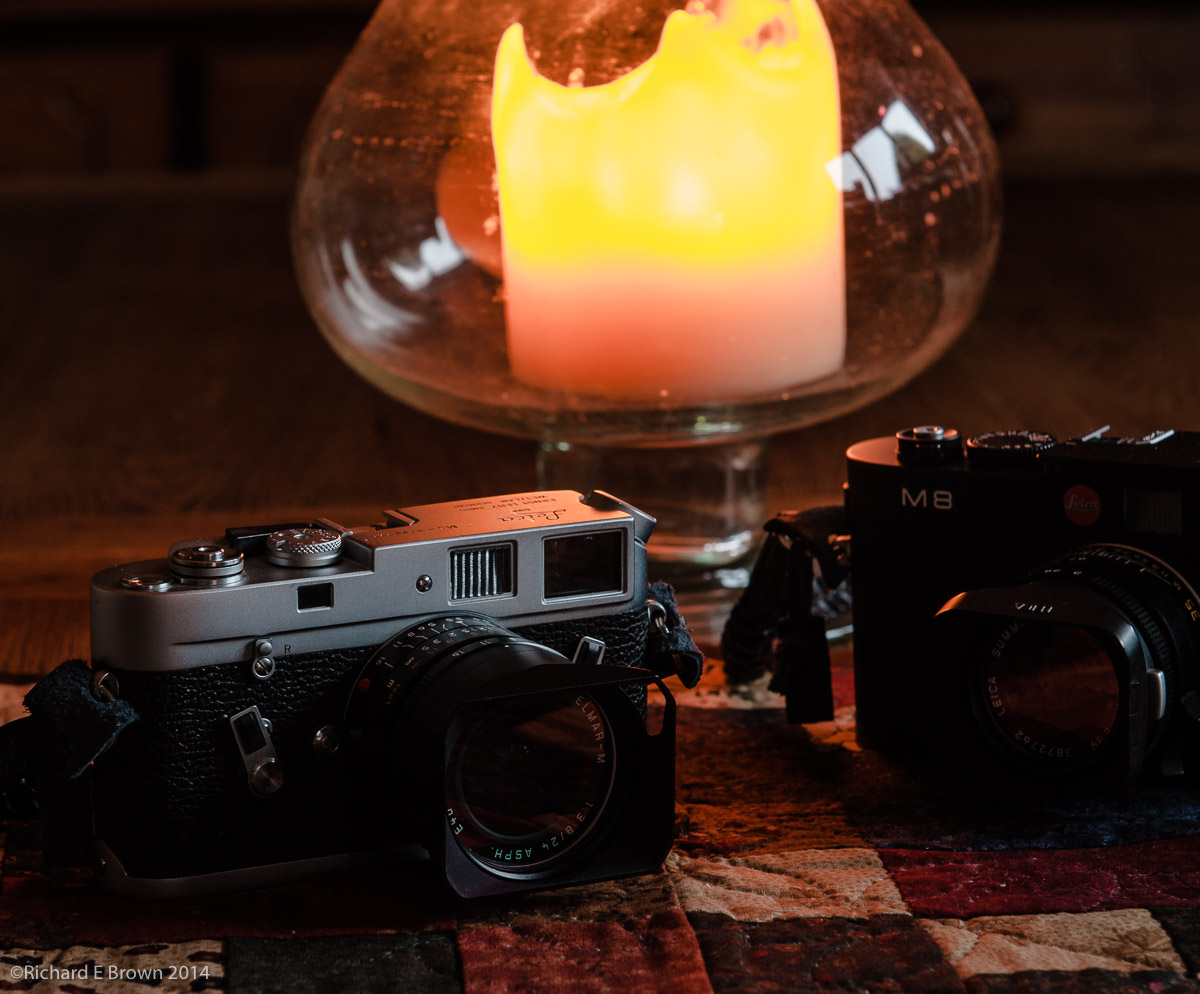
Of more notable concern for camera users, at least for us Leica users was updated firmware for the Leica M series. Not having the latest M I checked the site anyway expecting not to see anything for me but was surprised to see Leica have released updates for all the digital M series cameras including the original digital Leica M8.
Its great to see such support for a camera that was released back in 2006 I think and my M8.2 was 2008.
Certainly from recent history only Fuji seem to be giving there customers such good support.
Chris has also recently blogged about firmware updates for his OM D here. I was glad to see that the Leica updates are applied the same way as my Nikon updates, just copy the firmware update to an SD card and update from Camera.
Like Chris I prefer this method of update. I have not updated a recent Sony, but when I had to update the Alpha A55 I had to use the computer, see here for details.
Click on the link below for the update download and instructions.
Turn off the camera and insert the card into an SD card reader – either integrated or connected to your computer. (A reader is required for Firmware updates).
Download the Firmware file from the Leica Website using the Service & Support/Support/Downloads Menu and unzip the file.
Save the unzipped file (extension “.upd or .upm”) at the top level of the card’s folder structure.
Remove the card properly from your card reader, insert the card into the camera and close the bottom cover.
Turn on the camera using the main switch and wait for at least 3 seconds before continuing with step 7.
Confirm the prompt that appears in the monitor as to whether you want to update the firmware on thecamera to the new version.
The update process takes around 180s. You will then be prompted to restart the camera using the main switch.
I was talking to another photographer recently who had switched from his large SLR’s to one of the newer large sensor bridge cameras.
I had a camera with me and attached was a fast f/1.4 50 mm lens.
He ventured his opinion that fast lens were no longer required. Also that if you wanted that fast aperture look you can fake it in Photoshop.
An interesting view and I can partially see the point but I suppose it depends on how you define a average photographer.
An average portrait photographer may want a fast portrait lens.
I have seen some lovely Landscapes shooting into the sun with a fast wide angle and sports and wildlife photographers often need fast glass to get their images.
So what’s right. Well neither view. If your happy and can get the image you want without fast glass then good but if you need fast glass and can afford it then use it.
I know of one photography who has two 28 mm lens. One at f/1.4 for when he needs speed but the other which he generally uses is f/3.5. As its smaller lighter and easier to use.
Well after telling you how I have my main SLR setup I thought I would follow up with my Leica.
The memory banks on the Leica are called User Profiles and there are four of them, unfortunately only three of them are useable.
User Profile 0
User Profile 1
User Profile 2
User Profile 3
The first profile is a system profile, it sets up the camera basically for beginners, so sRGB, jpeg only and base ISO.
User Profile 1 is my main profile. Set to RAW, shutter to quiet mode and no image review, ISO is set to the base at ISO 160. White balance is on auto.
User Profile 2 is also often used, especially when I want to shoot black and white. Its the same as above but also saves out a jpeg in Black & White.
Lastly User Profile 3, this is same as User Profile 2 but has ISO set to 640 and white balance to 5000 K. Useful under dark conditions under artificial light. I also have image review set on this mode but no jpeg.
With this combination and the quick menu access button (the set button) I can set the major key areas then just override as I require.
Eg, need image review at base ISO, select User Profile 3 via the quick access button and override the ISO and white balance, while in the quick access menu. Sounds far harder then it is. It’s quick easy and saves you going into the main menu searching for the items you need to change.
If you have ever used a camera like my old Nikon FM2, then setup consisted of keeping it clean. Having a film loaded. Oh and remembering to set the ISO.
After that it was set aperture and shutter speed and press the shutter to take a picture.
Today with the myriad of menu settings in modern SLR’s it can seem complicated in the extreme.
Most cameras now how memory banks and ‘my menu’ settings or ease your way into finding your favourite settings quickly.
Well first a quick dig at Nikon. The memory banks on the D200 cannot be saved so if you are in bank A and have auto ISO switched on, then you decide to switch it off your bank A it will remember the new setting. No! Nikon this is not how we want it to work. If while working I change settings I want to be able to recall my original memory bank A settings. Not have it constantly update.
I had hoped by the D800 this would have been fixed but no.
So what settings do I use?
Nikon divides it memory banks into shooting and custom banks. So you have to remember to change things in two places! Not being a Canon shooter I can comment if theirs is any better or worse, but Leica not known for their abilities on the electronic’s and software did manage to get it right from the orginal M8 onwards. Come on guys if Leica with their limited experience can get it right you should.
Lets start at the top with my four shooting banks, these are labeled:
ISO-M
ISO-A 1/800
ISO-A BKUP
CSB
First of all the four banks are about the same except for what is noted on the label comments.
The first ISO-M, is my general shooting bank with manual ISO set.
The next is for wildlife or sports. It’s configured to use auto ISO but not let the shutter speed drop below 1/800 of a second.
The third gives auto ISO and allows shutter speed to drop to x2 1/focal length, but also shoots raw and JPEG. This is set to put a copy of each raw and jpg each card. The D800 has two card slots. I normally I set the second card to overflow but for this bank is set to backup. With this bank setting I often switch between auto ISO and manual and it’s the mode for important shoots. Generally photographing models and weddings which is why this bank puts a RAW file on each card for backup.
The last is a bank configured to the way my wife likes her camera setup for when she borrows mine.
For the Custom memory my settings are:
AF Normal
AF Short
AF Illumination
CSB Shutter AF
AF Short is the focus time out, basically how long the camera waits before trying to re-acquire focus again. Useful for bird photography when set to short.
AF Illumination is helpful in a dark studio. Apart from then I do not want my camera make extra noise or shining lights at people to assist focus.
Lastly CSB Shutter. I have the shutter button set not to activate focus for my three modes while my wife prefers to have the shutter set to focus and manual ISO only so this one is for her again.
The new ‘My Menu’ option allows quick access to what you need. What’s even better is that you can configure one of your buttons to take you to the top item in the menu.
I don’t have this on my D200 only my D800 so I am still deciding on what to have in here but so far these are what I have added.
Auto IOS
Exposure delay
Self timer
High ISO nr
Long exposure NR
Choose Image area
I have only had this camera for a week and these settings have changed somewhat over that week with testing, and I am sure they will continue to develop.
There has been a recent survey asking newly married couples what they thought of their wedding photographers and where things went wrong and where right.
It was an interesting read as was the comments made by photographers and none photographers.
Ultimately the problem now is one of worth. How much is your photographer worth to you?
Too many people today see the cost of photography as the cost of the print. You engage a photographer to produce a portrait. You can get a nice 10 x 8 print for £1.27 from the top listing in my search engine when I checked. So much should a portrait cost?
Get married and the photographer is with you most of the day, so a days time. A wedding album can be got from a stationary store for under £10. Lets say 60 prints in it at £1.27 so not including the photographers the material cost could be under £100. Assuming a salary of £32000 a day rate comes in at £123, so a wedding should cost £250.
Well this figure is a joke as I hope most people realise. Your paying a skilled artist and craftsman for his time and experience. There were several days prep for this wedding, and several days after sorting photographs and post production.
Then there are the photographers costs. A high end PC capable of processing modern RAW files for the next three years and running Photoshop will cost £2000, thats £2000 every three years. A wedding photographer needs a good low light camera so if a Nikon user a D4 at £4700, this needs replacing every five years. A high resolution camera say a D800 £2400, also replaced every five years. Two high quality standard zooms, £1000 each replaced every ten years. Wide Angle zoom and telephoto plus a fast portrait. Little change out of £5000 for them.
Problems happen, so equipment and public liability insurance. Lets not forget vehicle costs. Lets say the photographer want an income of £32000 a year, Weddings general are only shot between May and September, thats five months of weekends to earn that morning plus enough to cover the costs.
Now see why the wedding photographers charge anything from £2000 upwards? Yes there are people doing it for £300, I know one doing it for £150. Its cash in hand, he does not pay tax and to be honest if he did the math he is not actually making any money out of it.
So next time you book a photographer remember, your paying for his artistic skill which is hard to price plus he also has some very high costs to cover.
So I now have a D800, but there is always a steep learning curve with any new camera, some sensors take more work then others. Once I have the development of a particular RAW file sorted I create an Adobe Lightroom preset.
For now I am using my D200 development settings and these look pretty good but I will continue to develop my processing style and work flow.
On Saturday I did my first real test with the D800. Up to now I have been shooting my wife in low light in the evening, not a real test. This Saturday I dug out my tripod and my 70-200mm f/2.8 and spent some of the morning photographing garden birds. I had spent some of my time earlier in the week customising my settings so this was my first real test.
The results were not good, I had some inconsistent settings with my memory banks and thus the results were very inconsistent. So Saturday night I read up on settings that other photographers were used and reset the camera.
This sunny Sunday morning I again got out my tripod and this time got my 300mm f/2.8. I shot from the kitchen dinner area through the glass of the french doors.
This time I was very impressed with the results.
I had set the ISO to auto with a cap of 3200 ISO, and a minimum shutter speed of 1/800 of a second. Occasionally I changed the settings to 2 x focal length which with a 300mm lens meant the camera would not the shutter speed drop below 1/600 and stopped down the lens a little to f/5.5 – f-8, for stationary birds.
I also played with the focus modes; I many used group 21 points but occasional 3D focus settings which tended to shoot to the closest subject.
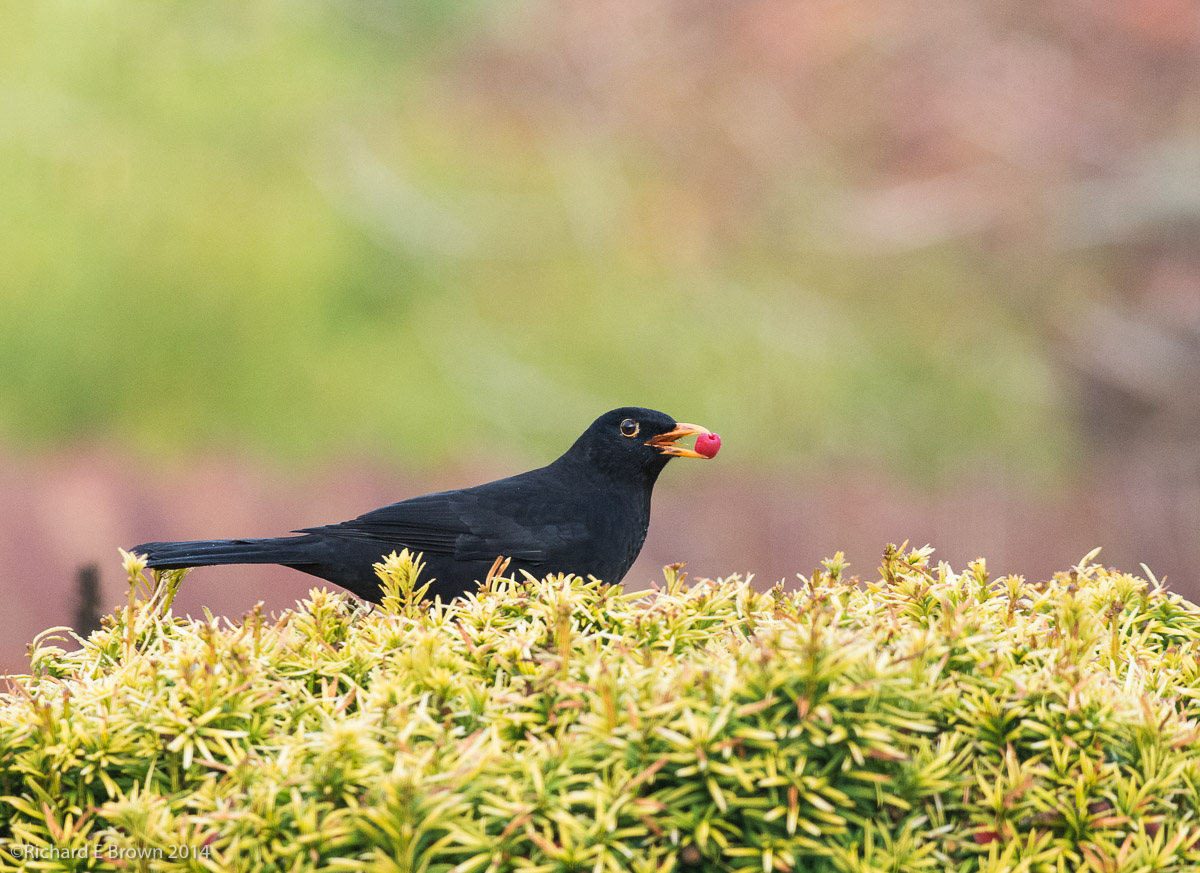
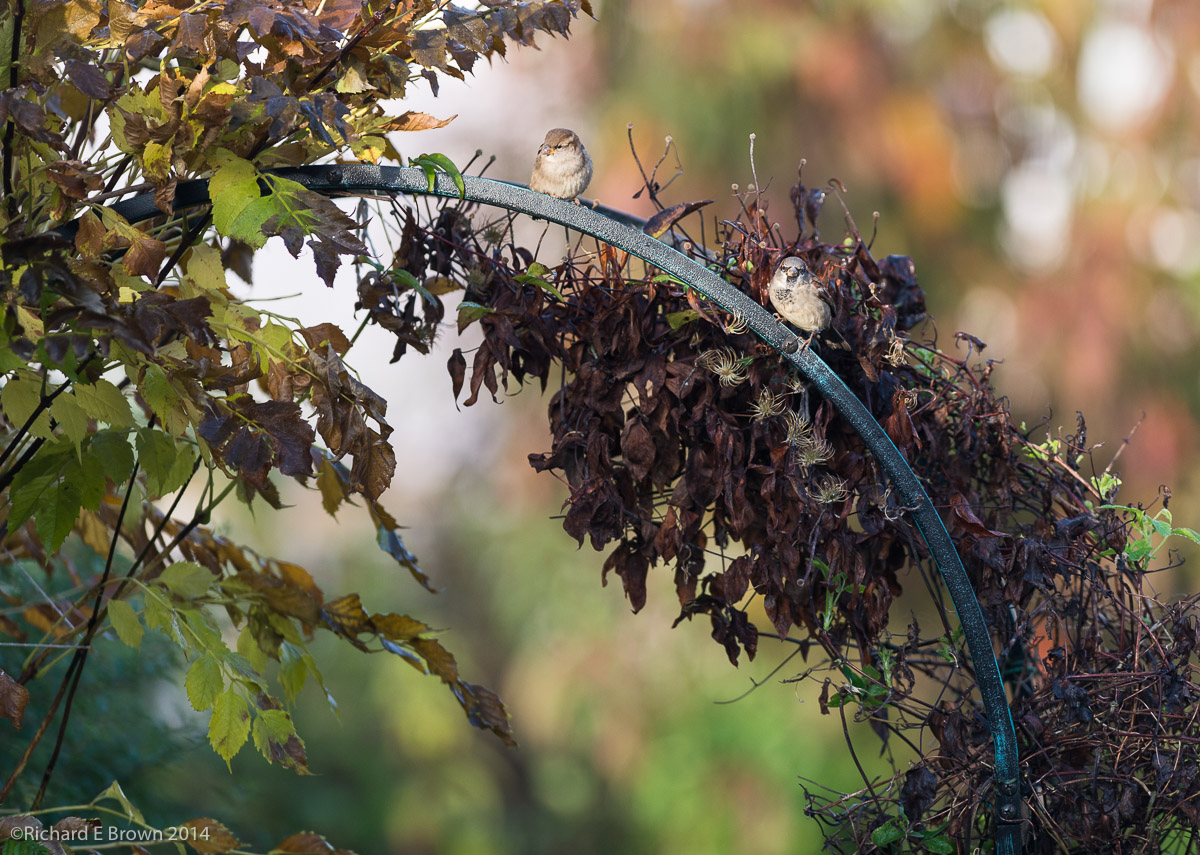
We are very lucky where we live, I have installed quite a few bird feeders but we also have a couple of Yew trees that the black birds love.
Anyway here are the results for you to see. You may note my labels say D200, this is because my Lightroom preset labelled them that way.
As I mentioned, Wednesday was the Lincoln Photography Show organised by the London Camera Exchange. On the Monday I had had a tipoff that they had a medium format PhaseOne digital back coming in and I managed to pop in and leave them my phone number as I wanted first refusal. The digital back was a bargain so with that purchased this week I had no intention of buying anything at the show. The manager of London Camera Exchange told me that it would be very worth while me visiting the show anyway as they may have something I would be interested in.
Wednesday came and I first popped to Hartsholme Park to test the digital back. It was a windy day so while the shots are nice there is a lot of subject movement, shooting at f/22 and at ISO50 will do that!
With my testing done it was time to pop into Lincoln and meet up with Mike and Chris for some lunch, where we tried out the Burger restaurant on the waterside, it was good but I think the homemade burger in the Pub The Horse & Groom on the waterside is better.
So what about the show, well we did a quick circuit round then looked at some of the gear in greater detail.
I am still on the search for the perfect compact (yes I know, one does not exist), and compacts are getting a lot better now. Many now have viewfinders and often have the larger one inch sensor that is in my Nikon V1.
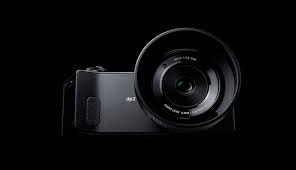
One of the more interesting compacts we saw was the Sigma Quattro. The image quality from this rivals many full frame SLR’s and some claim medium format cameras. It uses the Foveon sensor so can see real colour not like the RGB Bayer sensor in traditional sensors. Its issue has always been its noise performance above 400 ISO and the very slow performance. If you take a shot its several seconds before its ready to shoot again.
If your after stunning image quality at base ISO and can put up with the cameras quirks, its a good camera.
With its odd ergonomics and size its hardly a compact camera, next up I had a look at the Panasonic range. There has been two cameras thats been attracting my attention. One is the GX-7, this is a great little micro four thirds system camera with interchangeable lens. Basically a better Nikon V1, and very flexible. The other is the new Panasonic LX100, this camera was jointly developed with Leica and there is a Leica version as well. Its a large compact with a cropped micro four thirds sensor, this gives multiple format options. Its a nice but not small compact.
Next was the Fuji stand, the X100 still appeals to me but I am still not sure about the Fuji sensor. But I had a closer look at the new X30, their small compact. They have now dropped the optical viewfinder and replaced it with an EVF. Its again slightly larger then some compacts but feels good in the hand and the EVF is one of the better models of the current compacts with viewfinders.
On my second circuit of the main hall I tried out the Sony RX100 MkIII, now this is a tiny compact, also with a functional if not brilliant EVF, still any EVF is better then none. If your after a pocketable compact with viewfinder I feel this is it, very small but very powerful.
At the show they had a number of fantasic deals, we spend some time at the Olympus stand. Chris was buying the Olympus OM-D E-M1, I have to admit this is a stunning mirror-less camera, and I can see why Steve Huff thinks so highly of it.
Many people think the Sony A7 range is the current cream of the crop of mirror-less cameras, and if you get it right the image quality is right up there with the best, but I do have concerns about Sony, I don’t like their RAW file implementation and they always come across as a bit cheap, not giving battery chargers, or hoods with their lens. Then there is the fact that another new model is always round the corner making a purchaser of a new Sony having some of the fastest depreciation around. Still I love the A7R and the full frame compact RX1.
Fuji is also well thought of, and if you don’t mind the X-Trans sensor the X-T1 is another killer camera and a rival to many SLR’s.
With Sony putting in so much effort to full frame and with their range of DX (1.5 crop) cameras, and Fuji now having a good selection of DX crop mirrors cameras, one may think Panasonic and Olympus are falling behind, but there is still a lot of life left in micro four thirds.
The laws of physical unfortunately still cannot be broken, and if you want a fast lens with a field of view of 300mm, you pay for it, in size and weight. My full frame Nikon 300mm f/2.8 is huge and heavy, it always gets used on a heavy Gitzo series 5 tripod.
Now this is where the smaller formats have an advantage. I have two zooms with my little V1, and they fit into a coat pocket but give the range of 28-300mm. This is the big advantage of smaller formats.
The micro four thirds system is an excellent compromise on image size, giving more then acceptable quality in a small package. The current top of the tree micro four thirds cameras, are the Panasonic GH4 and GX7, and the Olympus OM-D E-M1.
So if you are after a high end mirrors-less camera, you have the Sony A7 range, and the old NEX now rebranded Alpha range, Panasonic’s GH4 and GX-7 and the Olympus OM-D E-M1. If your after small then the GX-7 is your camera. If video is your thing then its the GH4, but if your after a pro weather sealed camera with some of the best autofocus of any mirrors camera plus class leading image stabilisation then its the Olympus.
As I said the show offers were very tempting and Chris purchased the Olympus while I was very tempted by the little OM D E10, a tiny smaller version which could be used as a compact, and at under £600 with a good lens was a real bargain.
So what did I buy, well the intention was to buy nothing, just enjoy the day and play with the latest gear, but there was a very good reason the manager of LCE said I should come.
They had managed to get hold of four boxed Nikon reconditioned as new D800’s and were selling them at a price that just could not be refused. So yes I purchased a ‘as new’ D800 and will be testing and developing a suitable workflow for it over the next few weekends.
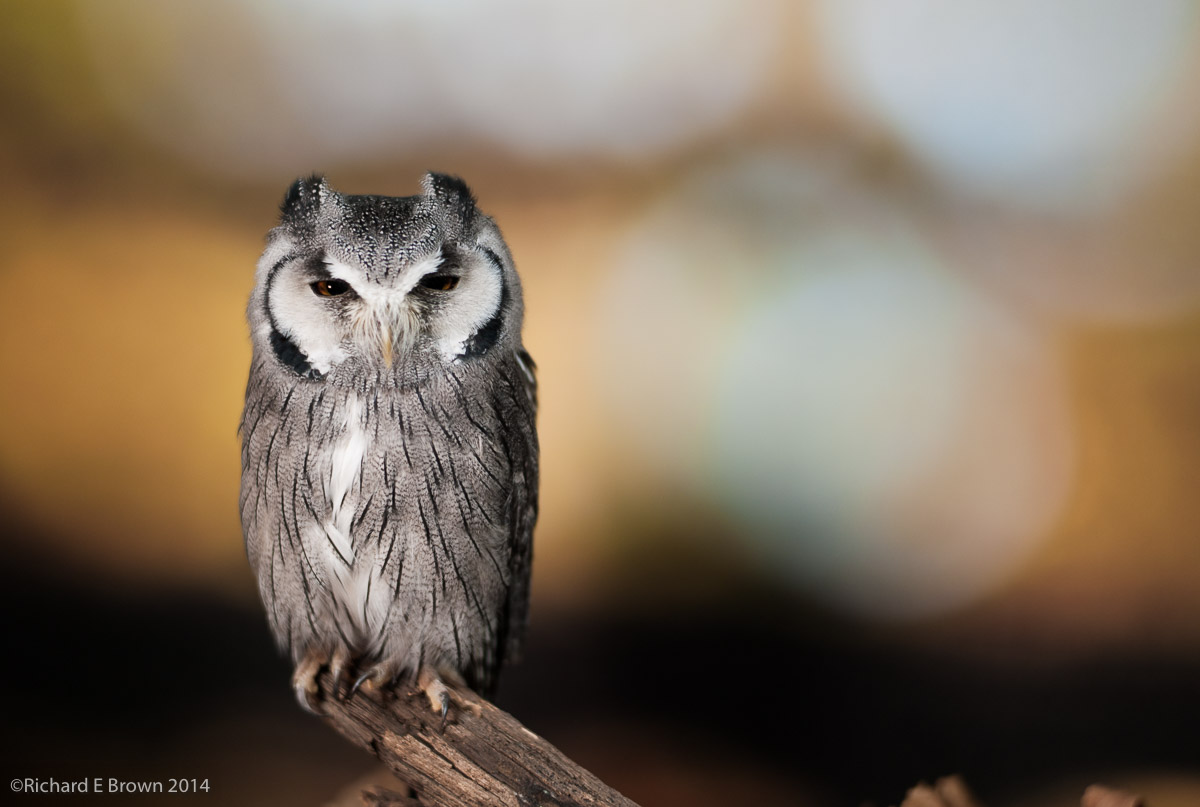
As well as playing with the latest gear and spending too much money there was also a few seminars and one of the stands advertising lighting even had a real live owl to photograph.
Owl
This was a quick snapshot with my Leica M8.
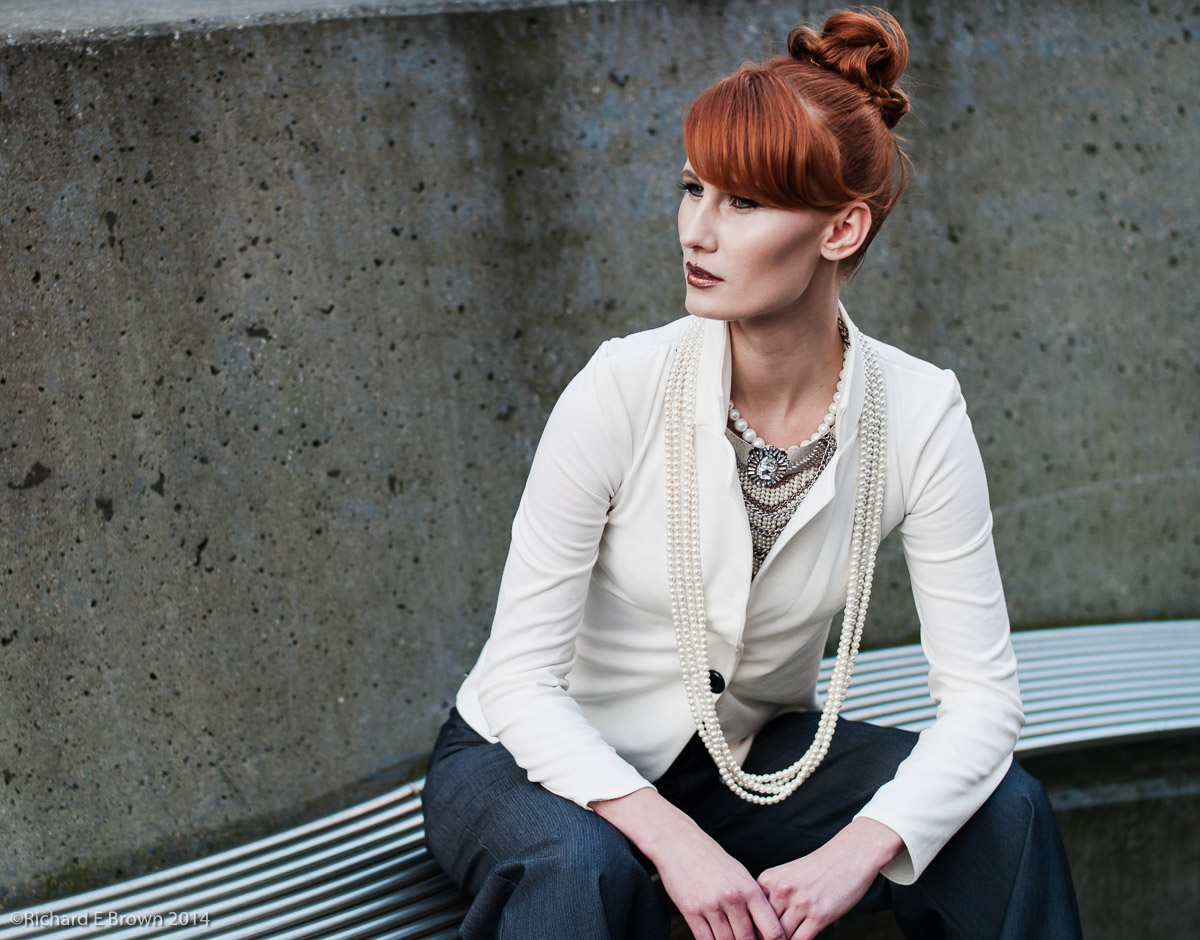
For Chris and for myself the highlight was seeing Damian McGillicuddy work. He did a quick impromptu fashion shoot using Olympus equipment and two flashes.
We all marched out of the drill hall and Damian demonstrated a quick shoot. It certainly makes like easier with a good model and an assistant.
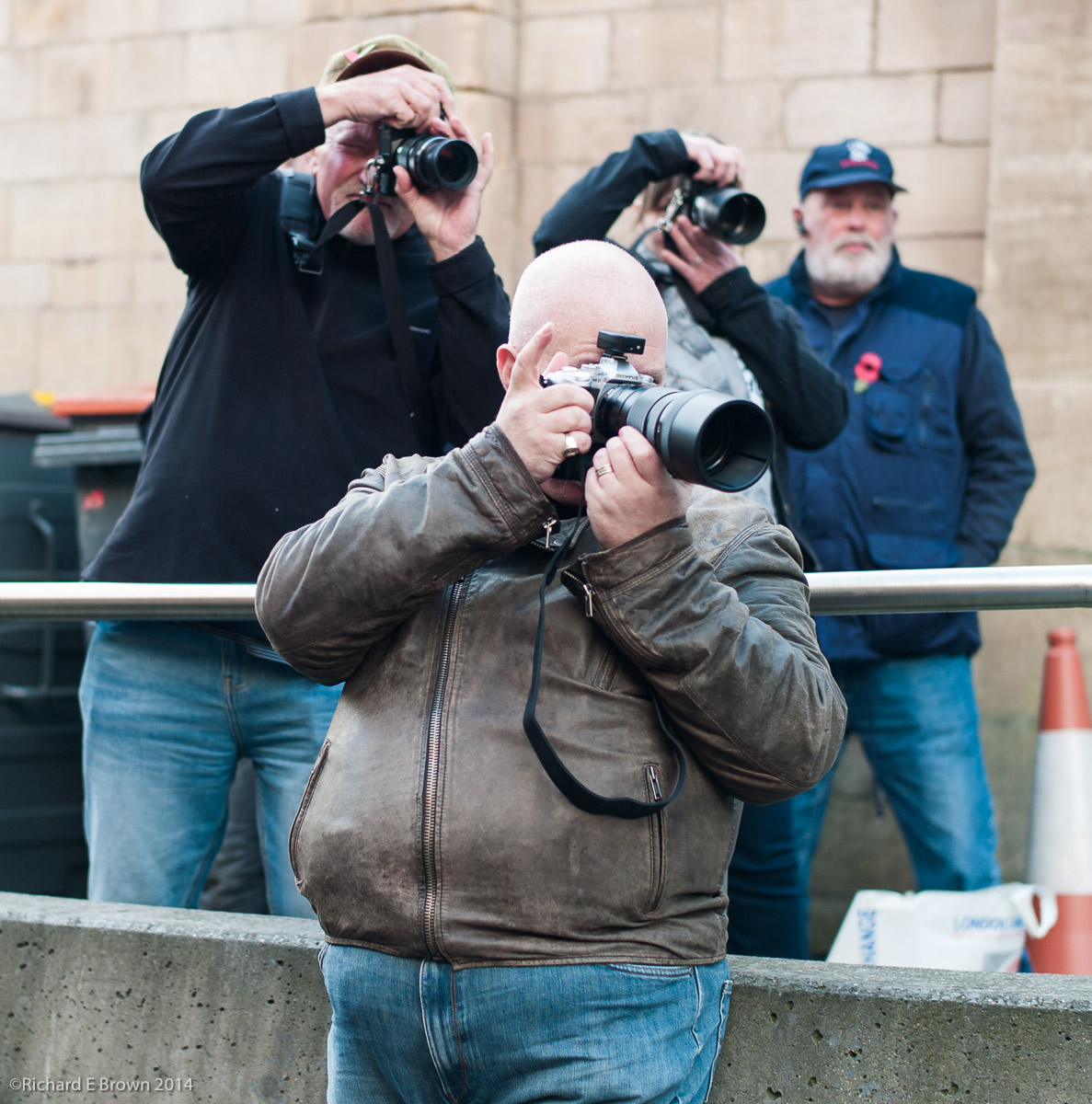
As you can see a few of us took the opportunity to grab a quick shot of the model.
As you can see from my quick grab shot above, I have committed the cardinal sin of cutting her fingers off but I only had a prime less and with the crowed could not step back any further.
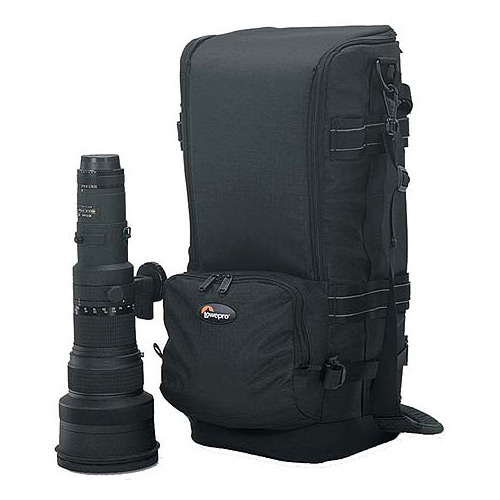
While there we also had a good look at camera bags. The perfect camera bag does not exist, I have several big hard cases, and several soft camera bags, but the search for the perfect bag still goes on. I was after something that could take an SLR body with a 300mm f/2.8 lens attached, basically a small ruck sack which I could walk with when on remote Scottish Islands.
The closes I could find was the Lowpro Lens Trekker 600, this is designed for the 600mm but would take the smaller 300mm and body.
I also had a look at the flash accessories, I am after a radio studio trigger for my Hasselblad as I dislike running cables. I think I may have found what I want and London Camera Exchange are ordering it in so I can have a look in closer detail.
Its a great little show and its very good that LCE arrange something like this. I like supporting local stores as good service is something I appreciate. If you have a good local camera store then support.
Yesterday I had the morning at Hartsholme park shooting some Landscapes in the early morning sun but I spent the afternoon enjoying the Lincoln Photography show. It was a really good show and i’ll likely post a few thoughts on it in the next few days. I would also recommend checking out Chris’s blog as I am sure he will have a more detailed review of the show.
Did I buy anything oh yes, its been a very expensive week. On the Monday somebody traded in a fall two body Hasselbad outfit with four lens and a PhaseOne digital back.
Chris had been in the shop earlier in the day and tipped me off, so I popped in and told them to phone me once they knew how much they were going to sell it for.
Chris and myself have a very good relationship with the staff of the Lincoln Branch of London Camera Exchange and it was not long before we came to a good deal and I am now the owner of a PhaseOne digital back that will fit both my Hasselblad and my Ebony Large Format camera.
As I mentioned the show had some great offers but I went just to look and hopefully test a few compacts as I am still trying to find the perfect compact for me. But while there they had an amazing offer on some factory reconditioned Nikon D800’s.
So this week I ended up buying a PhaseOne medium format back and a Nikon D800.
So now I need to test them.
I have a few free days in November so if anyone fancies a shoot TFCD let me know. If your willing to put up with me testing my new PhaseOne digital back and Nikon D800, I can promise you a fun day and some great photographs.
 With Lightroom, you often get a different set of options on the buttons when you press the option key, give it a try.