Special Moments

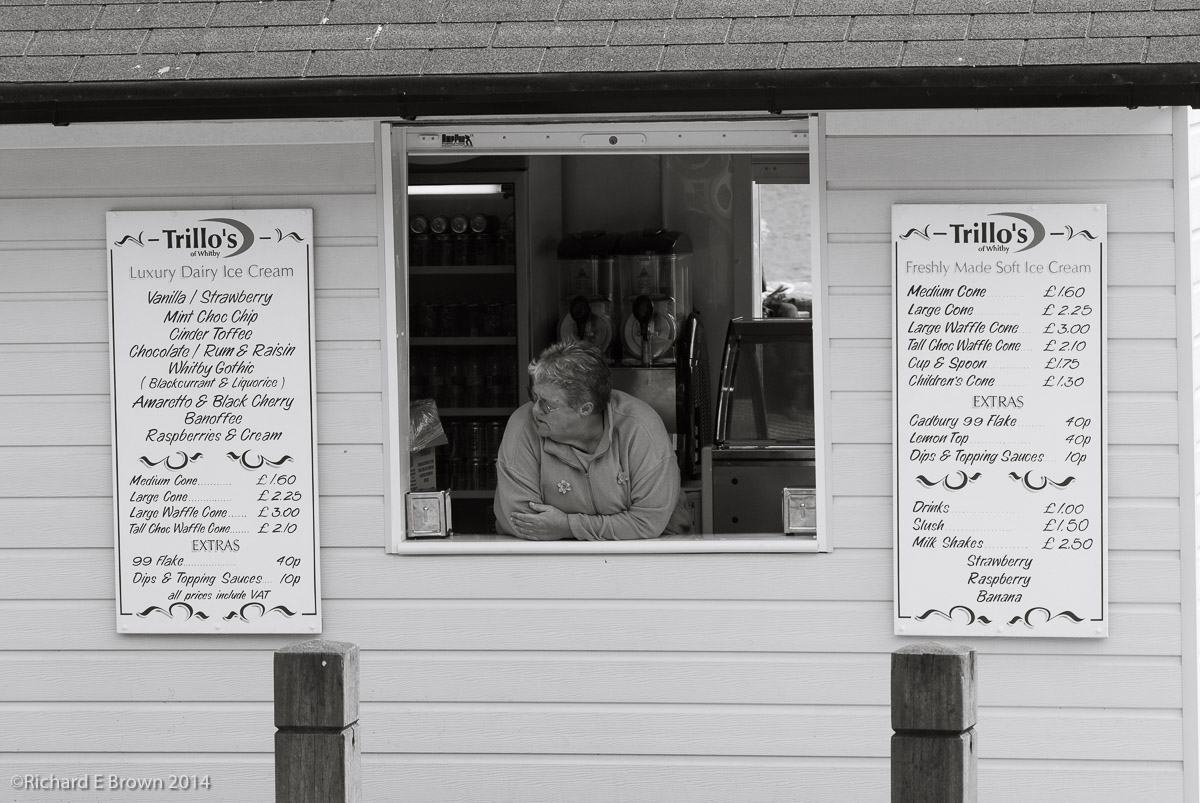
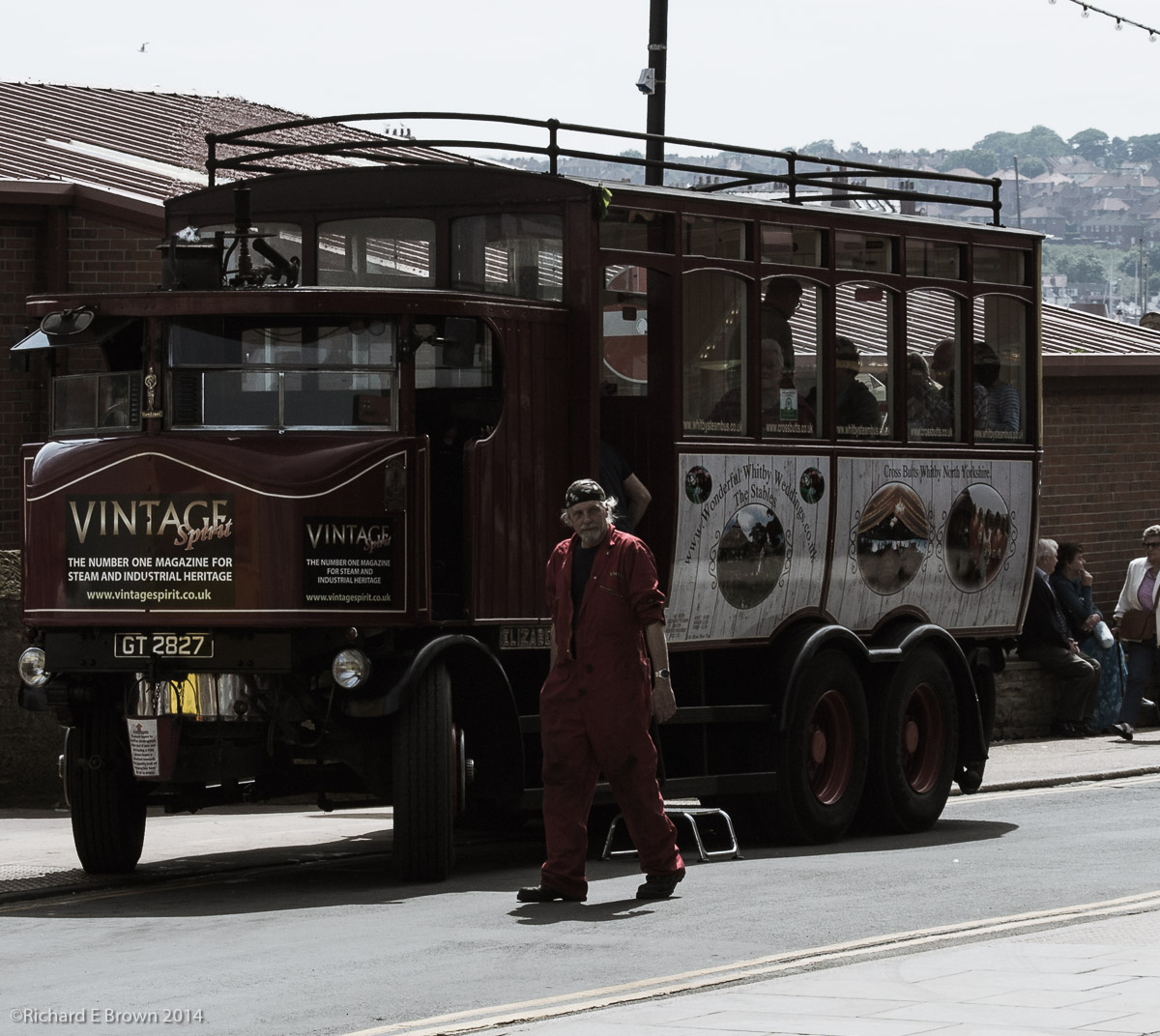
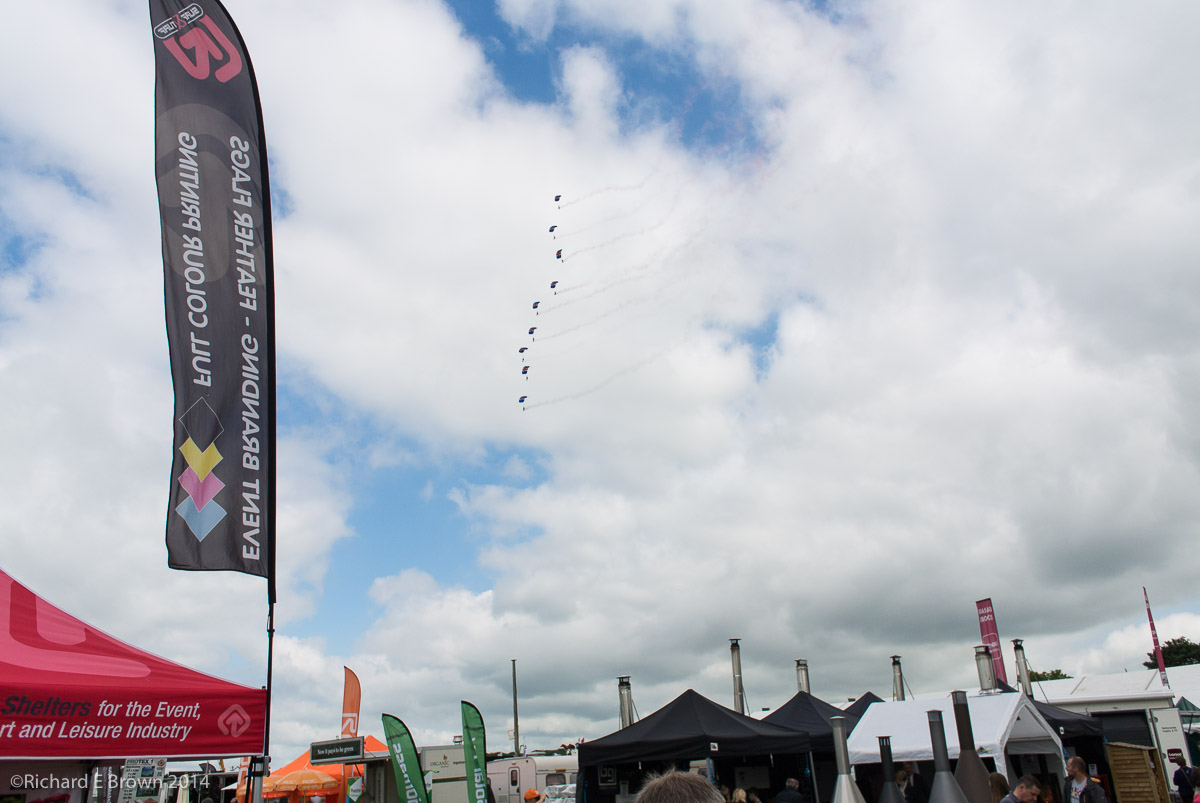
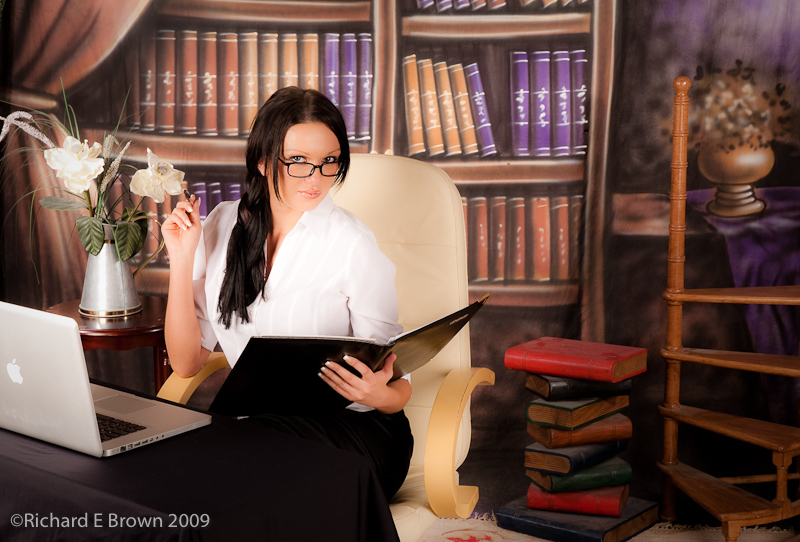
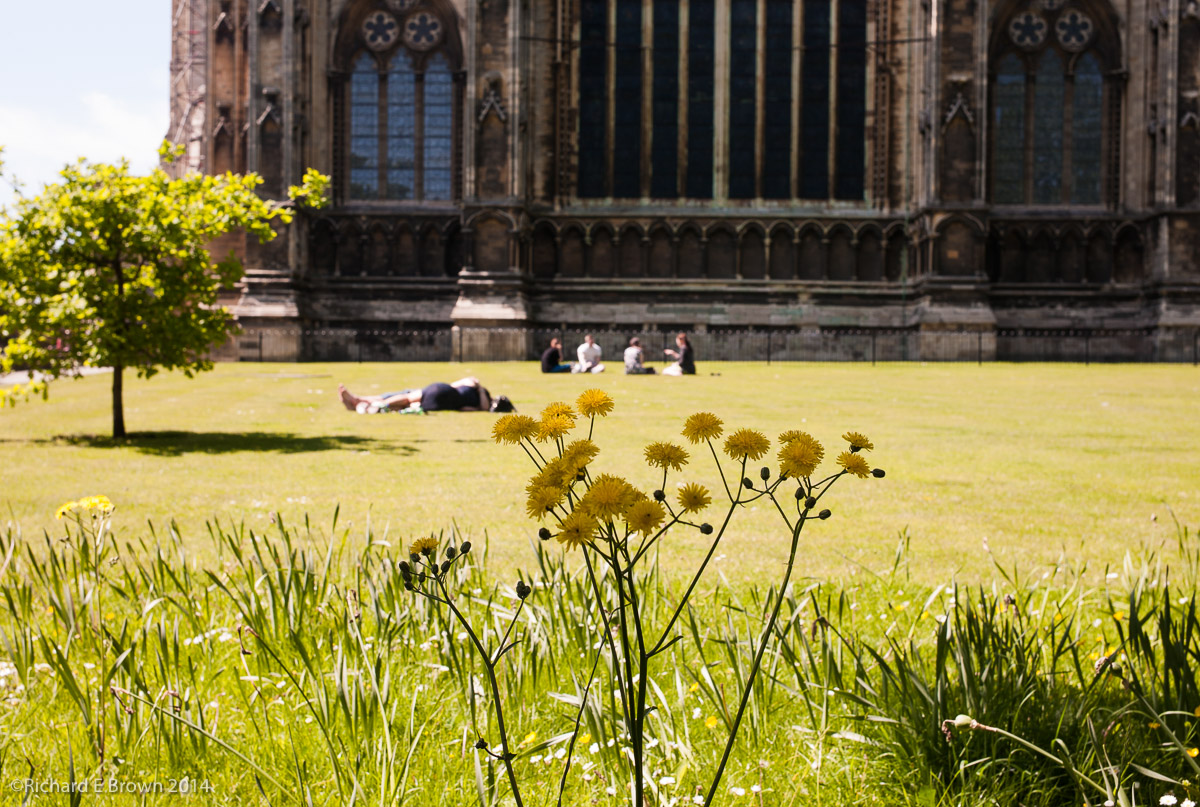
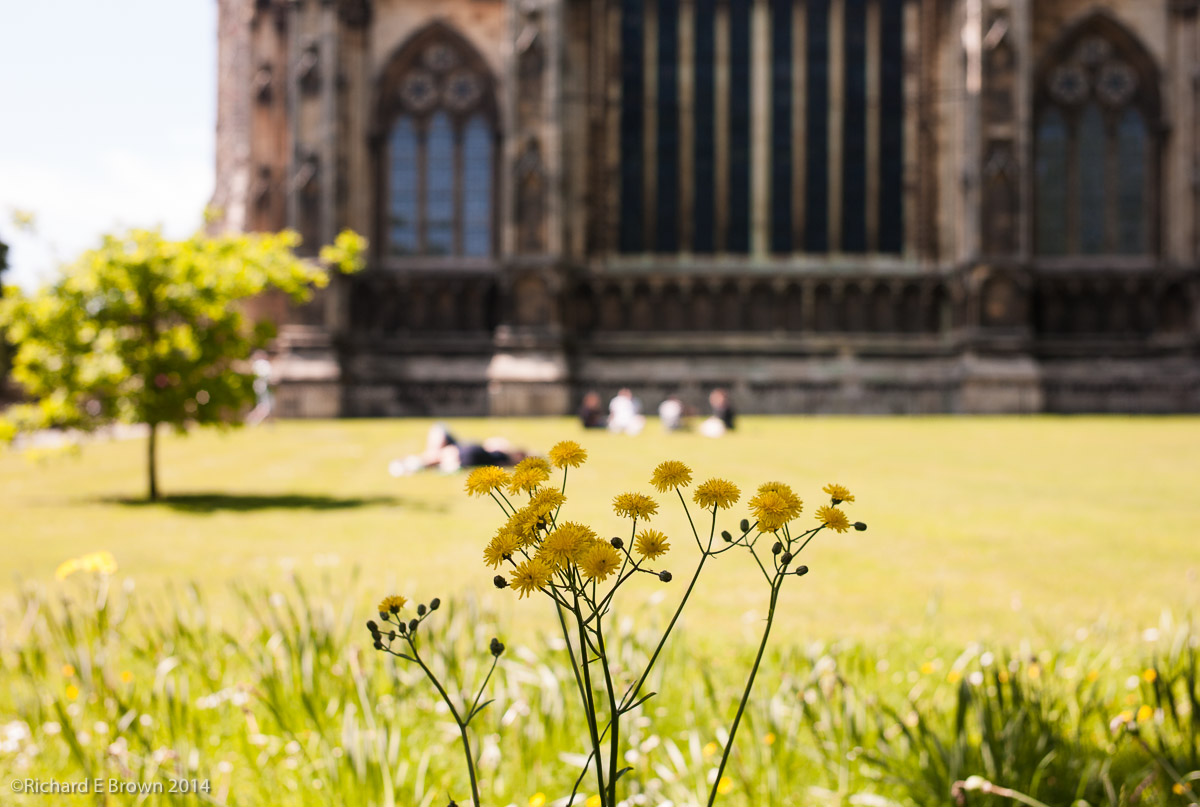
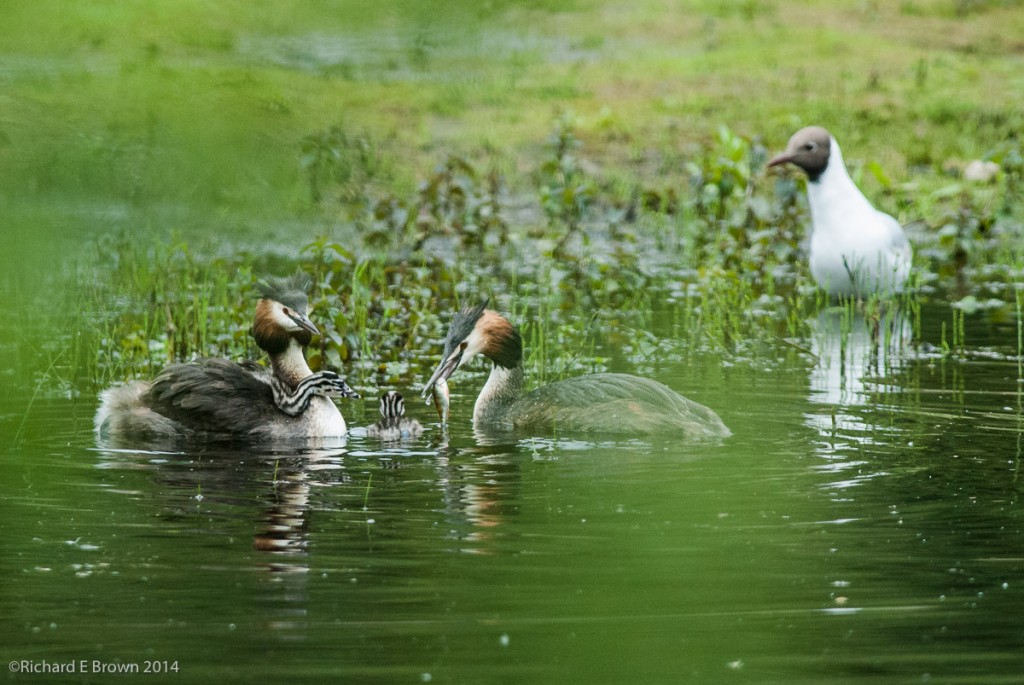
We always want to capture special moments, sometimes they just happen on the street, other times we try to create them, putting ourselves in a place, anticipating or even setting it up in the studio.  One of the keys is pre-visualisation and being ready with your camera on and set up ready to shoot.


Monitors and Prints

Calibrated for NEC SpectraView Reference

I used to have the issue that many photographers suffer from; you send you image off to be printed and it comes back to dark.

Now my images come back much closer to how I envisaged them, and when printed by myself they are very close to what I see on the screen.

So what has changed, well first it got better when I started profiling my screen, usb screen profilers do not cost that much money and are definitely worth it.  Secondly I now use a NEC SpectraView Reference Monitor, this is as close to Adobe RGB as current displays can get and gives a very accurate display.

Lastly I now soft proof using paper profiles from the manufactures website.

I recently came to print one of my Black & White on a new paper I had not used before (Tecco PL285 Luster).  The image was quite dark and moody of a bleak marsh and a single bare tree.

I have split toned the image and the highlights have a slight blue tint and the shadows and mid tones a light sepia tint.

In Lightroom V5.3 I went into soft proofing and selected my paper profile, all of a sudden the image looked blue.  This paper has a definite cold tint.  I created a soft proof copy and adjusted the mid tone contrast to suit the paper and removed my blue tint from the image. I then tinted the image quite heavily all over sepia until the soft proofed image looked like the original.

Calibrated for Print

I then printed and what came out looked like the original print, soft proofing in a colour managed environment had worked.  If you compare the bottom image with the top its hard to believe that when the bottom image is printed on Tecco PL285 Luster it looks like the top image but it does.

Soft proofing is still an inexact art, a monitor no matter how good and yet match the colour gamut but it is currently the best way forward.

In many ways it shows how arguments of cameras based on jpegs displayed on a web page are ridiculous, you cannot judge a camera from the web.  Ultimately only you shooting with it in your style, your kind of photographs and putting the resulting files through your work flow are going to show if that camera suites you.  And a camera that suites you may not suite others.


The Motorcycle Season Starts

Crossing the Ford
Crossing the Ford

So the clocks have moved forward from GMT to BST here in the UK, that means as well as MotoGP starting, the British biking season  has now started, so every bright sunny day from now on will see the roads crowded with bikers.

Over the next two months we will see more bike accidents and deaths then at anytime during the year.  Unlike some of us who ride all year round most bikers hung up their leathers back in September/October so have not ridden in sometime, but many of them will jump on there bikes thinking they are Valentino Rossi, trying to ride flat-out.

If your a biker take it steady and respect other road users; and if you fancy really seeing what your bike can do, book a track day.  If your a car driver lookout for bikers coming from anywhere and give them space, sometimes bikers are not as respectful to other road users as they should be.

British Summer Time – Camera’s

Waterloo Station
Waterloo Station

This weekend we here in the UK switch from GMT to BST, so the clocks get moved forward one hour.

Something many photographers forget is to update there cameras.  So just a quick reminder, as well as your clocks, heating timers, car and bike clocks, check your cameras too.  They may have a summertime setting or you may need to change the clock manually.

Wacom Tablet Screen Mapping – Bug in Windows 7/8 and OS X latest drivers

My Wacom tablet does not save its screen mappings when I use two monitors.

It turns out the latest drivers: 6.37-3 for OS X or 6.37-6 for Window 7/8 have a bug, so when I configure the application mapping to a single screen when in Adobe Lightroom it forgets the settings when I next come to use it.

There is a work round, you can define a custom mapping range, if you make this range match the resolution of your monitor it basically does the same thing as a single monitor mapping.  Only the custom setting is not forgotten.

Customer Service and Camera Companies

Fuji X100s

When I think of good customer service I tend to think of Marks and Spencer, Hasbean and Wexphotographic.

All three have gone beyond what was necessary to give me good customer service.

While mistakes should not happen we live in the real world and mistakes do happen.  Its how companies deal with mistakes that you learn if you can trust them.

Canon in the past and Nikon recently with the D600 debacle have demonstrated how not to give good customer service.

Fuji released the X100, it was a good camera with some revolutionary features but the focus was subpar, they carried on releasing updates and it got better and better, they listened to there customers and did the right thing.

When the X100s was released it was fairly sorted as cameras go but they carried on releasing updates and it got better and better.  With the recent firmware it has no real issues.  Then Fuji pulled a surprise; they released a focus update for the old X100, all of a sudden users of the X100 did not have to upgrade to get the better focus.  Fuji put customers ahead of sales and built trust.  How many of those X100 users who did not upgrade to the X100s are going to carry on buying Fuji when they want to move on.  Most of them I expect.

Just over a week ago issues with the new X T1 started to emerge, you can read the details here  at Chris Bennett’s Photo Blog, once again Fuji has stepped up and is doing the right thing.

Other camera companies better watch out, Fuji are building a great system but more important they are building a reputation of a company that can be trusted with your money and when issues occur they will sort them out.


Paper Comparison Test 1 – Epson Hot & Cold Press, Natural, Bright & Hahnemuhle

Paper testing – Matt Papers and Canson with BK Ink as a Control Paper

At the weekend I finished typing up my notes from my testing of the Epson papers and comparing them with a few others I had around, I hope you find my notes useful.

The papers tested here are all heavy weight cotton papers, they feel good in the hand and they have a matt finish.  They all use the MK Black Ink not the photo black so they can never give as intense rich blacks as typical glossy photo paper; with these papers its all about the feel and the texture, they are object of art to hold and to experience.

Lightroom Settings

I also printed the test images on Canson Infinity Baryta Photographique, rated by many photographers and fine art printers who I trust as one of the best papers currently available for Image Quality, Dynamic Range and Sharpness.  This is not a true matt paper and uses the Photo Black Ink.

All these images were uprez’ed in Lightroom V5.3 to 720 ppi as all were above 360 ppi and printed to my new Epson 3880 at 2880 dpi.

Printer Settings

As I had selected 720ppi I needed to make sure Finest Detail was selected.  I believe in the manual it says to use this only for vector graphs, but I know of some one who knows the Epson printer driver software team and this setting tells the printer driver that the computer operating system is out putting at 720ppi and not 360ppi and you get better quality.  Note if your a canon printer user use either 300ppi or 600ppi.

The Epson is best when accepting either 360ppi or 720ppi depending on the printer driver settings.  You can send anything you like and the printer driver will uprez or downrez as required but its not a very sophisticated algorithm, the one in Lightroom is about the best there is.  It even gives better results then Photoshop CC.

If your not using Adobe Lightroom as your printing program then a) why not, and b) ignore what I have written so far and use what the program recommends.

For the test images I picked a selection that is representative of my work.

PaperTestA Studio Glamour Portrait of Lisa.  The red is very difficult for matt papers to handle and out of Gamut for most.


Censored to make it family friendly.

PaperTest-5Art Nude High Contrast Black & White of Amy Rose, a very difficult picture to print well with the deep shadows and blown highlights.


PaperTest-4A Typical Wedding Day Portrait; Crystal and Chris on their wedding day.  The Stone, Tree and Cream suit and white dress a challenging mix of colours for a matt paper to get right.


PaperTest-3

One of my desaturated soft landscapes, very suitable for warm textured paper but would the detail come through.


PaperTest-2

This was just a grab shot, nothing special but the blue sky, green grass and fine textured stonework would be a good test.

Here are my Notes:

Hahnemuhle Photo Rag Satin

A beautiful natural looking subtle textured paper.

Best Textured for Weddings.

Good general purpose matt textured paper will suit many subjects.

I bought this paper for a particular project and it looks like not only will it work well for that project i’ll be getting more as my go to textured paper.


Now get to the main part of this test the Epson papers consisting of:

  1. Epson Hot Press Bright
  2. Epson Hot Press Natural
  3. Epson Cold Press Bright
  4. Epson Cold Press Natural

The Hot Press have a very lightly textured surface, while the Cold Press are a heavily textured almost hand made water colour style of paper.

The Bright papers are pure white and use OBA’s (Optical Brightening Agents) and the Natural are a warm gentle creamy white without OBA’s.


Epson Bright

Hot Press

General Landscapes very good natural skies

Suites wedding dresses better then Natural papers.

Good texture; not too textured to interfere with fine detail.

Cold Press

Wonderful water coloured styled paper, lots of texture, suits my soft focus landscapes.

Both brights can be a little two bright for some subjects but slightly more accurate whites then the Natural and blue skies were rendered better then the Natural Papers.

Epson Natural

Hot Press

The white is very warm does not produce accurate colour on some whites, not suitable for weddings as the white dresses become slightly cream.

A warm paper very pleasing for my art nude work.

Cold Press

Very good for some soft focus or destaturated photographs and black and whites.

Heavy water coloured texture and warmth very pleasing but needs right subject.

Natural papers have warmth so can affect whites, gives a pleasing result but not for all subjects.

While I stated the Natural does not have accurate colours for weddings as the whites can come out cream, I can see because of the texture of the Cold Press Natural some wedding customers loving this paper when printed big as it looks almost like a large painting due to the watercolour feel.

Canson Infinity Baryta Photographique

Image quality, sharpness and colour gamut far better the the four Epson papers but then the Epsons are for a very different purpose.

Canson can seem a little cold compared to the Epsons but image quality cannot be matched.

Not as heavy a paper as the Epsons does not give the feeling of quality or make you think you are holding an object of art.


Summary

All the papers are very very good and in practice there is very little in it, we are splitting hairs here.  If you need the Dynamic Range and Colour gamut then the Canson is the one to go for.  I was extremely impressed with the Hahnemuhle Photo Rag Satin, noticeably its suitability for many subjects, I shot, Glamour Portraits, Art Nude and Wedding Portraits on it and the gentle texture and good colour suited everything.  I loved the heavy texture of the Epson Cold Press, but this suited only a narrow range of subjects.  The Epson Hot Press did not hide the detail as much and so suited more subjects.  The big question is OBA’s do you go for the Bright or the Natural.  The whites have a better impact on the Epson Bright but behind glass or perspex you would not notice.  The Natural was slightly warm and if your shooting wedding dresses or fashion its not the paper to go for.  What would I pick? Well for me it would be the Hahnemuhle Photo Rag Satin and the Epson Cold Press Natural.  For me they are the best matt papers of these.


Papers and OBA’s

Epson 3880If your into printing then there is a hot and vocal debate on the use of OBA’s.

First what is an OBA?

Well its an Optical Brightening Agent.  In the old days this was a coating on the paper, now most papers that have OBA’s have it built into them.

What does it do?

It turns Ultraviolet light outside of the visible spectrum and fluoresces it into white light that can be seen, this then gives a pure bright white that makes the blacks look black and improves the contrast of the image.

So why the debate?

Well back when they first came out the coating wore away, not an issue as then the paper acts like a natural paper, the issue was it wore unevenly and made your prints look blotchy.

Manufactures say they have now fixed this and that they will wear evenly, but many photographers and printers who want the work to last do not trust them anymore.

If your picking a paper that uses OBA’s you also need to consider how it will be displayed; if framed behind glass or most modern perspex then it will not work and you will get a normal white.  If its framed in a room receiving little natural light then again you will not get the affect.

I have been testing some papers recently that have OBA’s and the whites can be better then naturals but there are also other methods to get a better white that can be used.

Film Friday – Chimping on Steep Hill

Leica M4, Summicron 35mm Ilford Delta 400

Time for another film Friday, on one of my regular excursions up Steep Hill in Lincoln I spotted this gentleman taking photographs of the old Jews House.  I could not resist getting a shot of him ‘chimping’ at the results.

As usual for my 35mm film work it was taken on my old Leica M4.