Adobe’s Lossy DNG

iPad MiniQuite a while ago now, back in 2012 I think, Adobe announced lossy DNG.  Like many photographers I did not see the point but now that Adobe Lightroom Mobile has been released it makes more sense.

You see when you select a RAW file to sync from your desktop you don’t get the large RAW file synchronised across to your iPad, or a jpeg that with its 8 bit compression is easy to break when editing.

To quote Adobe

‘Lossy DNG allows something in-between Raw and JPEG in terms of size but retains the flexibility in terms of adjusting White Balance and preserving detail’

Its this lossy DNG file that gets transferred to your iPad and its that you are working on.  In this scenario it makes a lot of sense.

With cameras regularly producing RAW files over 16 MP now even 24 MP now common and the top end cameras at 36 MP, it would be useful if camera manufactures started to use lossy DNG.  When you want a file smaller then RAW but still with the ability to edit more flexibly then a jpg it makes sense.

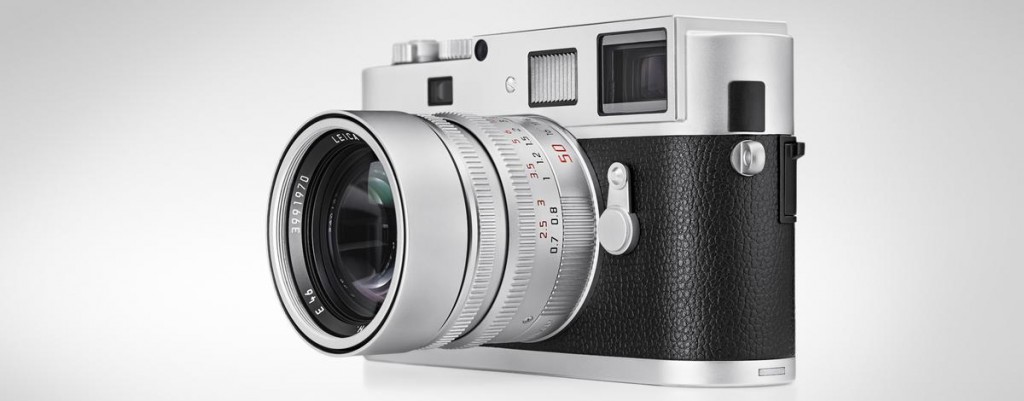
I suspect some camera manufactures like Ricoh and Leica may adopt it but the Canon and Nikons of the world will either keep offering RAW/JPG or offer their own proprietary lossy  RAW format.

Wedding Days 2015

WeddingThe wedding season has truly started and we are now getting booked up for 2015.

I enjoy the odd wedding but only do a few a year to stay fresh, if you do to many I feel it becomes a chore and not something to enjoy.  I feel the key to photography is always do something you enjoy.

Leica T Type 701 mirrorless leaks

Leica-T-type-701-mirrorless-camera

There have been rumours of a Leica mirrorless camera for a while now.  Of course the Leica M is a mirrorless camera but we tend not to count that, by mirrorless we tend to think of Panasonic/Olympus MicroFourThirds cameras, Sony NEX or Fuji X range.

Leica have pretty much stated they have a mirror less camera coming but very little news has slipped out, but finally as the Leica press conference scheduled for April 24th gets closure more leaked pictures start to appear.

For those of us wishing for a built in EVF and it taking Leica M glass, then we are likely to be disappointed but even if its not the camera I want, I am looking forward to what Leica are about to release.

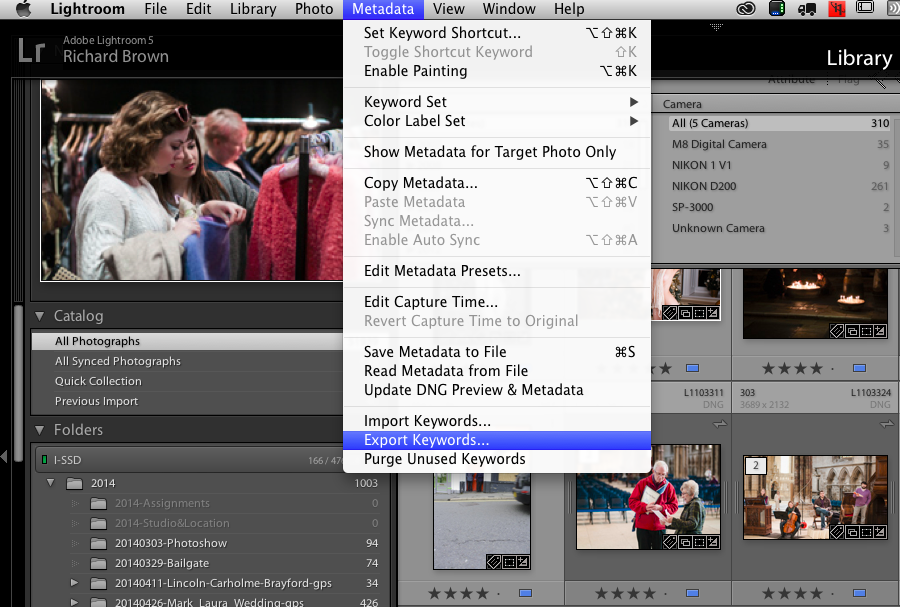
Lightroom Mobile & Lightroom V5.4

Lightroom MobileLightroom V5.4 has finally made an appearance, I know Fuji users have been waiting this one and for myself I was hoping for a more stable version.  Lightroom V5 while very usable has been the least stable Lightroom of all the versions and I am hopping that V5.4 has finally gotten rid of all the bugs.

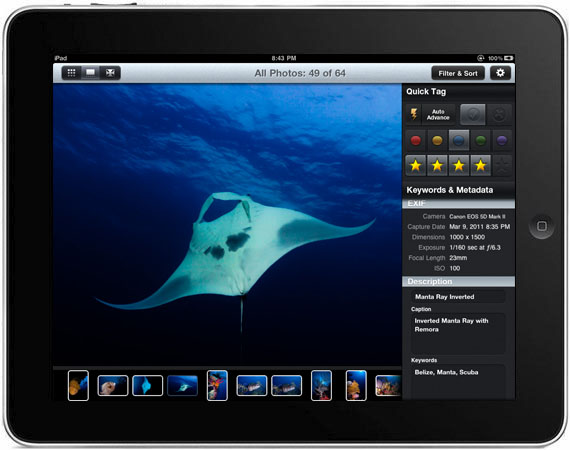
Along with Lightroom for the desktop; Lightroom Mobile for the iPad was released, a much anticipated launch.  While detailed editing in a colour unmanaged environment is not practical, being able to do a quick edit sort through a selection of images and decide on you selects on the iPad is a very useful thing.

I would have loved to see some meta data facilities and key wording but that has not made this version, until then we will still have to use applications like PhotoSmith on the iPad.

While the mobile app can edit your photographs already on your iPad it really works if your an Adobe Create Cloud subscriber.   You can simply select which collections you want to sync over and its as simple as that.

Lightroom Collections

The big question for me was if it could handle Nikon RAW files or DNG files imported directly to the iPad.  Unfortunately testing with my little Nikon V1 and Leica M8 has shown that if your saving RAW/DNG only while the iPad can handle the files they cannot be brought into Lightroom Mobile, you need to convert first using either PhotoRaw or shoot jpg and RAW/DNG.

For now the source for you files has to be your computer not your iPad, not ideal if you want to work in the field and travel light and not take a laptop.  Unless Adobe add RAW support then I can see an Apple MacBook Air  arriving in my camera bag.  Still it may suite your work flow or it may not, if your an Adobe Creative Cloud subscriber then its free to try out and test.

Its certainly a very good first try.

4K on still cameras

Sony Alpha A7r

Sony recently announced the new A7S, designed for 4K video.

There is a lot of discussion about 4K and whether it will take off or fail like 3D TV.  To be honest for content providers there is a case for going to 4K, while consumers are yet to take up 4K it does make sense for film makers to produce their content now in 4K ready for the future.

Putting 4K in what are predominately still cameras to me makes less sense.  If your going to shoot movies then use the right equipment.  By the time you have purchased all the accessories to make it work you might as well have bought a proper video camera and now 4K video cameras are more available.

There is a case for video in still cameras but its mainly for news paper photographers, they need quick short clips, sound bites for websites.  The rest of us also might want to pop a quick short clip onto our websites or YouTube but if your serious about moving making then buy a proper video camera for that use.

Special Moments

We always want to capture special moments, sometimes they just happen on the street, other times we try to create them, putting ourselves in a place, anticipating or even setting it up in the studio.  One of the keys is pre-visualisation and being ready with your camera on and set up ready to shoot.


Monitors and Prints

Calibrated for NEC SpectraView Reference

I used to have the issue that many photographers suffer from; you send you image off to be printed and it comes back to dark.

Now my images come back much closer to how I envisaged them, and when printed by myself they are very close to what I see on the screen.

So what has changed, well first it got better when I started profiling my screen, usb screen profilers do not cost that much money and are definitely worth it.  Secondly I now use a NEC SpectraView Reference Monitor, this is as close to Adobe RGB as current displays can get and gives a very accurate display.

Lastly I now soft proof using paper profiles from the manufactures website.

I recently came to print one of my Black & White on a new paper I had not used before (Tecco PL285 Luster).  The image was quite dark and moody of a bleak marsh and a single bare tree.

I have split toned the image and the highlights have a slight blue tint and the shadows and mid tones a light sepia tint.

In Lightroom V5.3 I went into soft proofing and selected my paper profile, all of a sudden the image looked blue.  This paper has a definite cold tint.  I created a soft proof copy and adjusted the mid tone contrast to suit the paper and removed my blue tint from the image. I then tinted the image quite heavily all over sepia until the soft proofed image looked like the original.

Calibrated for Print

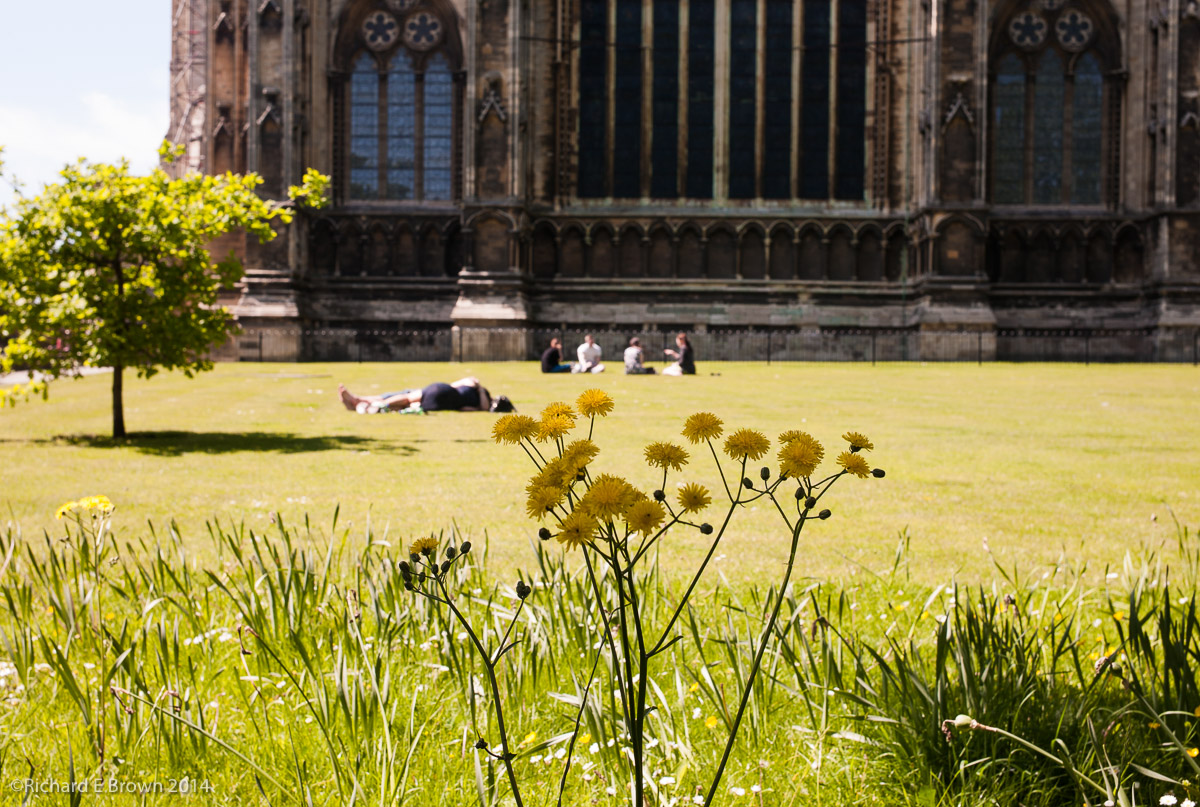
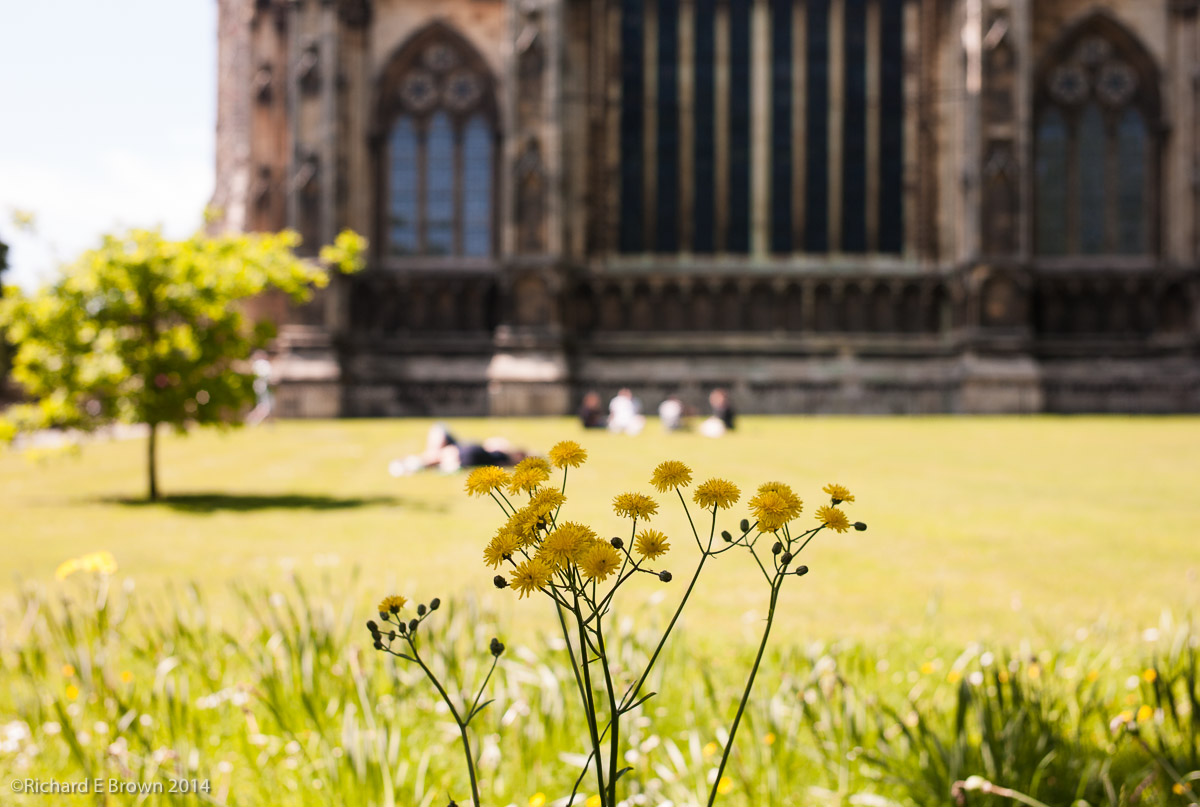
I then printed and what came out looked like the original print, soft proofing in a colour managed environment had worked.  If you compare the bottom image with the top its hard to believe that when the bottom image is printed on Tecco PL285 Luster it looks like the top image but it does.

Soft proofing is still an inexact art, a monitor no matter how good and yet match the colour gamut but it is currently the best way forward.

In many ways it shows how arguments of cameras based on jpegs displayed on a web page are ridiculous, you cannot judge a camera from the web.  Ultimately only you shooting with it in your style, your kind of photographs and putting the resulting files through your work flow are going to show if that camera suites you.  And a camera that suites you may not suite others.


British Summer Time – Camera’s

Waterloo Station
Waterloo Station

This weekend we here in the UK switch from GMT to BST, so the clocks get moved forward one hour.

Something many photographers forget is to update there cameras.  So just a quick reminder, as well as your clocks, heating timers, car and bike clocks, check your cameras too.  They may have a summertime setting or you may need to change the clock manually.

Customer Service and Camera Companies

Fuji X100s

When I think of good customer service I tend to think of Marks and Spencer, Hasbean and Wexphotographic.

All three have gone beyond what was necessary to give me good customer service.

While mistakes should not happen we live in the real world and mistakes do happen.  Its how companies deal with mistakes that you learn if you can trust them.

Canon in the past and Nikon recently with the D600 debacle have demonstrated how not to give good customer service.

Fuji released the X100, it was a good camera with some revolutionary features but the focus was subpar, they carried on releasing updates and it got better and better, they listened to there customers and did the right thing.

When the X100s was released it was fairly sorted as cameras go but they carried on releasing updates and it got better and better.  With the recent firmware it has no real issues.  Then Fuji pulled a surprise; they released a focus update for the old X100, all of a sudden users of the X100 did not have to upgrade to get the better focus.  Fuji put customers ahead of sales and built trust.  How many of those X100 users who did not upgrade to the X100s are going to carry on buying Fuji when they want to move on.  Most of them I expect.

Just over a week ago issues with the new X T1 started to emerge, you can read the details here  at Chris Bennett’s Photo Blog, once again Fuji has stepped up and is doing the right thing.

Other camera companies better watch out, Fuji are building a great system but more important they are building a reputation of a company that can be trusted with your money and when issues occur they will sort them out.